Quick answer: The best meeting automation ideas to start with are the cheap ones: a recap posted to Slack, nudges for overdue action items, and action items sent to Asana or Jira. Next come follow-up email drafts, CRM notes and a weekly decision digest. Prep briefs, 1:1 logs, interview scorecards and churn alerts take more setup but pay off for specific teams.
Below are ten, ranked roughly by how much effort they take against how much time they give back. The time estimates are my rough guesses from building these, not measurements. Your mileage will vary with how many meetings you run.
Each one has the same three bits: who it's for, how it runs (trigger, then steps), and where I'd start. I've built them all in Acta Agent Builder, but most of them work in Zapier, Make or n8n too if your meeting tool has the right triggers.
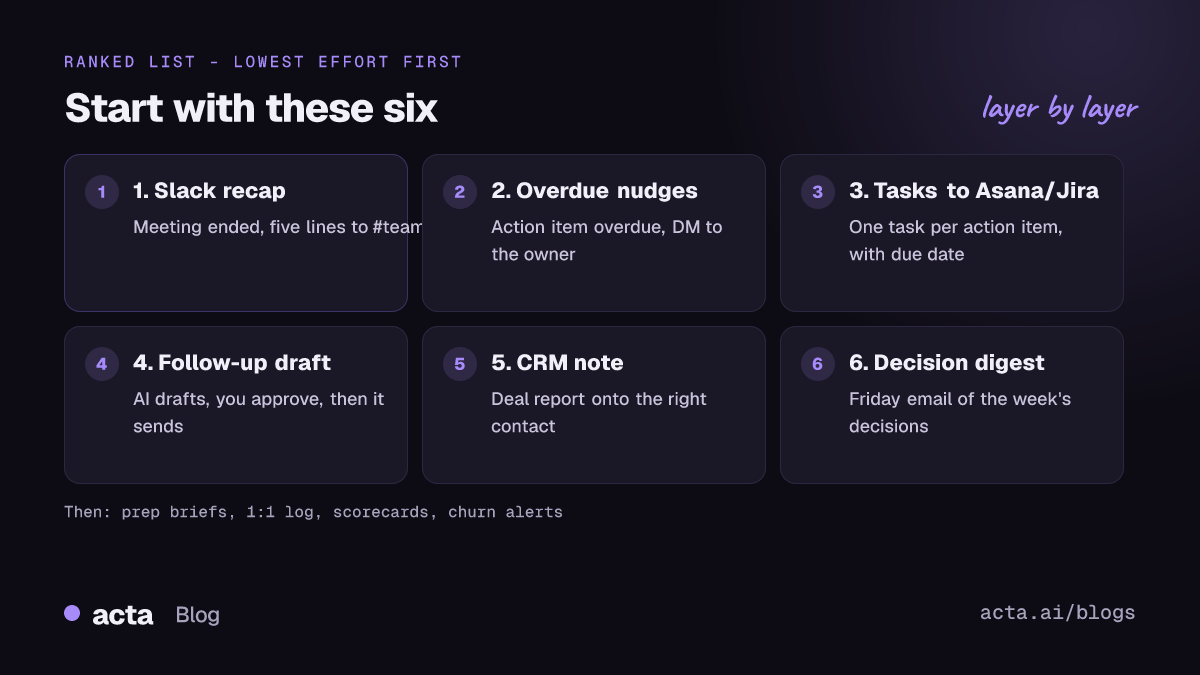
Which meeting automation ideas should you try first?
Start with whatever annoys you most on a Monday morning. Seriously. If you spend twenty minutes chasing people for updates, build the nudge first. If you keep retyping notes into HubSpot, build the CRM one.
If none of these meeting automation ideas jumps out, go in order. The first three take minutes to set up and run in the background with almost no risk, because they only talk to your own team. Anything that goes to a customer gets an approval step. I'll flag those.
1. How do you post a meeting recap to Slack automatically?
Who it's for: any team where people miss meetings, or join late and ask "what did I miss?" in a thread.
How it runs: Meeting ended (when the summary is ready) → get decisions and action items → AI step writes five plain lines → Slack message to #team.
Start here: you don't even need an agent for the basic version. Acta's Slack integration can post Summary, Decisions, Action items or Key takeaways to a channel after each meeting, with a title filter. Build an agent only when you want custom wording. Full walkthrough: Slack meeting recap automation.
Effort: very low. Saves: a few minutes of typing per meeting, and a lot of "quick question" pings.
2. Can you automate action item reminders?
Who it's for: managers and project leads who are tired of being the human reminder service.
How it runs: Action item overdue (an Acta event) → get the item, its owner and the meeting it came from → AI step writes a short, friendly nudge → Slack message to that person.
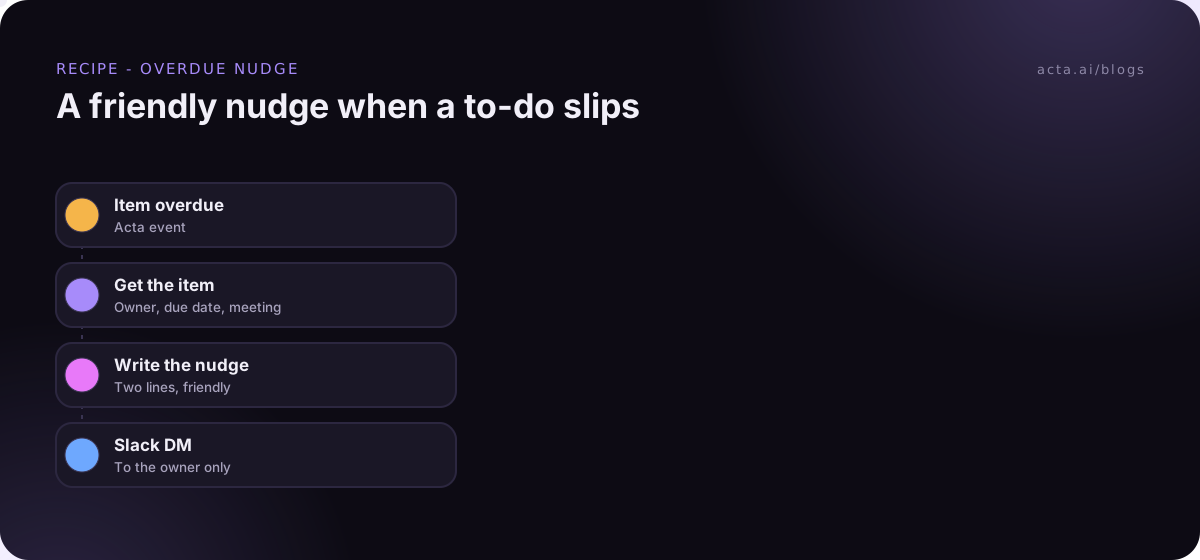
Start here: send the nudge to the owner, not to a channel. Public shaming feels efficient for about a week and then people mute the channel. If you haven't sent automated DMs before, Slack's help article on sending direct messages covers how they show up for the person.
Effort: low. Saves: the Monday chasing round, which in my experience is the most hated task in any team.
3. How do you send meeting action items to Asana or Jira?
Who it's for: project and engineering teams who track work in Asana or Jira and lose half the to-dos agreed in calls.
How it runs: Meeting ended → get action items → For each item → create an Asana task (name, description, assignee, due date, project) or a Jira issue.
Start here: filter by meeting title. You want the sprint planning to-dos in Jira, not "Priya to book the team lunch". And map owners carefully, because Asana's own guidance on assigning tasks to teammates is to finish the details (like due date) before you assign. Recipe: meeting action items to Asana. For Jira, HubSpot and Salesforce, see syncing action items to Jira, HubSpot and Salesforce.
Effort: low to medium. Saves: the end-of-day copy-paste, and the tasks that never made it out of the notes.
4. Can you automate meeting follow-up emails?
Who it's for: sales, CS, consultants. Anyone who sends "great speaking today, here's what we agreed" after calls.
How it runs: Meeting ended (title contains "client") → get summary and action items → AI step drafts the email → human approval → Gmail send, or save as a draft (where available).
Start here: keep the approval step. Always. An AI that promises a customer something your team never agreed to is the fastest way to lose trust in automation. More in how to automate meeting follow-up emails.
Effort: low. Saves: maybe ten minutes per external call, and the emails actually go out the same day.
5. CRM notes after every sales call
Who it's for: AEs who hate CRM admin, and sales managers who hate empty CRMs.
How it runs: Meeting ended (title contains "demo" or "discovery") → get the MEDDPICC or BANT deal report Acta filled from the call → approval → add a note to the HubSpot, Salesforce or Zoho contact matched by email.
Start here: pick one framework and stick with it for a month. Switching between MEDDPICC and SPICED every other week makes the notes impossible to compare.
Effort: medium. Saves: the twenty-minute "update the CRM" block at the end of the day.
6. A weekly decision digest by email
Who it's for: leaders and anyone who joins half the meetings but needs to know what was decided in all of them.
How it runs: On a schedule (Fridays at 3:45pm, your timezone) → get decisions from the past week → AI step groups them by project and flags anything changed or reversed → Gmail send to the leadership list.
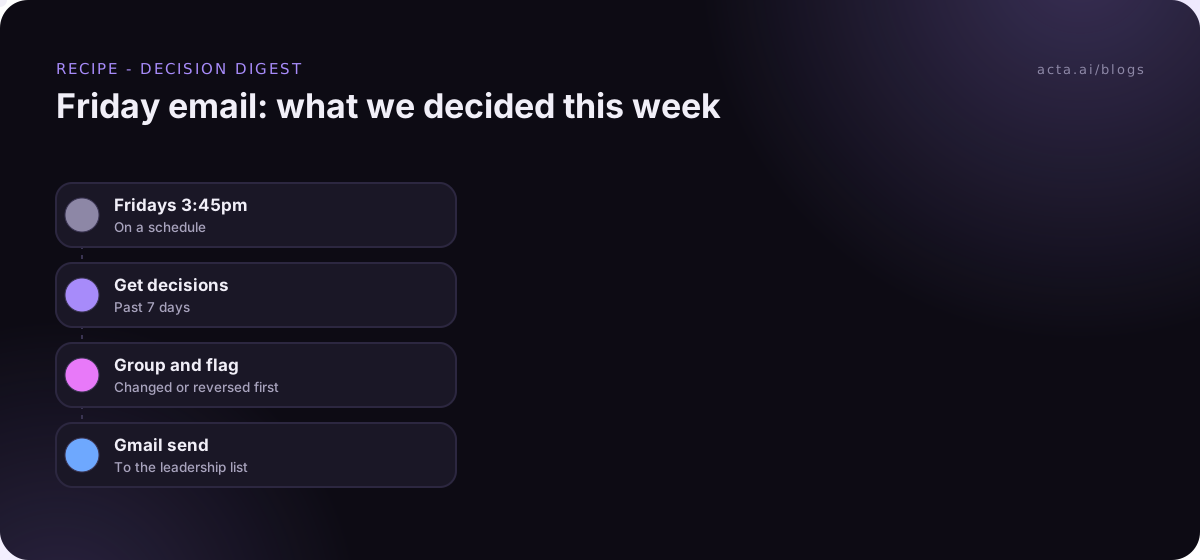
Start here: include the reversed ones. That's the bit people actually want to read. Walkthrough: weekly decision digest email.
Effort: low to medium. Saves: the "wait, didn't we decide the opposite?" conversation.
7. Meeting prep briefs before important calls
Who it's for: AEs, account managers, founders. Anyone who walks into calls trying to remember what happened last time.
How it runs: Before a meeting starts (say 30 minutes before, with attendees) → search past meetings with those people → get open action items → AI step writes a short brief → Slack message to you.
Start here: limit it to external meetings or a title filter, or you'll get a brief before every standup. Recipe: meeting prep brief automation.
Effort: medium. Saves: the frantic five minutes of scrolling old notes.
8. A running 1:1 log
Who it's for: managers with five or more direct reports.
How it runs: Meeting ended (title contains "1:1") → get the 1:1 check-in template result → add a row to a Google Sheet per report: date, topics, commitments, follow-ups.
Start here: tell your reports what's being logged and why. A 1:1 log is useful. A 1:1 log your report doesn't know about is creepy.
Effort: medium. Saves: the scramble before performance reviews.
9. Interview scorecards
Who it's for: recruiters and hiring managers running lots of interviews.
How it runs: Meeting ended (title contains "interview") → get the interview template result → approval by the interviewer → add a row to the hiring sheet, and a Slack message to the hiring manager.
Start here: the interviewer approves before anything is shared. And get the candidate's consent before the call is recorded, where the law requires it. Our guide on whether it's legal to record meetings with AI covers what to say. Full recipe: interview scorecard automation.
Effort: medium. Saves: scorecards written days later from memory.
10. Churn risk alerts from customer calls
Who it's for: CS teams who hear about churn in the cancellation email instead of three calls earlier.
How it runs: Meeting ended (title contains "check-in" or "QBR") → AI step sorts the call as low, medium or high risk, with the reason → If/else: high risk only → Slack message to #cs-escalations.
Start here: tune it for a couple of weeks before anyone relies on it. Run it in test mode and compare its calls to your CSMs' gut feel. Recipe: customer churn risk alerts from calls.
Effort: higher. Saves: hard to put in hours. It's about catching one account in time.
What usually goes wrong with meeting workflow automation?
A few patterns come up in nearly every team I've seen try this:
- Building five at once. Build one, live with it for a week, then build the next.
- No title filters. An automation that fires on every meeting will eventually post your salary review to #general. Filter.
- Skipping the test. Test runs in Acta show what would be sent without sending it. Use them, or send tests to your own Slack channel first.
- No owner. Every automation needs a named person who checks the run History when something looks off.
- Automating a meeting that shouldn't exist. If nobody reads the recap, maybe the meeting is the problem.
Do you need Zapier for these meeting automation examples?
Not for these. All ten start with meeting data (summaries, action items, decisions, template results), and that's what a meeting-native tool already has. You can see the ready-made ones on the Acta agents page.
That said, if your team already runs Zapier, Make or n8n, Acta Agent Builder can hand off to them with "Send to a Zap", "Send to a scenario" or a webhook. A few things it won't do today, so you know: it doesn't post to Microsoft Teams chat or Google Chat, doesn't send from Outlook, and doesn't post to social media (it can make drafts to copy). If you need those, a hand-off to Zapier is the practical route.
Frequently asked questions
What's the easiest meeting automation to start with?
A recap posted to Slack after each meeting. It only goes to your own team, so the risk is low and you'll see value on day one.
How do I automate meeting notes?
Use a meeting tool that captures the call and writes the summary, then add a trigger on "meeting ended" to send it where your team works. That's the base for every idea above.
Should automated emails go out without review?
Not to customers. Put an approval step before anything external. Internal Slack recaps and nudges are fine to send straight away.
How much time do these save?
It depends on how many meetings you run. The bigger win is usually that follow-ups happen at all, not the minutes saved.
Can I build these without writing code?
Yes. In Acta Agent Builder you can describe the automation in plain words and the AI drafts it, or start from a template.
Pick one idea from this list and try it free for 15 days in Acta.