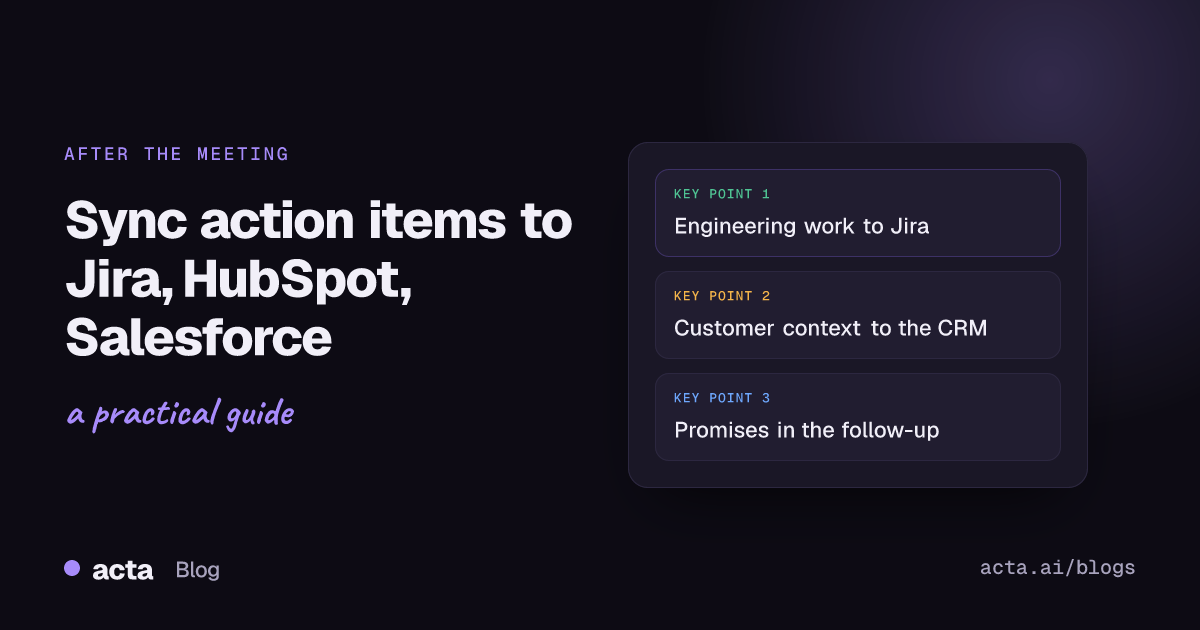
Quick answer: To sync meeting action items to Jira, HubSpot and Salesforce, sort them by who does the work. Engineering tasks become Jira tickets, customer context goes into the CRM as a note on the contact, and promises to the customer go out in a follow-up email. Check owner, due date and customer before anything leaves the meeting notes.
Most meetings end with a list of things to do. The trouble starts an hour later. The engineer works from Jira, the account executive lives in HubSpot or Salesforce, and the customer only sees what lands in their inbox. If the action items stay in a meeting summary that nobody opens again, the work quietly stops.
This guide is about the hand-off: what should go where, a simple workflow for each team, the checks worth doing before you push anything, and how Acta handles each step. If you only care about engineering tickets, we cover that angle in depth in turning meeting action items into Jira tickets.
Why do meeting action items need to leave the meeting notes?
A meeting summary is a record of what was said. It is not where anyone plans their week. People work from the system their team already checks every morning:
- Engineering and product plan from Jira boards and backlogs.
- Sales looks at the deal and the contact in HubSpot or Salesforce before every call.
- Customer success reviews the account history in the CRM before a check-in or renewal.
- The customer sees only what you send them.
So the goal is not one perfect list. It is getting each item into the one place its owner will actually see it, with enough context that they do not have to rewatch the call.
What should go where: Jira tickets, CRM notes or follow-up emails?
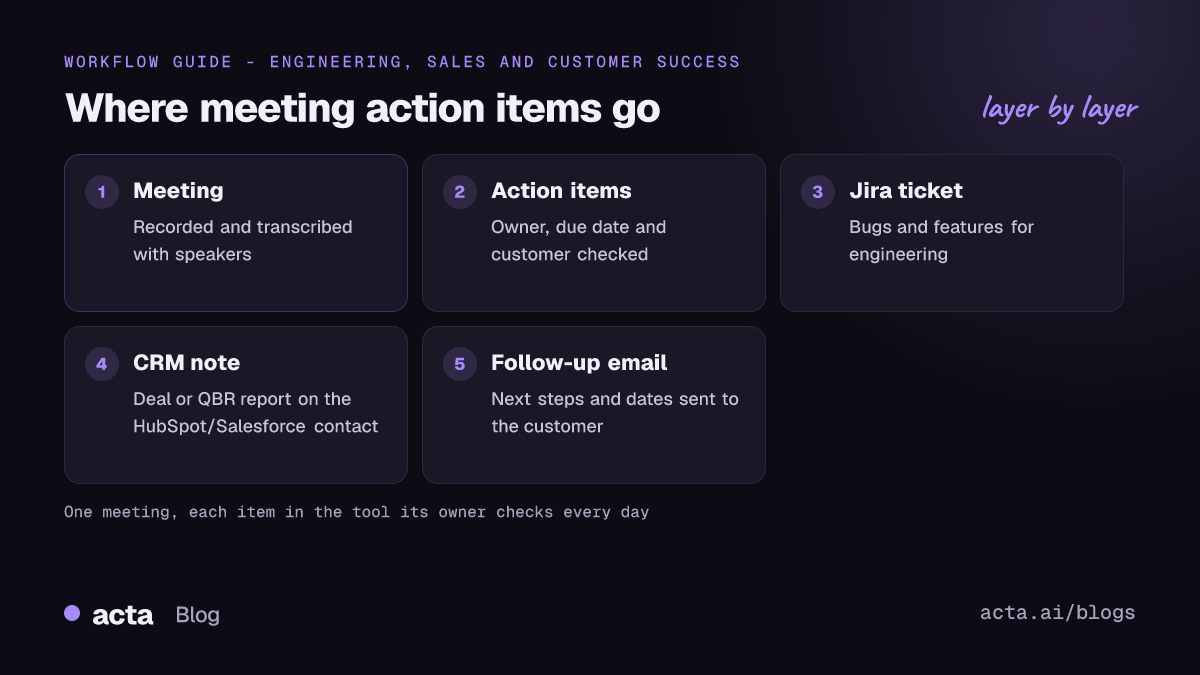
Before you sync anything, sort the meeting action items into three buckets. A single customer call often produces all three.
Jira tickets: work someone has to build or fix
Bugs, feature requests, technical spikes and anything that needs an estimate belongs in Jira. A good ticket has a clear summary, enough description to start work, and a link back to the conversation. Atlassian's guide to creating a work item in Jira covers the fields; note that Jira now calls issues "work items".
CRM notes: context about the customer
What the customer said about budget, timeline, decision makers, risks and next steps belongs on their record in HubSpot or Salesforce. That way the next person who opens the contact sees it. HubSpot describes notes as a way to add information to a record's timeline that other users can see (HubSpot notes documentation), and Salesforce lets you write rich-text notes on records (Trailhead: work with notes and files).
Follow-up emails: what you promised the customer
"We'll send the security questionnaire by Friday" is an action item, but the customer only knows it happened if you tell them. A short follow-up email that repeats the agreed next steps, owners and dates is often the most useful output of the whole meeting.
A quick rule of thumb:
- If an engineer has to do it, it is a Jira ticket.
- If the next person talking to this customer needs to know it, it is a CRM note.
- If the customer is waiting on it, it goes in the follow-up email.
Some items belong in two places. A bug a customer raised on a renewal call is a Jira ticket for engineering and a line in the CRM note so the account manager can tell the customer when it is fixed.
What should you check before syncing meeting action items?
Pushing a vague item into Jira or the CRM just moves the confusion somewhere else. Run three checks first.
1. Is there a named owner?
"We'll look into it" is not an owner. Every item needs one person, not a team. If nobody took it in the meeting, decide who owns it before it becomes a ticket, or it will sit unassigned in the backlog.
2. Is there a due date?
Dates said out loud ("by the end of next week", "before the QBR") get lost first. Turn them into a real date. For customer promises, the date in the follow-up email should match the one on the internal task.
3. Which customer, deal or project is it for?
A CRM note on the wrong contact is worse than no note. Confirm the company and the contact before you push. For Jira, confirm the project and whether a ticket already exists, so you do not file a duplicate.
Two more checks are worth a few seconds:
- Was it actually agreed? "Maybe we could..." is not a commitment. Only sync items the group agreed to.
- Is anything sensitive? CRM notes are visible to many people. Leave out personal remarks and anything the customer asked to keep off the record.
A practical workflow for engineering teams (Jira)
Engineering meetings, such as sprint planning, bug triage and design reviews, produce the most ticket-shaped action items. A simple routine:
- Capture the meeting. Record it or use an AI note taker so the details are not left to memory.
- Review the suggested items the same day. Remove anything that was only discussed, merge duplicates and fix vague titles.
- Check owner and due date. Make sure each item has an assignee and a target sprint or date.
- Turn the real work into Jira tickets. Include the context from the meeting in the description so the assignee knows why it matters.
- Close the loop next meeting. Start with last meeting's items and check what moved.
We have written more about this side elsewhere, including Jira ticket suggestions from engineering meetings, so we will not repeat the details here.
A practical workflow for sales teams (HubSpot or Salesforce)
Sales calls produce fewer tickets and more context. The aim is that the deal record tells the story without anyone asking the rep.
- Write the call up in the format your team qualifies with. MEDDPICC, BANT or SPICED notes are easier to scan in the CRM than a free-form summary. See our guide to MEDDPICC deal reports from sales calls.
- Add it as a note on the right contact. Check the company and person first.
- Send the follow-up email the same day. List what each side agreed to do, with dates.
- Pass product work to engineering. If the prospect raised a bug or a feature gap that is blocking the deal, turn it into a Jira ticket and mention it in the CRM note.
A practical workflow for customer success (HubSpot or Salesforce)
Customer success meetings, such as onboarding calls, check-ins and quarterly business reviews, mix all three types of action items.
- Summarise the account view. Goals, health, risks and what was promised. A customer QBR report is a good shape for this.
- Add the summary as a CRM note on the customer's contact, so renewals and support see the same history.
- File product issues in Jira. Keep the customer's name in the ticket description so engineering knows who is waiting.
- Send a follow-up email that confirms next steps and owners on both sides.
- Track your promises. Before the next call, check which promises to this customer are still open or late.
How does Acta sync meeting action items to Jira, HubSpot and Salesforce?
Acta is an AI meeting assistant. It records your meetings in Zoom, Google Meet and Microsoft Teams with a meeting bot that joins from your calendar, or without a bot through the desktop app and Chrome extension. Recording needs the consent of the people in the meeting where the law requires it; see what to tell participants before you record.
After each meeting, Acta writes the transcript and summary, and pulls out action items with owners and due dates, plus the decisions that were made. From there, each type of item has its own route.
Engineering: from ticket suggestions to Jira tickets
For engineering meetings, Acta can write Jira ticket suggestions from the conversation. Because Acta integrates with Jira, you can turn the suggestions you keep into Jira tickets. You can also export ticket suggestions as CSV if you prefer to import them yourself.
Sales and customer success: Push to CRM
Acta has around 40 report templates, including MEDDPICC, BANT and QBR reports. With "Push to CRM", Acta adds the report as a note on the customer's contact in Salesforce, HubSpot or Zoho. This needs a paid plan and your CRM connected to Acta. It adds a note; it does not create CRM tasks or deals or change fields on the record, so your pipeline stays under your team's control.
Customers: follow-up email drafts
Acta drafts a follow-up email from the meeting, with the agreed next steps. You review it, edit it and send it yourself.
Everything else: exports and AI assistants
Reports export to PDF, Word or Markdown for teams that keep notes elsewhere. And through Acta's MCP server, assistants such as Claude and ChatGPT can read your meetings, mark action items done or add a comment when you ask them to. Read more in Acta's MCP server guide.
Common mistakes when syncing follow-up work
- Syncing everything. Not every sentence with "we should" is a task. Ten precise tickets beat forty vague ones.
- Losing the why. A ticket titled "Fix export" without the customer's words behind it gets deprioritised. Keep the context.
- Waiting until Friday. Action items reviewed the same day are far easier to correct than ones reviewed a week later, when nobody remembers the details.
- Two sources of truth. Decide where the status of each item lives. If the ticket is in Jira, update it there, not in the meeting notes.
- Forgetting the customer. Internal tickets are invisible to customers. The follow-up email is how they know you heard them.
How do you keep meeting action items from slipping after the sync?
Getting the item into the right tool is half the job. The other half is noticing when it stalls.
- Review open items at the start of the next meeting with the same group.
- Look across meetings, not just one. A promise made in March can still be open in May. Acta's Follow-ups view and promises list show open and delivered action items with owner, due date and how late they are, and you can filter by customer. See how to track action items across meetings.
- Tie items to decisions. When a decision has action items that have not started, it is at risk of slipping, even if everyone agreed in the room.
Frequently asked questions
Can Acta create Jira tickets from meeting action items?
Yes. Acta writes Jira ticket suggestions from engineering meetings, and because it integrates with Jira you can turn the ones you keep into Jira tickets. Ticket suggestions also export as CSV.
Does Acta sync to HubSpot and Salesforce?
Acta's "Push to CRM" adds a report, such as a MEDDPICC, BANT or QBR report, as a note on the customer's contact in HubSpot, Salesforce or Zoho. It needs a paid plan and a connected CRM. It does not create CRM tasks or deals or update fields.
Should CRM notes include every action item from a call?
No. CRM notes should hold the customer context the next person needs: what the customer wants, risks and agreed next steps. Internal engineering work belongs in Jira, and customer-facing commitments belong in the follow-up email too.
What should I check before pushing meeting action items to another tool?
Check that each item has a named owner, a real due date and the right customer, deal or project. Also confirm the item was actually agreed and contains nothing sensitive.
Can I write the follow-up email automatically?
Acta drafts a follow-up email after the meeting with the agreed next steps. You review and edit it before you send it, so the customer gets something accurate.
To try this on your own meetings, start a free 15-day Acta trial.