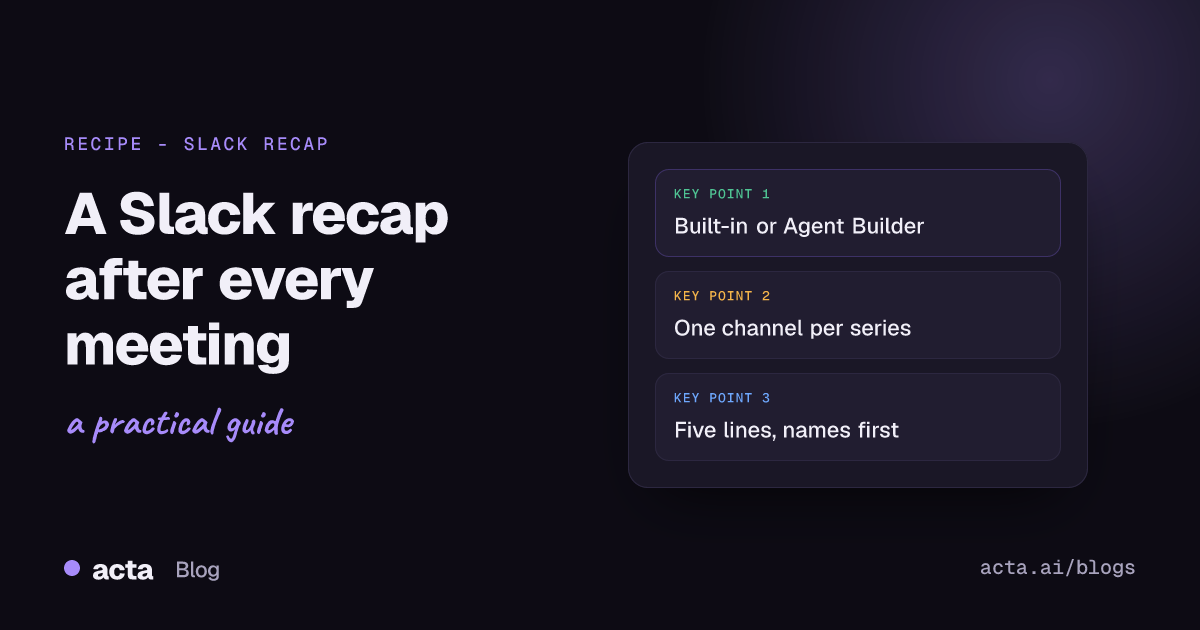
Quick answer: To get a Slack meeting recap after every call, connect Slack in Acta and turn on "post meeting notes to Slack": pick the channel, choose Summary, Decisions, Action items or Key takeaways, and add a title filter if you want. If you want a shorter recap in your team's own tone, or a quick human check first, build it in Acta Agent Builder instead.
There are two ways to do this in Acta. One takes about two minutes and needs no thinking. The other takes maybe twenty and gives you full control over what the message says. I'll walk through both, then get into the part most teams get wrong: what actually belongs in the post.
What should a Slack meeting recap look like?
Short. That's the whole rule, really. A recap that needs scrolling won't get read, and once people learn to skip the bot posts in a channel, they skip all of them.
Here's what I'd aim for in a channel like #product-weekly:
- One line with the meeting name and date, so people can tell this week's post from last week's.
- The decisions, each in one sentence. "We're pausing the onboarding email test" beats "The team discussed the onboarding email test and agreed that..."
- Action items with a name and a day: "Ravi: churn list by Tuesday."
- A link back to the full notes for anyone who wants the detail.
What I'd leave out: the attendee list, a paragraph summarising the discussion, anything that starts with "The meeting covered". People in the channel either were there (and don't need the story) or weren't (and want the outcome).
Option 1: post meeting notes to Slack with the built-in integration
This is the zero-setup route, and for most teams it's where I'd start. It lives under Integrations in Acta, not in Agent Builder.
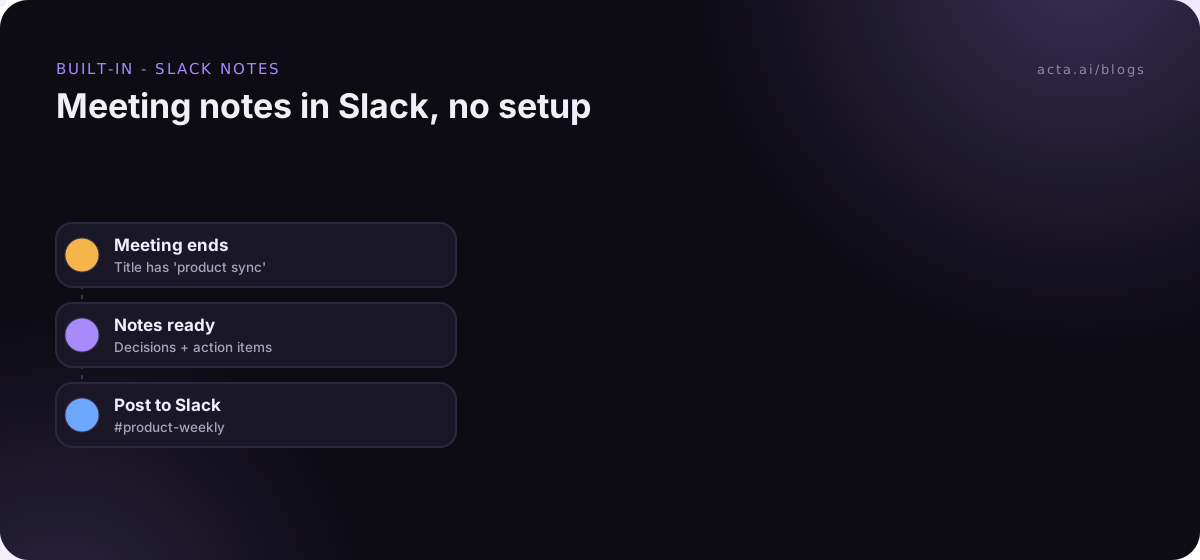
- Connect Slack from the Integrations page.
- Pick the channel the notes should go to.
- Choose which sections to include: Summary, Decisions, Action items, Key takeaways. You don't have to send all four.
- Optionally add a title filter, so only meetings with, say, "pipeline review" in the title get posted to #sales-pipeline.
Each post comes with an "Open in Acta" button, so the full transcript and notes are one click away. People only see a meeting in Acta if they have access to it, so the button doesn't open the notes up to the whole channel.
My advice: start with Decisions and Action items only. Summaries are the part people are least likely to read in Slack, and they make the message long. If someone complains they're missing context, add Key takeaways before you add Summary.
Where the built-in option falls short
It posts the sections as Acta wrote them. You can't rewrite the tone, cap it at five lines, or have someone look it over before it goes out. For a weekly internal sync, that's fine. For a channel that customers' account managers read, or a leadership channel, you may want more control.
Option 2: automate meeting recaps with Acta Agent Builder
Acta Agent Builder is new. An agent is one trigger plus a list of steps. For a recap, it looks like this:
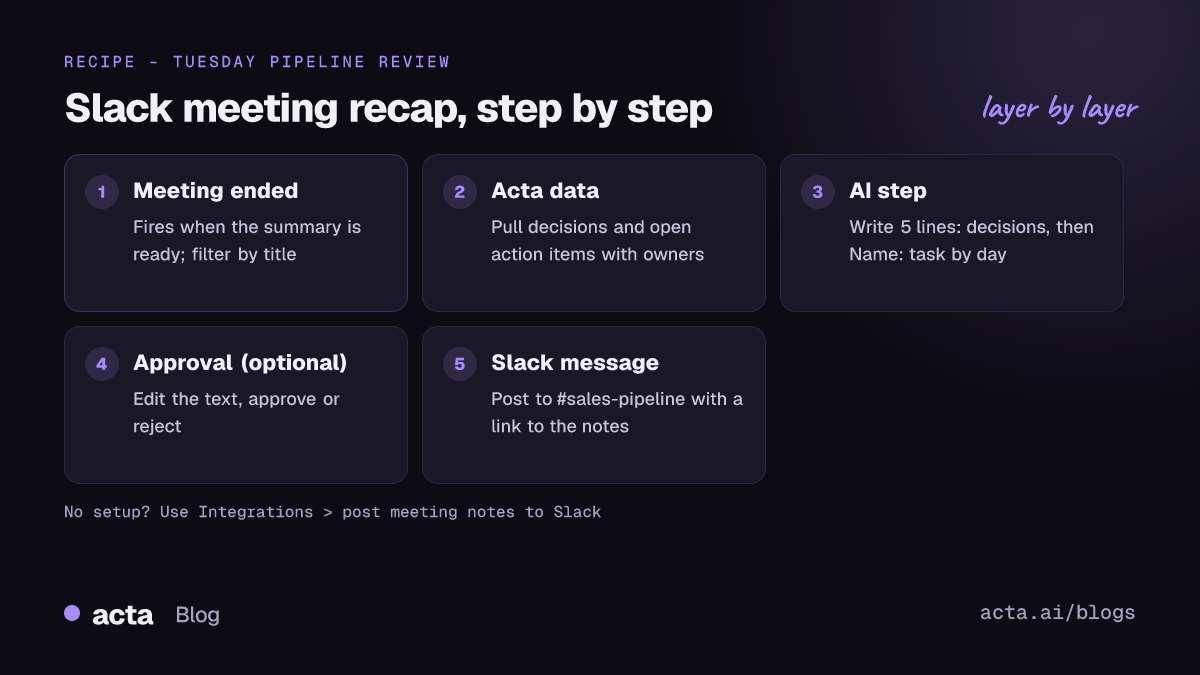
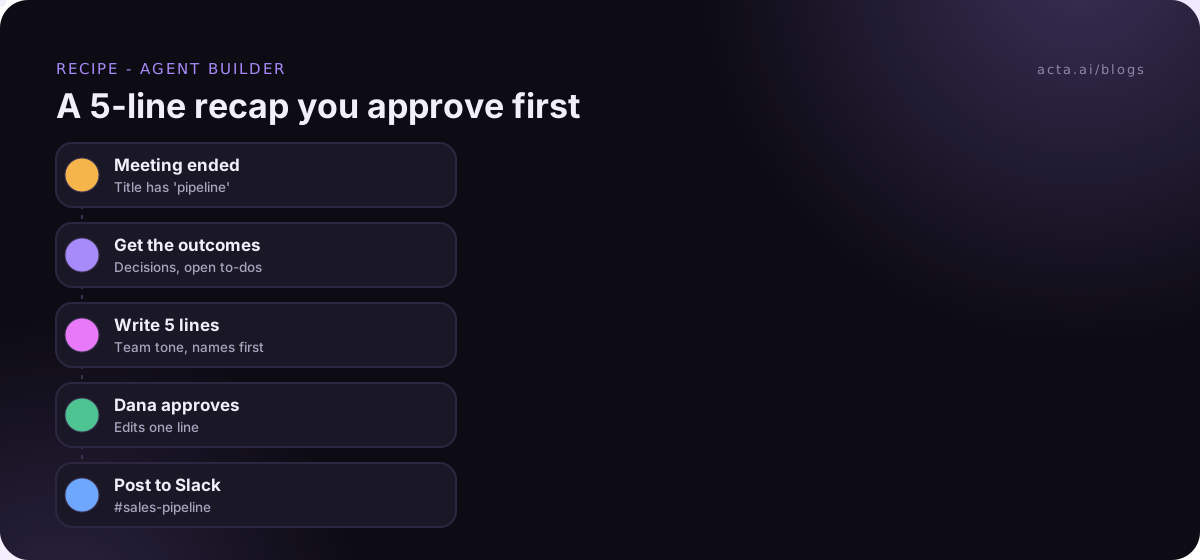
- Trigger: Meeting ended. This fires when the summary is ready, not when the call drops. Add a "title contains" filter, like "pipeline" or "standup".
- Acta data step. Pull the meeting's decisions and its action items (open ones, with owners).
- AI step. Ask it to write the recap. This is where you set the rules: five lines max, plain words, names in front of tasks, no adjectives.
- Human approval (optional). The run pauses in your Approvals inbox. You can edit the text, then approve or reject.
- Slack step. Post the message to the channel, or send it to one person.
You don't have to build this by hand. You can describe it in plain words ("after every pipeline review, post a 5-line recap to #sales-pipeline, and let me approve it first") and the AI drafts the agent, with a list of things you still need to fill in, like which channel. Then run "Check setup", which flags missing settings or app connections, do a test run, and turn it on.
A prompt for the AI step that works
This is roughly what I'd paste in. Adjust the tone line for your team.
Write a Slack recap of this meeting in 5 lines or fewer. Line 1: meeting name and date. Then one line per decision, starting with the decision itself. Then action items as "Name: task by day". No intro, no sign-off, no emojis. If there were no decisions, say "No decisions this week." Write like a teammate, not a press release.
That last instruction does more than you'd think. Without it, AI-written recaps tend to come out a bit formal.
Should you add the approval step?
It depends on who reads the channel. I'd add it when:
- The channel includes people outside the team, or anyone senior who'll take the recap as the official word.
- The meetings are with customers, where a mis-heard name or number is embarrassing.
- You're in the first couple of weeks and still tuning the prompt.
And I'd skip it for a daily standup. Nobody wants to approve a recap every morning at 9:20. One thing to know: if nobody answers before the approval expires (24 hours by default, up to 7 days), nothing gets sent. That's the safe failure mode, but it does mean a forgotten approval is a missing recap.
Which option should you use?
Here's how I'd decide:
- Use the built-in integration if you just want the decisions and action items in a channel and you're happy with Acta's wording. It's on in a couple of minutes and there's nothing to maintain.
- Use Agent Builder if you want a specific length or tone, an approval step, a direct message to one person instead of a channel, or extra steps after the post (adding the action items to a Google Sheet, for example).
Plenty of teams run both: the built-in post for internal syncs, an agent for customer calls. If you've already wired meeting tools together with Zapier or Make, our comparison of Acta Agent Builder and Zapier for meeting automation covers when it's worth keeping the Zap. Zapier's own tips for formatting Slack messages are handy if you go that way, because you'll be doing the formatting yourself.
How do you set up channels for a Slack meeting recap?
The single biggest improvement you can make has nothing to do with the automation. It's this: one channel per meeting series.
If every meeting's recap lands in #general or #team, the channel turns into noise in about a week. People can't find last Tuesday's pipeline decisions because they're buried under three standups and a vendor call. Instead:
- #sales-pipeline gets the Tuesday pipeline review.
- #product-weekly gets the Thursday product sync.
- #cs-escalations gets the escalation calls, and nothing else.
Slack's own guide on how to organize your Slack channels suggests prefixes like #project- so related channels group together, which works nicely here. Then set the title filter in Acta (or in the agent's trigger) so each series lands in its own channel. This only works if meeting titles are consistent, so it's worth a quick word with whoever owns the calendar invites.
A few smaller tips:
- Tag owners by name in the text. "Priya: send the revised quote by Friday" is clear even without a proper @-mention. Slack's developer docs on formatting message text explain that a real mention in an app message uses the person's user ID, and only notifies them if they're already in the channel. A plain name in front of the task does most of the job.
- Don't post meetings nobody acts on. If a meeting never produces decisions or tasks, its recap is just noise.
- Keep sensitive meetings out. 1:1s, hiring debriefs and anything HR-related shouldn't be posted to a shared channel. Use a title filter that only matches the meetings you mean.
What goes wrong with automated recaps?
We see the same few problems over and over:
- The recap is too long. Usually because all four sections are on, or the AI prompt didn't set a line limit. Cut it down.
- Wrong channel. A title filter like "sync" matches "Sales sync", "Design sync" and "Sync with Dana's lawyer". Make the filter specific.
- Nobody knows what to do with it. If the action items have no owners, the post doesn't change anything. Get people to say names and dates out loud in the meeting ("Marco, can you have that by Thursday?"). Acta picks those up as owners and due dates.
- People stop trusting it. One wrong decision in a recap and folks go back to asking in DMs. That's when an approval step for the first few weeks earns its keep.
Before you turn an agent on, use a test run. Test runs show what would be sent without sending it, and you can send a test to your own Slack channel or test one step on its own. It's a lot nicer to catch a bad prompt there than in front of the whole sales team.
Do people need to know their meetings are recorded?
Yes. Before you post a meeting summary in Slack, someone has to record the meeting, and recording people needs their consent where the law requires it. Tell people up front, especially anyone outside your company. Our guide on whether it's legal to record meetings with AI covers what to say and when.
Acta can record Zoom, Google Meet and Microsoft Teams with a meeting bot that joins from your calendar, or without a bot through the desktop app or the Chrome extension. Either way, the recap is only as good as the recording, so make sure the meetings you care about are actually being captured.
What else can you do once the recap is in Slack?
Once the Meeting ended trigger is working, you can hang other steps off the same agent. A few that people add next:
- Add each action item as a row in a Google Sheet (a For each step handles up to 100 items).
- Create a Jira issue for anything tagged as a bug. Our guide to creating Jira tickets from customer calls walks through that one.
- Send a separate, shorter Slack DM to whoever owns the most tasks.
For more ideas in the same vein, see our list of meeting automation workflows, or browse the ready-made Acta agents.
Frequently asked questions
Can Acta post meeting notes to Slack automatically?
Yes. Connect Slack under Integrations, pick a channel and the sections you want (Summary, Decisions, Action items, Key takeaways), and every matching meeting gets posted with an "Open in Acta" button.
How soon after the meeting does the Slack meeting recap arrive?
Once the summary is ready. The Meeting ended trigger fires at that point, not the moment the call drops, so there's a short wait while the notes are written.
Can I post to Microsoft Teams chat or Google Chat instead?
Not today. Acta Agent Builder doesn't support Teams chat or Google Chat. If you need them, sending a webhook or using a Zapier "Send to a Zap" step to hand the recap off is the workaround.
Is there a Slack recap template I can copy?
Use the prompt in the AI step section above: meeting name and date, one line per decision, then "Name: task by day". Five lines max.
Can I review the recap before it posts?
Yes, add a human approval step in Agent Builder. You can edit the text, then approve or reject. If nobody answers before it expires, nothing is sent.
You can try both setups on a free 15-day Acta trial.