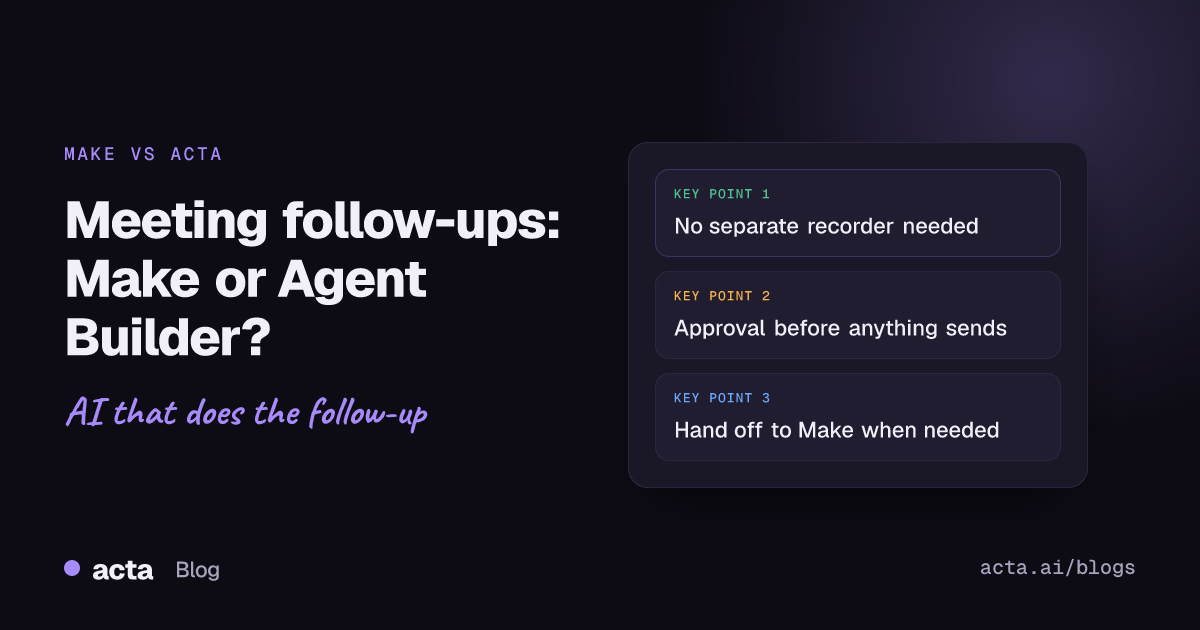
Quick answer: Make meeting automation usually means a recorder such as MeetGeek or Otter sends meeting data into a Make scenario, which then writes CRM notes, emails and tasks. Acta Agent Builder skips the separate recorder: Acta records the meeting, and an agent triggered by "Meeting ended" can add a CRM note, draft the email, create the task and wait for your approval.
If you already run your business on Make, you have probably looked at meeting follow-ups as the next thing to automate. The pattern is popular for good reason: every sales call, client check-in and project sync ends with the same chores. Someone has to log the call, send the recap, and turn promises into tasks.
This guide compares the two ways to do that. It is written for Make users, so it is honest about where Make is the better tool, and it shows how the two can work together.
What does Make meeting automation look like today?
Make is a visual automation platform. You build a Make scenario on a canvas by connecting modules: a trigger, then the steps that act on its data. For meetings, the trigger almost always comes from a separate meeting recorder, because Make does not record calls itself.
Two common patterns show up in Make's template library and community:
- A recorder with a native Make app. MeetGeek, for example, maintains its own Make app. Its MeetGeek to HubSpot template on Make pulls participant emails from a meeting, uses a Make AI agent to enrich contact and company details, and creates AI-written follow-up tasks in HubSpot. It uses MeetGeek, OpenAI and HubSpot together.
- A recorder without an open API. Tools like Otter are often connected through workarounds: the recorder emails its summary, a mail filter forwards it to a Make custom webhook address, and the scenario parses the email text before doing anything useful.
Both work. Both also mean you are maintaining at least three things: the recorder, its connection to Make, and the scenario itself, with its field mappings and AI prompts.
How does Acta Agent Builder handle meeting follow-up?
Acta Agent Builder is new in Acta. An agent is one trigger plus a set of steps. You can build it from scratch, start from a template, or describe what you want in plain words and let the AI draft it, along with a list of things you still need to fill in.
The difference from Make meeting automation is where the data comes from. Acta already records the meeting (through a meeting bot for Zoom, Google Meet and Microsoft Teams, the bot-free desktop app, the Chrome extension, the mobile apps, or an uploaded recording) and produces the transcript, summary, action items with owners and due dates, and decisions. Recording people needs their consent where the law requires it, so read our guide on whether it is legal to record meetings with AI and what to tell participants before you switch it on.
A typical follow-up agent looks like this:
- Trigger: Meeting ended. It fires when the summary is ready, with an optional "title contains" filter, for example only meetings with "Discovery" in the title.
- Acta data step. Pull the meeting, its open action items, its decisions, or a template result such as a MEDDPICC deal report or BANT.
- AI step. Write the recap email, summarize for the CRM, or extract fields.
- Human approval step. The run pauses in an Approvals inbox. You can edit the text, then approve or reject.
- Actions. Add a note to the HubSpot, Salesforce or Zoho contact matched by email; save a Gmail draft or send the email (drafts and replies where available); create an Asana task or a Jira issue; post to a Slack channel.
There is no transcript parsing, no webhook from a third-party recorder, and no field mapping between two products. The meeting data is already in Acta.
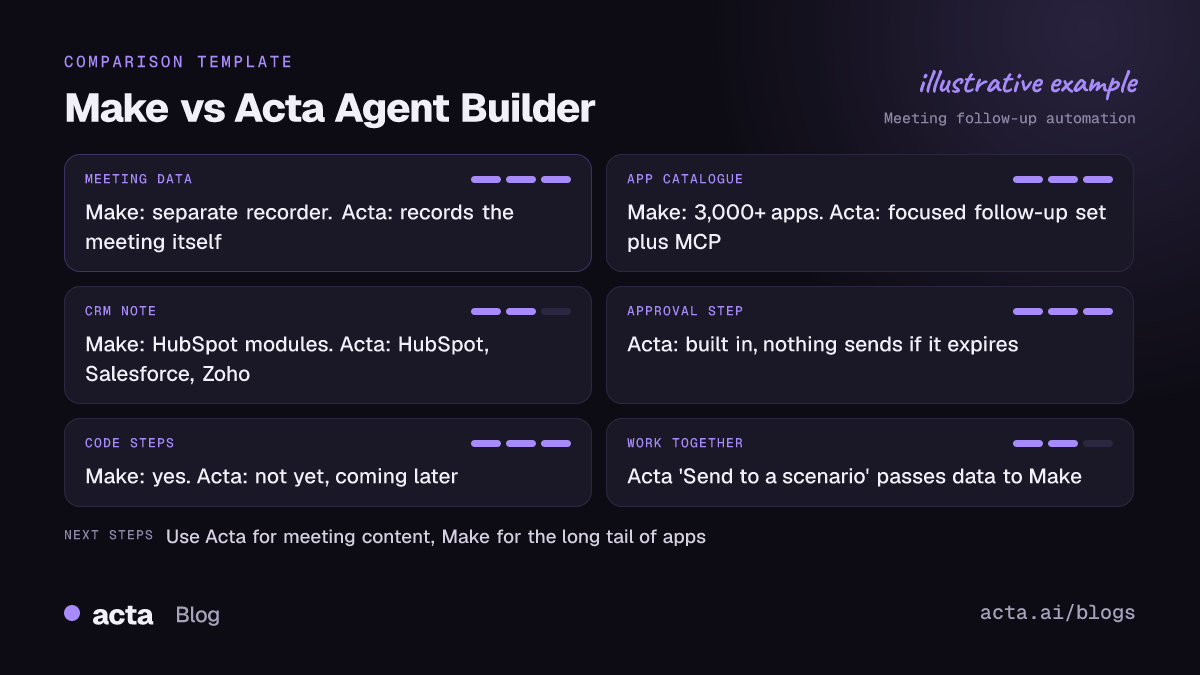
Make vs Acta Agent Builder: how do they compare for meeting follow-ups?
Where the meeting data comes from
Make needs a recorder that either has a Make app or can push data somewhere Make can catch it. Acta Agent Builder works on meetings Acta recorded or that you uploaded. If your team already lives in another recorder and is happy with it, that favours Make. If you are choosing a recorder anyway, keeping recording and follow-up in one place removes a moving part.
App coverage
This is Make's clear win. According to Make's apps documentation, the platform supports more than 3,000 apps. Agent Builder covers a focused set built around follow-up work: Slack, Gmail, Google Calendar, Google Sheets, Jira, Asana, HubSpot, Salesforce, Zoho, Zendesk and Freshdesk, plus a webhook, an HTTP request step and an MCP tool step that can call any MCP server (for example Notion, Linear or GitHub). It does not support Microsoft Teams chat, Google Chat, Outlook email or Pipedrive.
The builder itself
Make's canvas is mature and very flexible: routers, filters, iterators, error handlers and detailed data mapping. Agent Builder has its own logic steps (If/else, Switch, Merge, For each up to 100 items, Wait up to 30 days, Run another agent, Memory, Edit values) and an AI agent step that picks its own tools, but it is a smaller toolbox. There is no code step yet; it is coming later.
Human approval
Follow-ups go to customers, so a review step matters. In Agent Builder, the human approval step is built in: the run pauses, the reviewer edits and approves or rejects, an optional email has Approve and Reject buttons, and if nobody answers before the approval expires (24 hours by default, up to 7 days) nothing is sent. In Make you can build approval patterns too, but you design them yourself.
Testing and history
Agent Builder test runs show what would be sent without sending it. You can test one step, send a test to your own Slack channel or email, and use a sample event from a connected app. "Check setup" flags missing settings and app connections. Each time you turn an agent on, a version is saved that you can restore, and History shows what every step did. Make has its own execution history and run-once testing, which experienced builders know well.
Pricing model
As of November 2026, Make's pricing page lists Free, Core, Pro, Teams and Enterprise plans, and Make bills in credits. Its help article on credits explains that operations draw down credits, and that AI features add token-based usage when you use Make's own AI provider. A meeting follow-up scenario with many modules runs on every meeting, so count the steps. Agent Builder is available in Acta; see Acta's plans for what is included.
Can Acta Agent Builder send data to a Make scenario?
Yes. Agent Builder has a "Send to a scenario" action for Make (and "Send to a Zap" for Zapier). That makes a split setup easy:
- Acta records the meeting and handles the parts that depend on meeting content: the summary, the CRM note, the recap draft and the approval.
- After approval, the agent sends the cleaned-up data to your existing Make scenario, which updates the tools Agent Builder does not connect to, such as an accounting app or a niche industry system.
You keep the scenarios you have already built and tested, and you stop maintaining the brittle part: getting meeting text into Make in a usable shape. Agent Builder can also go the other way: a "Webhook received" trigger lets Make start an Acta agent.
Which follow-up chain should you automate first?
Pick the chain that happens after the most meetings and costs the most when it is forgotten. For most teams it is one of these:
- Sales calls: Meeting ended, then a MEDDPICC or BANT result, then a CRM note on the contact, then a recap draft for approval. Our guide on how to update your CRM after a sales call goes deeper.
- Project syncs: Meeting ended, then open action items, then For each item create a Jira issue or Asana task with owner and due date. See how to sync meeting action items to Jira, HubSpot and Salesforce.
- Overdue follow-through: the "Action item overdue" trigger sends a Slack message to the owner.
- Meeting prep: "Before a meeting starts" (1 to 1,440 minutes before, with attendees) pulls past meetings with the same people and sends a brief.
Start with one agent, keep the approval step on for anything customer-facing, and widen it once a week of runs looks right.
Who should pick Make instead?
Make is the better choice for meeting follow-up in several real situations:
- You need apps Agent Builder does not connect to. With more than 3,000 apps, Make covers far more tools. If your follow-up must land in Pipedrive, Outlook or Microsoft Teams chat, Make (or a handoff to Make) is the way.
- Meetings are a small part of a larger automation. If the meeting trigger is one branch of a big operations workflow, keep it all on one Make canvas.
- You need complex data transformation or code. Make's mapping functions and code options go further than Agent Builder today, which has no code step yet.
- You are committed to another recorder. If MeetGeek's native Make app and template already fit, the setup work is largely done for you.
- Your team already has Make expertise. A team that maintains dozens of scenarios may prefer one platform and one set of habits.
For a similar comparison with other tools, read Acta Agent Builder vs Zapier for meeting automation and Acta Agent Builder vs n8n for meeting workflows.
How do you move a Make meeting automation into Acta?
- Write down what your scenario does. List the trigger, each module, the fields it maps and where the output lands.
- Describe it to Agent Builder in plain words. For example: "When a meeting with Discovery in the title ends, write a recap email, add a note to the HubSpot contact, create an Asana task for each action item, and ask me to approve the email first." The AI drafts the agent and lists what you still need to fill in.
- Run Check setup. Connect any missing apps and fill in settings it flags.
- Test without sending. Run it on a recent meeting and read what would have been sent. Send a test to your own Slack channel or email.
- Turn it on and keep Make for the rest. Add a "Send to a scenario" step for anything Make still handles, then switch off the old trigger so meetings are not processed twice.
If you want to understand the idea behind this kind of agent first, our explainer on what an AI meeting agent is covers it, and the Acta agents page shows ready-made agents for sales, recruiting, product and support teams.
Frequently asked questions
Does Make record meetings?
No. Make connects apps; the meeting data comes from a recorder such as MeetGeek or Otter, or from a video platform's recording, which a Make scenario then processes.
Is there a MeetGeek to HubSpot template on Make?
Yes. Make lists a template that syncs MeetGeek meeting insights to HubSpot, enriches contact and company data with a Make AI agent, and creates follow-up tasks.
Can I use Acta and Make together?
Yes. Acta Agent Builder has a "Send to a scenario" action that passes data to Make, and a "Webhook received" trigger so Make can start an Acta agent.
Is Acta Agent Builder a full Make alternative for meeting follow-ups?
For the common chain of CRM note, email draft, task and Slack post, it covers the work natively with an approval step. For apps it does not connect to, or for code steps, Make remains the stronger tool.
Does Acta send follow-ups without review?
Only if you build it that way. Add a human approval step and the run waits for someone to approve; if nobody answers before it expires, nothing is sent.
Want to try a meeting follow-up agent on your own calls? Start a free 15-day Acta trial.