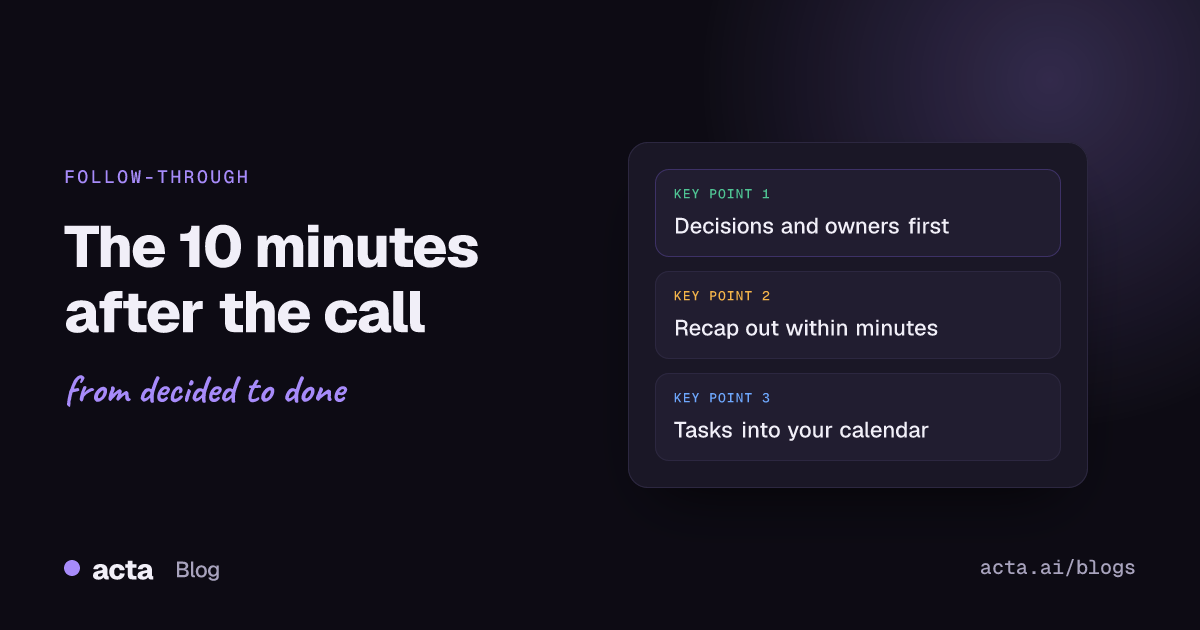
Quick answer: What to do after a meeting, in the first 10 minutes: write down every decision and who owns each action while you still remember it, send a short recap with owners and dates, put your own tasks in your calendar or tracker, do any two-minute follow-ups on the spot, and note open questions. Waiting until the end of the day is where most follow-up dies.
The meeting ends, you close the window, and the next one starts in four minutes. By the time you come back to the first one, it's 5:30 and you're reconstructing it from three half-sentences in a notebook. Sound familiar?
The ten minutes right after a call are the cheapest time you'll ever have to make it count. Everything is still in your head, everyone still remembers what they agreed, and nobody has started doing the wrong version yet. Here's the routine I'd suggest, minute by minute, plus what to do when your calendar doesn't give you ten minutes.
Why do the first 10 minutes after a meeting matter so much?
Two reasons. The first is memory. Research on forgetting going back to Hermann Ebbinghaus in the 1880s found that forgetting is steepest soon after you learn something and then levels off. Who said they'd send the contract, what number the client actually agreed to, which of the two options you picked: that detail is sharpest now and fuzzier every hour.
The second is momentum. A recap that lands ten minutes after the call gets read while people still care. One that lands the next morning competes with everything else in their inbox. Harvard Business Review has covered this more than once, for example in two things to do after every meeting, and the advice keeps coming back to the same point: get the summary out quickly, with owners and dates on it.
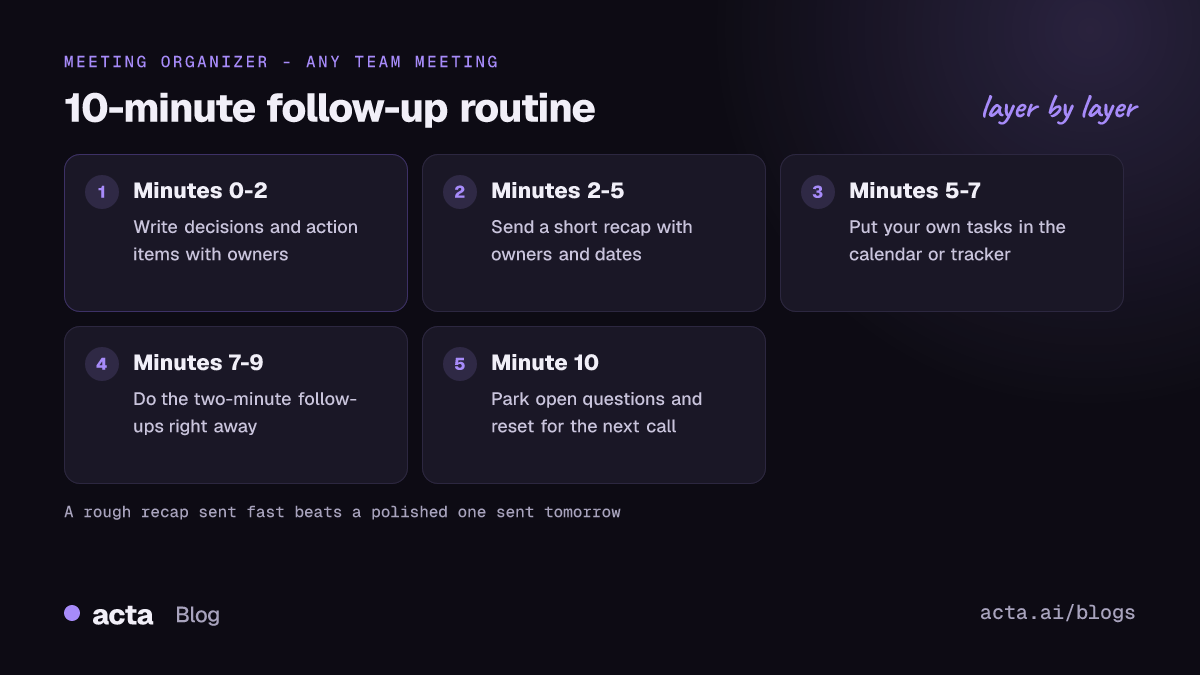
What to do after a meeting: the 10-minute routine
This is the whole thing at a glance. Each step gets its own section below.
- Minutes 0-2: write down decisions and action items, each with one owner and a date.
- Minutes 2-5: send the post-meeting recap.
- Minutes 5-7: put your own actions into your calendar or task tracker.
- Minutes 7-9: do anything that takes under two minutes right now.
- Minute 10: park open questions, file your notes, and reset for the next call.
Think of it as a meeting follow-up checklist you run while the call is still warm. If you only manage the first two steps, you've done most of the value.
Minutes 0-2: what should you write down first?
Decisions and action items. Not the discussion, not who argued what. Just:
- What was decided. "We're going with vendor B" or "launch moves to the 14th".
- What happens next, and who does it. One named owner per item.
- By when. A real date. "Next week" is not a date.
If something was discussed but not decided, write that down too, as an open question. Those are the items that come back to bite you, because half the room thinks it was settled.
If you can't take notes and run the call at the same time, record it and let the notes come out afterwards. A meeting bot is the simplest option where bots are allowed. Where they aren't, or you'd rather not have one in the participant list, a desktop app can record Zoom, Teams or any other call from your own computer. Tell people you're recording, and check the rules that apply to you; our guide on recording meetings with AI and consent covers what to say.
Minutes 2-5: what goes in a post-meeting recap?
Keep the post-meeting recap short enough to read on a phone. If people have to scroll, they'll skim, and the one line that matters to them gets lost.
A recap format that works
- One line on what the meeting was for.
- Decisions, as a short list.
- Action items: owner, task, date.
- Open questions, and who's chasing each.
- A link to the full notes or recording, for anyone who wants the detail.
An example
Sprint review, Tuesday. Decided: ship the new onboarding flow behind a flag; drop the CSV export from this release. Actions: Priya, fix the empty-state copy, Thursday. Marco, flag rollout plan, Friday. Dana, tell support about the CSV change, Wednesday. Open: do we need legal to review the new consent text? Dana to ask. Full notes linked.
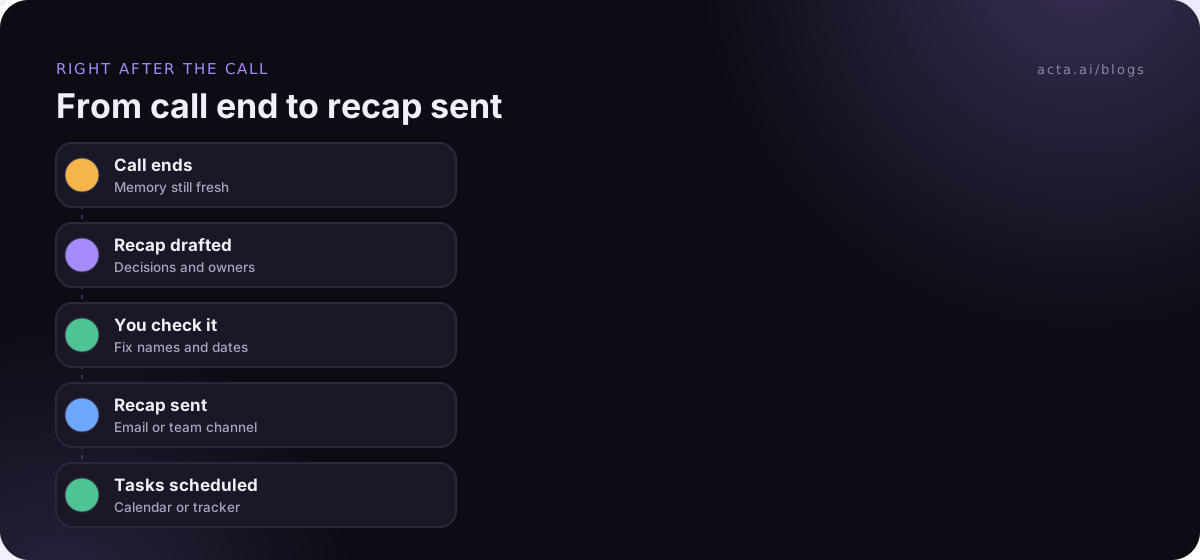
Send it where the team actually reads things. For some teams that's email, for others it's the channel. If people missed the meeting, here's how to share meeting notes with absent colleagues. If you want this to happen without you, we've written up how to automate meeting follow-up emails and how to post a meeting recap to Slack after every call.
Minutes 5-7: where should after-meeting tasks go?
Somewhere you'll actually see them again. A list at the bottom of the meeting notes doesn't count, because you'll never open that doc unprompted.
- If it needs real time, block it in your calendar now. "Write the pricing proposal" becomes a 90-minute block on Thursday morning.
- If your team runs on a tracker, create the ticket or task there, with the owner and date from the meeting. Our guide to sending meeting action items to Asana shows how to automate that part.
- If it depends on someone else, add a reminder to check on it the day before it's due.
Here's a small trick from psychology that helps. Researchers call them implementation intentions: plans phrased as "if X happens, I'll do Y" or "when X, then Y". The National Cancer Institute keeps a plain summary of the research on implementation intentions. In practice, "I'll send the deck" becomes "when I open my laptop Thursday morning, I'll send the deck before email." It sounds fussy. It works better than a vague intention.
Minutes 7-9: what can you just do now?
Some after-meeting tasks take less time than writing them down. Do those now:
- Forward the document you promised to share.
- Send the intro email you said you'd make.
- Book the follow-up meeting while everyone's calendars are fresh in mind.
- Reply "agreed, thanks" to the person who'll otherwise wonder whether you were on board.
The two-minute rule is old advice, and it's still good. A handful of tiny promises that nobody keeps is how you get a reputation for not following through, even when you deliver the big stuff.
Minute 10: how do you close the loop and reset?
Last minute. Three quick things:
- Park open questions in the place you'll look before the next meeting on this topic, such as the agenda doc for next week.
- File your notes where the team can find them later. Our guide to meeting minutes people actually read covers the format. If decisions keep getting relitigated on your team, a simple way to track decisions made in meetings saves a lot of "wait, didn't we agree...?"
- Close the tabs. Seriously. Walking into the next call with the last one still open on your screen is how you end up half-present in both.
What if you have back-to-back meetings?
Then you don't have ten minutes, and the routine has to fit into whatever gap you can make. Two things help.
First, make the gap. Outlook can end meetings early or start them late by default, so a 30-minute meeting books as 25. Google's hybrid work guide for Workspace suggests the same thing for Calendar: set your default meeting length to 25 minutes instead of 30, so people have time to reset between back-to-back meetings. Five minutes isn't ten, but it's enough for steps one and two.
Second, shrink the routine. On a packed day, do only minute 0-2: decisions and owners, typed straight into the chat or a note. Send the full recap at your next real break. A rough list sent fast beats a polished one sent tomorrow.
If you're in meetings all day, this is also where recording earns its keep. If the summary and action items are drafted for you, the routine is checking a draft rather than writing from memory.
Who should do this, the organizer or everyone?
Whoever ran the meeting owns the recap. That's the cleanest rule. If the organizer always sends it, nobody waits for someone else to do it, and you don't get three slightly different versions.
Everyone else still has a version of the routine: write down your own action items, put them in your calendar, and reply to the recap if something in it is wrong. That last part matters. A recap nobody corrects becomes the official record, mistakes and all.
Common mistakes in the minutes after a meeting
- Writing everything down. Notes that try to capture every point bury the three things that matter. Lead with decisions and actions.
- Owners like "the team" or "marketing". Groups don't do things. People do.
- "Next meeting" as the deadline for everything. It's a default, not a date, and it means nothing gets done until the night before.
- Waiting to send until the notes are perfect. Send the short version now. Fix it later if needed.
- Not saying when something wasn't decided. If the room ran out of time, the recap should say "no decision yet" so nobody assumes otherwise.
For a fuller take on what to capture in the first place, see how to take meeting notes.
How Acta helps with the first 10 minutes
Acta records the call, with a bot or from your own computer, and when it's over gives you a summary, decisions and action items with owners, plus a draft follow-up email you can check and send. That turns minutes 0-5 into reviewing rather than writing. Integrations with tools like Jira, Notion and HubSpot can take care of part of minutes 5-7.
Frequently asked questions
How soon should I send meeting notes after a meeting?
As soon as you can, ideally within the hour and certainly the same day. A short recap sent quickly is read more than a detailed one that arrives tomorrow.
What should a meeting follow-up email include?
What was decided, each action item with one owner and a date, any open questions, and a link to the full notes. Keep it short enough to read on a phone.
What to do after a meeting if nothing was decided?
Say so in the recap. List the options that were discussed, what information is missing, who's getting it, and when the decision will be made. That keeps the topic from drifting.
Should attendees send their own notes?
Usually no. One recap from the organizer avoids conflicting versions. Attendees should reply with corrections and take care of their own action items.
Is it worth recording meetings just for the notes?
For meetings with several decisions or action items, often yes, as long as everyone knows and you follow local consent rules. It means you can be present in the conversation and still have an accurate record afterwards.
If you'd like the recap and action items drafted for you after each call, see what Acta does on the features page.