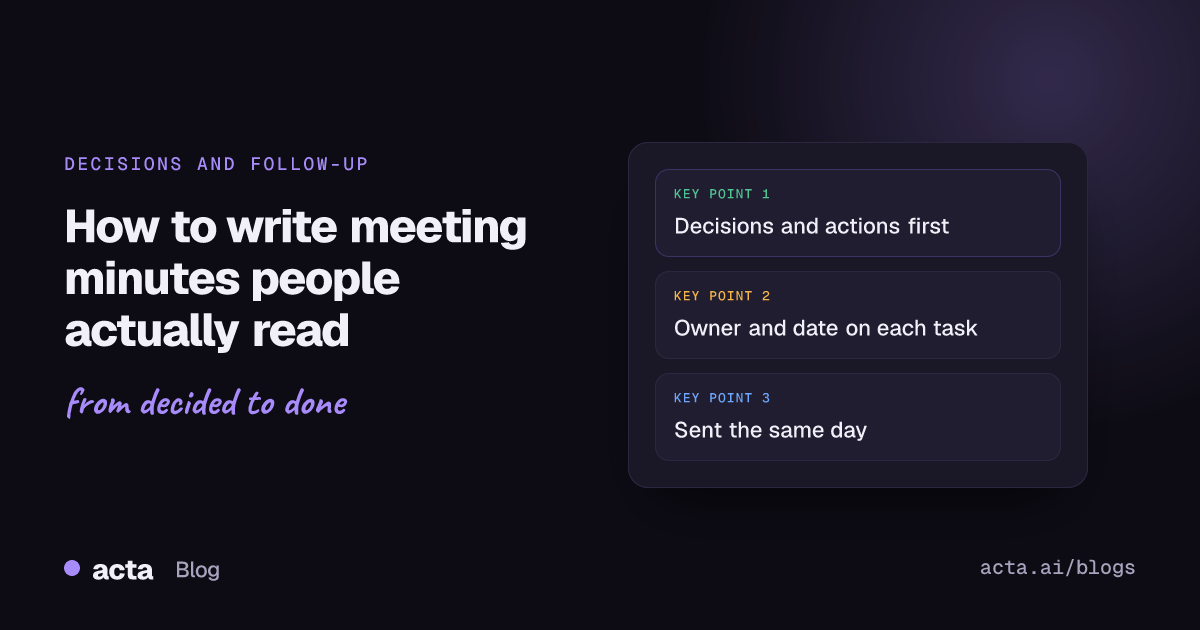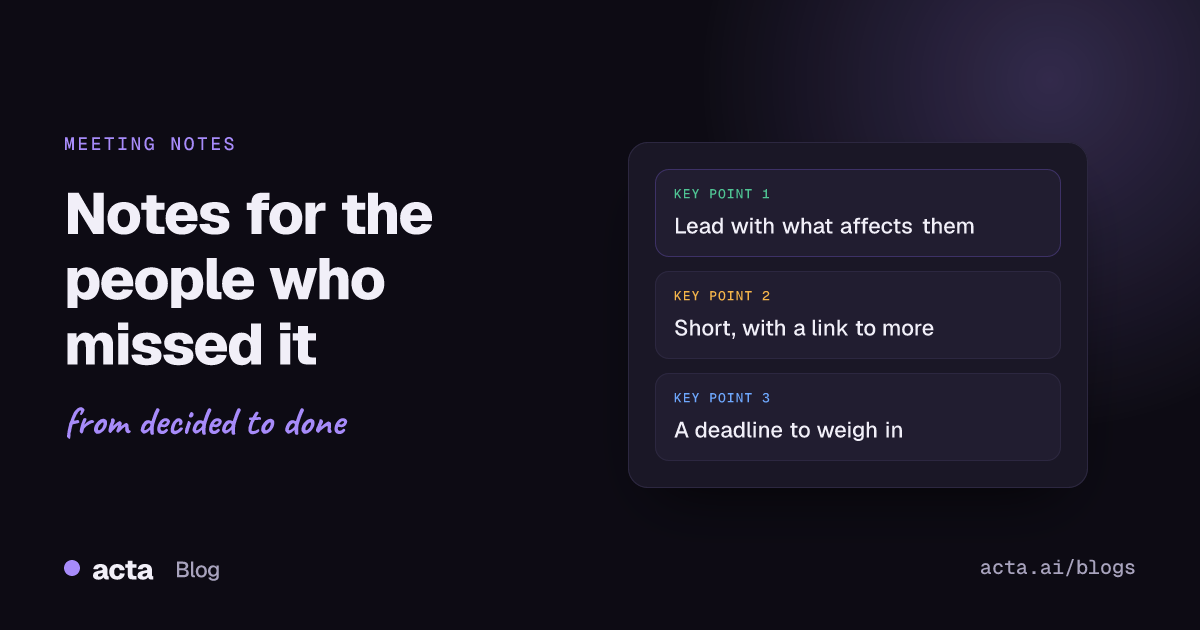
Quick answer: To share meeting notes with people who weren't there, lead with what changes for them: decisions, anything they now own, and anything they can still weigh in on, with a deadline. Write for someone with no context, keep it short, link the full notes or recording rather than pasting everything, and send it where they already read work updates.
Notes written for the people in the room and notes written for the people who missed it are two different things. The attendees need a reminder. The absent person needs an explanation. Most recaps are written for the first group and then forwarded to the second, which is why the person back from leave reads "agreed on option 2, Marco to sort the SOW" and has no idea what option 2 was or what an SOW has to do with them.
This guide is about the second group: colleagues who were on holiday, in another time zone, double-booked, or simply not invited but affected. Here's how to share meeting notes so they actually land.
What do people who missed the meeting actually need?
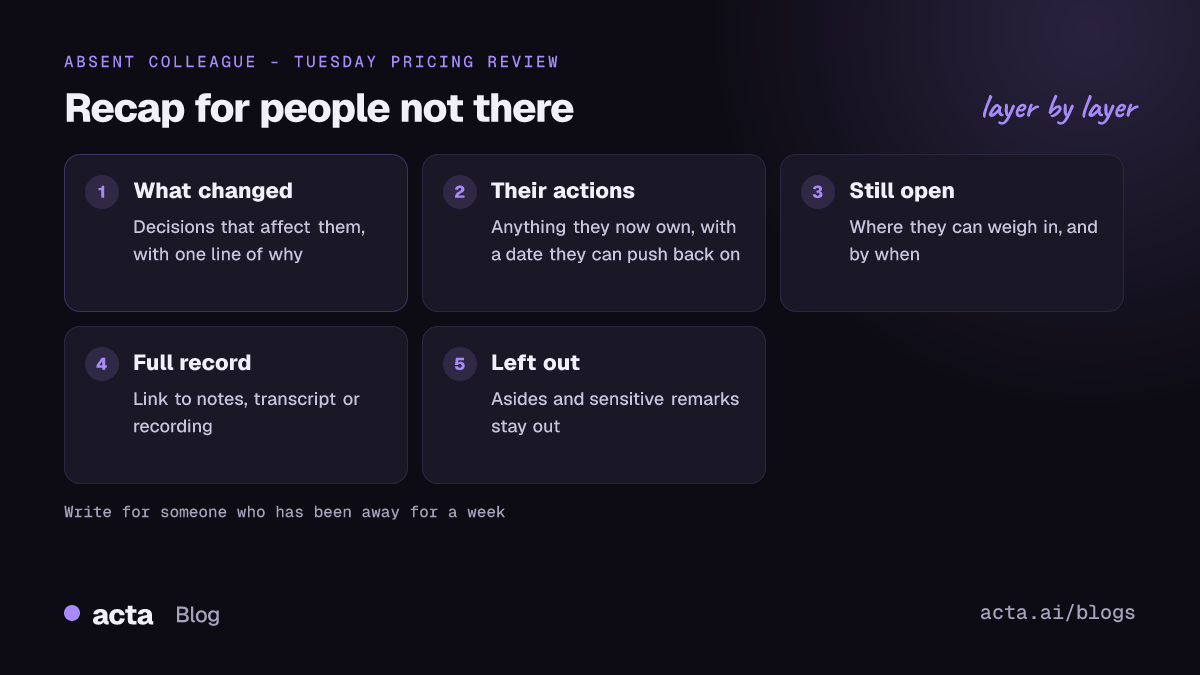
Less than you think, and different things than the attendees. When someone who missed the meeting opens your message, they're asking four questions:
- Did anything get decided that affects me?
- Do I now own something, and by when?
- Is there anything I can still influence?
- Where do I go if I want the full story?
Answer those four and you've done the job. The blow-by-blow of who said what is useful for maybe one reader in ten, and they can click through to it.
How to share meeting notes so absent colleagues read them
The format that works best for meeting notes for absent team members is short and personal. Start with them, not with the meeting.
Lead with "what this means for you"
If you're writing to one person, say it directly: "Lena, two things from Tuesday affect you." If you're writing to a group, sort the decisions by who they affect, or add a one-line note per person at the top.
Give the why, not only the what
"We're delaying the launch to the 14th" invites a reply asking why. "We're delaying to the 14th because the payment provider's sandbox isn't ready, and we didn't want to launch without testing refunds" doesn't. One sentence of reasoning saves a thread.
Spell out the shorthand
Every meeting invents its own shorthand in an hour. "Option 2", "the Henderson thing", "Plan B for EMEA". Read your draft as if you'd been out for a week, and replace every label with what it actually means.
An example
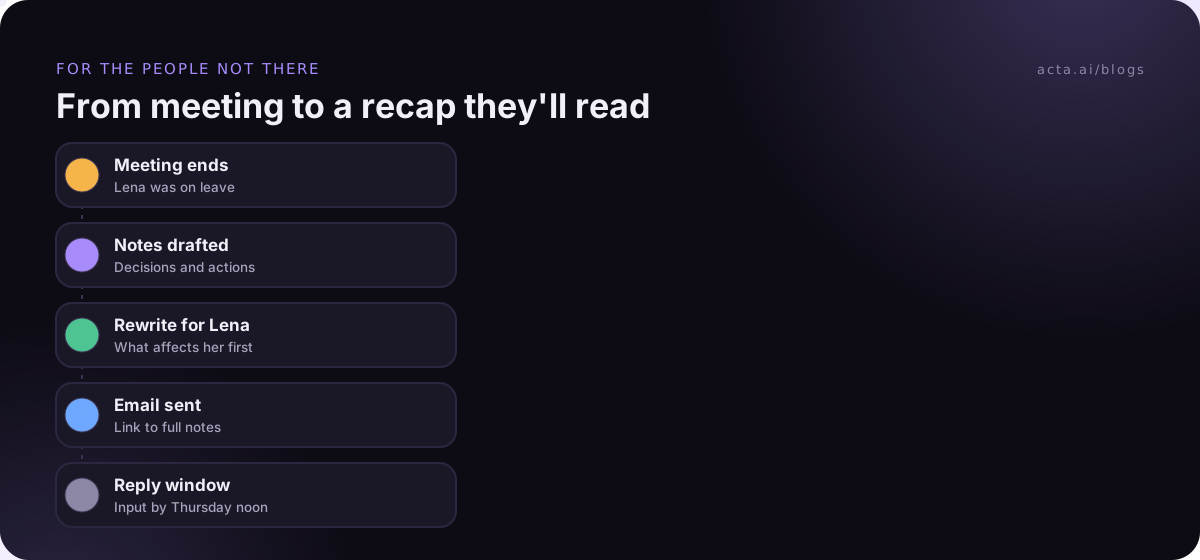
Hi Lena, quick recap of Tuesday's pricing review, which you missed. What affects you: we're dropping the monthly starter plan from the new price list (support load was too high for the revenue), and you own the customer email about it, ideally drafted by Friday. Still open: whether existing starter customers keep their price for 6 or 12 months. Marco wants your view before Thursday. Full notes and recording are linked below if you want the discussion.
That's about 80 words, and it answers all four questions.
Where should you share meeting notes: email, chat or a doc?
Wherever the person already looks for work updates. That sounds obvious, but a lot of good recaps die in a shared drive folder nobody opens.
- Email works best for one or two people, for anyone outside your company, and for anything they'll need to find again later. A short meeting summary email with the link is hard to beat.
- Team chat works for a whole team, especially if the meeting has a recurring channel. Post the short version; link the rest. Our guide to automating a Slack meeting recap covers doing this after every call.
- A shared doc is the right home for the full notes, not the right way to tell someone something changed. Link it from the email or message.
For formal meetings that need minutes on file, the structure is a bit different; our meeting minutes template has a format for that.
How do you share meeting notes from Teams, Google Meet and Zoom?
All three platforms have their own notes or recap features, and each one has a catch for people who weren't there. The details below are as of November 2026, and your admin settings may change what you see.
Microsoft Teams
Teams collects the recording, transcript, notes and files for a meeting into a recap. Microsoft's guide to recap in Microsoft Teams explains that you can open the recap, select Share to add people, or copy the link and paste it into a chat or channel. People who don't already have access can request it. That last part is the catch: if you send a link to someone who wasn't invited, they may have to wait for you to approve them, so share it with them directly rather than just pasting the link.
Google Meet
Meet's "Take notes for me" feature writes notes into a Google Doc. In the Calendar and Meet settings for Take notes for me, hosts can choose to send notes to all invited guests, only invited guests inside the organization, or only the hosts. Useful detail for absentees: "invited guests" means everyone on the calendar invite, not just the people who showed up. If someone wasn't on the invite, you'll need to share the doc with them yourself. Google's Take notes for me help page notes it needs an eligible Workspace edition or Google AI plan.
Zoom
Zoom's AI meeting summaries go to whoever the admin and host settings say. Zoom's article on enabling or disabling meeting summary with AI describes options ranging from the host only to all invitees, and says people who join ad hoc without being invited won't get the summary. Admins can also block sharing summaries with external users. So for someone who wasn't invited, plan to forward it or write your own recap.
The common thread: built-in recaps are designed around the invite list. People who weren't invited, or who sit in another company, are exactly the ones who fall through.
Should you send the recording or just the notes?
Send the notes, and link the recording for anyone who wants it. Almost nobody who missed a 60-minute meeting will watch 60 minutes of it. They might watch the six minutes where their project came up, if you tell them roughly when.
A searchable transcript is often more useful than the video. Someone can search for their name or their project and read the relevant part in a minute. Some tools also let people ask questions about the meeting in plain language, which is handy for the person who wants to know "did anyone mention the Q4 budget?" without reading the whole thing.
Two cautions before you share a recording more widely than the attendees:
- The people in the meeting should know it might be shared. Saying something in front of six colleagues is different from it being sent to thirty. If you plan to circulate the recording, mention it when you start recording. Our guide to recording meetings with AI, consent and what to tell participants goes into this.
- Check what's in it. A recording of a team meeting may include a two-minute aside about someone's health or a candid comment about a client. Notes let you leave that out. A raw recording doesn't.
If the meeting runs in a browser and you'd rather not have a bot join, the Acta Chrome extension records Google Meet, Microsoft Teams in the browser and the Zoom web client from your own tab; the extension guide walks through the setup.
What should you leave out when you share notes?
More than people expect. A good rule: if it would be awkward for the person it's about to read it in a forwarded email, leave it out of the shared version.
- Personal or HR matters that came up in passing.
- Speculation about people ("I don't think Tom's team will deliver").
- Anything a client or partner said in confidence.
- Half-formed ideas that were explicitly dropped. Mentioning them invites people to relitigate.
This is one more reason to send a written recap rather than the raw transcript to people who weren't there. You get to choose what goes in.
How do you give absent people a real say?
If the decision is final, say so plainly. If it isn't, give people a deadline to respond and a named person to respond to: "If you disagree with dropping the starter plan, tell Marco by Thursday noon; after that we'll send the customer email." That one line turns "you missed it, tough luck" into something people can work with, and it stops the slow drip of objections two weeks later.
On teams spread across time zones, this matters more. Someone in Singapore will miss plenty of meetings scheduled for London afternoons. (Our guide to scheduling meetings across time zones helps spread that pain around.) If they can respond within a day before anything is locked, they don't feel shut out, and you don't need to schedule a second meeting just for them.
Common mistakes when sharing meeting notes
- Forwarding the attendee recap unchanged. It's written for people who already know the context.
- Sending only a recording link. It feels thorough and almost never gets watched.
- Waiting until the person is back. Send it now; they'll read it when they return, and it's waiting for them in order.
- Forgetting people outside the invite. The person most affected is often not on the calendar event at all.
- Assigning them work without asking. If someone who wasn't there now owns a task, say so clearly and invite them to push back on the date.
If you're working out what to capture in the first place, our guide on how to take meeting notes pairs well with this one.
Where Acta fits
Acta records meetings with a bot, the desktop app or the Chrome extension, and writes a summary with decisions and action items plus speaker-labelled transcripts, so you're editing a recap instead of starting from a blank page. Colleagues who weren't there can use OneChat to ask questions about your meetings and get answers with links back to the source. You still choose what to share and with whom.
Frequently asked questions
How do I write a meeting recap for someone who wasn't there?
Start with what affects them: decisions, anything they now own with a date, and anything still open for their input with a deadline. Add one sentence of reasoning per decision, spell out any shorthand, and link the full notes.
Is it OK to share a meeting recording with people who weren't in the meeting?
It depends on your company's policy, local law and what attendees were told. A safe habit is to say at the start of the recording that it may be shared with people who couldn't attend. This is general information, not legal advice.
How long should meeting notes for absent team members be?
Short enough to read on a phone, usually under 150 words, with a link to the full notes for anyone who wants detail.
Can people outside my company see my Teams or Meet notes?
It depends on the platform and your admin settings. Built-in recaps and AI notes are usually tied to the invite list and your organization. For someone outside, sending a written summary by email is the most reliable option.
When should I share meeting notes with people who missed the meeting?
The same day if you can. Sending notes promptly means they're waiting when the person gets back, and it gives them time to respond before decisions are locked in.
If you'd like the first draft of every recap written for you, start a 15-day free trial of Acta.