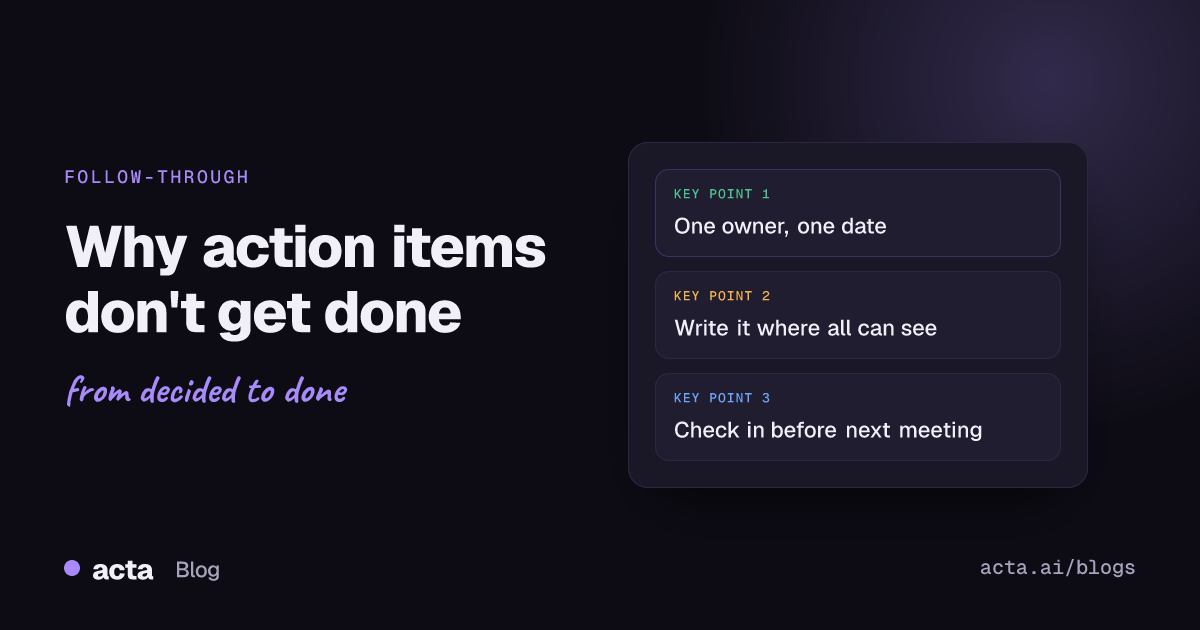
Quick answer: Action items don't get done for four common reasons: nobody clearly owns them, they have no due date, they are never written down in a shared place, and nobody checks on them before the next meeting. Fix each one: name one owner, set a date, write the item where everyone can see it, and review progress at a fixed check-in.
Most teams leave meetings with a list of things to do. A week later, at the next meeting, a good share of that list has not moved. Nobody refused to do the work. It just did not happen.
Poor meeting follow-through is rarely about laziness. It is usually about how action items are created and what happens to them after the call. This post looks at the causes, the fixes that work, and how Acta's follow-through check and Follow-ups view show what has actually moved. If you want the broader story of why good meetings still go nowhere, read why great meetings still fail; this post focuses on the action items themselves.
Why don't action items get done after meetings?
When you look at the action items that stalled, the same causes come up again and again.
1. No single owner
"We should look into vendor options" belongs to everyone in the room, which means it belongs to no one. Items assigned to a team or to "us" are the first to stall, because each person reasonably assumes someone else has it.
2. No due date
Without a date, an action item competes with everything else and loses to whatever has a deadline. "Next week" or "soon" is not a date; it drifts.
3. Not written down
Many action items are agreed verbally in the last five minutes, when people are already thinking about their next call. If nobody captures them in a shared place, each person leaves with a slightly different memory of who agreed to what.
4. Vague wording
"Follow up on pricing" can mean ten different things. If the owner does not know what done looks like, they cannot finish it, and they may not start it.
5. No check-in
If the next time anyone asks about an item is the next meeting, then the item has a week of silence to fall behind in. Often the first anyone hears of a problem is "I didn't get to it."
6. Too many items
A meeting that produces fifteen action items for four people has produced a wish list. People quietly drop the ones that feel least urgent, and nobody decides which ones those should be.
What makes a good action item?
A good action item answers four questions on its own, without needing the meeting to explain it:
- What exactly? A verb and an outcome: "Send the revised rollout plan to finance", not "rollout plan".
- Who? One named person.
- By when? A real date.
- Why? The decision or goal it serves, so the owner can make sensible trade-offs if things change.
The more specific the plan, the more likely it happens. Research on "if-then" plans, called implementation intentions, supports this: a meta-analysis by Peter Gollwitzer and Paschal Sheeran found that deciding in advance when, where and how you will act improves the chance of reaching a goal. An action item with an owner, a date and a clear first step is a team version of the same idea.
How do you improve meeting follow-through?
None of these fixes are complicated. The hard part is doing them every time.
- Assign owners on the call. Before moving on from any topic that produces work, say the owner's name and get a yes. If nobody volunteers, the meeting lead decides.
- Set a date before the call ends. If the owner cannot commit to a date, set a date for when they will tell you the date.
- Read the list back. Spend the last few minutes reading every action item aloud: what, who, when. Disagreements surface now rather than next week.
- Send a written summary the same day. One short message with decisions and action items, in a place the whole team can see.
- Check in between meetings. A short async check midway through the week catches blocked items while there is still time to fix them.
- Start the next meeting with the last meeting's items. Five minutes at the top of the agenda. This alone changes behaviour, because people know they will be asked.
- Cut or move what will not get done. If an item keeps slipping, decide openly: drop it, reassign it, or give it a new date. Do not let it rot on the list.
How does accountability work without micromanaging?
Accountability is not about chasing people. It is about making commitments visible so that the team can help early, rather than discover problems late.
- Make the list public to the team. When everyone can see who owns what, people tend to keep each other informed without being asked.
- Separate the decision from the work. Frameworks such as Atlassian's DACI decision-making play help make clear who decides, who does the work and who just needs to be informed. Unclear roles are one of the main reasons action items have no real owner.
- Treat slipping as information, not failure. An item that slips tells you something about priorities or capacity. Ask "what's blocking it?" before "why isn't it done?"
- Close items explicitly. Marking work as done, with a short note on the outcome, matters as much as assigning it. Otherwise the list fills with items nobody is sure about.
Why do action items need a decision log?
Action items exist to carry out decisions. If you only track the tasks, you lose the reason for them, and you cannot tell whether a decision was actually carried out.
A decision log records what was decided, by whom and when. Linking action items to the decision they serve answers a more useful question than "are the tasks done?": "did the thing we decided actually happen?" If a decision has five action items and three have slipped, the decision is at risk even if two tasks are complete.
Our guide on how to track decisions made in meetings covers the decision side in depth, and decision logs and RACI from your meetings shows what that looks like as a report.
How does Acta help with action items and follow-through?
Acta records your meetings and turns them into notes you can act on, so the capture step does not depend on someone typing during the call. It joins Zoom, Google Meet and Microsoft Teams through a meeting bot from your calendar, records without a bot through the desktop app and Chrome extension, and handles in-person meetings through the mobile apps. Recording people needs their consent where the law requires it; see what to tell participants about recording.
Action items with owners and due dates
From each meeting, Acta pulls out action items with an owner and a due date, taken from what was said. You can see them across all your meetings rather than one meeting at a time; see tracking action items across meetings. For engineering teams, Acta's Jira integration can turn action items into tickets.
Decision log
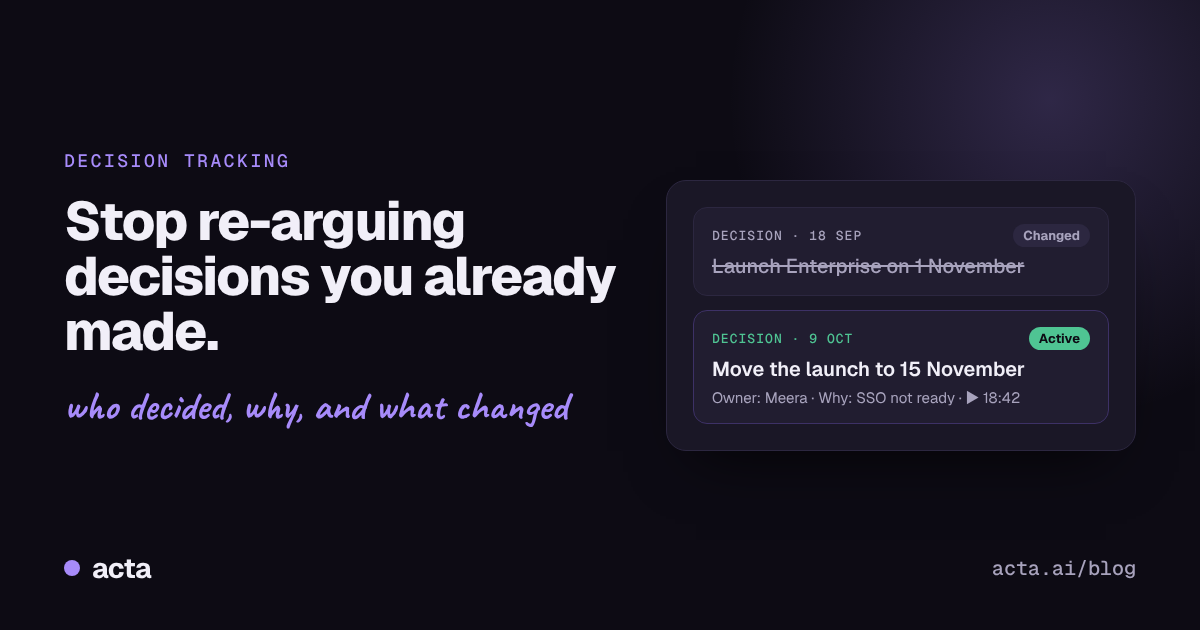
Each decision has a status (active, changed, reversed or done), who decided, an owner, and the meetings where it was raised, confirmed, changed or reversed, with links to the transcript moments.
Follow-through check
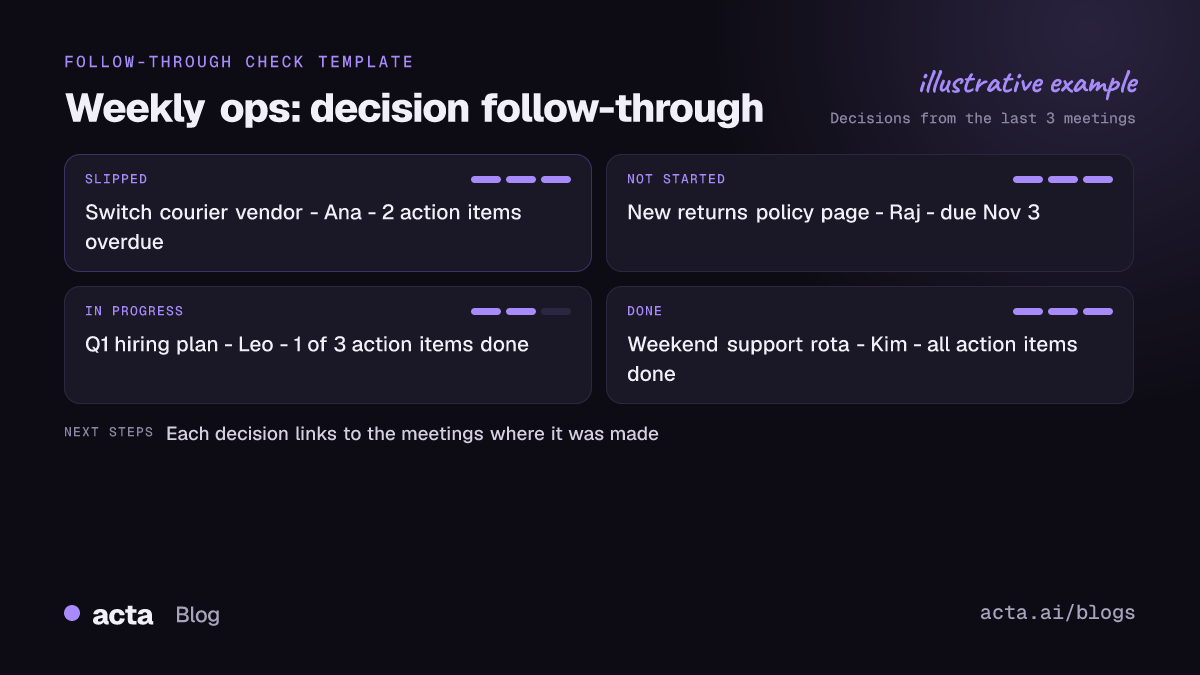
The follow-through check groups decisions by what is happening to them, based on their action items:
- Slipped: action items are past their due date.
- Not started: nothing has moved yet.
- In progress: work is under way.
- Done: the action items behind the decision are complete.
This turns the start-of-meeting review into a quick scan: look at what slipped and what has not started, and spend the discussion there.
Follow-ups view and email drafts
The Follow-ups view collects what you and your team owe after meetings, and Acta drafts follow-up emails from the meeting so the written summary goes out the same day.
Ask across your meetings
OneChat answers questions across all your meetings with sources, such as "What did we decide about the vendor switch, and is it on track?" Assistants such as Claude and ChatGPT can ask the same questions through Acta's MCP connector. People only see meetings they have access to. More details are on the Acta features page.
What should a weekly follow-through review look like?
A simple routine that takes ten to fifteen minutes:
- Open the follow-through check for the team's decisions from the last few weeks.
- Go through slipped items first. For each one: new date, new owner, or drop it.
- Look at not started items with dates this week. Confirm the owner still has it.
- Skim in progress for blockers.
- Acknowledge what is done. It reminds the team that follow-through is working.
Whatever tool you use, the habit matters more than the software. Tools make the habit cheaper. If you are comparing options, our roundup of the best AI tools for meeting decisions and action items may help.
Frequently asked questions
How many action items should a meeting produce?
There is no fixed number, but each person should leave with a list they can realistically finish before the next check-in. If the list is longer than that, prioritise on the call and drop or defer the rest.
Who should write down action items?
Someone should be clearly responsible, whether that is a note-taker, the meeting lead or an AI assistant. What matters is that the list is shared with everyone before the end of the day.
What is the difference between an action item and a decision?
A decision is a choice the group made, such as "we will switch vendors in Q1". Action items are the tasks needed to carry it out. Track both, and link them, so you can tell whether a decision actually happened.
How does Acta decide whether a decision has slipped?
The follow-through check looks at the action items linked to each decision. If they are past their due dates, the decision shows as slipped; if none have started, it shows as not started.
Does better follow-through mean more meetings?
Usually the opposite. When action items are clear and tracked, fewer meetings are needed just to find out what happened since the last one.
See which of your team's action items have slipped: compare Acta plans and start a free 15-day trial.