Client details get lost between WhatsApp and the CRM
A Dubai broker's day is mostly calls. A tenant in Al Barsha wants to move before school starts. A family office in Riyadh asks about off-plan payment plans. An engineer in Pune wants a two-bedroom that rents well. A couple in Lyon want to know about service charges. Half of these come in on WhatsApp, a few on Zoom, and the rest happen standing in a lobby during a viewing.
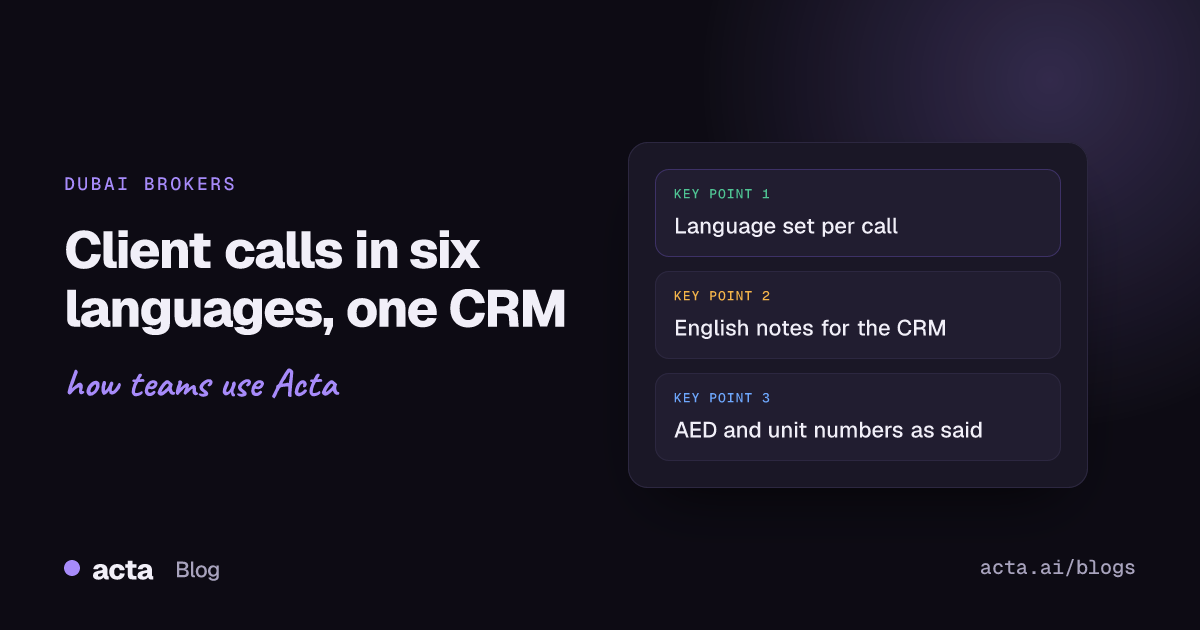
The details that matter, such as budget, preferred communities, cheque count, move-in date, mortgage or cash, are said once and then live in the broker's memory until the CRM entry gets written. If it gets written. By the time it does, "around 2.4" has become "2-2.5", and the unit the client liked has lost its number. The general case for writing notes straight after calls is in updating the CRM after a sales call; the Dubai twist is that the call itself may be in any of six languages.
Recording the call and getting English notes back fixes most of this. It works only if the language is right, which is why the first section below is about settings, not templates.
Set the language per call, not per client list
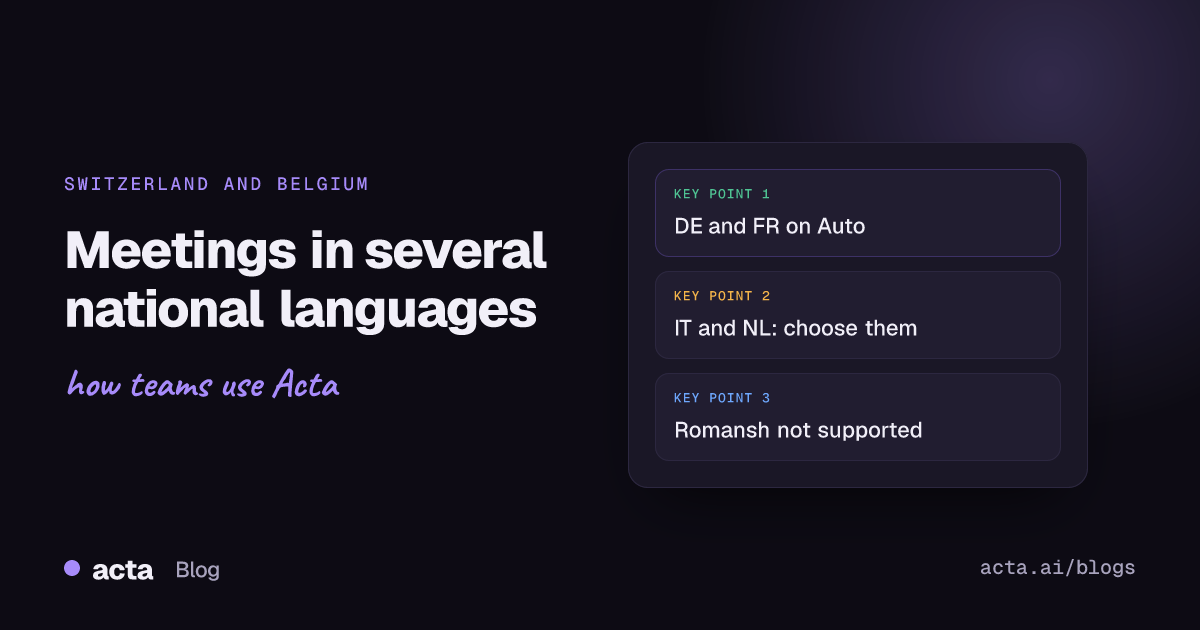
Acta handles 15 languages. Five are picked up automatically on Auto: English, Hindi, French, Spanish and German. Ten more are in beta and must be chosen by name in Settings, including Arabic, Italian, Portuguese and Dutch. The language setting sits on your account and applies to the next meetings you record, so think of it as "what is my next call in?", not "what does this client usually speak?".
| Caller speaks | Spoken-language setting | What to expect |
|---|
| English | Auto | English transcript |
| Hindi or Hinglish | Auto | Hindi transcript, English words as said |
| French, Spanish or German | Auto | Transcript in that language |
| Arabic | Arabic (beta), chosen first | Arabic transcript, shown left-aligned for now |
| Italian, Portuguese or Dutch | That language (beta), chosen first | Transcript in that language |
| Russian, Chinese, Urdu, Malayalam | Not supported yet | Write notes by hand |
The practical routine for most brokers: keep Auto on all day, and switch to Arabic only for the Arabic calls in your diary. Arabic transcripts currently display left-aligned while right-to-left display is being fixed; the text is fine, just on the wrong side of the screen. The Arabic transcription setup guide covers Gulf dialect and audio tips.
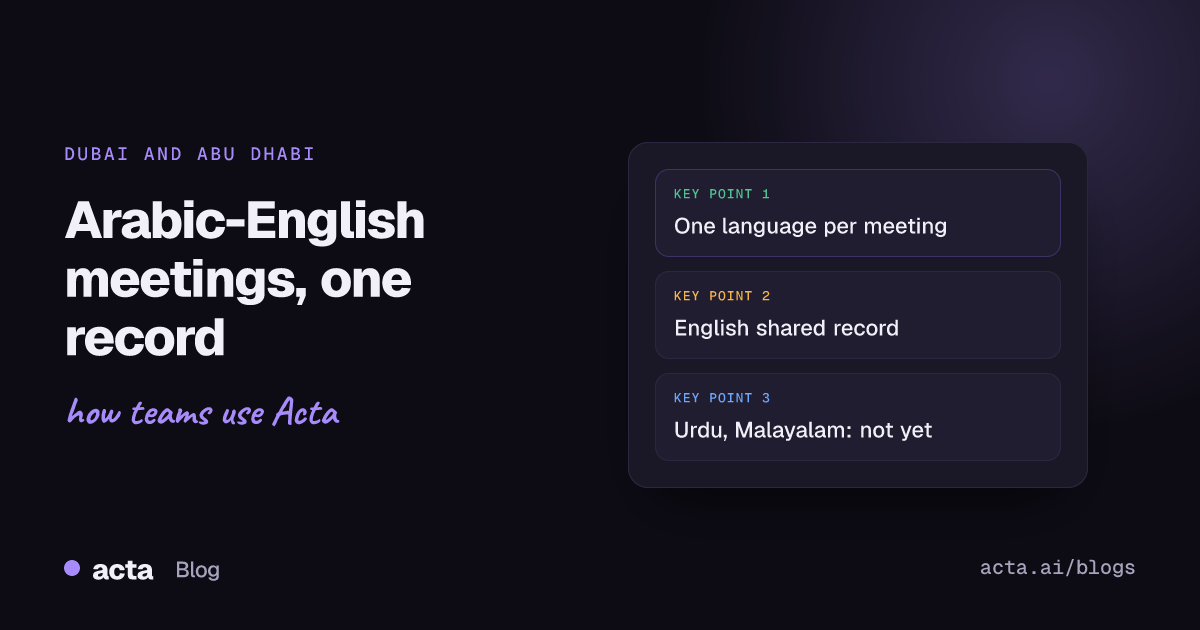
One meeting, one language. If an Emirati landlord speaks Arabic and his son translates into English for your German buyer, choose the language the decisions are made in. For a three-way negotiation that truly splits, write a short manual note of the agreed terms as well.
Take real estate client call notes Dubai teams can use in seven steps
- Set your language card once. In the Acta dashboard, open Settings, then Meetings, then the Language card below "Add Acta Notetaker to my meeting invites". Set "Language spoken in meetings" to Auto and "Language for my notes" to English.
- Check your diary for Arabic calls. Before each one, change the spoken language to Arabic (beta). Change it back afterwards.
- Pick the right recorder. For WhatsApp or any call on your laptop, open the Acta desktop app and press Record; it captures the call's sound and your microphone, never your screen. For Zoom with an overseas investor, send the bot or let the desktop app detect it. For viewings, use the Acta mobile app.
- Say it at the start. "I'm recording this so I don't miss your requirements. Is that OK?" Say it in the call's language.
- Repeat the key numbers out loud. "So, around 2.4 million dirhams, ready unit, Marina or JLT." This gives the transcript a clean statement to work from.
- Review the notes within the hour. Check the budget, unit references, dates and names against what you remember. Look at the language chip on the meeting page; if it's wrong, the "Change language" link goes back to the setting, which fixes future calls but not this one.
- Send to the CRM. Acta connects to Salesforce, HubSpot and Zoho; the CRM integration guide shows how a meeting report goes across. Add the viewing as a task with a date.
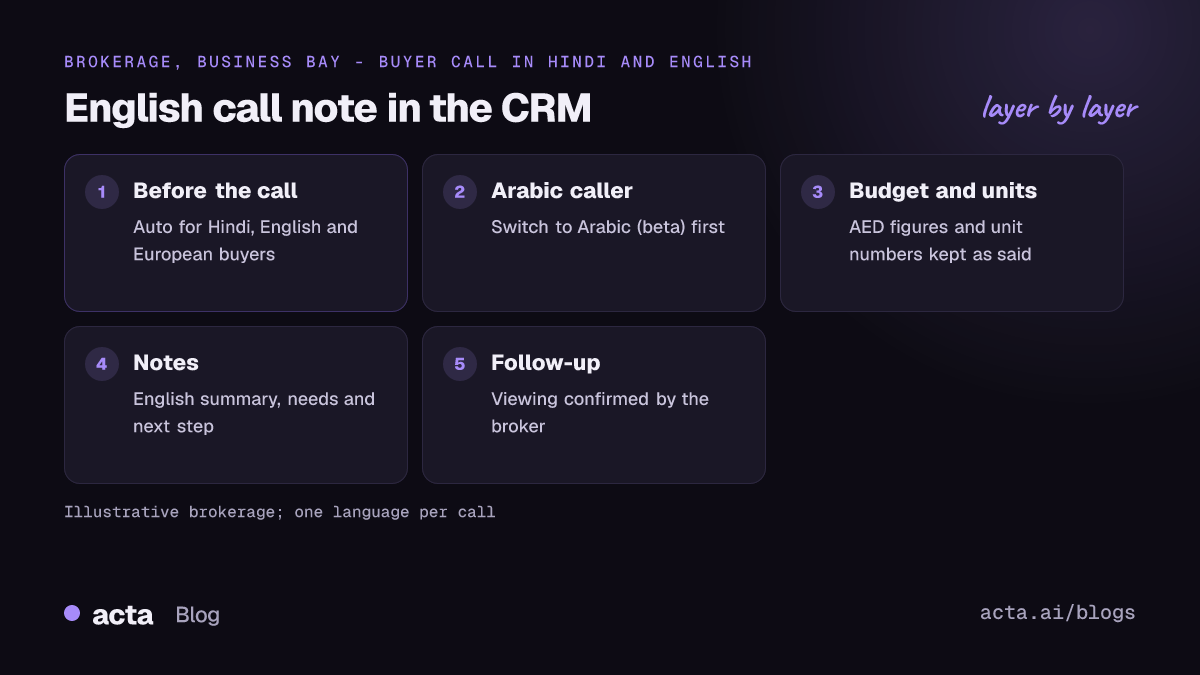
Copy this call note template into your CRM
Use this as a custom template in Acta, or as the fields of your CRM call log. It's built for a first or second call, before a viewing. For later-stage meeting notes (offers, MoU, handover) the real estate client meeting notes templates are a better fit.
Client: name, nationality if volunteered, where they are now
Call language: the language set for the call
Buy or rent: and end use or investment
Budget: as said, in the currency said
Payment: cash, mortgage, off-plan payment plan, or number of rent cheques
Areas: communities named, in order of preference
Unit: type, bedrooms, must-haves, deal-breakers
Units discussed: building, unit or listing reference, as said
Timeline: move-in or transfer date
Concerns: service charges, handover dates, schools, commute
Next step: owner, action, date
Everything in the Budget, Units discussed and Timeline lines should be copied from the client's own words. Acta keeps names, numbers, dates, amounts and product names as they were said, without converting currencies or rounding. If a buyer from Mumbai says "four crore", the note says four crore, not a dirham figure someone worked out. Convert it yourself in a separate line if you need to, and label it as your conversion.
Filled example: a Pune investor asks about a Marina two-bedroom
An illustrative call. Farah, a broker in Business Bay, takes a WhatsApp call on her laptop from Ankit, a software engineer in Pune. He speaks Hinglish. Farah's account is on Auto with English notes, so she doesn't change anything; she opens the desktop app and presses Record.
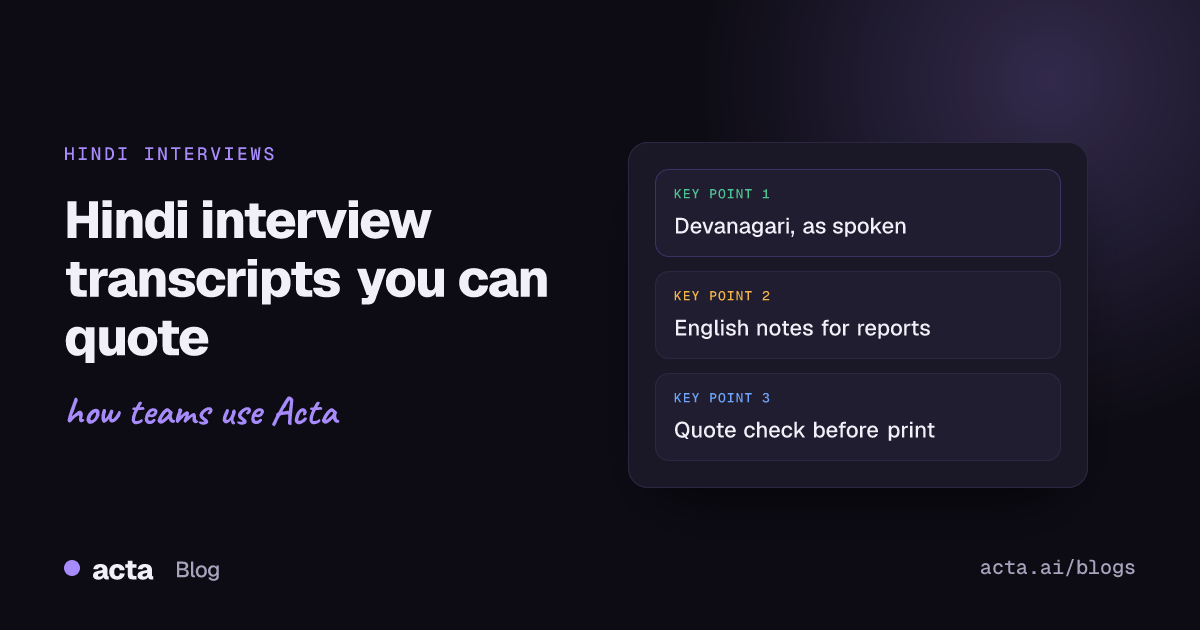
A line from the Hindi transcript, with a gloss:
मुझे रेंटल यील्ड चाहिए, मैं खुद नहीं रहूँगा।
Gloss: I want rental yield, I won't live there myself.
The filled note, after Farah's review:
- Client: Ankit, based in Pune, first purchase in Dubai
- Call language: Hindi and English (Auto)
- Buy or rent: buy, investment
- Budget: "around 2.4 million dirhams"
- Payment: cash for half, rest unclear; asked about mortgages for non-residents
- Areas: Dubai Marina first, JLT second
- Unit: two-bedroom, ready, high floor preferred
- Units discussed: Tower B unit 1407; Tower C unit 2210
- Timeline: visiting Dubai the weekend after next
- Concerns: service charges, how long units stay vacant
- Next step: Farah sends floor plans today; viewing Saturday at 11:00
Farah spots one problem: the transcript has "1704" where Ankit said "1407". She corrects the note before it goes to the CRM. That's the point of the review step. A notetaker keeps figures as heard, and if audio or speech is unclear, what's heard can be wrong.
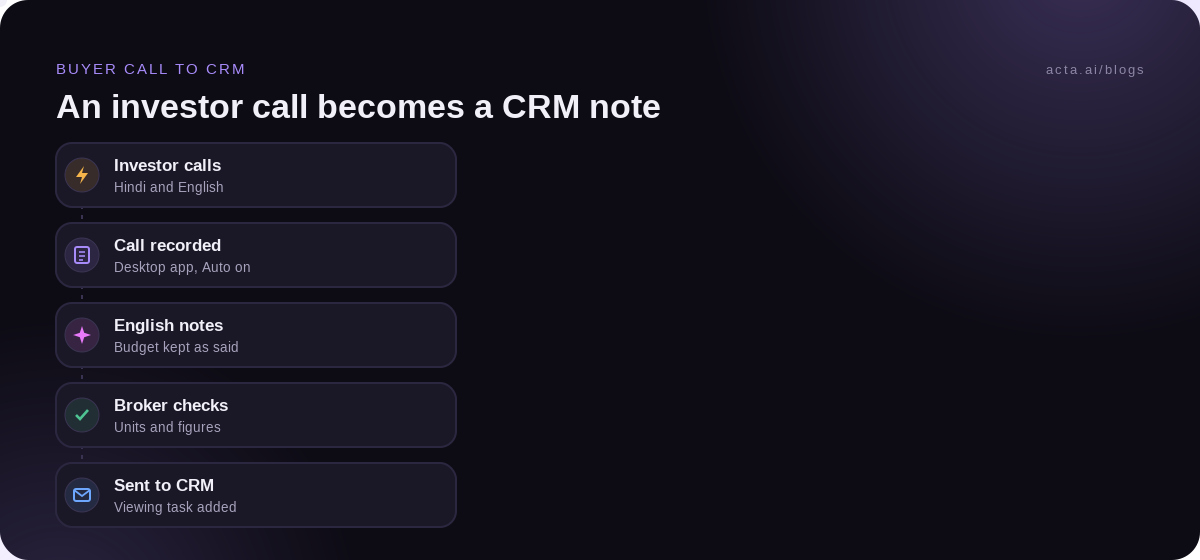
Viewing follow-ups can go out in English or the client's language
Acta drafts a follow-up email after each call, in the notes language. With English notes, the draft is in English, which suits most investor follow-ups. But a French couple or a Saudi family may prefer the follow-up in their own language. You have two options:
- Same as the meeting for that call. Switch "Language for my notes" to Same as the meeting before the call. Notes, the summary and the email draft come in French or Arabic. The CRM entry will then be in that language too.
- English notes, then ask. Keep English notes for the CRM and use Ask Acta on the meeting. It answers in the language you ask in, so a request typed in French gets a French reply you can edit into the email.
I'd go with the second for most brokerages: the CRM stays in one language, and the client still gets a message in theirs. Whatever the language, confirm the viewing time and address, list the units by reference, and attach the floor plans you promised. For viewings themselves, property walkthrough notes cover what to capture on site.
Tell clients about the recording and read the official guidance
Tell every client you're recording, at the start, in the call's language. The desktop app has a Copy notice button that pastes a short recording notice into the chat, which helps on WhatsApp and Teams. Our guide is it legal to record meetings with AI has wording you can adapt.
On the rules, stick to official sources. The UAE's federal personal data protection law is Federal Decree-Law No. 45 of 2021; the government portal's page on data protection laws is the place to start. For the brokerage side, the Dubai Land Department has publicly stressed the importance of dealing with accredited real estate brokers, and RERA has launched a Real Estate Brokerage Practice Guide on broker procedures. This is general information, not legal advice; your brokerage's compliance lead or lawyer should set your recording policy.
Five mistakes that spoil broker call notes, and fixes
- Arabic call recorded on Auto. Auto only chooses between five languages, so the result is wrong. Fix: switch to Arabic before the call. The setting doesn't reprocess past calls, so for that one, write a manual note.
- Forgetting to switch back. After an Arabic call, the next Hindi investor call gets processed as Arabic. Fix: switch back straight after, or add it to your call checklist.
- Trusting figures without a check. Unit numbers and budgets are kept as heard. Fix: repeat them aloud during the call and check them in the note.
- Speaker-phone in a car. Road noise and a weak signal hurt any transcript, and beta languages suffer most. Fix: take important calls at a desk, with a headset.
- Recording unsupported languages. Russian, Chinese, Urdu and Malayalam calls won't give a usable transcript. Fix: take notes by hand and add them to the CRM yourself.
Troubleshooting a bad note usually comes back to the chip on the meeting page. If it shows the wrong language, the setting was wrong at the time of the call. The meeting languages help article shows where everything sits.
Where Acta fits
Acta records client calls through the desktop app, Chrome extension, meeting bot or mobile app, transcribes them in 15 languages and writes notes in the call's language or English. It sends reports to Salesforce, HubSpot or Zoho. More on property use is on the real estate page.
Frequently asked questions
Can I get English notes from an Arabic client call?
Yes. Select Arabic (beta) as the spoken language before the call and English as the notes language. The transcript stays in Arabic, shown left-aligned for now, and the summary, action items and follow-up draft come in English. AED amounts, names and unit numbers are kept as the client said them.
Which buyer languages does Acta detect automatically?
On Auto, Acta detects English, Hindi (including Hinglish), French, Spanish and German. Arabic, Italian, Portuguese, Dutch, Japanese and five Indian languages are in beta and must be chosen in Settings before the call. Russian, Chinese, Urdu and Malayalam are not supported yet.
Will Acta convert a budget in crore or euros into dirhams?
No. Names, numbers, dates and amounts are kept as said, so "four crore" or "600,000 euros" appears exactly like that. If your CRM needs a dirham figure, add it yourself and label it as your conversion. That way nobody mistakes your estimate for the client's words.
How do I record WhatsApp calls with clients?
Take the call on your laptop and use the Acta desktop app: open it, choose Record on this device, then Start recording. It records the call audio and your microphone, never your screen. Tell the client first, and use the Copy notice button to paste a recording notice into the chat.
Can the notes go straight into our CRM?
Acta integrates with Salesforce, HubSpot and Zoho, so a meeting report can go to the client record. Review the budget, unit references and viewing date first. With English notes, every call reaches the CRM in one language, whichever language the client spoke.
Set up your next week of client calls
Ten minutes on Sunday evening covers the whole week:
- Set the default: Auto for spoken language, English for notes.
- Mark the Arabic calls: and switch before each one.
- Load the template: as a custom template or CRM fields.
- Prepare the notice: one sentence in English and Arabic.
- Book review time: fifteen minutes after each block of calls.
To try it on real calls, install the Acta desktop app and record your next WhatsApp call with a buyer.