Use Cases 5 min read
Student Advising Session Notes: Goals, Course Plan and Next Steps
Acta turns an advising or tutoring session into clear notes: the student's goals and progress, what is in the way, the course plan by term, and tasks before the next meeting.
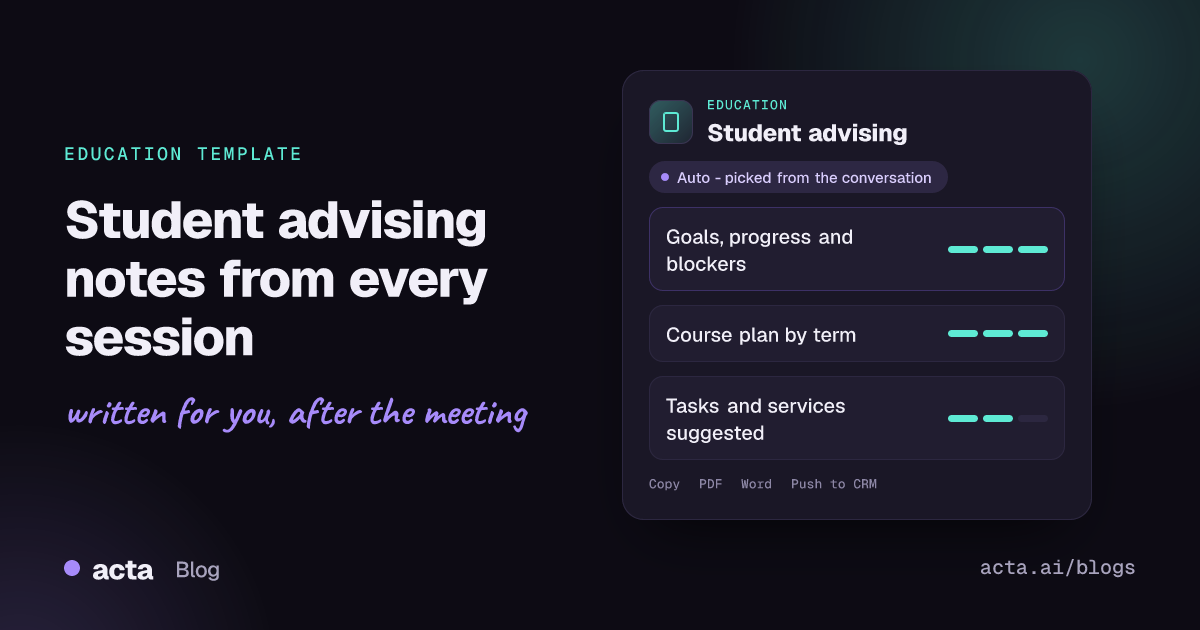
Quick answer: Student advising session notes are the record of an advising or tutoring meeting: the student's goals, progress since last time, what is getting in the way, the course or activity plan by term, and the tasks and services agreed before the next session. Acta writes these notes from the recording of the session, so the advisor can listen to the student instead of typing.
An academic advisor might see eight or ten students on a busy registration day. Each conversation covers goals, grades, money worries, work schedules and which courses to take next term. By the end of the day, the details blur together, and the notes that go into the student record are often three lines written from memory.
Those notes matter. The next advisor, a faculty mentor or the student themselves may rely on them months later to see what was agreed. Acta's Student advising template writes structured notes from the conversation itself, so nothing depends on how tired the advisor was at 4 p.m.
What are student advising session notes?
Advising notes are a short, factual summary of a meeting between a student and an academic advisor, tutor, coach or mentor. They are not a transcript. They capture where the student wants to go, how they are doing, what is in the way, and what each side will do next. In many institutions they become part of the advising record that other staff can see.
Good notes reflect the purpose of advising itself. NACADA, the global community for academic advising, sets out core values of academic advising such as respect, inclusivity, empowerment and commitment to student success. Notes that clearly record the student's own goals and the plan agreed together support that: they keep the student at the centre and make follow-through visible. They also help with continuity when a student changes advisor or moves between departments.
What does Acta's Student advising report include?
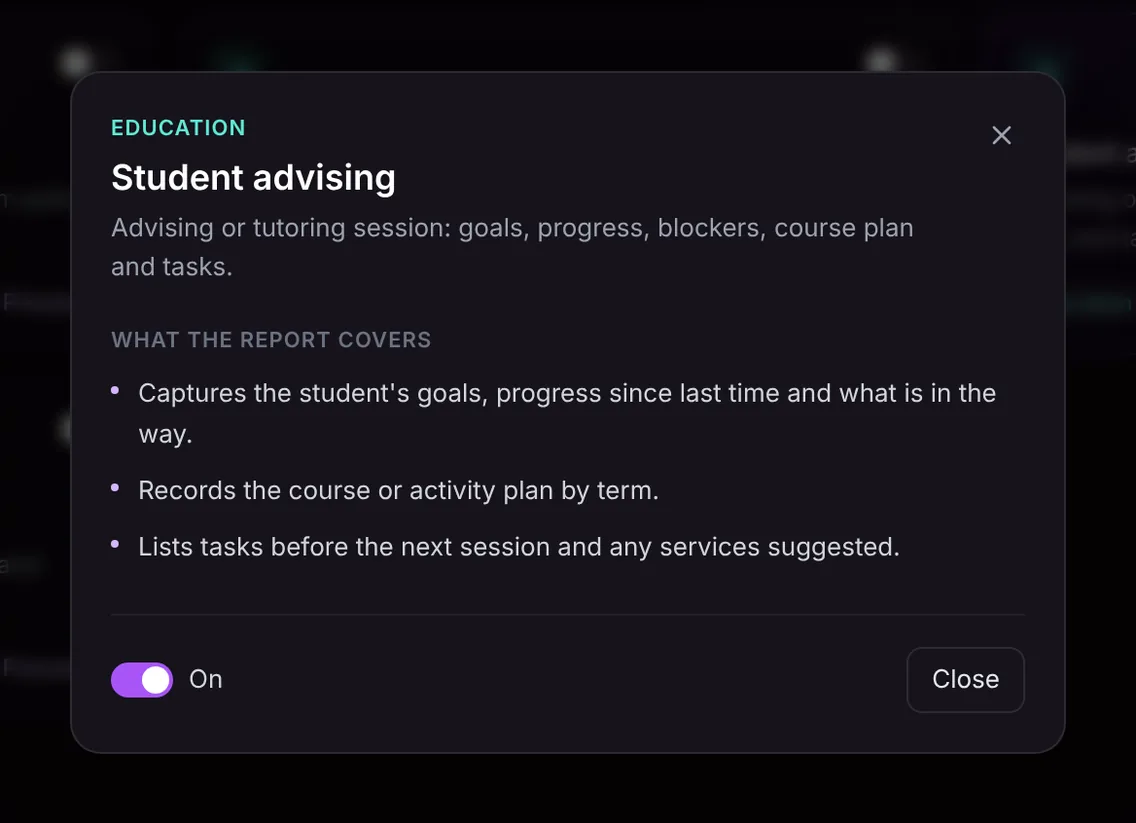
The template keeps the notes to three clear parts:
- Goals, progress and blockers. The student's goals, the progress they have made since the last session, and what is getting in the way, whether that is a difficult course, a schedule clash, finances or something personal they chose to raise.
- Course or activity plan by term. The plan discussed for each term: courses, sequences, credits or activities such as research, internships or study abroad.
- Tasks and services. What the student and the advisor will each do before the next session, and any campus services suggested, such as tutoring, the writing centre, the career centre or financial aid.
Here is the template in Acta's Templates page, with the preview of what the report covers:
And an illustrative example of a finished report:
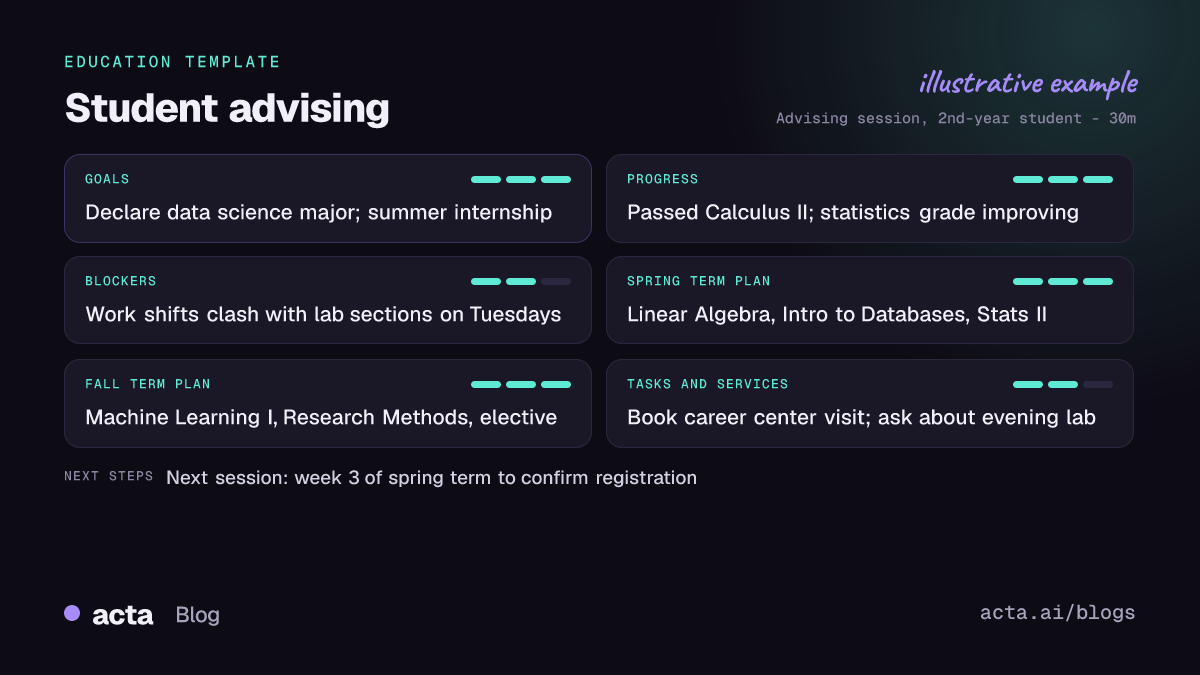
The notes only contain what was said in the session. If the student did not mention a goal or the advisor did not suggest a service, the report will not invent one. Acta also writes its standard summary and action items with owners and due dates alongside the report.
Who is the advising template for?
- Academic advisors in colleges and universities who hold back-to-back appointments during registration periods.
- Tutors and learning coaches who track a student's progress across many sessions and want a consistent record each time.
- Faculty mentors and program directors who advise students on research and course choices alongside teaching.
- High school counselors and college admissions advisors who plan courses and applications over several years.
Typical situations: a student comes back in spring and you want to see exactly which courses you agreed in autumn; a student changes advisor and the new one needs the history quickly; or a tutor wants to show a family what was covered over a term. The notes also make it easier to spot students who keep raising the same blocker, so you can refer them sooner.
How does Acta pick this template automatically?
After each meeting, Acta reads the conversation and picks a fitting template even if you have not turned it on. For student advising, the signals are a one-to-one conversation about a student's goals and progress, course or program choices by term, obstacles like workload or scheduling, and suggestions such as "you might want to visit the tutoring centre".
When Acta chooses it on its own, the report is labelled "Auto" and Acta explains why, for example that the conversation covered the student's goals, next term's courses and follow-up tasks. A click on "Turn on for future meetings" keeps it on.
If you have switched it on, it first checks that the meeting really is an advising or tutoring session. A department meeting about curriculum would be listed under "Not relevant" with the reason instead of producing forced advising notes.

How do you use the Student advising template?
- Record the session. For video appointments on Zoom, Google Meet or Microsoft Teams, use the meeting bot, the bot-free desktop app or the Chrome extension. For in-person appointments in your office, the Acta mobile app works well, or you can upload a recording afterwards. Tell the student you are recording and why; our guide on consent and what to tell participants covers the basics.
- Turn the template on. In Templates, open the Education group, preview Student advising and toggle it on, or let Acta pick it.
- Open the Templates tab. The notes appear in the meeting's Templates tab next to the summary and transcript.
- Save them where they belong. Copy the notes into your advising system, or download them as PDF, Word or Markdown for the student file.

Tips for more useful advising notes
- Ask the student to state their goal in their own words. It gives the notes an accurate first line.
- Name the term when you discuss courses. "For spring, Linear Algebra and Stats II" lets the report build the plan by term.
- Recap tasks at the end. A 30-second summary of who does what before the next meeting makes the task list complete.
Other education templates: parent-teacher meeting notes and support plans, lecture notes from class recordings and faculty meeting minutes. See more on Acta for education.
Frequently asked questions
What should be included in advising notes?
Record the student's goals, progress since the last meeting, any obstacles, the course plan agreed by term, tasks for both the student and the advisor, and services suggested. Keep them factual and brief.
Does the template work for tutoring sessions too?
Yes. It is built for advising or tutoring sessions, so a tutor's goals, progress and next tasks fit the same structure.
Will Acta add advice the advisor did not give?
No. The report only contains what was said in the meeting, so suggestions and services appear only if they were discussed.
Can I use it for in-person appointments?
Yes. Record with the mobile app or upload a recording, and Acta writes the same notes.
Try it during your next registration week with a free 15-day Acta trial.


