Use Cases 5 min read
Lecture Notes and Review Questions From Class Recordings
How Acta turns a recorded class into study notes with concepts in teaching order, definitions, examinable points, review questions and assignment deadlines.
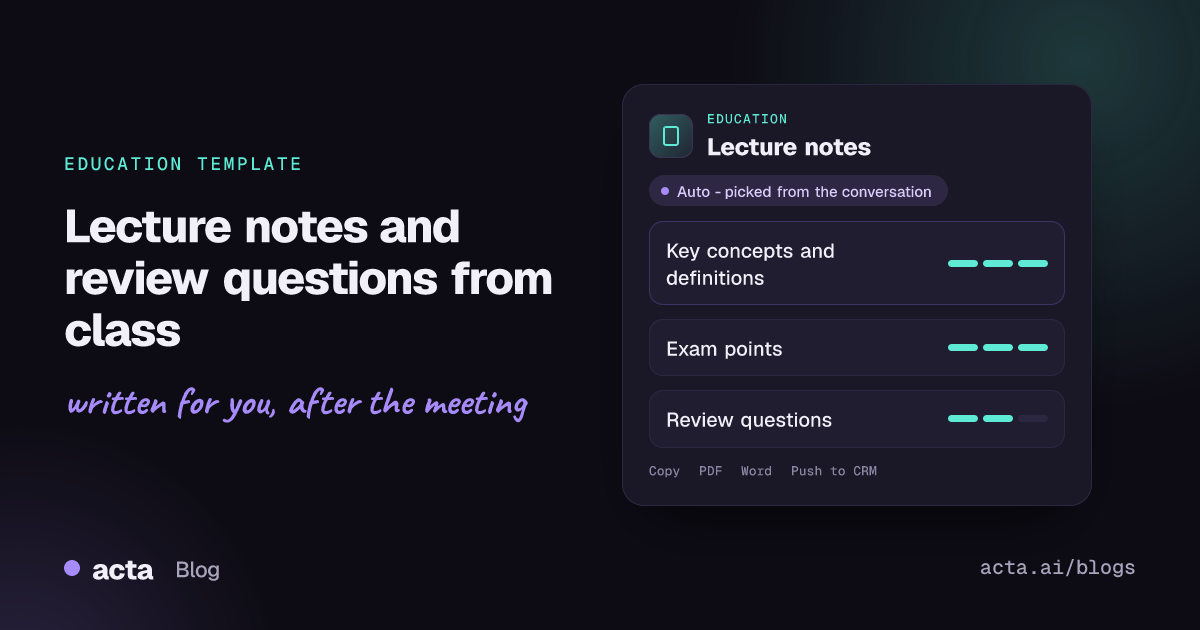
Quick answer: Acta's lecture notes template turns a recorded class into study notes. It explains each key concept in the order it was taught, with definitions and examples, highlights the points the teacher marked as important or likely to be examined, and adds review questions with short answers plus any assignments and deadlines that were announced.
Taking notes in a lecture means doing two jobs at once: following an argument and writing it down. Students who write fast miss the explanation; students who listen closely miss the definition on the slide. Either way, the notes that come out of a dense 50-minute class are usually incomplete.
Teachers face a related problem. A remark like "this will be on the final" or a changed deadline gets said once, and only the students who caught it know. Acta's lecture notes report captures the class from the recording and turns it into something you can study from.
What are good lecture notes, and what is the Cornell method?
Good lecture notes are not a transcript. They capture the main ideas in the order they build on each other, the exact wording of definitions, the examples that make an idea concrete, and the signals a lecturer gives about what matters. Most study-skills guidance also says the real value comes after class, when you turn notes into questions and test yourself.
The best-known structure is the Cornell note-taking system, devised by Walter Pauk at Cornell University. Cornell's Learning Strategies Center describes a page split into three areas:
- Notes column: the main area, where you record ideas, facts and examples during the lecture in short phrases.
- Cue column: a narrow left-hand column, filled in after class with questions or keywords that point to each part of the notes.
- Summary: a few lines at the bottom of the page, written in your own words.
The review step is the point. You cover the notes column, read each cue question, and try to answer it from memory. That is retrieval practice, and it is what turns notes into learning. Acta's report follows the same logic: concepts in order, the important points flagged, and questions you can use to test yourself.
What does Acta's lecture notes report include?
The template reads the class recording and produces three parts:
- Key concepts in teaching order: each idea explained as it was introduced, with the definition the teacher gave and the examples used to illustrate it. Keeping the original order keeps the logic of the lecture intact.
- Important and examinable points: anything the teacher stressed, repeated, or explicitly said would be tested, pulled out so you do not have to hunt for it.
- Review questions with short answers: questions based on the material covered, each with a brief answer, ready for self-testing in the style of a Cornell cue column.
- Assignments and deadlines: homework, readings, problem sets and due dates mentioned during the class.
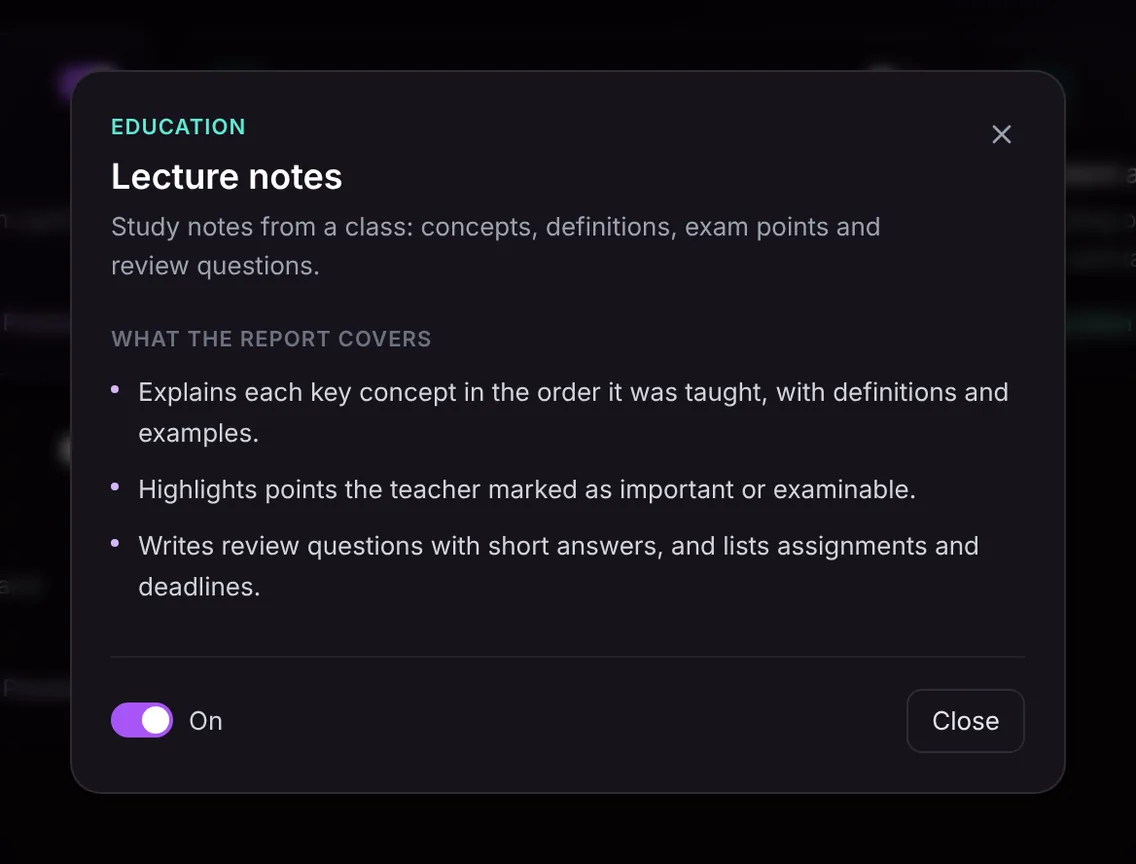
Here is the template in Acta's Templates page, with the preview of what the report covers:
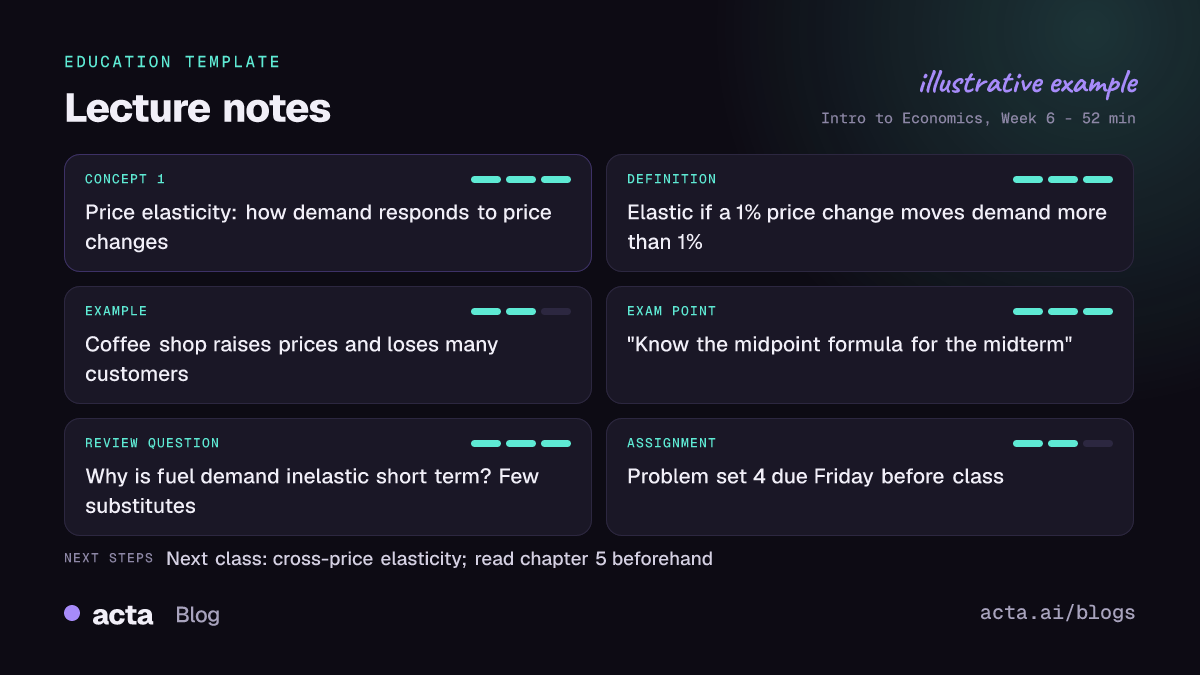
And an illustrative example of a finished report:
Who is the lecture notes template for?
It works for anyone who teaches or learns through talk: university students, high school classes, online course instructors, corporate trainers and tutors. A few common situations:
- Revision. A student preparing for an exam reads the examinable points from every lecture in the term, then works through the review questions.
- Missed classes. Someone who was ill gets more than a borrowed photo of a friend's notebook; they get the concepts, definitions and the deadline that was announced.
- Accessibility. Students who find it hard to listen and write at the same time can focus on the lecture and study from the notes afterwards.
- Teaching. An instructor can share the notes with the class so everyone has the same definitions and deadlines, or review them to see whether a topic was explained as clearly as intended.
The notes only contain what was said in the class. If a formula was written on the board but never spoken aloud, it will not appear, so it is worth reading the board or slides alongside the report. Check your institution's rules on recording classes, and ask the lecturer when in doubt; our article on recording consent and what to tell participants covers the basics.
How does Acta pick the lecture notes template automatically?
Acta reads the conversation after it is recorded and picks a fitting template even if you have not turned it on. For lecture notes, the signals are one main speaker explaining concepts to a group, with definitions, worked examples, phrases like "this will be on the exam", and announcements about readings or homework. The report is labelled "Auto", and Acta says why it picked it, for example that the recording was a class introducing new concepts with an assignment at the end.
The relevance check stops the template from forcing notes onto the wrong kind of meeting. If lecture notes is turned on and you record a department planning meeting, it is listed under "Not relevant" with the reason, rather than producing a set of review questions about a budget discussion.

How do you use it?
- Record the class. For online classes on Zoom, Google Meet or Microsoft Teams, use the meeting bot or the desktop app. For in-person lectures, the Acta mobile app records on your phone. You can also upload a recording the lecturer has shared.
- Turn on the template. On the Templates page, find lecture notes in the Education group, preview it and toggle it on, or let Acta pick it automatically.
- Open the Templates tab of the recording. The notes appear there next to the summary and transcript.
- Study or share. Copy the notes, or download them as PDF, Word or Markdown to add to your course folder or study app.

Tips for better lecture notes
- For teachers: say definitions and key formulas aloud, not just on a slide, so they appear in the notes.
- Say "this is examinable" or "remember this" explicitly when something matters.
- Announce deadlines with a date, not "next week".
- For students: after class, cover the answers and work through the review questions. That is where the learning happens.
Related education templates
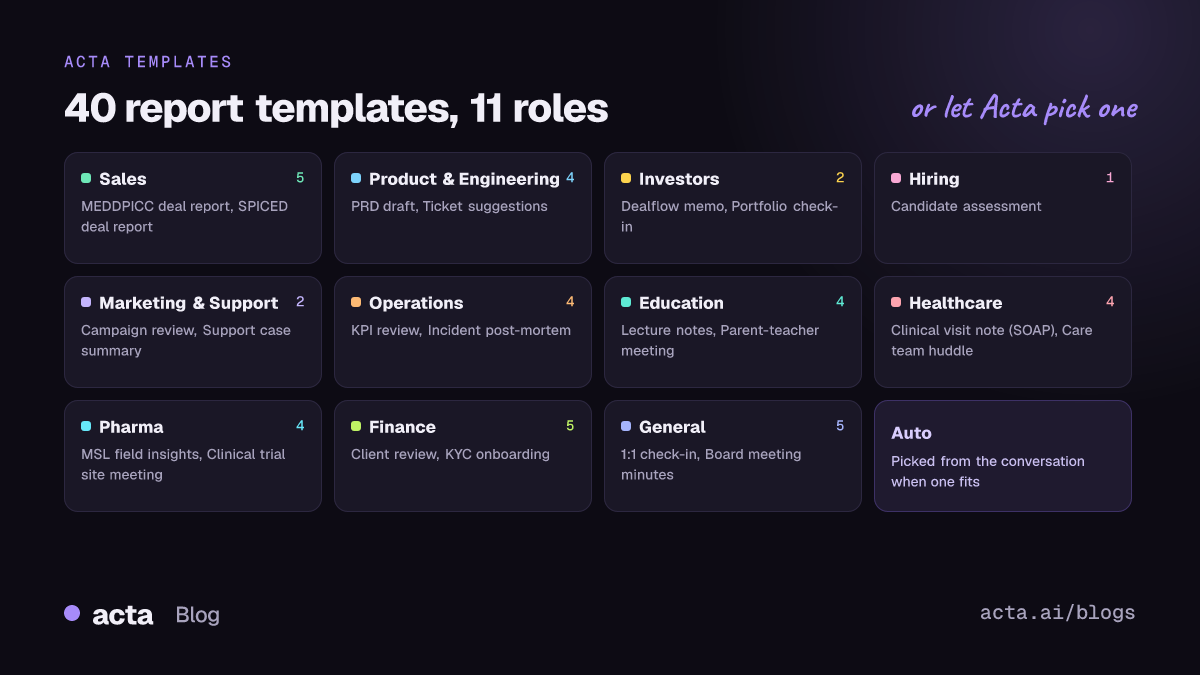
The Education group has three more templates: parent-teacher meeting notes, student advising session notes and faculty meeting minutes. See Acta for education for more.
Frequently asked questions
Can AI write lecture notes from a recording?
Yes. Acta transcribes the class and writes structured notes with concepts, definitions, exam points, review questions and deadlines, based only on what was said.
Does it work for in-person lectures?
Yes. Record with the Acta mobile app on your phone, or upload a recording afterwards, and the template works the same way.
Are the review questions useful for exam prep?
They are built for self-testing: answer each one from memory, then check the short answer. Pair them with the examinable points the teacher flagged.
Will the notes include what was on the slides?
Only what was spoken. If the lecturer read out or explained a slide, it is included; content shown but never mentioned is not.
To try it on your next class, start a free 15-day trial.


