Use Cases 5 min read
Faculty Meeting Minutes With Curriculum Changes and Accreditation Items
How Acta turns department and curriculum committee meetings into minutes that track course changes, accreditation items, decisions and who owns each task.
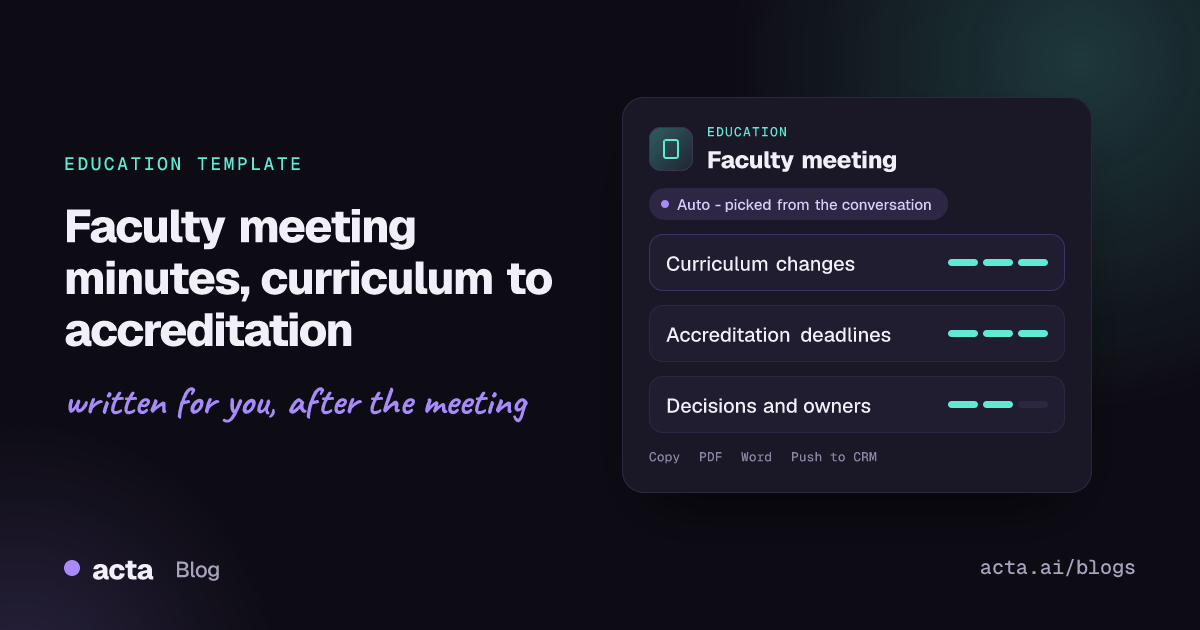
Quick answer: Acta's faculty meeting report is a set of minutes built for academic departments. It lists curriculum changes with the course, rationale and status, captures accreditation and quality-assurance items with their deadlines, and records decisions, action items with owners, and open issues. Acta writes it from the recorded meeting, so the department secretary starts from a complete draft.
Department and faculty meetings carry more weight than they appear to. A course gets a new prerequisite, a program learning outcome is reworded, an assessment report is assigned to someone ahead of an accreditation visit. Months later, those minutes are the evidence that the change was discussed, approved and followed through.
Yet the minutes are often written by whoever drew the short straw, from scribbled notes, days after the meeting. Rationale gets lost, statuses are vague, and nobody is quite sure who agreed to draft the self-study section.
What are faculty meeting minutes, and why does accreditation care about them?
Faculty meeting minutes are the official record of what an academic department, school or curriculum committee discussed and decided. Most institutions route curriculum changes through faculty first: a proposal comes from program faculty, is discussed and voted on in the department, then moves to a college or university curriculum committee.
Accreditation is where those records get tested. Institutional and programmatic accreditors expect evidence that faculty govern the curriculum and that the program assesses itself and improves. Program reviews and accreditation self-studies typically ask departments to show how curriculum decisions were made, how assessment findings led to changes, and who was responsible. The University of Wyoming's guidelines for structuring a program review self-study show the kind of evidence a department is expected to assemble, and Webster University's description of academic continuous improvement shows how curriculum approval, outcome assessment and program review feed one another.
Good faculty minutes therefore record more than a vote. They capture:
- Which course or program is changing, and how.
- Why the change is being made, ideally linked to assessment results or student feedback.
- Where the change is in the approval process.
- Accreditation and quality-assurance tasks, with owners and deadlines.
- Decisions taken and questions left open.
What does Acta's faculty meeting report include?
The template has three sections, matching how departments and curriculum committees actually work:
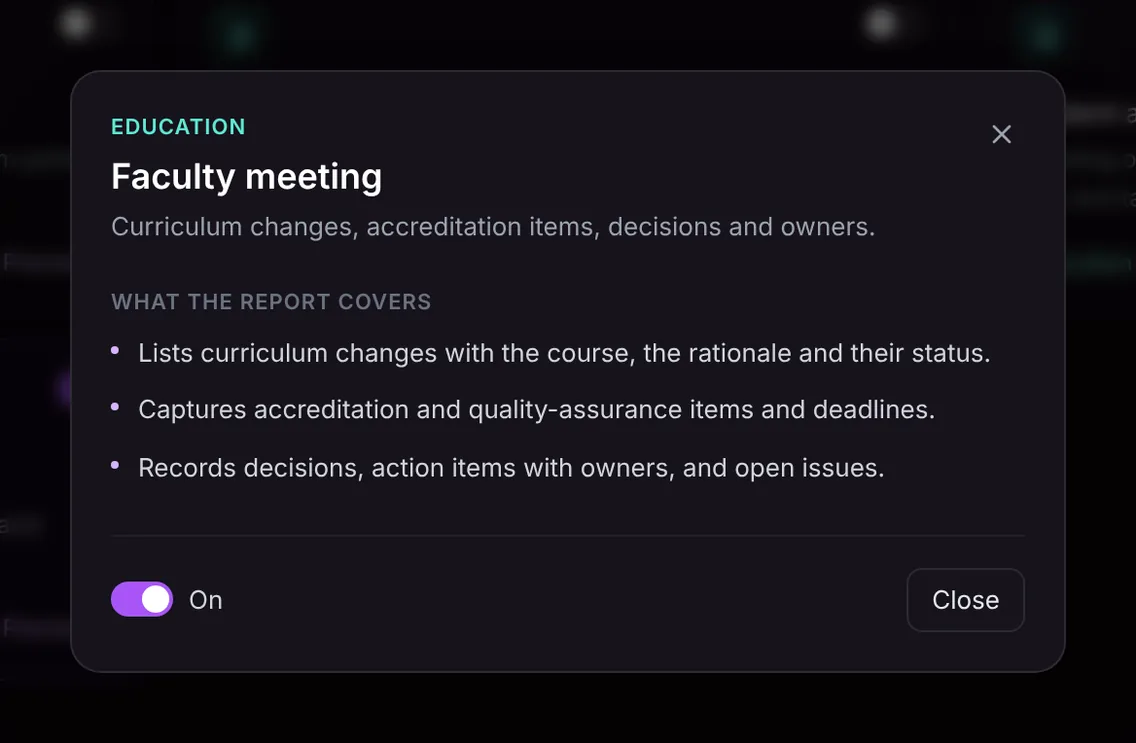
- Curriculum changes. Each change is listed with the course, the rationale given in the meeting and its status, for example proposed, approved by the department, or sent to the college committee.
- Accreditation and quality assurance. Items such as assessment reports, self-study sections, outcome mapping or site visit preparation, with the deadlines that were mentioned.
- Decisions, actions and open issues. What the faculty decided, the action items with owners, and the issues that need another meeting.
The report only contains what was said in the meeting. If a rationale was not given, it will not be made up, which is itself useful: it shows where a proposal needs more support before it goes to the next committee.
Here is the template in Acta's Templates page, with the preview of what the report covers:
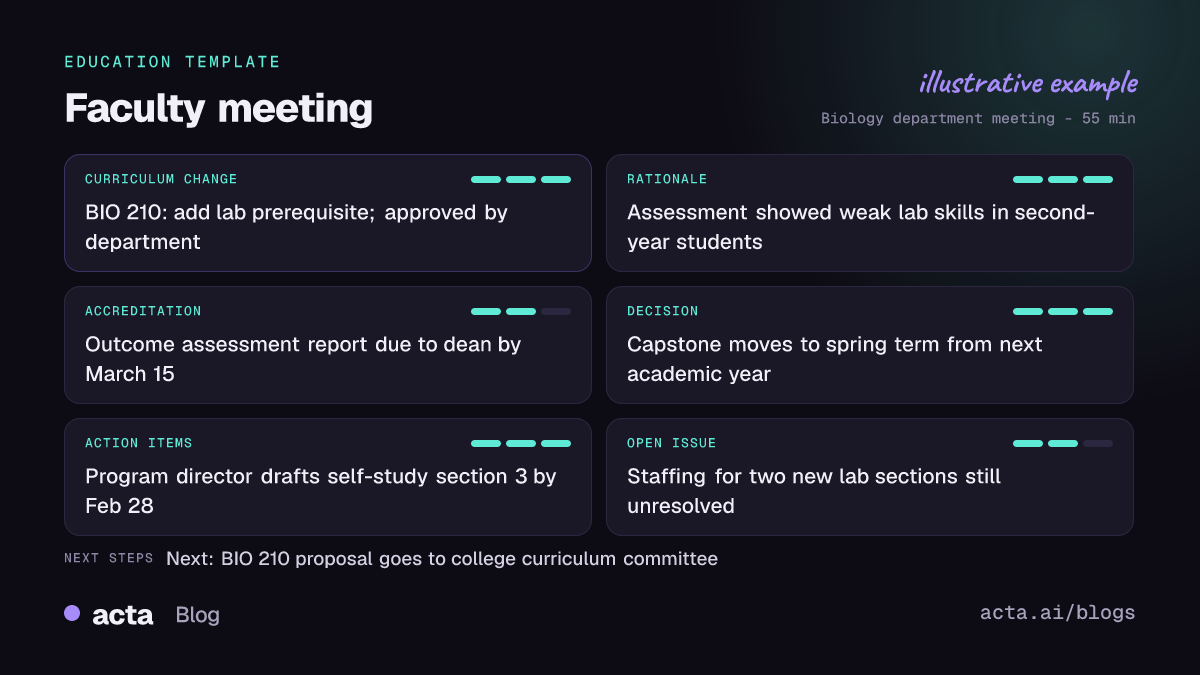
And an illustrative example of a finished report:
Why is it useful, and who is it for?
The report is written for department chairs, program directors, curriculum committee chairs, assessment coordinators and the administrators who prepare accreditation documentation. Some typical situations:
- Monthly department meetings. The chair gets draft minutes the same day, with curriculum items separated from general announcements, ready to circulate for approval.
- Curriculum committee sessions. When the committee reviews ten course proposals, each one is listed with its rationale and outcome, so the registrar and catalogue editors know what changed.
- Accreditation preparation. In the year before a site visit, the accreditation section becomes a running list of evidence tasks and deadlines, and decisions can be traced back to the meeting where they were made.
- Program review retreats. Long discussions about outcomes and assessment produce a clear set of owners and next steps instead of a whiteboard photo.
Because Acta records decisions and action items for every meeting, you can follow them across the semester. OneChat lets you ask, for example, when the department approved the new capstone requirement, and it answers with sources from the meetings. See keeping a meeting decision log and tracking action items across meetings.
How does Acta pick the faculty meeting template automatically?
Acta reads the conversation and picks a fitting template even if you have not turned it on. A faculty meeting gives distinctive signals: course codes and program names, proposed changes to requirements or learning outcomes, mentions of an accreditor, assessment reports or a self-study, and motions or votes.
When Acta picks the faculty meeting template this way, the report is labelled "Auto" and Acta explains its choice, for instance that the meeting discussed changes to two courses and an accreditation report deadline. One click on "Turn on for future meetings" keeps it on.
The relevance check works in the other direction. If you have the template on and record a lecture or an advising appointment, the template checks whether the conversation is a faculty or committee meeting. If it is not, you will not get forced minutes; it is listed under "Not relevant" with the reason, and the template built for that meeting can be used instead.

How do you use the faculty meeting report?
- Record the meeting. For hybrid or online meetings, Acta joins Zoom, Google Meet or Microsoft Teams with its meeting bot, or records without a bot through the desktop app or Chrome extension. For a room-only meeting, record on the mobile app or upload the recording.
- Turn on the template, or let Acta pick it. On the Templates page at Acta's report templates, preview the faculty meeting report and switch it on.
- Open the meeting's Templates tab. The report appears next to the summary and transcript.
- Circulate and file it. Copy it into your minutes template or download it as PDF, Word or Markdown for the department's records and the accreditation evidence folder.

Let colleagues know the meeting is being recorded, as you would with any recording.
Related education templates
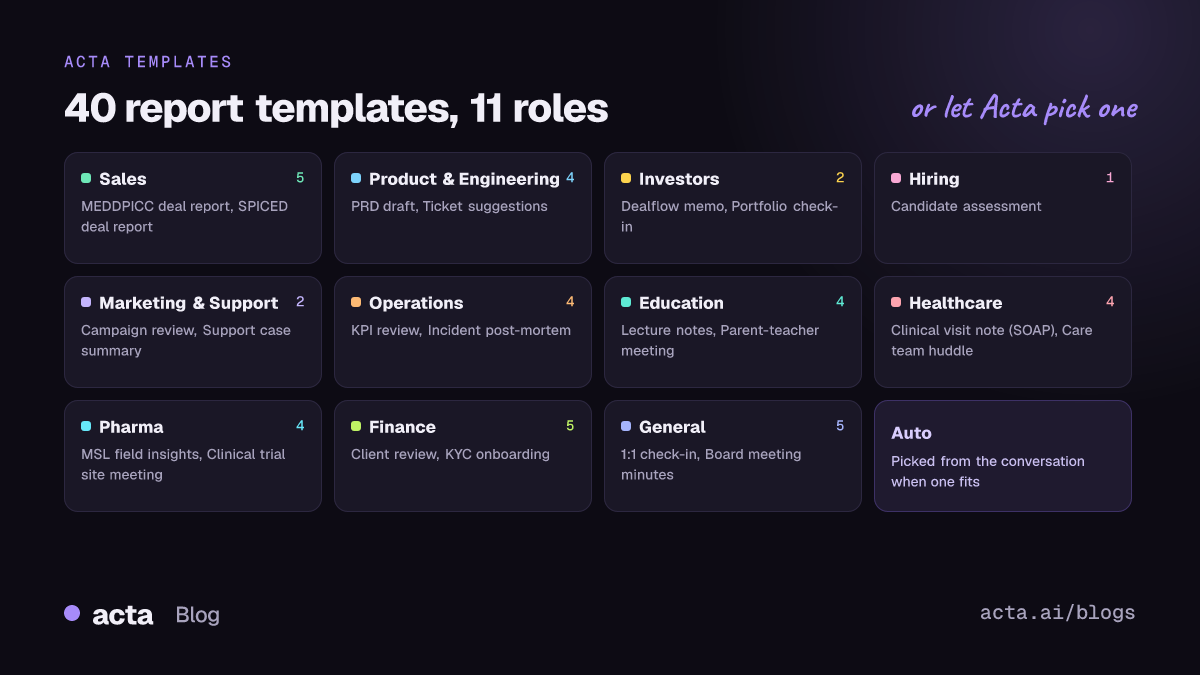
The Education group covers the other conversations in academic life. Lecture notes and review questions work from class recordings, student advising session notes capture academic plans and referrals, and parent-teacher meeting notes record a support plan. More on Acta for education.
Frequently asked questions
What should faculty meeting minutes include?
Attendance and approvals as your institution requires, plus each curriculum change with its rationale and status, accreditation and assessment items with deadlines, decisions, action items with owners, and open issues.
Can the report serve as official minutes?
It is a draft built from the conversation. Most departments review and approve minutes at the next meeting, and the report gives the secretary a complete starting point for that.
Does Acta know our accreditor's standards?
The report records the accreditation items and deadlines discussed in the meeting. It does not add requirements that were not mentioned.
Does it work for in-person meetings?
Yes. Record on the mobile app or upload a recording, and the template works the same way.
Want minutes that are ready before the next committee meets? Try Acta free for 15 days.


