Use Cases 6 min read
PRD Drafts Written From Your Product Meetings, One per Initiative
How Acta turns product discussions into PRD drafts with an overview, functional requirements and acceptance criteria for each initiative the team talked through.
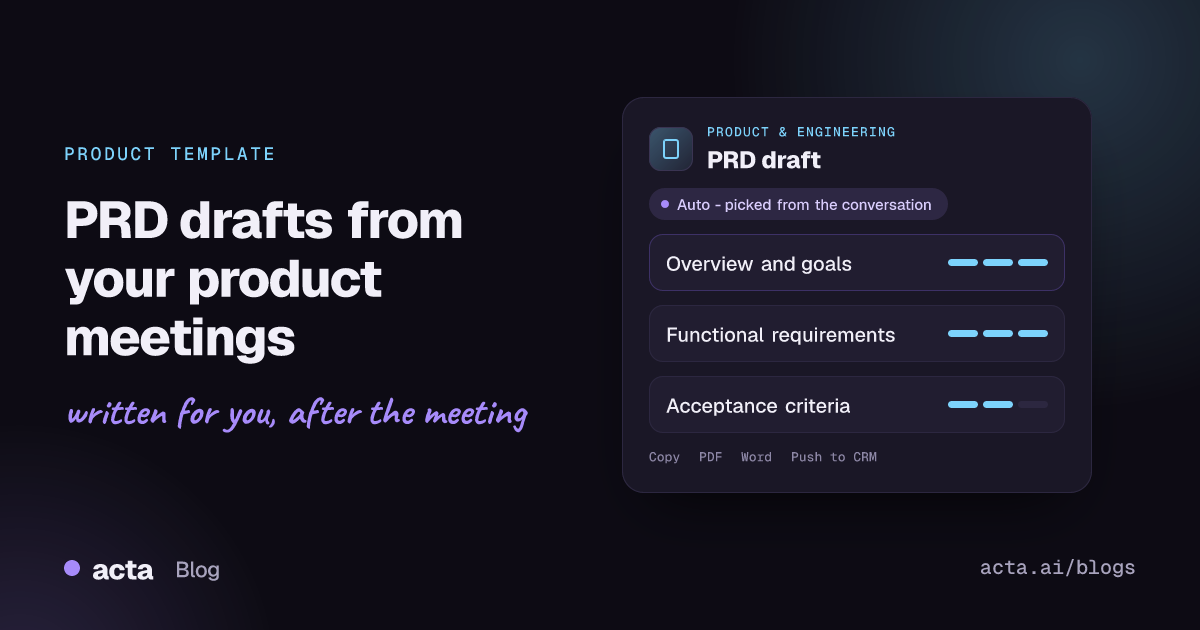
Quick answer: A PRD draft is a first version of a product requirements document: the overview, goals, functional requirements and acceptance criteria for a feature. Acta writes it from your product meeting. It reads the discussion, finds each initiative that warrants new development, and drafts a separate PRD for each one, using only what was said in the room.
Product meetings are where requirements actually get decided. Someone describes the customer problem, engineering pushes back on scope, design suggests a cheaper path, and the group lands on what "done" means. Then the call ends and the product manager has to rebuild all of that from memory into a document.
That rewrite is where detail leaks out. The edge case a support lead raised, the constraint an engineer named, the acceptance test everyone agreed on: they live in the conversation and rarely make it into the doc intact. A PRD draft written from the meeting itself gives you a starting point that already contains them.
What is a PRD (product requirements document)?
A product requirements document describes what a product or feature should do and why, so that product, design, engineering and QA work from the same picture. It is not a technical design. It states the problem, the goals, the requirements the solution must meet, and how the team will know it has met them.
Modern PRDs are short, living documents rather than long specifications signed off once. Atlassian describes using a collaborative product requirements page to build shared understanding for large, complex epics, with goals, assumptions and user stories in one place; its guide to writing product requirements in Confluence is a good reference for the format. A typical PRD covers:
- Overview: the problem, who has it and why it matters now.
- Goals and success metrics: what outcome the feature should produce.
- Requirements: the functional behaviour the solution must support, often as user stories.
- Acceptance criteria: testable conditions that say when a requirement is done.
- Open questions and out of scope: what is still undecided or deliberately excluded.
What does Acta's PRD draft report include?
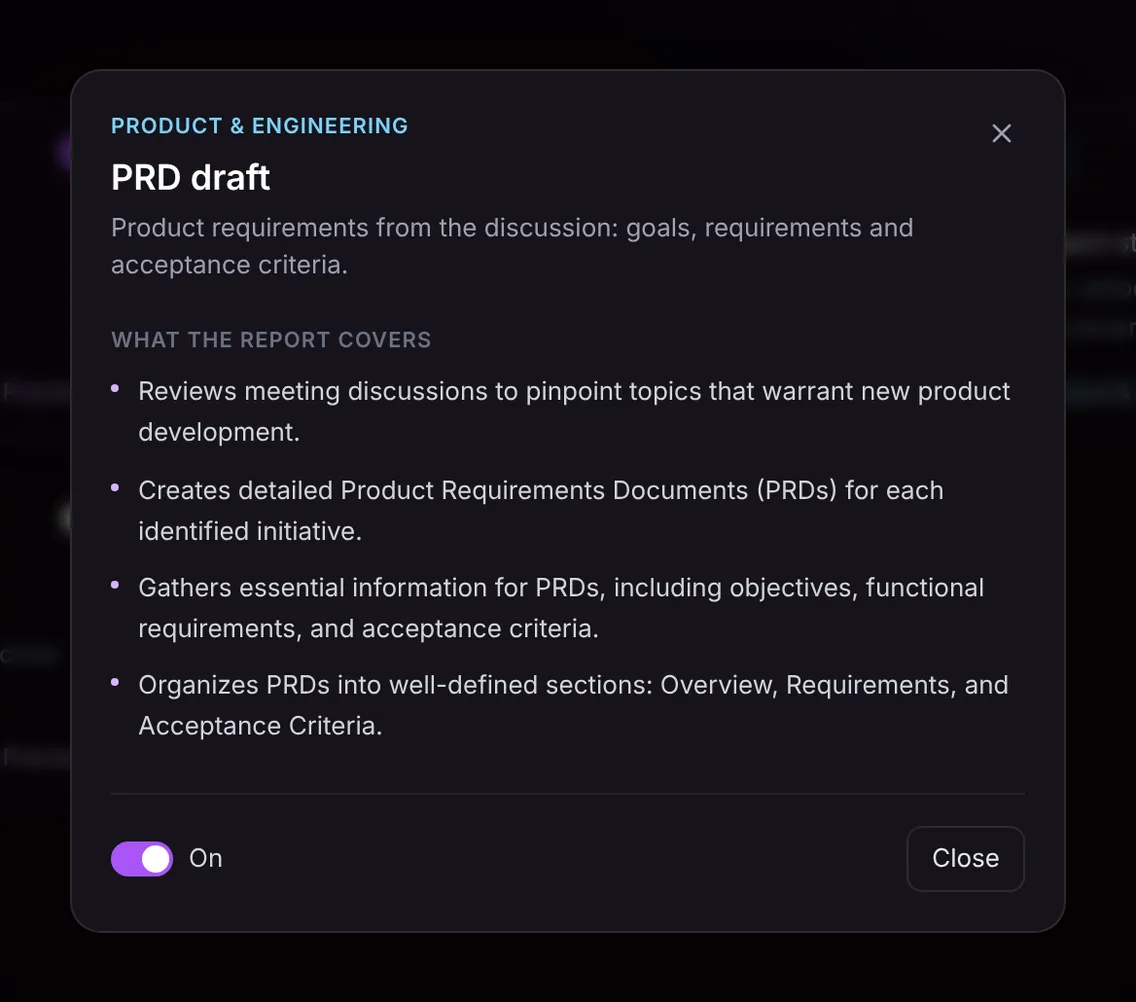
The PRD draft template works through the meeting in four steps, and the output follows the same order:
- Initiatives worth building. Acta reviews the discussion to pinpoint topics that warrant new product development, separating real initiatives from passing comments.
- One PRD per initiative. If the meeting covered a new export option and a change to onboarding, you get two drafts, not one blended document.
- The essential content. For each initiative it gathers the objectives, the functional requirements that were discussed and the acceptance criteria the team named.
- Consistent sections. Each draft is organised into Overview, Requirements and Acceptance Criteria, so it drops into your PRD template with little reshaping.
The draft only contains what was said. If nobody discussed success metrics or edge cases, the draft will not invent them, which makes gaps easy to spot before the document goes out for review.
Here is the template in Acta's Templates page, with the preview of what the report covers:
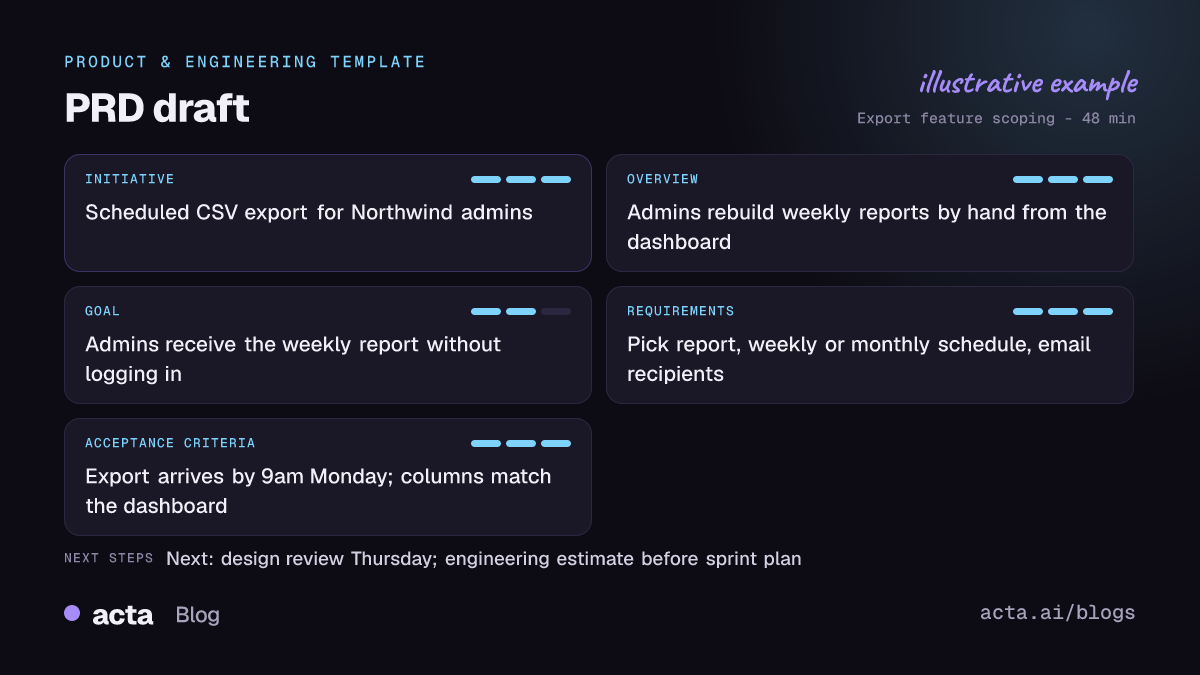
And an illustrative example of a finished report:
Why is a PRD draft from the meeting useful, and who is it for?
The template is built for product managers, product owners and founders who run discovery and scoping conversations, and for the engineering leads who need requirements they can estimate. The benefit is not that the PRD writes itself; it is that the first draft starts from the actual discussion instead of a blank page.
- Scoping workshops. A 60-minute session on a new reporting feature produces requirements and acceptance criteria while the reasoning is still attached to them.
- Customer discovery calls. When a customer describes a workflow gap in detail, the draft captures the problem statement in their terms, which is useful evidence when you prioritise.
- Roadmap reviews. Several initiatives come up in one meeting; each gets its own draft, so nothing is parked in a single overloaded doc.
- Handover to engineering. The acceptance criteria give QA and developers something concrete to challenge before sprint planning, not after.
Because Acta also writes a summary, action items with owners and due dates, and decisions for the same meeting, the PRD draft sits next to the record of who agreed to what. That context helps when someone later asks why a requirement exists.
How does Acta pick the PRD template automatically?
You do not have to remember to switch the template on before every meeting. Acta reads the conversation and picks a fitting template even if you have not turned it on. A product meeting usually gives clear signals: a user problem being described, a proposed feature or change, discussion of what it must do, constraints, and talk of how to test or accept it.
When Acta picks the PRD draft this way, the report is labelled "Auto" and Acta explains why, for example that the call defined a new feature, its requirements and how the team would accept it. If the draft is useful, one click on "Turn on for future meetings" keeps the template on.
The reverse also holds. If you have the PRD template turned on and the meeting is a hiring debrief or a budget review, the template first checks whether the conversation is the kind it is for. If it is not, Acta does not force an empty PRD; the template is listed under "Not relevant" with the reason.

How do you use the PRD draft template in Acta?
- Record the meeting. Acta records Zoom, Google Meet and Microsoft Teams calls through its meeting bot, the bot-free desktop app or the Chrome extension, or you can upload a recording of an in-person workshop.
- Turn the template on, or let Acta pick it. Open the Templates page at Acta's report templates, preview what the PRD draft covers, and switch it on with the toggle.
- Open the meeting's Templates tab. After the meeting, the PRD drafts appear in the Templates tab, next to the summary and transcript.
- Copy or download. Copy the draft into your wiki or download it as PDF, Word or Markdown, then refine it with the team.

Many teams pair the PRD with Jira ticket suggestions from engineering meetings, so the requirements and the work items come from the same conversation. There is more on that workflow in automating Jira ticket management and PRD generation.
Tips for a more complete PRD draft
The draft reflects the conversation, so a few habits in the meeting make it noticeably better:
- Say the problem out loud. State who has the problem and what it costs them before discussing solutions.
- Name the goal. "We want trial users to export a report in their first week" is a goal; "build export" is not.
- Agree acceptance criteria explicitly. Close each requirement with "this is done when..." so it lands in the right section.
- Call out what is out of scope. Saying it once in the meeting saves a long comment thread later.
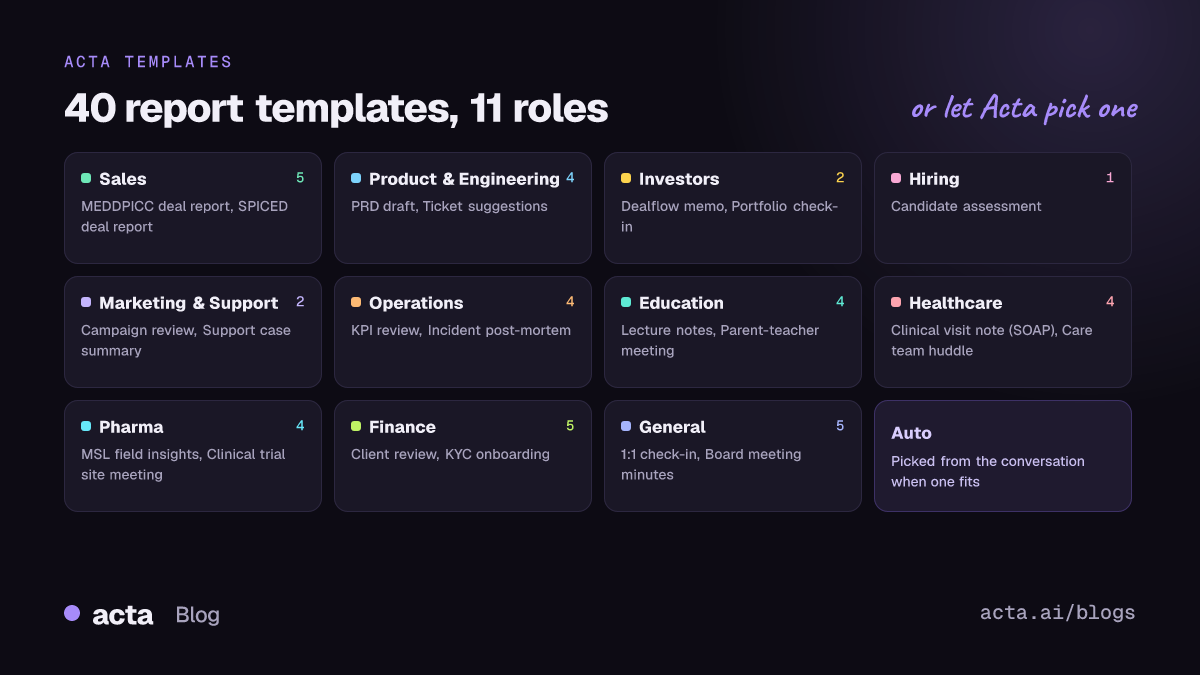
Other templates in the Product & Engineering group cover the rest of the cycle: the project status report for delivery meetings and the CTO brief for engineering leadership. See how they fit together on Acta for product and engineering teams.
Frequently asked questions
What should a PRD include?
At minimum an overview of the problem, the goals, the functional requirements and acceptance criteria. Many teams add success metrics, assumptions, open questions and an out-of-scope list.
Can Acta write a PRD from a meeting recording?
Yes. Upload the recording or record the call with Acta, and the PRD draft template produces a draft for each initiative discussed, with Overview, Requirements and Acceptance Criteria sections.
Will the PRD draft include requirements nobody mentioned?
No. The report only contains what was said in the meeting. Missing goals or criteria show up as gaps for you to fill, not as invented content.
What happens if a meeting covers several features?
Acta identifies each initiative that warrants new development and creates a separate PRD draft for each, so features are not merged into one document.
Is a PRD the same as a technical spec?
No. A PRD states what the product must do and why; a technical design describes how engineering will build it. The PRD usually comes first and informs the design.
Ready to turn your next product review into a first draft? Start a free 15-day trial of Acta.


