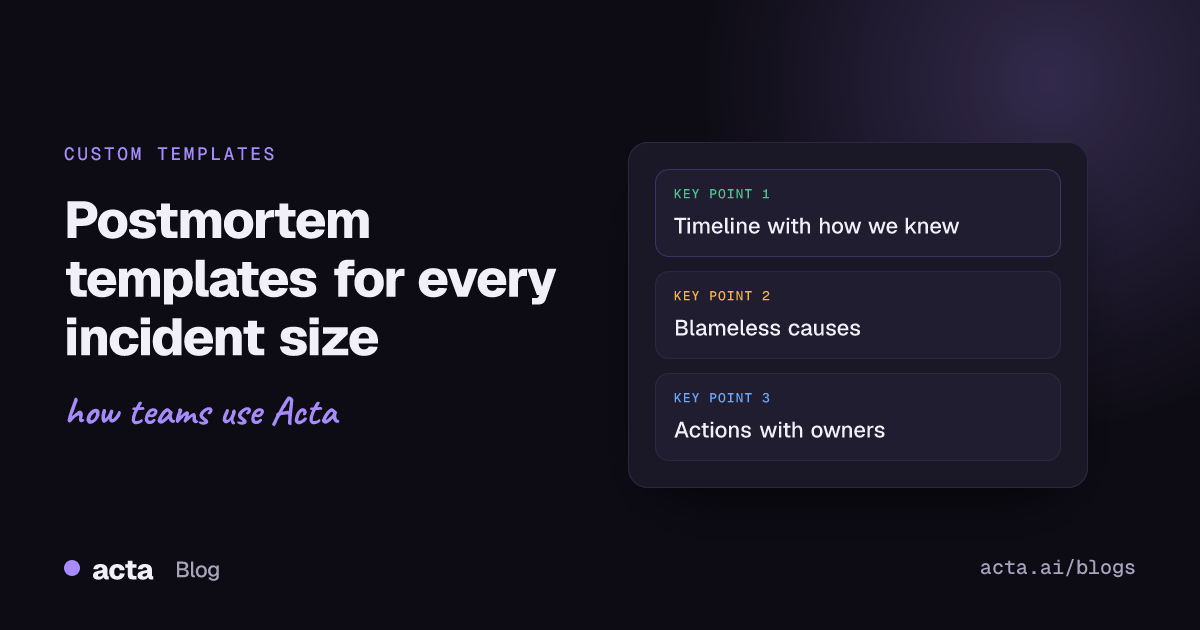
A postmortem meeting template gives the incident review a fixed shape: a timeline table, the impact on users, contributing factors written without blame, what went well, and an action items checklist with owners and due dates. Use a full version for major incidents and a shorter one for minor incidents and near misses. Below are six templates you can copy, each with when to use it, plus how to run them on a recorded review.
Use Cases 11 min read
Postmortem Meeting Template: 6 Examples for Incident Reviews
Six copy-ready incident review templates, from full postmortems to near-miss reviews, with a timeline table, blameless contributing factors and action items that actually get owners.
By Sarma BKP, Founder & CEO, Acta · Updated
This is for engineering managers, SREs and incident commanders who run the review meeting and then have to write the document. The meeting is where the real story comes out: the engineer who explains why the alert was ignored, the support lead who knew first. A template keeps that from evaporating. If your team writes the postmortem doc before the meeting and only uses the meeting to approve it, you need less of this; the action items section still applies.
Key takeaways
- Use three sizes: a full review for major incidents, a 20-minute review for minor ones, and a near-miss review. One size wastes time on small incidents.
- Put the timeline in a table with Time | What happened | How we knew. "How we knew" is where detection gaps show up.
- Write contributing factors about systems and process, never people. Name people only as owners of actions.
- Every action item needs an owner and a due date, or it doesn't count.
- Review open postmortem action items monthly; that's where most teams lose the value.
Table of contents
- A postmortem meeting template keeps the review blameless and complete
- Template 1: full incident review for major incidents
- Template 2: quick review for minor incidents
- Template 3: near-miss review
- Templates 4-6: security, customer-facing and monthly action review
- Build this as a custom template in Acta
- Four mistakes make postmortems a ritual instead of a fix
- Frequently asked questions
- Choose your postmortem format before the next incident
A postmortem meeting template keeps the review blameless and complete
Google's SRE book opens its chapter on postmortem culture with "The cost of failure is education", and describes a blameless postmortem as one that focuses on the contributing causes of an incident without indicting any individual or team. It also says writing a postmortem is a learning opportunity, not a punishment, and that because postmortems cost time, teams should be deliberate about when to write one. The SRE workbook's postmortem culture chapter adds example postmortems and warning signs that a blameless culture is slipping.
A template helps in two ways. It keeps the meeting from skipping sections when everyone's tired: nobody forgets to discuss detection if detection is a heading. And it nudges the language. A section called "Contributing factors" with an instruction to describe systems and process produces different notes from a blank page where someone types "Sam pushed a bad config".
Atlassian's guidance is similar. Its page on blameless postmortems starts from the idea that the people involved meant well, and its incident handbook says it runs blameless postmortems for incidents of severity 2 or higher, tracks them as Jira work items so they're completed and approved, and notes that a smaller team may be fine with a Confluence page per postmortem. That severity threshold is a useful prompt: decide yours before the next incident, not during it.
Template 1: full incident review for major incidents
Use this for incidents that hit customers or revenue, or that your severity scale puts at the top. Expect a 45-60 minute meeting with the incident commander, responders and someone from support.
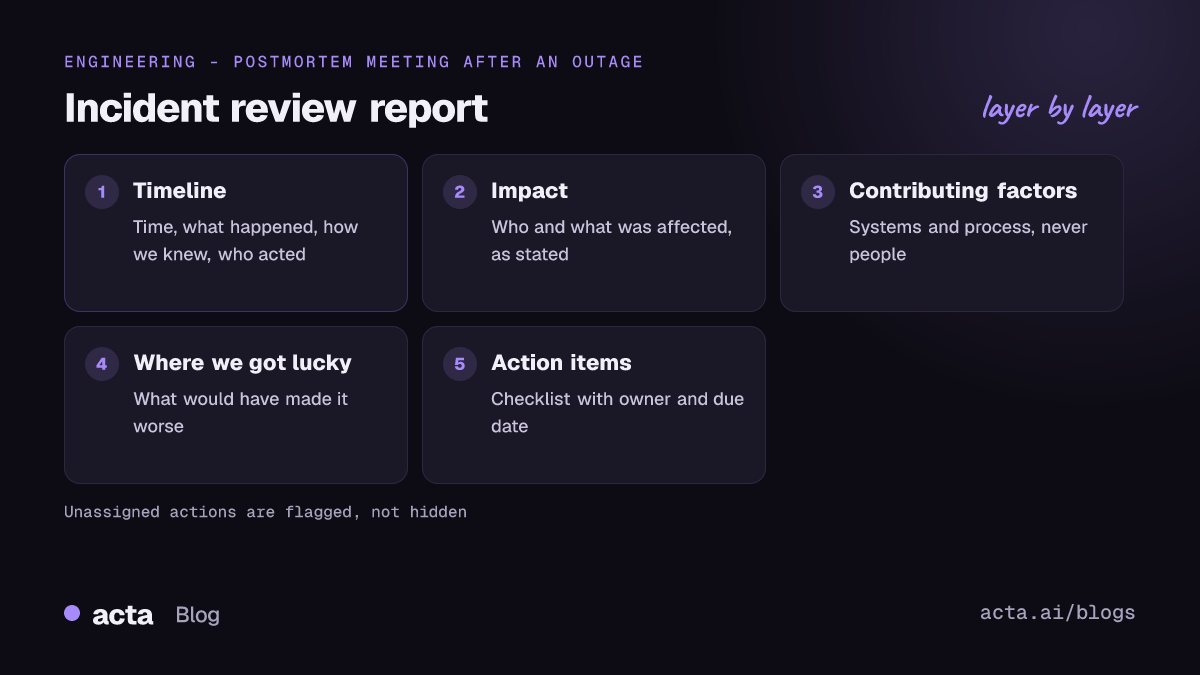
Full incident review
1. Summary - Paragraph: what broke, for how long, who was affected
2. Incident timeline - Table: Time | What happened | How we knew | Who acted
3. Impact - Bullets: users or customers affected, features down, data affected, as stated in the meeting
4. Contributing factors - Bullets, describing systems and process, not people
5. What went well - Bullets
6. Where we got lucky - Bullets
7. Action items - Checklist (task, owner, due date)
8. Open questions - Bullets
"Where we got lucky" is the section I'd fight for. It surfaces the things that would have made the incident much worse: the engineer who happened to be awake, the backup that happened to be recent. Those often deserve action items as much as the cause does. The incident timeline table carries the most detail; if you only have energy to get one section right, get that one right.
Template 2: quick review for minor incidents
For smaller incidents, a full review costs more than it saves. Run a 20-minute incident review meeting with whoever responded and capture just this:
Quick incident review
1. What happened - Paragraph
2. Timeline - Table: Time | Event
3. Contributing factors - Bullets
4. Action items - Checklist (task, owner, due date)
5. Escalate to full review? - Paragraph: yes or no, and why
Section 5 matters. Sometimes a minor incident turns out to be the third of its kind this quarter, and the right call is a full review of the pattern.
Template 3: near-miss review
Near misses are the cheapest postmortems you'll ever run, because nothing broke. A deploy caught in canary, a certificate renewed with a day to spare. Most teams don't review them at all, which wastes the warning.
Near-miss review
1. What nearly happened - Paragraph
2. What caught it - Bullets
3. What would have happened otherwise - Bullets
4. Action items - Checklist (task, owner, due date)
Templates 4-6: security, customer-facing and monthly action review
Template 4: security incident review
Security reviews need tighter handling: fewer attendees, careful notes, and often legal or compliance in the room. Keep detail about attacker techniques out of the widely shared version.
1. Summary - Paragraph
2. Detection and response timeline - Table: Time | Event | How we knew
3. Systems and data involved - Bullets, as stated
4. Contributing factors - Bullets
5. Notifications discussed - Bullets: who needs to be told, as decided in the meeting
6. Action items - Checklist (task, owner, due date)
Template 5: customer-facing incident follow-up
For the call where you walk a key customer through what happened. The notes are about what you told them and what you promised.
1. What we explained - Bullets
2. Customer's questions and concerns - Bullets with quotes
3. Commitments made - Checklist (task, owner, due date)
Template 6: monthly postmortem action review
A recurring meeting that goes through open postmortem action items across all incidents. This is where follow-through happens or doesn't.
1. Actions closed since last review - Table: Action | Incident | Owner
2. Actions overdue - Table: Action | Owner | Due | Reason given
3. Repeating contributing factors - Bullets
4. Decisions - Bullets
How the six compare:
| Template | Use when | Length | Key section |
|---|---|---|---|
| Full incident review | Major, customer-facing incidents | 45-60 min | Timeline with how we knew |
| Quick review | Minor incidents | 20 min | Escalate to full review? |
| Near-miss review | Something nearly broke | 15 min | What caught it |
| Security incident review | Security events | Varies | Notifications discussed |
| Customer follow-up | Briefing an affected customer | 30 min | Commitments made |
| Monthly action review | Every month | 30 min | Actions overdue |
Build this as a custom template in Acta
If you record your incident reviews, each template can run as a custom template, so the draft postmortem is ready when the call ends. Custom templates are on Acta's paid plans, not in the 15-day free trial. The custom templates help article covers every option; here's the full review.
- In the Acta dashboard, open Templates, select My templates and click + Create template.
- Name it "Incident review". Under Start from, pick Describe it.
- In What should this report do?, write: "For incident review and postmortem meetings: summarise the incident, build a timeline of events with how we found out, record the impact, contributing factors in systems and process, what went well, where we got lucky, action items with owners and due dates, and open questions." Click Draft sections.
- Adjust the drafted sections to match Template 1. Set the timeline to Table with columns Time, What happened, How we knew, Who acted. Set action items to Checklist.
- Add extra instructions: "Describe contributing factors in terms of systems and process. Do not attribute blame to individuals. Only include times that were said in the meeting."
- Under When should Acta use it?, choose Only matching meetings, so it doesn't run on your standups.
- Click Test on a past meeting, choose a recorded review and Run on this meeting. Nothing is saved or sent. Fix anything off, then Save.
- Turn on Share with my team so other incident commanders can use it. Only the owner edits it.
Each report adds an "In short" summary, a confidence rating and key quotes. Missing sections say "Not discussed", and actions without an owner show as "Unassigned", which in a postmortem is exactly the flag you want. You can also start from a built-in template on the templates page with Customize; Ticket suggestions is a decent base if you want actions shaped as tickets.
Here's an illustration of the output. Names and details are invented.
In short: Checkout returned errors for about 40 minutes on Tuesday after a config change reduced the payment service's connection pool. Customers in the EU region were affected. Confidence: high.
Incident timeline: 14:02 | Config change deployed | Deploy log | Pipeline. 14:09 | Error rate rose on checkout | Customer support ticket, not an alert | Priya (support). 14:21 | Incident declared | Slack | Marco. 14:38 | Change rolled back | Deploy log | Dana. 14:44 | Errors back to normal | Dashboard | Marco.
Contributing factors: The pool size setting had no validation in the deploy pipeline. The error-rate alert threshold was set above the level reached. The rollback runbook pointed to an old dashboard.
Where we got lucky: Support noticed within seven minutes because a large customer called.
Action items: Add validation for pool size settings | Dana | 30 Nov. Review checkout alert thresholds | Marco | 5 Dec. Update rollback runbook links | Unassigned | Not discussed.
Key quote: "We found out from a customer, which is the part I want to fix first."
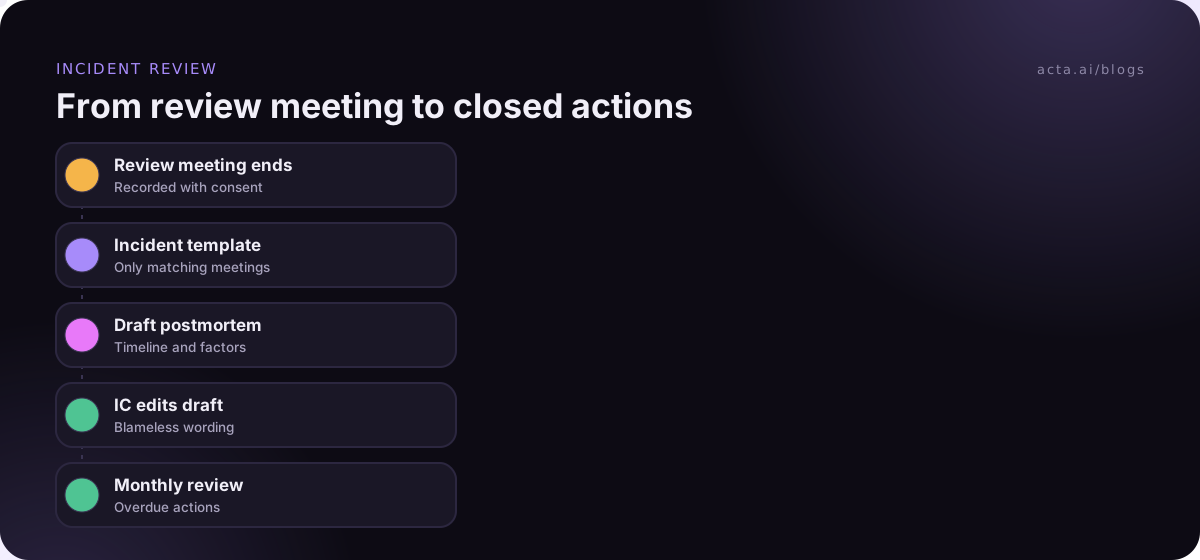
Where Acta fits: it records the review, runs the template that matches, and puts the draft in the meeting's Templates tab with Copy and Download, and in your email, so the incident commander edits a draft instead of starting from a blank page. Action items can go on to Jira through the Jira integration. The older post on writing blameless post-mortems from the review meeting covers the document side in more depth.
Four mistakes make postmortems a ritual instead of a fix
- Names in the cause. "Root cause: engineer error" ends the learning. Ask what made the error easy to make, and write that. Root cause analysis that stops at a person usually stops too early.
- Actions with no owner. "Improve monitoring" assigned to "the team" will still be open next quarter.
- Too many actions. Ten actions from one incident means none get done. Pick the three that would have changed the outcome most.
- No follow-up meeting. Without the monthly action review, postmortems produce documents, not changes. The piece on why action items don't get done explains the pattern.
If you record reviews, tell attendees, and check the rules where people are; the guide on whether it's legal to record meetings with AI covers the basics. Some teams don't want a bot in a tense review; a recorder on the facilitator's machine, like Acta's desktop app, captures Zoom or Teams calls without one.
Frequently asked questions
What should a postmortem meeting template include?
Include a short summary, an incident timeline table with how each event was detected, the impact, contributing factors described as systems and process issues, what went well, where you got lucky, action items with owners and due dates, and open questions. Use a shorter version for minor incidents and near misses.
What is a blameless postmortem?
A blameless postmortem is an incident review that looks for the contributing causes in systems, tools and process rather than blaming individuals. The aim is that people describe what happened honestly, because they won't be punished for it. Google's SRE book calls it a core part of SRE culture.
Who should attend an incident review meeting?
The incident commander, the responders, the owner of the affected service, and someone from support or customer success who saw the customer side. Keep it small enough that people speak freely. For major incidents, a senior manager's presence signals the review matters, as long as they don't turn it into a blame session.
How soon after an incident should you hold the postmortem?
Within a few working days, while memories are fresh and logs are easy to find, but not so soon that responders haven't slept. Many teams set a target in their incident policy. Collect the timeline from logs and chat before the meeting, so the meeting is spent on causes and actions.
What is the difference between a postmortem and a retrospective?
A postmortem reviews one incident: what happened, why, and what to change. A retrospective reviews a period of work, such as a sprint, and covers how the team worked in general. They share a blameless tone; the guide on running a retrospective where people speak up covers the second.
Choose your postmortem format before the next incident
The worst time to design a postmortem process is the morning after an outage. Settle these now.
- Set a threshold: decide which severities get a full review, a quick review or none.
- Fix the timeline columns: Time, What happened, How we knew, Who acted.
- Ban names in causes: put the blameless instruction in the template itself.
- Cap the actions: three to five per incident, each with an owner and due date.
- Schedule the follow-up: a monthly action review on the calendar before you need it.
When you're ready to try the template on a real review, the pricing page shows which plans include custom templates; actions that make the cut usually flow into planning, which the sibling guide on a sprint planning meeting template covers.
Found this useful? Share it with your team.