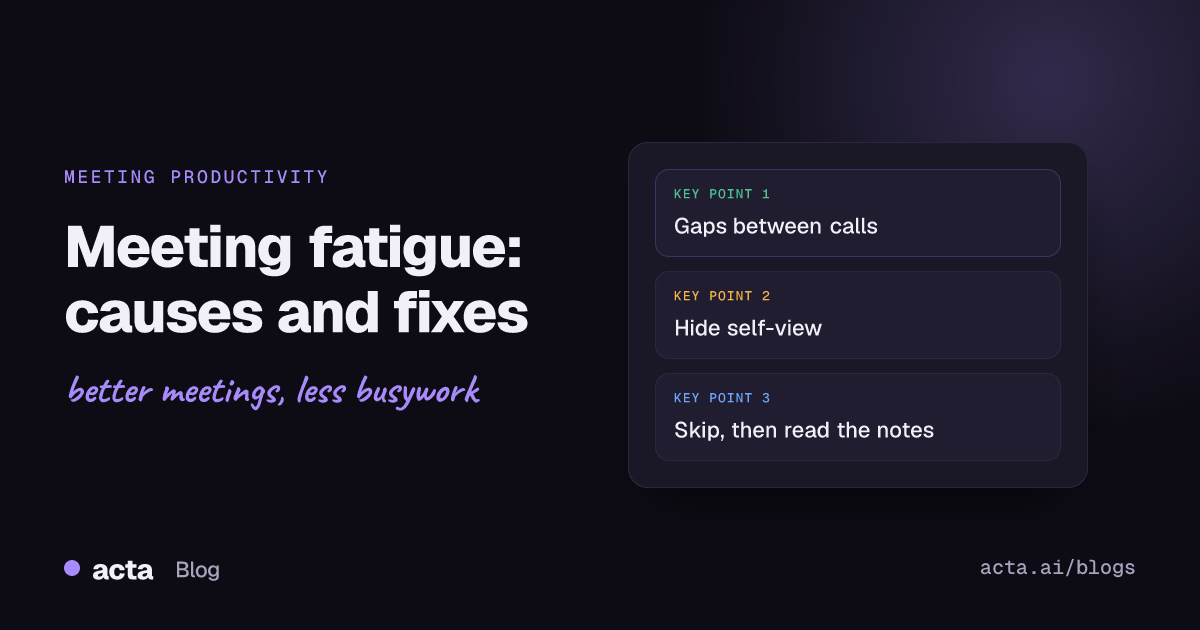
Quick answer: Meeting fatigue comes from a few specific things: back-to-back calls with no recovery time, the extra effort video demands (close-up faces, watching yourself, sitting still), and meetings where you're present but not needed. The fixes that work are short gaps between calls, camera-optional norms, hiding self-view, and letting people skip meetings and read the notes instead.
You can have a day with five meetings that feels fine and a day with four that leaves you flattened by 3pm. The count matters less than people think. What drains you is the shape of the day: no breaks, cameras on for hours, sitting through discussions you had nothing to add to.
This post looks at what the research says causes meeting fatigue, how to tell which kind you've got, and the changes that help, both the ones you can make alone and the ones a team has to agree on.
What is meeting fatigue?
Meeting fatigue is the mental and physical tiredness that builds up from spending a large share of the day in meetings, especially video calls. It shows up as trouble concentrating late in the day, irritability, a sense that you got nothing done despite being busy, and dread when you open the calendar.
It's related to, but not the same as, having too many meetings. A team can cut its meeting load and still be exhausted if the remaining meetings are stacked back to back with cameras on. And a team with a heavy calendar can be fine if the meetings are well spaced and people only attend the ones where they matter.
What causes Zoom fatigue and video call fatigue?
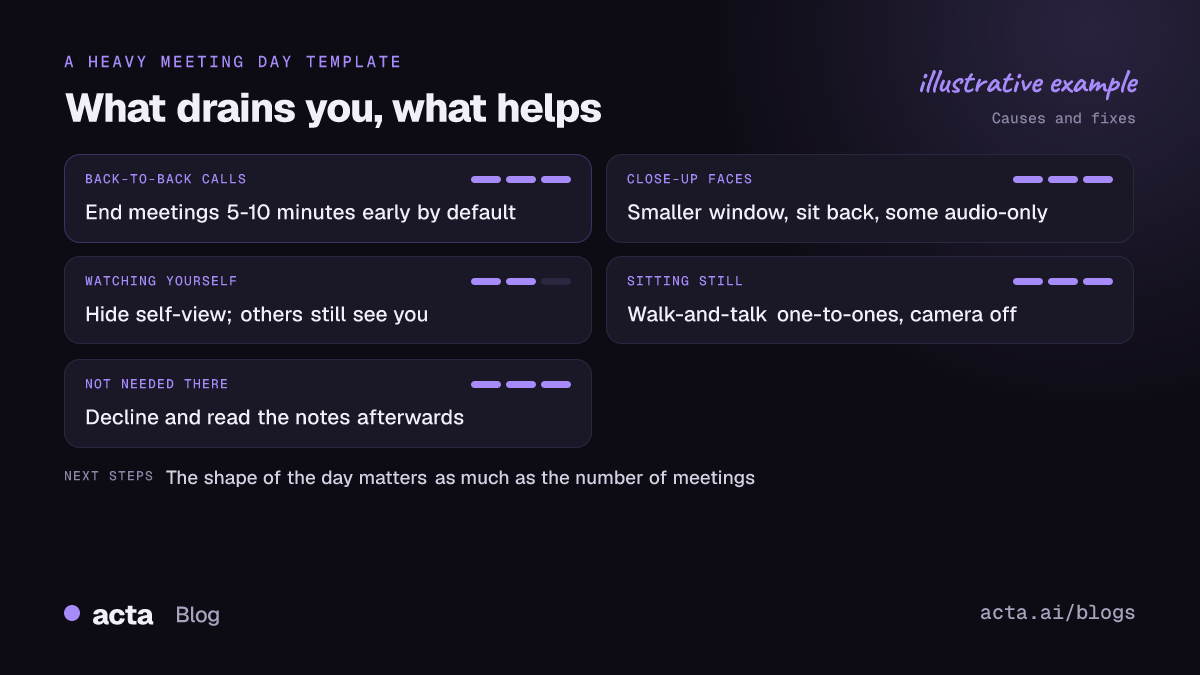
The most cited explanation comes from Stanford professor Jeremy Bailenson. In a 2021 paper in Technology, Mind, and Behavior, he set out four likely causes of Zoom fatigue, and they apply to Teams and Meet just as much.
1. Close-up eye contact, all the time
On a video call, faces are large and looking straight at you for the whole meeting. In a real meeting room, people look at their notes, at the speaker, out of the window. On a grid, everyone appears to be staring at you constantly, which your brain reads as intense.
2. Extra work to send and read signals
In person, nodding and reading the room happen without thought. On video you exaggerate nods, check whether people are reacting, and fill in the cues you can't see. It's more effort, and that effort adds up over hours.
3. Watching yourself
Seeing your own face for hours is unusual and it encourages constant self-evaluation. Very few people would sit in front of a mirror all day at work, but that's roughly what the default self-view does.
4. Sitting still in one spot
To stay in frame you stay put. In a phone call or a room meeting you'd shift around, stand, walk to the whiteboard. Video pins you to the chair.
The Stanford news release on the paper also listed simple fixes, which we'll get to below. None of them involve buying anything.
Why are back-to-back meetings so draining?
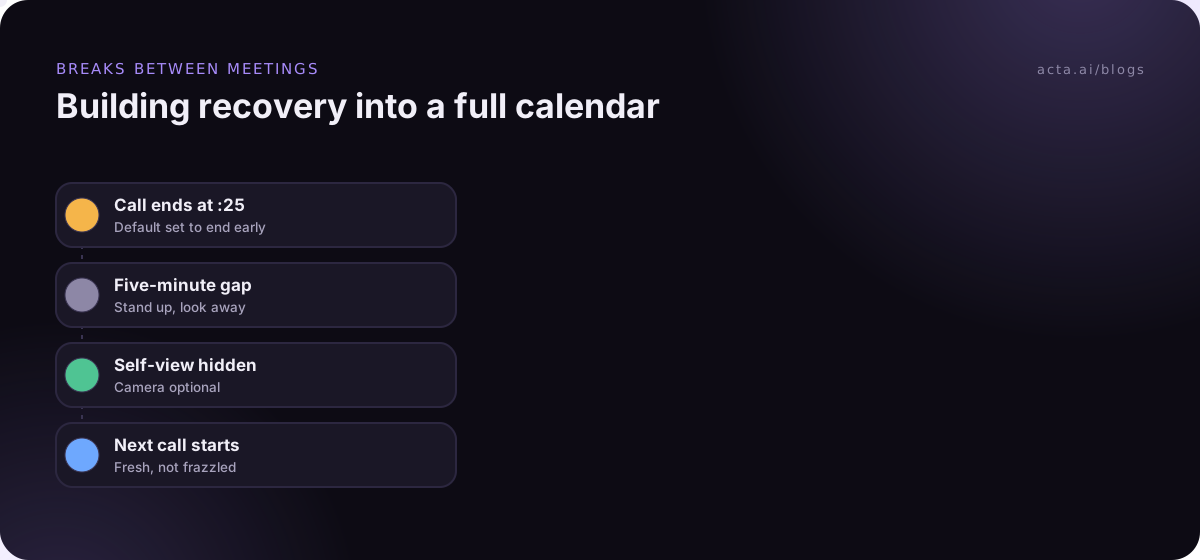
This is the cause that's easiest to fix and the one most calendars ignore. Microsoft's Human Factors Lab ran a small study in which 14 people wore EEG caps during video meetings. On one day they had four half-hour meetings back to back. On another, the same four meetings were separated by 10-minute breaks, which they spent meditating with an app.
According to Microsoft's write-up of the brain research, brain activity associated with stress built up steadily across the back-to-back meetings, while with breaks it stayed level. The transitions themselves were a pressure point: jumping from the end of one call straight into the next produced spikes. It's a small study, so I wouldn't lean on the exact details, but it matches what most people feel by the fourth call of the afternoon.
If you change only one thing after reading this, make it the gaps. Ten minutes between calls does more for a long afternoon than any amount of coffee.
What else causes meeting fatigue?
Video and stacking explain a lot, but not everything. A few other causes come up again and again when you talk to people who are worn out.
Meetings where you're not needed
Being half-attentive for an hour is tiring in a way that doing focused work isn't. Our guide to deep work vs meetings covers how to protect that focused time. You can't commit to the meeting and you can't commit to anything else either. If you're in a meeting "just to stay in the loop", that's a strong sign the loop should come to you in writing.
Meetings that don't end anywhere
An hour of discussion with no decision and no owners is draining because you know it'll happen again. Repeat meetings on the same topic carry a particular kind of weariness.
Hours that creep outwards
Teams spread across time zones end up with early calls for some and late ones for others. A day that starts at 7am with a call to one region and ends at 7pm with another leaves very little room to recover.
Being "on" in a hybrid meeting
Remote attendees in a hybrid meeting often work twice as hard to follow a room full of people talking over each other. We covered fixes for that in hybrid meetings that don't leave remote people behind.
How do you fix meeting fatigue on your own?
You can't redesign your company's meeting culture alone, but you can change a fair amount about how your own day feels.
- Hide self-view. Most video apps let you hide your own tile from your screen while everyone else still sees you. Look in the menu on your own video. It's the cheapest fix on this list.
- Don't run calls full-screen. A smaller window makes faces smaller and less intense. Sitting a little further back with an external keyboard helps too.
- Take some calls audio-only. For one-to-ones with people you know well, ask if you can both go camera-off and walk. Most people say yes with relief.
- Protect gaps. If your calendar lets you, set meetings to end five or ten minutes early by default. Then actually stand up in the gap rather than checking email.
- Decline politely when you're optional. "I'll read the notes afterwards. Shout if you need my input on anything specific" is a perfectly professional reply.
- Stop taking notes by hand while trying to participate. Splitting attention between talking and typing is one of the quieter sources of fatigue. Let someone else, or a tool, capture the notes so you can just be in the conversation. Our guide to taking meeting notes has tips if you're the designated note-taker.
What can teams change to reduce meeting fatigue?
The bigger wins need agreement, because one person ending meetings early doesn't help if everyone else runs to the hour.
- Make cameras optional by default. Say it out loud at the start of recurring meetings. Cameras are useful for some conversations, such as a first meeting with a client or a hard one-to-one, and pointless for others.
- Shorten the defaults for everyone. Ask your admin about organization-wide settings that end meetings a few minutes early. Microsoft says it added options in Outlook for this after its brain research.
- Agree on meeting-free blocks. A shared morning or afternoon each week with no internal meetings gives everyone a predictable breather.
- Invite fewer people and share outcomes better. If decisions, owners and next steps reliably land in a shared place after every meeting, people stop feeling they have to attend everything. A simple meeting notes template goes a long way here.
- Record meetings that people only need to catch up on. A transcript or recording lets someone skim later instead of sitting through it live. Tell attendees first, and check our post on recording consent for what to say.
- Rotate the bad time-zone slots. If someone has to take the 7am call, it shouldn't always be the same person.
How do you know if the fixes for meeting fatigue are working?
Ask people. A one-question pulse every couple of weeks ("How drained did meetings leave you this week, 1 to 5?") tells you more than any calendar analytics. Look at the trend, not the absolute number.
You can also watch for behaviour changes: fewer cameras-off apologies, people declining optional meetings without anxiety, fewer "sorry, can you repeat that?" moments late in the day. If none of that shifts after a month, the problem is probably meeting count and purpose rather than format, and that's a different conversation about which meetings to cut.
Where Acta fits
One source of meeting fatigue is attending just so you don't miss anything. Acta records meetings and writes up the summary, decisions and action items with owners, so the people who only need the outcome can read it later. If you'd rather not have a bot in the call, the desktop app records from your own computer instead. Neither fixes back-to-back scheduling, which is still on you and your calendar.
Frequently asked questions
Is meeting fatigue the same as Zoom fatigue?
Zoom fatigue is one part of it, the tiredness that comes specifically from video calls. Meeting fatigue is broader and includes back-to-back scheduling, meetings you don't need to be in, and long days across time zones, whatever platform you use.
How long should breaks between meetings be?
Even five to ten minutes helps. In Microsoft's small EEG study, 10-minute breaks between four half-hour meetings stopped stress-related brain activity from building up the way it did when meetings ran back to back.
Does turning the camera off reduce fatigue?
For many people, yes, at least some of the time. Close-up faces, watching yourself, and staying in frame are all tied to video. Going audio-only for some calls, or hiding self-view, removes part of that load.
What's the fastest team-level fix?
Changing default meeting lengths so calls end five to ten minutes early, and agreeing that cameras are optional for routine meetings. Both cost nothing and take effect immediately.
Can fewer meetings alone fix meeting fatigue?
Not always. A shorter calendar still wears people out if what's left is stacked back to back on video. Spacing and format matter as much as count.
If you'd like to try skipping more meetings and reading the notes instead, Acta has a 15-day free trial.