Meeting Productivity 4 min read
Hybrid Meetings That Don't Leave Remote People Behind
Half the team in the room, half on a screen. Practical steps before, during and after hybrid meetings so remote people hear, speak and get the same recap.
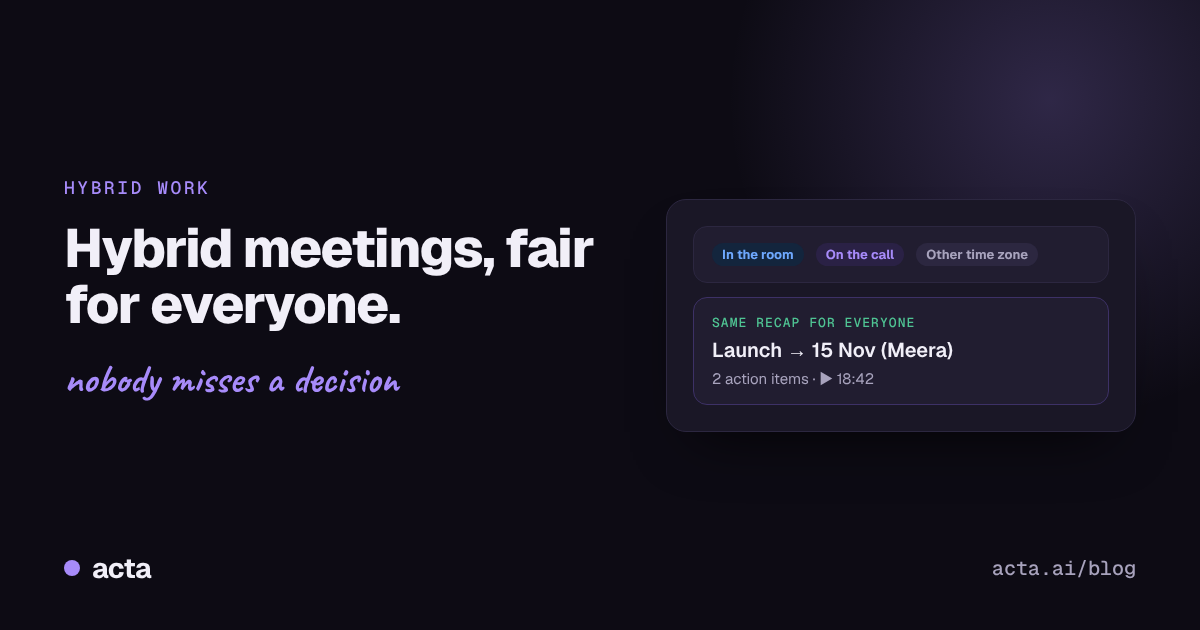
Quick answer: To run fair hybrid meetings, design them for the people who are not in the room. Have everyone join from their own device or make sure the room audio is clear, put the agenda and decisions where everyone can see them, invite remote people to speak first, and send the same recap to everyone straight after. A recording and transcript give people in other time zones the same information as the room.
As more companies bring people back to the office a few days a week, a new kind of meeting has become normal: half the team around a table, half on a laptop screen at the end of it.
If you have been on the screen side, you know how it goes. The room starts talking before the call connects. Someone makes a joke you cannot hear. Three people nod at once and something gets decided. You find out what it was the next day.
Hybrid meetings do not have to work this way.
Why do hybrid meetings feel unfair to remote people?
- Audio favours the room. People near the microphone are heard; people at the far end, and on the call, are not.
- Side conversations. Quick chats in the room never reach the screen.
- Decisions happen by nodding. Agreement in the room is visible to the room only.
- Remote people wait for a gap. And in a lively room, the gap never comes.
- The real meeting happens afterwards. In the corridor, on the way out, where remote people cannot hear.
What should you do before a hybrid meeting?
- Share an agenda with the goal: what needs to be decided.
- Check the room setup: a microphone that picks up the whole table, and a screen everyone can see.
- Consider "everyone on their own laptop," even in the room, with headphones. It levels the field.
- Tell everyone how the meeting will be captured, including whether it is being recorded. Tools such as Zoom have built-in recording consent prompts, and our guide on recording meetings with AI and what to tell participants covers the rest.
How do you include remote people during the meeting?
- Remote people speak first on each agenda item.
- Say decisions out loud, clearly, so everyone hears the same thing: "So we're agreed: launch on the 15th, Meera owns it."
- Name owners and dates for every action, out loud.
- Keep shared notes on screen, or let an AI assistant capture them.
- No corridor decisions. If something gets decided after the meeting, it goes into the recap.
What should happen after a hybrid meeting?
- Send one recap to everyone, quickly. Decisions, action items, open questions.
- Make the recording available to people in other time zones.
- Follow up on action items in the same way for everyone, wherever they work.
A shared meeting decision log makes the "what did we agree?" question easy to answer weeks later.
How does Acta help hybrid teams?
Acta gives everyone, in the room or remote, the same record of the meeting:
- Captures hybrid and remote meetings. A meeting bot for Zoom, Google Meet and Microsoft Teams, plus a desktop app and Chrome extension, and you can upload recordings you already have.
- Transcripts with speaker names, so remote people can see exactly who said what.
- Decisions and action items are pulled out automatically, with owners and due dates. Nobody depends on hearing every word in the room.
- People in other time zones catch up by asking. In OneChat: "What did I miss in today's planning meeting?" or "Was anything assigned to me?", with answers linked to the source. See how to ask questions across all your meetings.
- Follow-up is the same for everyone. Action items, owners and due dates are visible regardless of where people work.
- Works from Claude. Teams that use Claude can ask about meetings there through Acta's connector.
A quick hybrid meeting checklist

Frequently asked questions
What is a hybrid meeting?
A meeting where some people are together in a room and others join remotely by video or phone.
How do you include remote participants in a hybrid meeting?
Give them the first word on each topic, make sure audio and screens work for them, say decisions out loud, and send the same recap to everyone.
Should everyone join hybrid meetings from their own laptop?
Many teams find it fairer, because everyone appears the same way on screen and can use chat and reactions equally.
How do remote workers catch up on meetings they missed?
With a recording, a transcript and a short recap. With Acta, they can also ask OneChat what they missed and get answers linked to the source.
Do you need to tell people a hybrid meeting is being recorded?
Yes. Announce it at the start so both in-room and remote participants know.
Make every seat in the meeting equal. Try Acta free for 15 days.