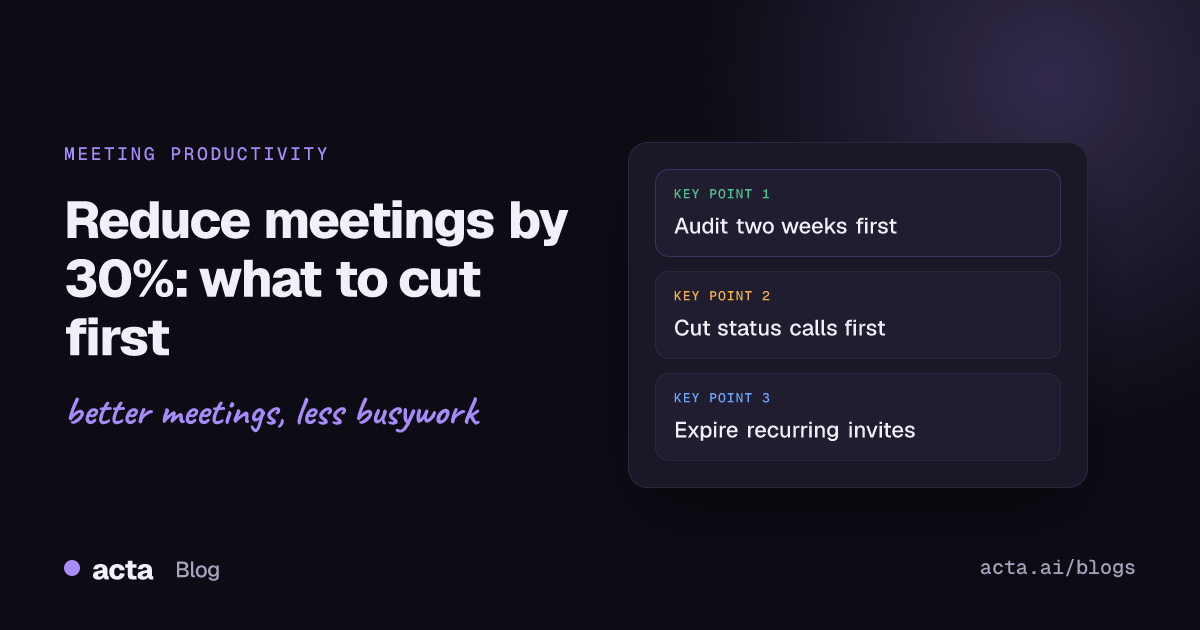
Quick answer: To reduce meetings by around 30%, audit two weeks of your calendar, then cut in this order: recurring status meetings, meetings where you're optional, meetings with no agenda or decision, and default 60-minute slots. Replace status calls with written updates, shorten what's left, and put an expiry date on every recurring meeting so the load doesn't creep back.
A 30% cut sounds aggressive until you look at an actual calendar. Most people I've worked with can find a third of their meeting time that's either a status update someone could have written, a meeting they attend "in case", or a 60-minute slot used for 35 minutes of content. You don't need a company-wide policy to find it. You need two weeks of data and the nerve to act on it.
You're also not alone in feeling the drag. When the authors of the Harvard Business Review article "Stop the Meeting Madness" surveyed 182 senior managers, 71% said meetings were unproductive and inefficient, and 65% said meetings kept them from finishing their own work. That was 2017, before video calls made it even easier to book one more.
Why is it so hard to reduce meetings?
Because almost every individual meeting looks reasonable. The weekly sync made sense when the project started. The cross-team check-in was a good idea after that one incident. Nobody ever books a pointless meeting on purpose; meetings just outlive the reason they were created.
Three other forces keep calendars full:
- Fear of missing something. If notes are bad or late, attending is the only safe way to know what was decided.
- Meetings look like work. A full calendar is visible. Two hours of focused writing isn't.
- Declining feels rude. Especially when the invite comes from someone senior.
Any plan to cut meetings has to deal with all three, or the calendar fills up again within a quarter.
How do you run a meeting audit?
A meeting audit takes about an hour, and it's the step most people skip. It also gives you the inputs to calculate what your meetings cost. Don't. Without data you'll cut the meetings you dislike, not the ones that waste the most time.
- Pull two typical weeks. Avoid weeks with holidays, offsites or a launch. Export them or just list them in a spreadsheet.
- Tag each meeting by purpose. Decide, discuss, inform, or relationship. Be honest; most "discuss" meetings are really "inform".
- Tag your role. Needed (you decide or contribute something nobody else can), useful, or optional.
- Note the length and whether it recurs. Recurring meetings are where most of the hours hide.
- Add up the hours by purpose and by role. That total is your baseline, and 30% of it is your target.

When I've done this, the pattern is usually the same: "inform" meetings where I'm "optional" make up a surprisingly big chunk of the week. That's your first target.
What should you cut first to reduce meetings?
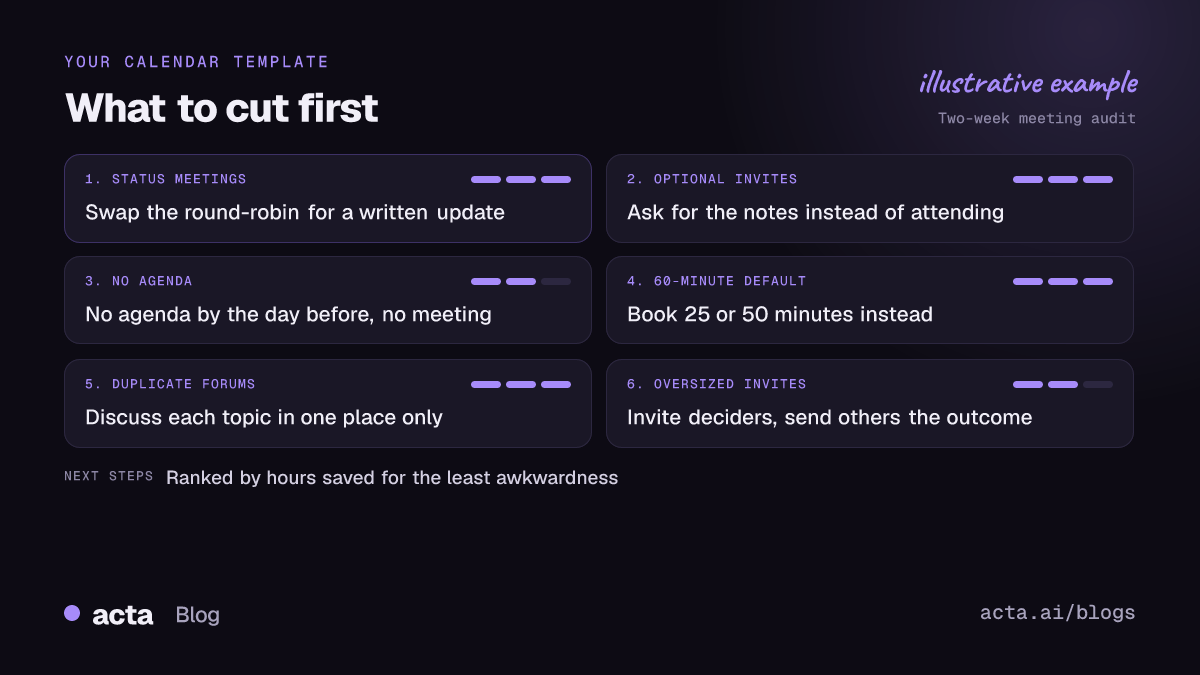
Here's the order I'd go in. It's ranked by hours saved per unit of awkwardness, so the early items are the easy wins.
1. Recurring status meetings
The weekly round-robin where each person reads out what they did. Replace it with a written update in a shared channel, due at the time the meeting used to start. Keep a short optional slot for anything that genuinely needs talking through. This single change often gets you halfway to 30%.
2. Meetings where you're optional
If you tagged yourself optional, ask the organiser for the notes instead. Most organisers are relieved; smaller meetings run better.
3. Meetings with no agenda and no decision
A simple rule: no agenda by the day before, no meeting. If nobody can say what the meeting is meant to decide or produce, it probably shouldn't happen.
4. The default 60 minutes
Calendar defaults are a hidden tax. Switch your default to 25 or 50 minutes. Work expands to fill the slot, and a shorter slot also gives people time to get to the next call.
5. Duplicate forums
Look for topics covered in two places: the same project discussed in the team meeting and the stakeholder sync, for example. Pick one forum and send a written summary to the other.
6. Big meetings that should be small
A 12-person meeting where four people talk is a broadcast with an audience. Shrink the invite list to the people who decide, and send everyone else the outcome.
What I'd leave alone, at least at first: 1:1s, retrospectives, and any meeting where the main purpose is relationship. Those are usually the meetings people value most, and cutting them saves less time than you'd think.
How do you decline a meeting without annoying people?
Most people never decline a meeting because they don't have the words ready. A few that work:
"I don't think I'm needed for this one. Could you send me the decisions afterwards? Happy to jump in if something comes up that needs me."
"I can't make Tuesday, but here's my input on the two questions in the agenda. Go ahead without me."
"Could we handle this one in the doc instead? I'll add comments by Thursday."
The pattern: say why you're not needed, offer something useful instead, and leave the door open. Declining with input is very different from just ignoring an invite. If you manage a team, say out loud that declining is allowed. People won't believe it until a manager does it first.
What did Shopify's calendar purge show?
The most famous example is Shopify. In January 2023, as Inc. reported, the company cancelled recurring meetings with more than two people, banned meetings on Wednesdays, and asked people to wait a two-week cooling-off period before adding any of them back.
The useful lesson isn't the specific rules. It's the method: delete the recurring meetings and see which ones people actually miss. The ones that come back after two weeks were probably worth having. The rest weren't.
You can run a mini version on your own team without anyone's permission. Cancel your own recurring meetings for two weeks, tell people why, and only reinstate the ones that someone asks for.
There's some research pointing the same way. An HBR article on holding too many meetings looked at 76 companies that reduced meetings and reported that productivity was 71% higher when meetings were cut by 40%. I'd treat any single number like that with care, since companies that cut meetings often change other things at the same time, but the direction is consistent with what most teams report.
How do you stop meetings from growing back?
Cutting is the easy part. Keeping the cuts is harder, because new meetings get booked every week. A few habits help:
- Put an end date on every recurring meeting. Six or eight weeks, then it has to be renewed on purpose.
- Review recurring meetings every quarter. Run a quick version of the audit and drop anything that's drifted.
- Protect no-meeting days or blocks. Even one afternoon a week gives people a stretch of real focus time. We looked separately at whether no-meeting Fridays actually work.
- Make skipping safe. This is the big one. People attend because they're afraid of missing a decision.
Making skipping safe mostly comes down to notes. If decisions and action items reach the right people within an hour, there's far less reason to sit in the call. A weekly decision digest is one way to do it. Recording the calls you keep is another, as long as people know and agree; our guide to recording meetings and getting consent covers what to tell participants. If a bot joining isn't welcome, a recorder on your own computer like the Acta desktop app captures the call's audio without adding anyone to it.
It also helps to fix what happens after a meeting. A lot of follow-up meetings exist only because the first one ended without clear owners. Our post on why action items don't get done goes into that.
How much time does cutting meetings by 30% free up?
Do the maths on your own numbers. As an example: if your audit shows 16 hours of meetings a week, a 30% cut is roughly 5 hours. That's more than half a working day, every week, for focused work.
For a manager, the bigger gain is often for the team. Cancel one weekly hour-long status meeting with eight people and you've given back eight person-hours a week, before counting the time people spend switching in and out of it.
Don't spend the saved time on new meetings. Block it on your calendar for the work that kept slipping, or it'll get booked by someone else within a fortnight. If you want to put a value on the time your team gets back, our piece on measuring meeting tool ROI walks through a simple method.
How Acta can help
Acta records the meetings you keep, by bot or bot-free from your desktop or browser, and writes the summary, decisions and action items with owners afterwards. That makes it easier for people to skip a call and still know what happened. You can also ask OneChat questions across past meetings, which helps when you're trying to figure out whether a recurring meeting is still producing anything.
Frequently asked questions
Is cutting 30% of meetings realistic?
For most people with heavy calendars, yes. Recurring status meetings and optional invites alone often add up to that much. People with mostly 1:1s and customer calls will find less to cut.
Which recurring meetings should I cancel first?
Status updates where people take turns reporting. They're the easiest to replace with a written update and usually the least missed.
How do I reduce meetings if my manager books them?
Bring your audit numbers and suggest one specific swap, like moving the weekly status call to a written update for a four-week trial. A concrete, time-limited experiment is easier to say yes to than a complaint.
Do no-meeting days actually work?
They help if they're protected and everyone respects them. They fail when meetings just get squeezed into the other four days, so pair them with real cuts, not just rescheduling.
What's a good length for most meetings?
Twenty-five or fifty minutes covers most needs. Start with 25 and only book longer when the agenda clearly needs it.
To see how meeting notes, decisions and action items come together after each call, have a look at Acta's features.