An async standup replaces the daily meeting with short written updates that each person posts on their own schedule, usually in a Slack or Teams channel. Everyone answers the same three questions: what I finished, what I'm doing next, and what's blocking me. It works best for remote teams across time zones, as long as someone reads the updates daily and clears blockers fast.
Meeting Productivity 11 min read
Async Standup: Template, Questions, Tools and When It Works
How to run an async standup: when it works and when it doesn't, six set-up steps, a copy-ready template and questions, a filled-in example and the tools teams use.
By Sarma BKP, Founder & CEO, Acta · Updated
This guide covers when an async standup beats a live one, a set-up you can follow, a template and questions you can copy, a filled-in example, the tools teams use, and the mistakes that quietly kill it. It's for team leads, Scrum Masters and engineering managers. One honest caveat: if your team sits in one office, works on tightly linked tasks and has no meeting problem, a well-run 15-minute live standup is probably the better choice.
Key takeaways
- Use three questions plus a blocker flag. More questions means longer updates and fewer readers.
- Set a posting window (for example, by 10:00 in each person's time zone) rather than a single time.
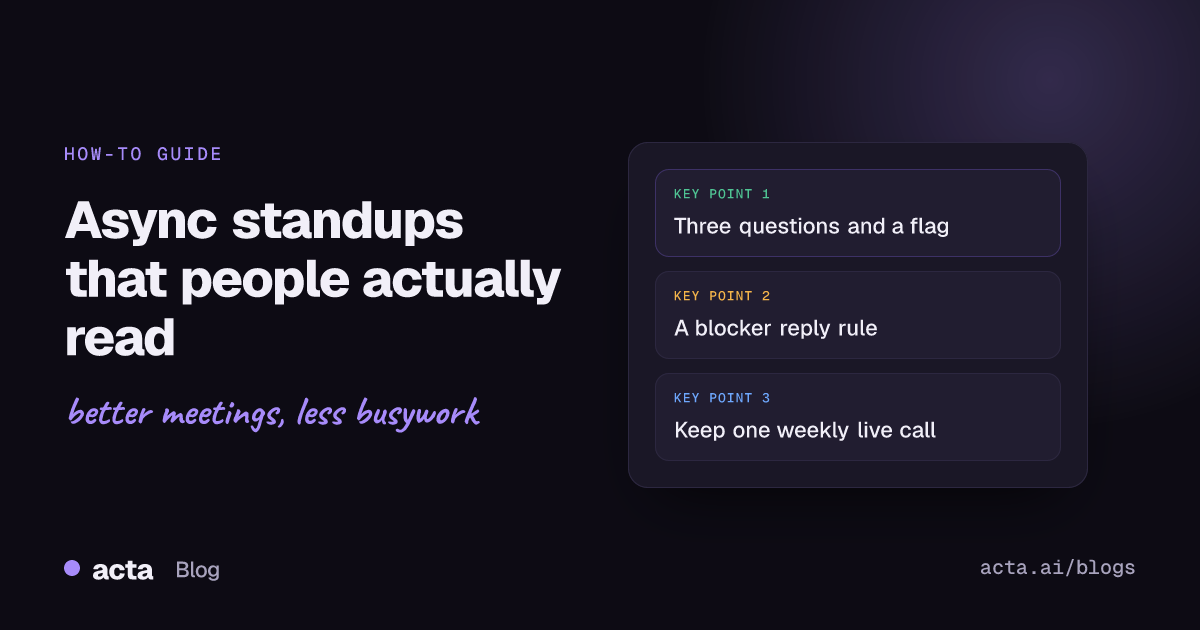
- Give blockers a response rule: the lead or a named buddy replies within half a working day.
- Keep one short live meeting a week for the things writing handles badly: tricky trade-offs, morale, planning.
- Review it after four weeks. If blockers wait longer than they did with the live standup, change the set-up or go back.
Table of contents
- An async standup replaces the meeting with written updates
- Async standups work best for spread-out, focused teams
- Set up an async standup in six steps
- Use three questions and a blocker flag
- Slack workflows, standup bots and shared docs all work
- Updates only matter if someone reads and acts
- Most async standups fail in predictable ways
- Where Acta fits
- Frequently asked questions
- Run a four-week async standup trial
An async standup replaces the meeting with written updates
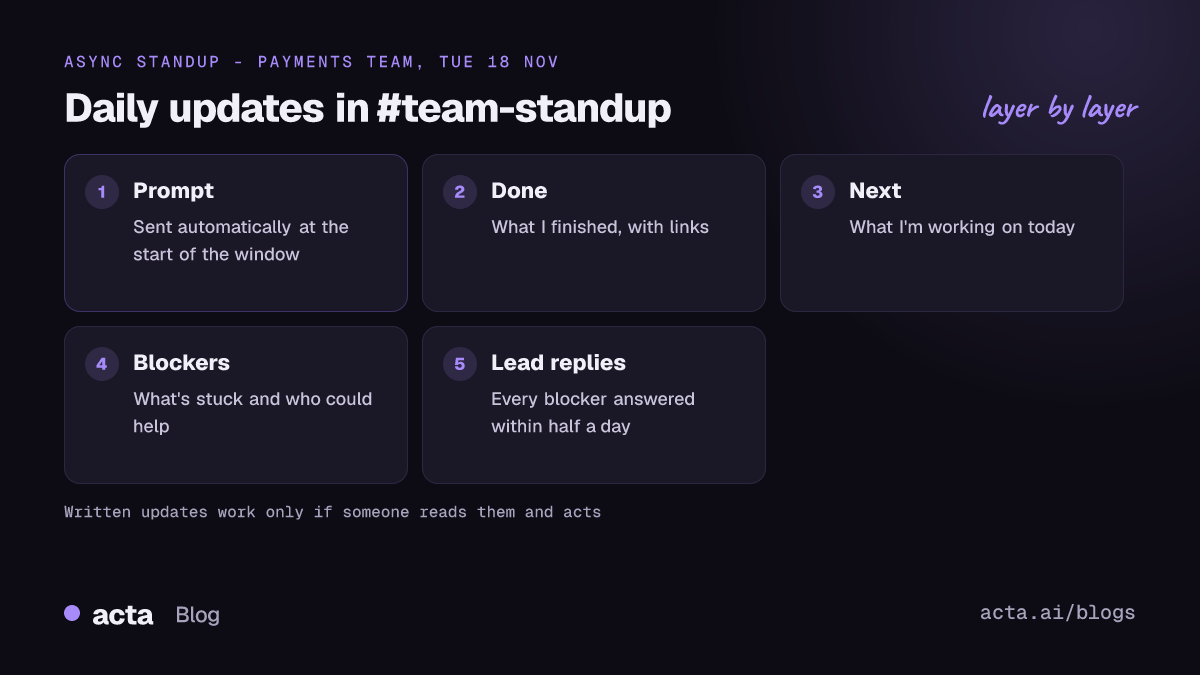
An asynchronous standup is a daily check-in done in writing instead of on a call. A prompt arrives each morning, each person replies in a thread or form within a set window, and the team reads the replies when it suits them. The aim is the same as a live standup: everyone knows where the work stands, and blockers get spotted early.
For Scrum teams, it helps to remember what the Daily Scrum is for. Scrum.org's explainer on what a Daily Scrum is describes a 15-minute event where the developers inspect progress toward the Sprint Goal and adapt the plan for the next day, and it leaves the structure to the developers. That's why some Scrum teams move part or all of it to writing. The test is whether the written version still produces a plan and surfaces problems, not whether it looks like the meeting.
Fully remote companies have written about this for years. GitLab's handbook page on sync vs. async culture sets out when the company defaults to asynchronous communication and when it doesn't. You don't need to adopt a whole philosophy to run an async standup, but the page is a useful read if you're arguing the case with your team.
Async standups work best for spread-out, focused teams
An async standup isn't better or worse than a live one. It suits some teams and hurts others. Here's how the two compare in practice:
| Factor | Live standup | Async standup |
|---|---|---|
| Time zones | Hard beyond a few hours apart | Works across any spread |
| Focus time | Breaks the morning for everyone | Each person posts when it suits |
| Blockers | Raised and often solved on the spot | Raised fast, solved only if someone replies |
| Record | Gone unless someone takes notes | Written and searchable by default |
| Team feel | Faces and small talk | Easy to feel isolated without a weekly call |
Use an async standup when your team spans several time zones, does deep individual work (engineering, design, writing), already writes clearly, and finds the daily call is mostly status reading. Remote teams with people in, say, Bengaluru, Berlin and Toronto rarely find a standup time that suits everyone.
Don't use it when the work is tightly coupled and changes hourly (an incident week, a launch), when the team is new and still building trust, or when the real problem is that nobody owns blockers. Async makes that last one worse, not better. For a fuller view of which meetings to move, see our guide to async meetings.
Set up an async standup in six steps
- Agree the reason. Write one sentence the team agrees with, for example "We're moving standup to Slack so the Toronto half of the team stops joining at 7am." If nobody can say why, don't switch.
- Pick the channel. One dedicated channel, such as #team-standup, separate from general chat, so updates don't get buried.
- Set the questions. Use the three in the template below. Resist adding more.
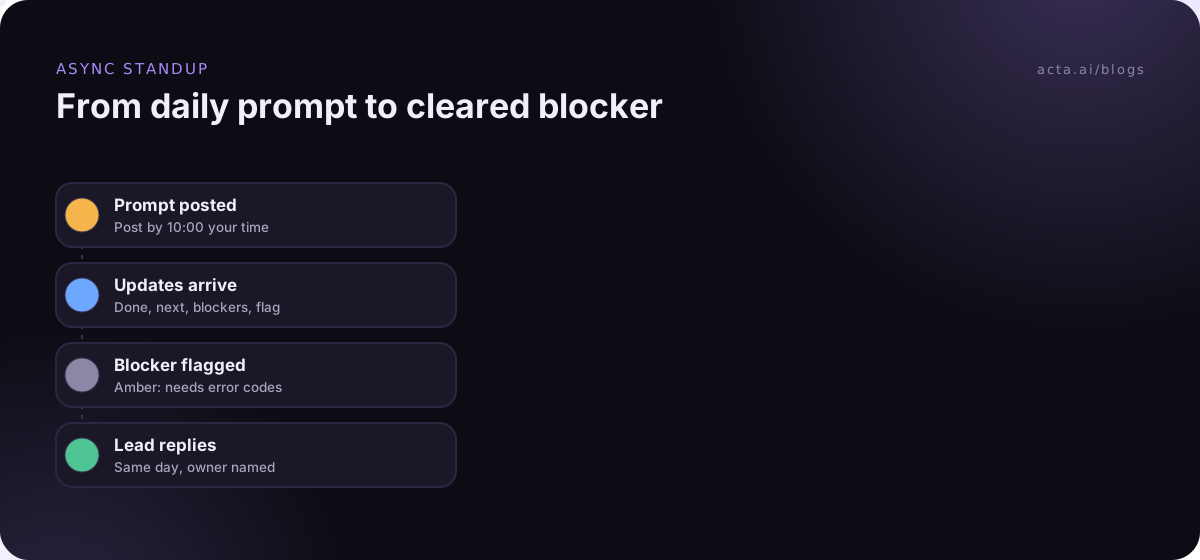
- Set the window. "Post by 10:00 your time" works better than one fixed time across zones. Send the prompt automatically.
- Set the blocker rule. Decide who reads every update daily, and how fast blockers get a reply. Write it in the channel description.
- Book the review. Put a 30-minute check in the calendar four weeks out to decide whether to keep it, change it or go back.
Expect the first week to feel odd. People over-write, or post nothing. Post your own update first every day for the first two weeks; it sets the length and tone better than any guideline.
Use three questions and a blocker flag
The classic daily standup questions still work in writing. The difference is that you can make each answer more specific, because people have time to think before posting.
Done since last update: [what you finished, with links to the PR, ticket or doc]
Next: [what you'll work on today, in one or two lines]
Blockers: [none, or what's stuck and who could help]
Flag: [green: on track / amber: at risk / red: blocked]
Here's a filled-in example (illustrative) from a product team spread across three time zones:
Priya, Bengaluru - Tue 18 Nov
Done: Merged the retry logic for failed payouts (PR linked). Wrote test cases for partial refunds.
Next: Partial refunds API, aiming for review by Thursday.
Blockers: Need the new error codes from the payments provider. Marco, do you have the contact?
Flag: amber
Marco, Berlin - Tue 18 Nov
Done: Replied to Priya: sent the provider contact and their sandbox docs.
Next: Finish the payout dashboard filters.
Blockers: none
Flag: green
Notice the blocker names a person and the reply came the same day. That's the whole system working. If you want variants, swap in one of these questions every so often rather than adding them all:
- "What's one thing the team should know that isn't in a ticket?"
- "Is anything you're doing at risk of missing the sprint goal?"
- "Who did you help, or who helped you, yesterday?"
For live standup and weekly meeting formats alongside this one, see our standup meeting template guide.
Slack workflows, standup bots and shared docs all work
You don't need a special tool to start. There are three common set-ups, from simplest to most structured.
Slack Workflow Builder. Slack's guide to Workflow Builder explains how to build workflows that run on a schedule, post messages and collect answers through forms. Slack also publishes Workflow Builder templates for software engineers, including a standup that posts a scheduled message to the team channel and asks people to reply in the thread. As of November 2026, check Slack's pages for which plans include which workflow features, because plans change. A Slack standup built this way costs nothing extra if your plan includes workflows.
A standup bot. Dedicated standup bot apps send each person the questions by direct message, collect the answers and post a digest. GitLab's runbooks describe using one, Geekbot, to run standups and retros in Slack. Bots add reminders, reports and skip-days for holidays. Compare a few on their own sites, since features and prices vary.
A shared doc or thread in Teams. Teams using Microsoft Teams often run it as a pinned post in a channel where people reply each day, or a shared page with one section per day. It's the lowest-tech option and works fine for small teams, but there are no reminders unless you set them up.
Whatever you pick, the tool matters less than the rules: the window, the questions and who reads.
Updates only matter if someone reads and acts
The quiet failure of an async standup is that everyone writes and nobody reads. After a few weeks, people notice nothing happens when they flag a blocker, and updates shrink to "same as yesterday". Prevent that from the start:
- The lead reads every update daily, and reacts or replies to every blocker, even if only to say "on it, back to you by 3pm".
- Blockers get a time rule. Half a working day is a reasonable default. If it can't be solved in writing in that time, book a 10-minute call.
- Red flags get a call, not a thread. Writing is slow for hard problems.
- Keep a weekly live sync. Twenty or thirty minutes for planning, trade-offs and simply seeing each other.
That weekly call is also where most of the team's decisions now happen, so it's worth keeping good notes. If you record it with everyone's agreement, a browser extension can capture a Meet or Teams call from your own computer without a bot joining; tell people first, and see our guide on whether it's legal to record meetings with AI. For keeping a live standup tight when you do meet, see our guide to running a 15-minute standup.
Most async standups fail in predictable ways
- Updates as diaries. Ten bullet points of everything you touched. Ask for outcomes and links, two or three lines per question.
- "Same as yesterday". A sign that nobody reads. Fix the reading, not the writing.
- Blockers buried in the middle. Put blockers in their own line, and use the flag so they stand out.
- Too many questions. Each extra question costs every person every day. Three plus a flag is enough.
- Dropping all live contact. Teams that go fully async with no weekly call often drift apart. Keep one.
Troubleshooting:
- People forget to post. Send the prompt automatically at the start of the window, and a single reminder an hour before it closes.
- Updates arrive too late to help. Shift the window earlier, or ask people to post at the end of their day for the next time zone to read.
- The channel is noisy. Reply to updates in threads, and keep general chat elsewhere.
- Managers use it to watch people. Say plainly that the standup is for coordination, not time-tracking. If it's being used that way, people will write to look busy.
Where Acta fits
Acta isn't a standup bot. It helps with the live meetings that remain once standups go async: it records Zoom, Meet and Teams, writes a summary, decisions and action items with owners, and Agent Builder can run automations after each meeting. OneChat answers questions across past meetings with sources, which helps when someone asks what was decided at last week's sync.
Frequently asked questions
What are the best async standup questions?
Keep the standard three: what did you finish, what are you doing next, and what's blocking you. Add a green, amber or red flag so risks stand out. Occasionally swap in one extra question, such as "Is anything at risk of missing the sprint goal?", but don't add permanent questions, because every one makes updates longer and less read.
Is an async standup allowed in Scrum?
Scrum.org describes the Daily Scrum as a 15-minute event for developers to inspect progress toward the Sprint Goal and plan the next day, and it lets the developers choose the structure. Many teams run part of it in writing. Whether a fully written version meets your team's intent is for the team to decide; check that it still produces a daily plan.
How do I run a Slack standup?
Create a dedicated channel, then use Slack Workflow Builder to post a scheduled prompt each morning asking people to reply in the thread, or install a standup bot from the Slack Marketplace. Set a posting window, put blockers on their own line, and make sure a named person reads and replies to every blocker the same day.
What is the difference between an asynchronous standup and a status report?
A status report goes up the chain, usually weekly, and summarises progress for managers. An asynchronous standup goes across the team daily, and its main job is coordination: who's doing what and what's blocked. If your standup reads like a report for your manager, it's drifting; refocus it on what teammates need to know today.
When should a team go back to a live standup?
Go back, at least for a while, if blockers wait longer than they did before, if updates turn into "same as yesterday", or if the team feels disconnected. Also switch to daily calls during high-change periods such as an incident or a launch week. You can always return to async once things settle.
Run a four-week async standup trial
Treat the switch as an experiment, not a policy. Four weeks is long enough to see whether it works.
- Write the reason: one sentence on what the async standup should fix.
- Set the rules: channel, three questions, a posting window and a blocker reply time.
- Post first: the lead posts an update every day for the first two weeks.
- Keep one call: a weekly live sync for planning, trade-offs and team contact.
- Review at week four: compare blocker wait times and how people feel, then keep, change or drop it.
When your weekly sync needs notes nobody has to write, try Acta's desktop app or extension; the 15-day free trial is on the pricing page. For more on agile meeting formats, see our new sprint retrospective template guide.
Found this useful? Share it with your team.