Quick answer: AI meeting notes for consultants and agencies should do more than summarise. They should list what was promised to each client, with an owner and due date, record decisions and scope changes, flag risks, draft the client follow-up email and push notes to your CRM. Capture without a bot on client calls helps, and you still need to tell clients you are recording.
Consultancies and agencies sell time and trust. Both leak in the same place: the client call. Someone agrees to "take a quick look" at an extra deliverable, a stakeholder changes a priority in passing, and a week later nobody can say who agreed to what. The account lead remembers one version, the delivery team another, and the client a third.
This guide covers what good AI meeting notes for consultants should capture, how to track client promises across accounts, how to spot scope creep early and how to handle consent on client calls.
Why do consultants and agencies need different meeting notes?
Most AI note takers are built for internal meetings: a summary, a few action items, done. Client work has different stakes.
- Every promise is a commitment to a paying client. "We'll send the revised plan Thursday" is a delivery date, even if nobody writes it down.
- Many clients, many threads. An account lead might run calls for ten clients a week. Notes need to be findable by client, not just by date.
- Scope is the business model. Small additions agreed on calls decide whether a project makes money.
- Handovers happen. People move between accounts, go on leave or leave the firm. The client should not have to repeat themselves.
- The client is in the room. That affects how you record, what tool joins the call and what you tell participants.
Generic summaries capture the conversation. Consultants need a record of commitments.
What should AI meeting notes for consultants capture?
A useful client call record has six parts. Treat this as a checklist when you evaluate any tool.
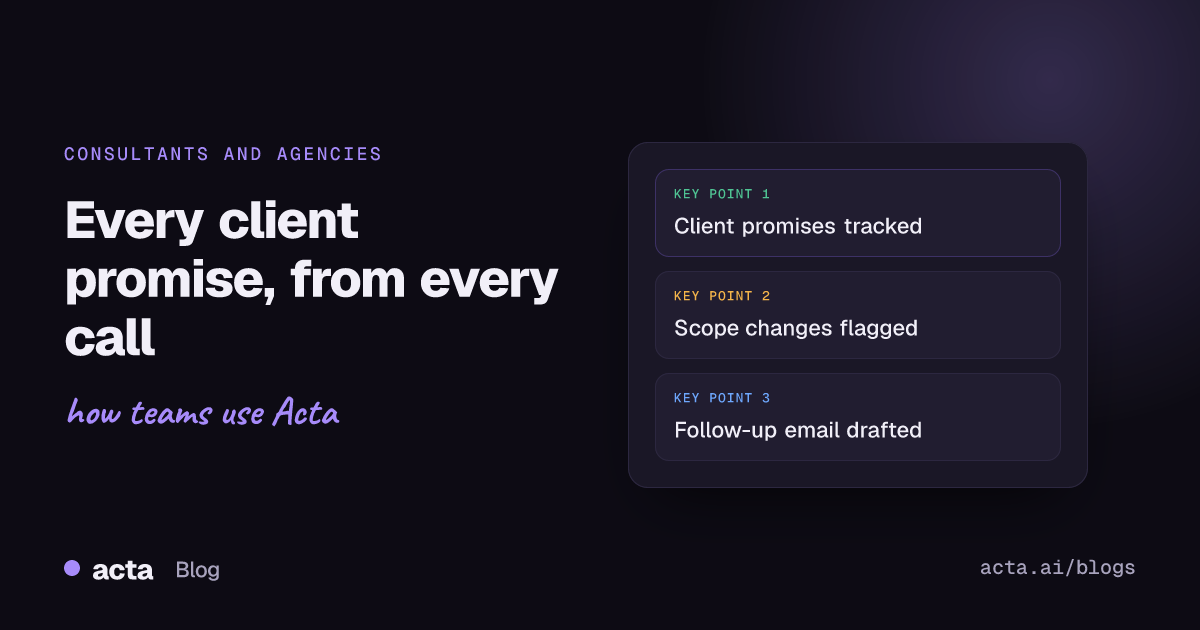
- Promises, both ways. What your team committed to and what the client committed to, each with an owner and a due date. Client-side promises (send the data export, get legal sign-off) are often what block your delivery.
- Decisions. What was agreed, who agreed it and whether it changes an earlier decision.
- Scope changes. New requests, expanded deliverables and "while you're at it" asks, flagged separately from routine action items.
- Risks. Concerns the client raised, dependencies, budget worries and signs the relationship is under strain.
- Open questions. What still needs an answer, and from whom.
- Next steps and the next meeting. So the follow-up email and the agenda for the next call almost write themselves.
In Acta, the first four come from the meeting automatically: action items with owners and due dates, a decisions log, and risks raised in the conversation, each with a level, impact and a mitigation. You can also pick a report template, or let Acta choose one from the conversation.
How do you track client promises across every account?
The hardest part of client work is not one meeting. It is remembering, three weeks later, everything you told one client across six calls.
Acta keeps promises as action items made in meetings, open and delivered, each with an owner, a due date and how late it is. You can filter them by customer or company, by person, or to just your own. That gives an account lead a straight answer to questions such as:
- What do we still owe this client, and is any of it overdue?
- What did the client promise us that is holding up our work?
- Which of my promises across all clients are due this week?
Overdue promises also show up as warning signs in Acta's risk view, so a slipping commitment surfaces before the client raises it. The Follow-ups view brings open items from every meeting into one list.
OneChat lets you ask across all your meetings in plain English, for example "What did we agree with the client about the launch date?", and answers with links to the meetings it used. If you work in Claude or ChatGPT, the same questions work there through Acta's MCP server.
How can meeting notes help prevent scope creep?
PMI describes scope creep as uncontrolled growth in project scope without matching changes to time, cost and resources. Its article on the top five causes of scope creep is a useful primer. In agency work, much of that growth starts with a sentence on a call that nobody writes down.
Meeting notes help in three ways:
- They catch the ask. When a client says "can you also include the Spanish version?", that becomes a dated, attributed item rather than a memory.
- They show the trail. A decision log shows when scope was agreed, when it changed and who was in the room. That makes a change-order conversation factual rather than awkward.
- They link to your change process. PMI's guidance on managing outsourcing and service projects stresses clear client and contractor roles and change control that protects the contractor from uncompensated out-of-scope work. Notes give you the evidence to start that process.
A simple habit: after every client call, scan the action items for anything not in the statement of work. Either confirm it in the follow-up email as in scope, or raise it as a change. Acta's decisions log also tracks whether a decision is active, changed, reversed or done, so you can see when a scope decision from an earlier meeting was quietly revised. For more on that, see how to track decisions made in meetings.
How do you write a client follow-up email from the call?
The client follow-up email is where notes turn into a shared record. Sent within an hour, it confirms what was agreed while everyone still remembers. A good one is short:
- One line thanking them and naming the meeting.
- Decisions made, in plain words.
- What your team will do, with owners and dates.
- What you need from them, with dates.
- Anything that is a change to scope, stated clearly.
- The next meeting.
Acta drafts this email from the meeting, using the action items, owners and due dates it captured. You edit the tone and send it from your own email. The draft is a starting point, so read it before it goes to a client, especially anything that touches price or scope.
How do you get client call notes into your CRM?
For agencies with a business development team, the CRM is where account history lives. If call notes stay in a separate tool, the next person on the account starts blind.
HubSpot's guide to logging activities on records shows the manual route: open the record, log the meeting and type your notes onto its timeline. That works, but it is the step most people skip after a busy day of calls.
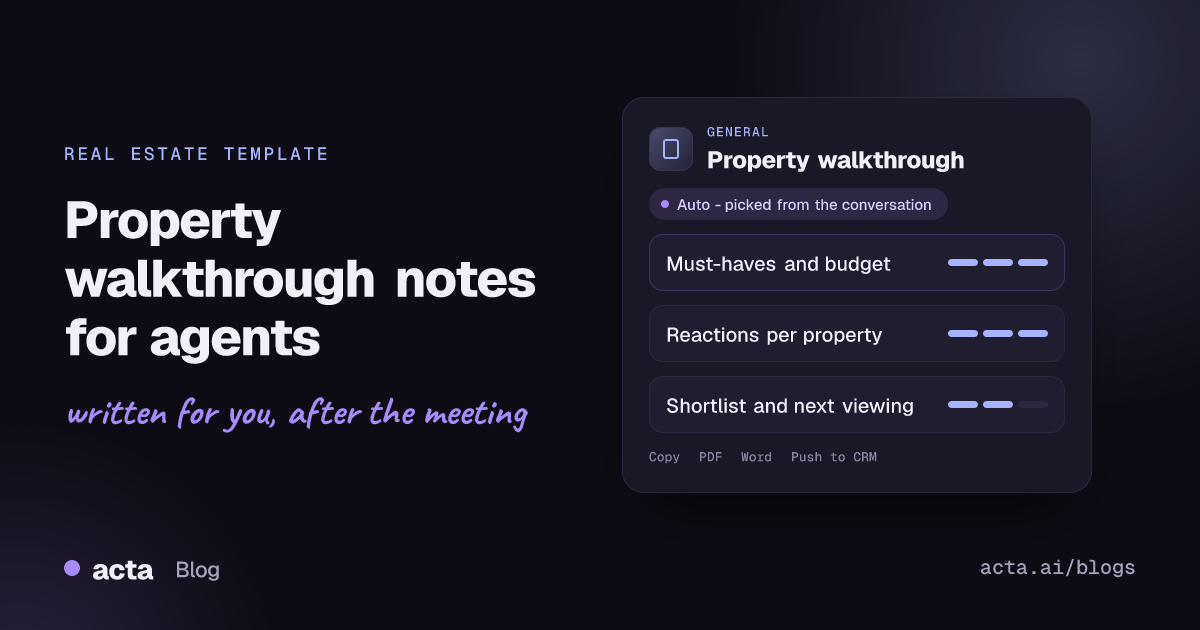
On a paid plan, Acta pushes meeting reports to Salesforce, HubSpot or Zoho, so the CRM gets the summary, decisions and next steps without retyping. You can also export reports to PDF, Word or Markdown for a client-facing record or a project folder, and Acta works with Jira, Confluence, Notion and Google Drive for delivery teams.
For recurring account reviews, our guide to customer QBR reports shows how notes from a quarter of calls become a review document.
Should a bot join agency client meetings?
Many clients are fine with a meeting bot. Some are not: their IT team blocks unknown participants, a senior stakeholder finds it off-putting, or the client is running the call on their own platform and you are a guest.
Acta gives you a choice per meeting:
- A meeting bot that joins Zoom, Google Meet and Microsoft Teams from your calendar, for internal calls and clients who are comfortable with it.
- A bot-free AI notetaker: the desktop app for Windows and Mac records your computer's sound and your microphone (not your screen), and the Chrome extension records browser meetings. Nothing joins the call.
- Mobile apps for workshops and in-person meetings at the client's office.
- Uploads for recordings made on the client's own platform.
Bot-free is about what appears in the meeting, not about skipping consent. That leads to the most important section.
What should you tell clients before recording a call?
Recording someone needs their consent where the law requires it, and the rules differ by country and state. Some places require everyone's consent. Beyond the law, clients expect to be told. A practical approach:
- Put a line in your engagement letter or kick-off deck saying you use an AI assistant to record and summarise calls, and why.
- Say it again at the start of each call: "We record these so we don't miss anything. Is that OK?" Stop if they say no.
- Be ready to explain who can see the notes. In Acta, people only see meetings they have access to, and Acta does not use customer data to train AI models.
- Follow the client's own rules. Some clients have policies on recording that override your defaults.
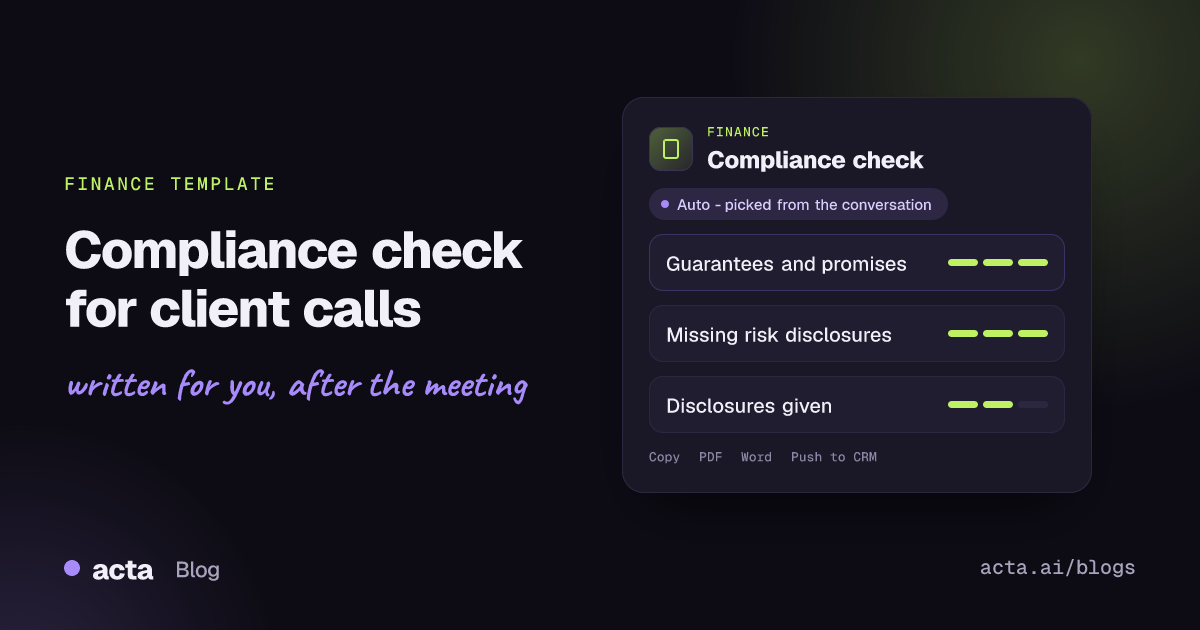
Our guide on whether it is legal to record meetings with AI covers consent rules and what to tell participants in more detail. If you work in regulated sectors, a compliance check for client calls can flag promises and missing risk statements.
What does a good client call record look like in practice?
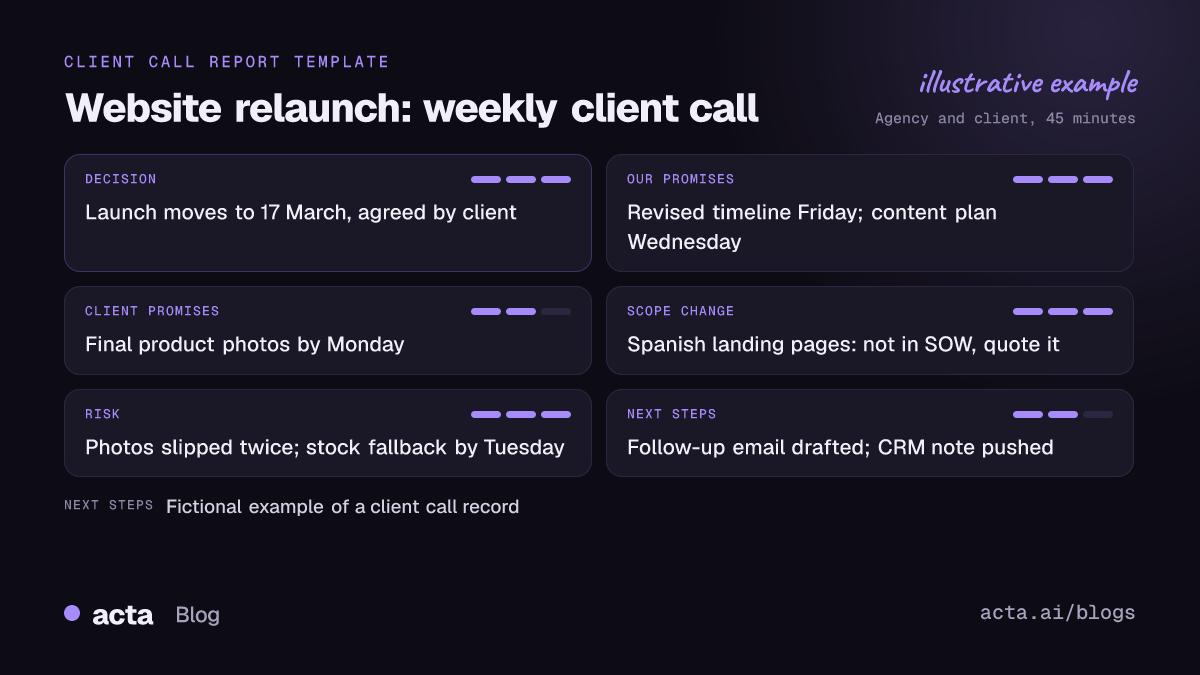
Here is a worked example from a fictional agency call about a website relaunch:
- Decision: launch moves from 3 March to 17 March, agreed by the client's marketing director.
- Our promises: revised timeline to the client by Friday (account lead); updated content plan by next Wednesday (strategist).
- Client promises: final product photos by Monday (client marketing manager).
- Scope change: client asked for a Spanish version of the landing pages. Not in the statement of work; flagged for a change order.
- Risk: photo delivery has slipped twice; if it slips again, the new date is at risk. Mitigation: agree a fallback using stock images by Tuesday.
- Follow-up email: drafted, confirming the new date, both sides' promises and the Spanish request as a separate quote.
That record takes a few minutes to check and send. Without it, the Spanish pages tend to get built for free and the photo delay becomes the agency's fault.
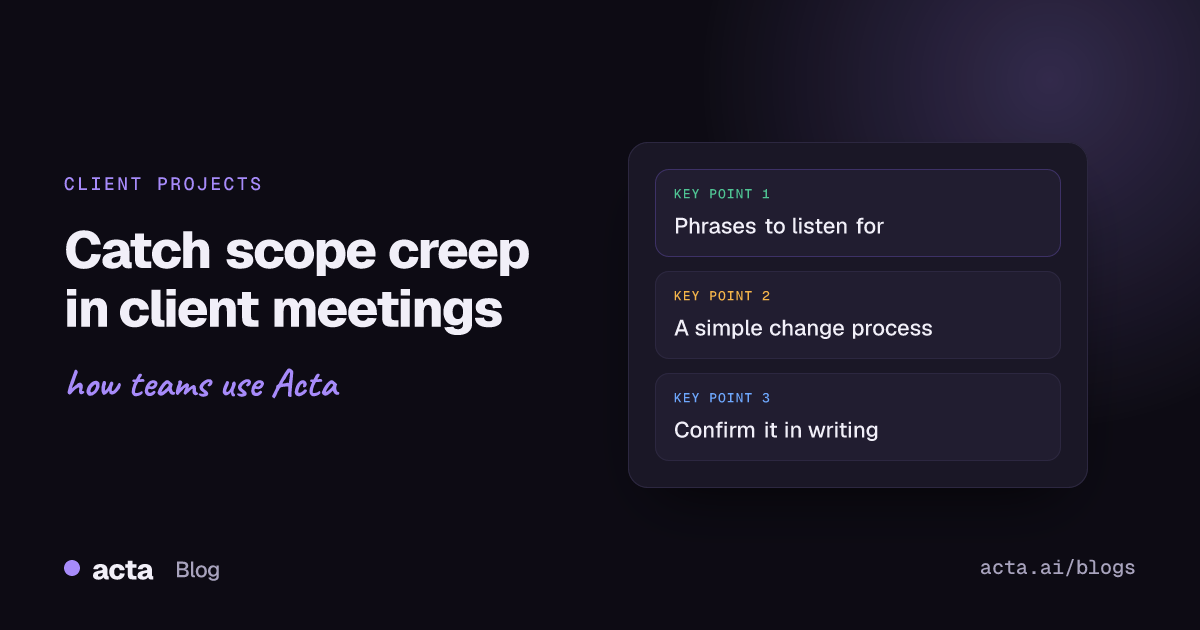
Related reading: Scope Creep in Client Meetings: How to Catch It Before It Costs You
Frequently asked questions
What are the best AI meeting notes for consultants?
Look for notes that track promises by client, record decisions and scope changes, flag risks and draft follow-up emails, not just summaries. Bot-free capture and CRM push matter for client-facing teams.
Can AI meeting notes help with scope creep?
Yes. They catch new requests as dated, attributed items and keep a decision trail, which gives you the facts to raise a change order early.
Do I need client consent to record agency client meetings?
Where the law requires it, yes, and clients expect to be told anyway. Tell them in your engagement terms and at the start of each call.
Can I track client promises across several clients at once?
In Acta, promises from meetings can be filtered by customer or company, by person or to just your own, with due dates and how late each one is.
Can Acta push client call notes to my CRM?
Yes, on a paid plan Acta pushes meeting reports to Salesforce, HubSpot or Zoho. Reports also export to PDF, Word and Markdown.
See what your next client call looks like as a record of commitments: try Acta free for 15 days.