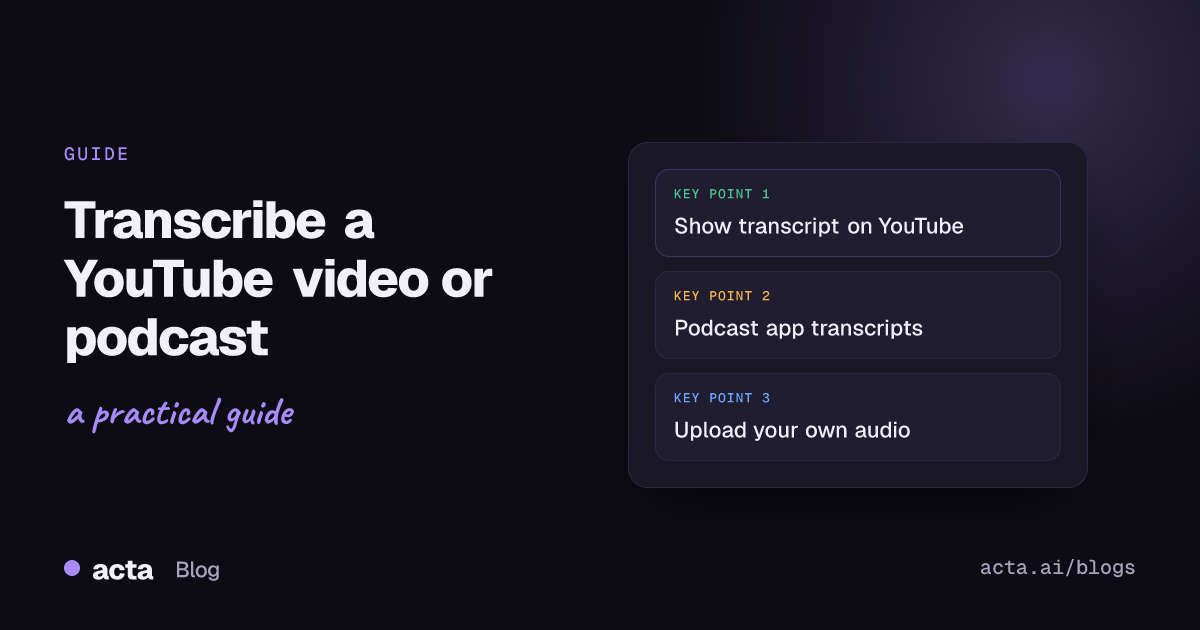
Quick answer: To transcribe a YouTube video, open the description, click Show transcript, and copy the text from the panel that opens beside the video. For a podcast, check Apple Podcasts first, since many episodes come with a transcript. If neither has one, or you need speaker names, run your own copy of the audio through a transcription tool.
Most people who search for this want one of three things: a quote they can paste, notes from a long talk they don't have time to rewatch, or a text version of their own show. Those need different routes. The free built-in transcripts are fine for the first two. For the third, you'll want something that handles speaker names and lets you clean the text up properly.
Here's how I'd go about each one, plus the mistakes that waste the most time.
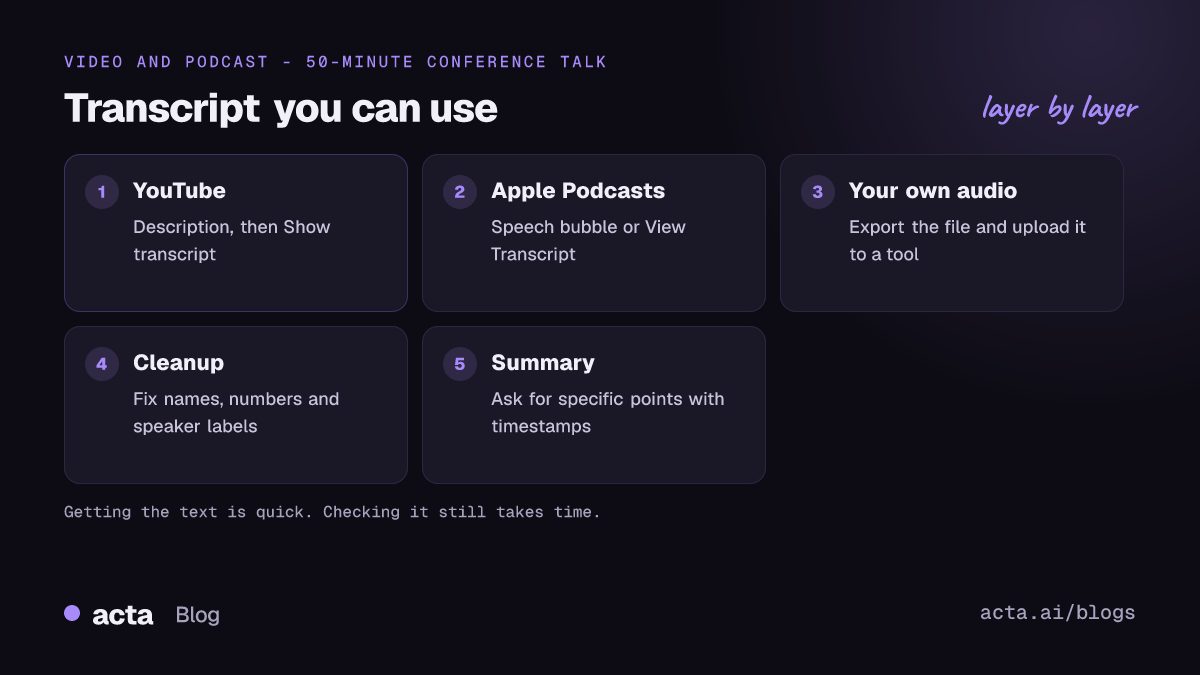
How do you transcribe a YouTube video for free?
YouTube already does most of the work. Any video that has captions, whether the creator uploaded them or YouTube generated them automatically, has a transcript you can read. According to YouTube's help page on viewing transcripts, you open it from the description and it follows along as the video plays. Clicking a line jumps the video to that moment.
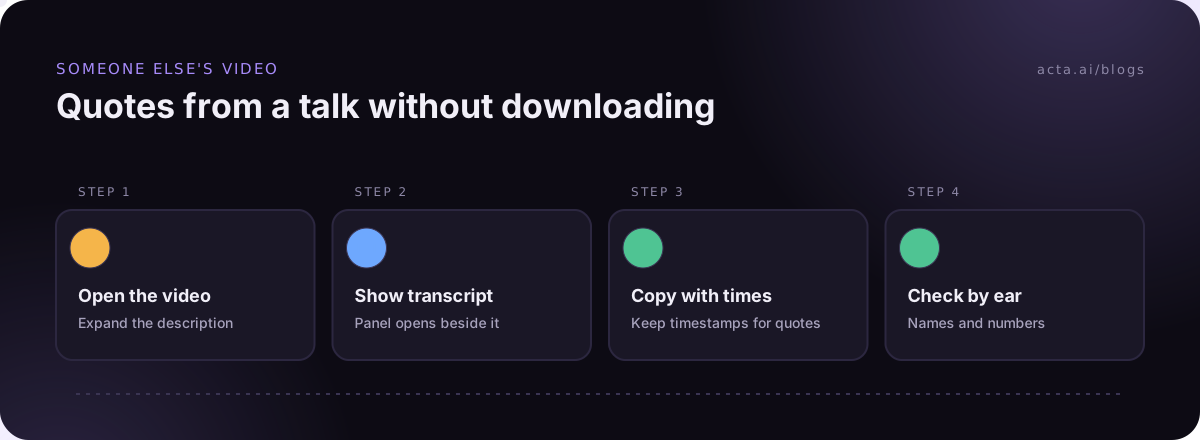
- Open the video on a computer and click ...more under the title to expand the description.
- Scroll to the bottom of the description and click Show transcript.
- The transcript opens next to the video, line by line with timestamps.
- Drag to select the text, copy it, and paste it into a document.
On a phone, the YouTube app has the same option at the end of the description. If you don't see Show transcript at all, the video has no captions, and you'll need one of the other methods below.
One habit worth picking up: keep the timestamps when you're pulling quotes. A 50-minute conference talk is a lot easier to fact-check later when your note says "31:40" next to the line you copied. If the talk is a live webinar instead, see how to record a webinar as an attendee.
How accurate are YouTube's automatic transcripts?
Good enough to skim, not good enough to publish without checking. YouTube's own automatic captioning help page warns that automatic captions can misrepresent what was said because of mispronunciations, accents, dialects or background noise. In practice the misses cluster around names, product terms and numbers, which are usually the bits you wanted. A talk about "Kubernetes" can come out with three different spellings in ten minutes.
Auto-generated transcripts also tend to have little or no punctuation and no speaker labels. For a solo lecture that's fine. For a panel or an interview show it's a wall of text where you can't tell who's speaking.
How do you get a transcript of a podcast episode?
Start with the app you're already listening in. Apple added transcripts to Apple Podcasts in iOS 17.4, and Digital Trends' walkthrough covers where to find them: tap the speech-bubble icon in the full player to read along, or use the episode's menu and choose View Transcript to open the whole thing as a page you can search.
A few things to know before you rely on it:
- Not every show or language has transcripts, and a brand new episode may not have one straight away.
- The read-along view is built for following the audio, not for exporting. Copying a full episode out can be fiddly.
- Plenty of podcasts publish their own transcript on the show's website, especially interview shows. Check the episode page before you do anything else. A transcript the host has already corrected beats any machine version.
Podcasts that also live on YouTube, which is a lot of them now, can be handled with the YouTube steps above.
When should you upload the audio to a transcription tool instead?
Built-in transcripts stop being enough in a few common situations:
- It's your own content. You host the podcast or made the video, and you want show notes, a blog post or searchable archives.
- You need speaker names. Interviews and panels are hard to use without knowing who said what.
- There's no transcript at all. Smaller shows and older videos often have nothing.
- You want a summary, not just text. Pulling the five main points out of a 90-minute episode by hand takes longer than listening to it.
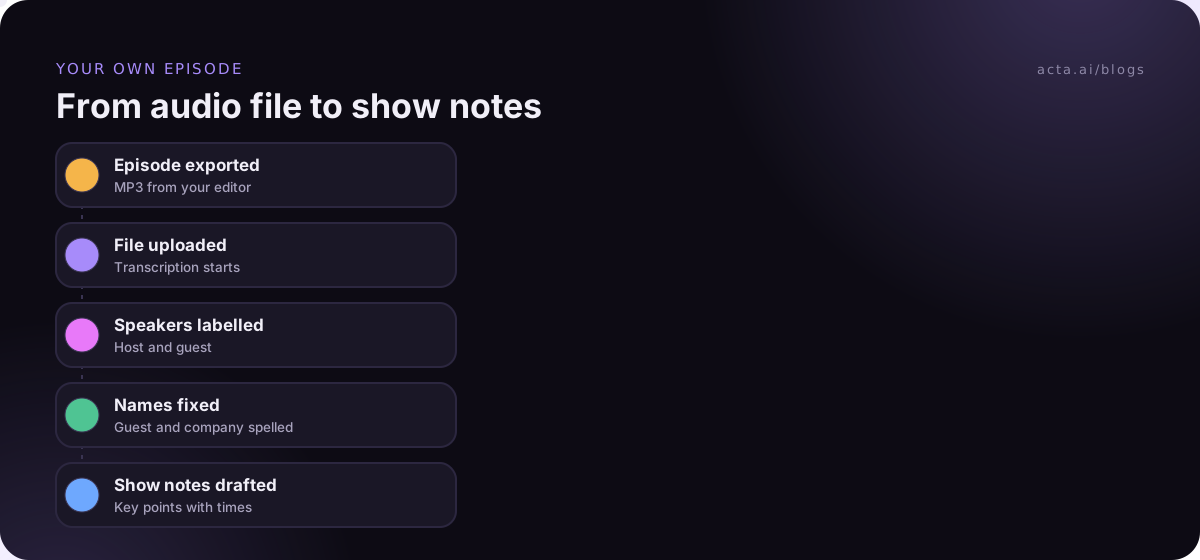
For your own recordings the steps are simple: export the audio file from your editing software or recording platform, upload it to a transcription tool, then review and fix the output. If the audio is a voice memo on your phone, see how to transcribe voice memos on iPhone. Most tools take common formats like MP3, M4A and WAV. If you'd like to know what's happening under the hood, our guide on speaker diarization explains how software works out who's talking.
Is it legal to transcribe a YouTube video or podcast you don't own?
This is general information, not legal advice. Reading a transcript that YouTube or Apple shows you is just using the service. Downloading the media is a different matter. YouTube's Terms of Service say you may not download, reproduce or otherwise use content without permission, apart from features YouTube itself provides. So ripping audio from someone else's video with a third-party downloader so you can run it through another tool goes against those terms, whatever the copyright position.
What you do with the text matters too. Quoting a few lines in a review or a research note with credit is very different from republishing a full transcript of someone else's show on your site. If you want to publish a full transcript, ask the creator. Most are happy to say yes, and some already have a cleaned-up version they'll send you.
If the audio you're transcribing is a recorded call or interview with other people, consent rules apply as well. Our article on recording meetings with AI and what to tell participants covers that side.
How do you clean up a transcript so people can actually read it?
Raw transcripts are hard to read even when the words are right. Spoken English is full of restarts, filler and half sentences. Here's the cleanup pass I'd do on any transcript you plan to share:
- Fix names and terms first. Search for each guest's name, company and product, and correct every variant in one go.
- Add speaker labels if the tool didn't. Even "Host" and "Guest" helps.
- Break it into paragraphs at topic changes, not every few lines.
- Trim filler such as "um", "you know" and false starts, unless you need a verbatim record.
- Keep a few timestamps at section breaks so readers can jump to the audio.
- Check every number. Prices, dates and percentages are where machine transcripts go wrong most often.
A common mistake is editing so heavily that the transcript no longer matches the audio. If you're publishing it as a transcript, stay close to what was said. If you're rewriting it into an article, call it an article.
How do you turn a transcript into notes or a summary?
Once you have clean text, an AI summarizer can give you a short version quickly. Two tips make the output far better. First, tell it what you want: "list the five claims the guest makes about pricing, with timestamps" works better than "summarize this". Second, check the summary against the transcript for anything you plan to quote. Summaries sometimes merge two speakers or state a guess as a fact. Our posts on reducing hallucinations in AI summaries and building a summarization app with open models go deeper if you're doing this at volume.
Students do this with lectures all the time. If that's you, see lecture notes and review questions from class recordings for a format that works for revision.
What's the fastest way to transcribe a YouTube video you made yourself?
If you own the channel, you don't need to download anything from YouTube. Use the original file from your editing project. It's better audio than the compressed version on YouTube anyway. Upload that to your transcription tool, clean it up, and you can also upload the corrected transcript back to YouTube as captions, which fixes the auto-caption errors for your viewers too.
For podcasters who record interviews over Zoom or Teams, it helps to capture a clean recording at the source. If you'd rather not have a bot in the call with your guest, a desktop recorder like Acta's records the call's sound and your microphone from your own computer, and you get a transcript afterwards without exporting anything.
Which method should you use to transcribe a YouTube video or podcast?
- A quote or two from a public video: Show transcript on YouTube. Free, takes a minute.
- Notes from a podcast you're listening to: Apple Podcasts transcripts or the show's own website.
- Your own podcast or channel: upload your original audio to a transcription tool and clean it up.
- Interviews with several speakers: use a tool that labels speakers, then check the labels by ear in a couple of spots.
Whichever route you pick, budget time for the cleanup. Getting the text is the fast part now. Making it accurate is still on you.
Where Acta fits
Acta is built for meetings, but it also takes uploaded recordings, so a podcast interview or a recorded talk you own can go in as a file (the upload guide shows how). You get a transcript with speaker names and a summary, and OneChat can answer questions across everything you've uploaded, with links back to the source. It won't fetch videos from YouTube for you, and it shouldn't.
Frequently asked questions
Why don't I see Show transcript on a YouTube video?
The video has no captions, either because the creator turned automatic captions off or YouTube couldn't generate them for that language. On a phone, try the YouTube app; several guides report the option is missing from the mobile website.
Can I transcribe a YouTube video without downloading it?
Yes. Show transcript gives you the text without downloading anything. That's the simplest way to transcribe a YouTube video you don't own.
Do podcast transcripts include speaker names?
Often not. App-generated transcripts usually show the text only. Shows that publish their own transcripts on their websites are more likely to label speakers.
How long does it take to transcribe a one-hour podcast?
Machine transcription of an hour of audio usually takes minutes. Cleaning it up for publishing can take an hour or more, depending on how many speakers and technical terms there are.
Can I publish a transcript of someone else's video on my blog?
Short quotes with credit are common practice. A full transcript is a copy of their work, so ask the creator first.
If you have your own recordings to turn into transcripts and notes, you can try Acta free for 15 days.