Use Cases 6 min read
Plain-Language Patient Visit Summaries, Drafted From the Consultation
Patients forget much of what they hear in a visit. Acta drafts a plain-language visit summary from the conversation, for the clinician to review before sharing.
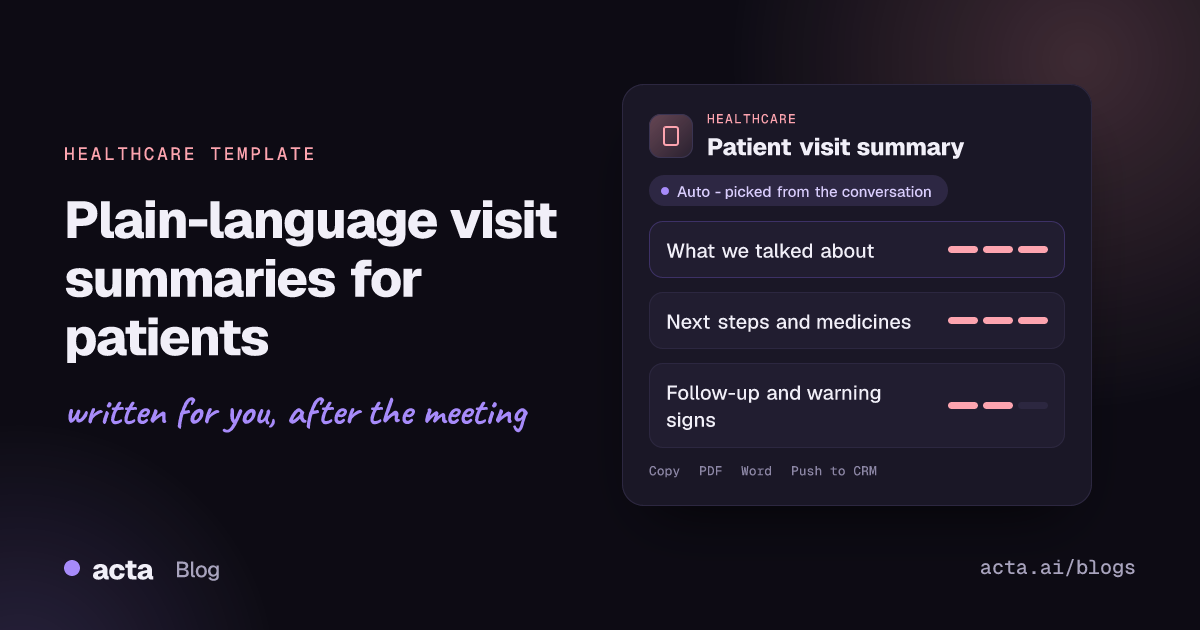
Quick answer: A plain-language patient visit summary is a short write-up for the patient that explains what was discussed in the visit, the next steps, any medicines with the clinician's own instructions, the follow-up plan and, if the clinician gave them, warning signs. Acta drafts it from the recorded consultation. It is a draft: a clinician must check it before it is used in care or shared with the patient.
Patients leave appointments with a lot to remember and little to hold onto. The clinician explained the plan clearly in the room, but by the time the patient gets home, the details of which test to book, when to come back and what to watch for have blurred.
Writing a separate patient-friendly summary after every visit is exactly the kind of task that falls off a full clinic list. The clinical note gets written because it has to; the version written for the patient often does not, or it ends up as a printout full of codes and jargon.
What is a patient visit summary?
A patient visit summary, often called an after-visit summary, is a record of the appointment written for the patient rather than for other clinicians. Where a clinical note is organised for the chart, the visit summary is organised around what the patient needs to know and do.
The key requirement is plain language. NIH describes plain language as clear, grammatically correct writing that fits the audience, and is careful to say it is not "dumbing down". Patients use these summaries when they are written well: a study of after-visit summary use among primary care patients indexed on PubMed looked at how patients, including those with limited health literacy, use and value them.
What does Acta's patient visit summary include?
Acta reads the conversation between clinician and patient and drafts the summary in three parts:
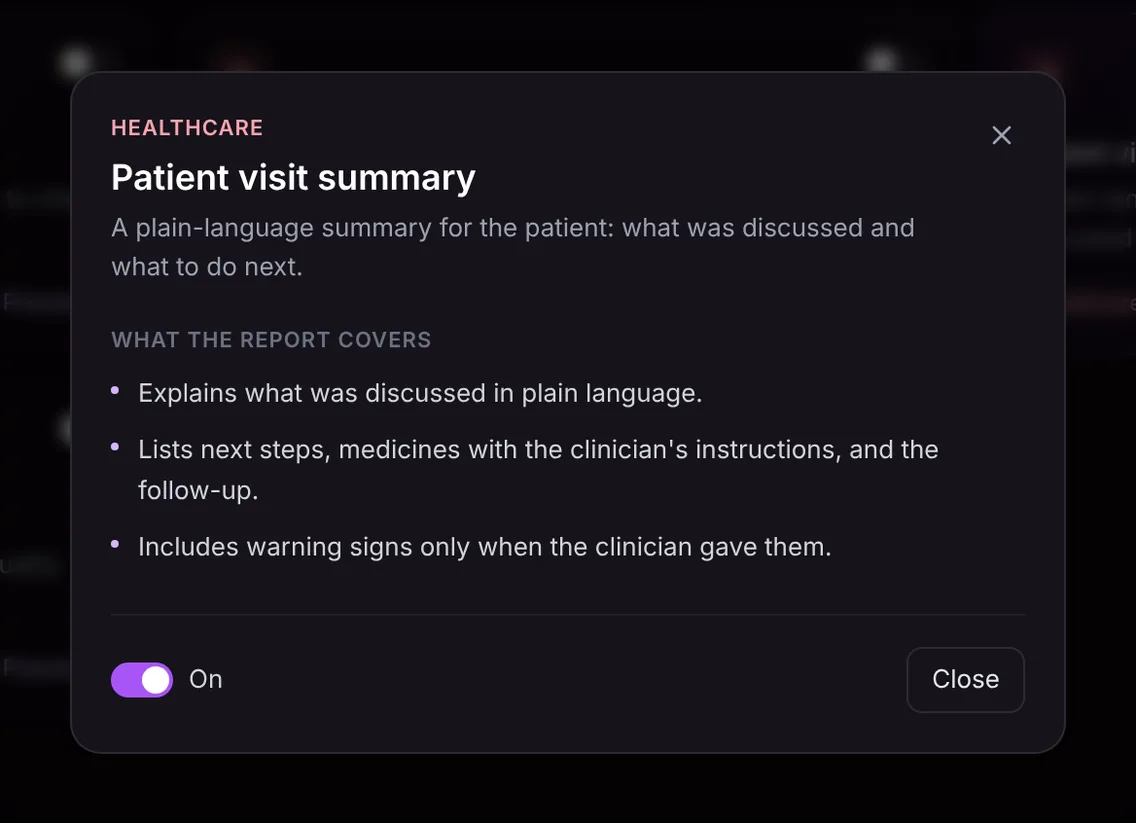
- What was discussed, in plain language. The reasons for the visit and the main points the clinician explained, written in everyday words rather than clinical shorthand.
- Next steps, medicines and follow-up. Tests or referrals to arrange, any medicines with the instructions the clinician gave in the visit, and when to come back.
- Warning signs, only when given. If the clinician told the patient what symptoms should prompt a call or an urgent visit, they are listed. If the clinician did not, the section is left out rather than filled with generic advice.
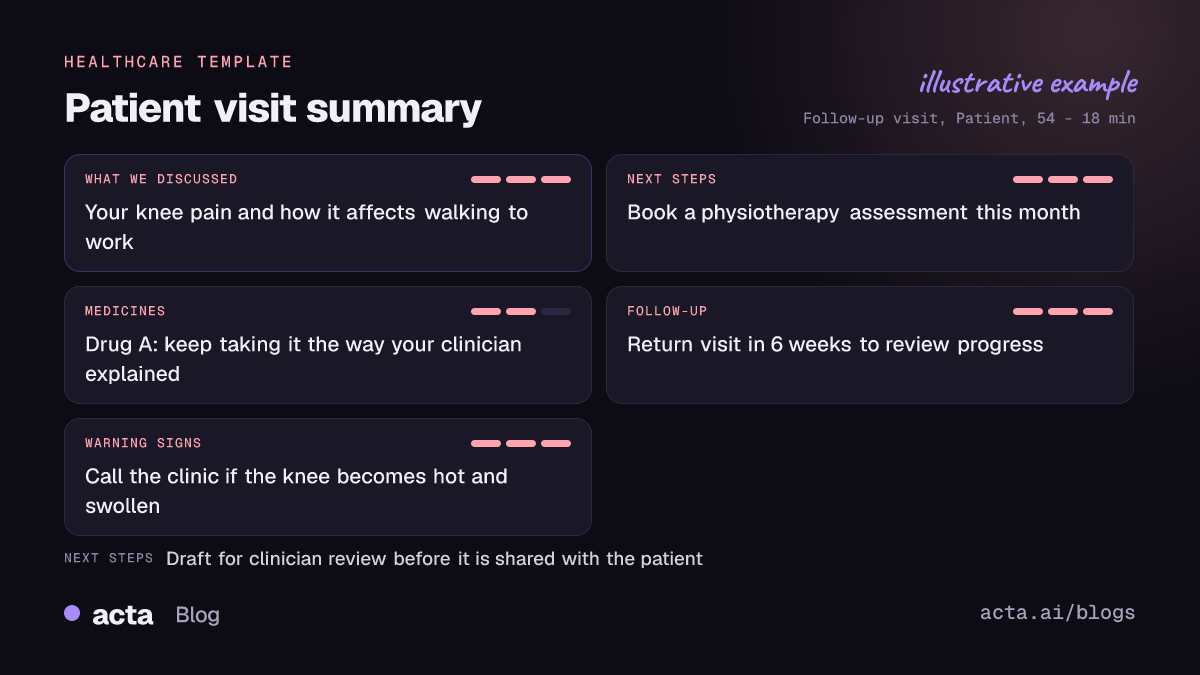
The summary only contains what was said in the visit. Acta never adds a diagnosis, a dose or an instruction the clinician did not give. If the clinician said "keep taking it as before", that is what the draft says.
Here is the template in Acta's Templates page, with the preview of what the report covers:
And an illustrative example of a finished report:
Why is a plain-language visit summary useful, and who is it for?
The summary is for clinicians who want their patients to leave with something clear in writing: primary care physicians, specialists, nurse practitioners, physiotherapists, therapists and clinic teams. The patient is the reader; the clinician stays the author and reviewer.
- Fewer "what did the doctor say?" calls. When the follow-up date and the next test are written down in plain words, patients and families have less reason to phone the clinic to check.
- Family and carers. An older patient's daughter who could not attend can read exactly what was agreed, once the clinician has approved the summary and the patient has agreed to share it.
- Telehealth visits. On a video consultation there is no printout at the desk. A reviewed summary sent afterwards fills that gap.
- Less writing at the end of the day. Reviewing and correcting a draft is faster than writing a patient letter from scratch.
Recording a consultation needs the patient's consent. Acta's article on consent and what to tell participants when recording with AI is a useful starting point; follow your own organisation's policy.
How does Acta pick the patient visit summary automatically?
Acta reads each recorded conversation and picks a fitting template even if you have not turned it on. For this template, the signals are a clinician and a patient talking about symptoms, what the clinician found, a plan, tests or referrals, medicines and when to return.
A report picked this way is labelled "Auto", and Acta explains why, for example that the conversation was a consultation that ended with next steps and a follow-up date. Click "Turn on for future meetings" to keep the template on.
The relevance check works the other way too. If the template is on and you record a staff rota meeting, it will not force a patient summary out of it; it is listed under "Not relevant" with the reason.

How do you use the patient visit summary?
- Record the visit, with consent. Use the meeting bot for a Zoom, Google Meet or Microsoft Teams telehealth call, the bot-free desktop app, the Chrome extension, or the Acta mobile app for an in-person consultation. You can also upload a recording.
- Turn on the template. In Acta's Templates page, preview the patient visit summary and toggle it on, or let Acta pick it.
- Review the draft. Open the visit's Templates tab. Read the summary against what you said, correct anything that is unclear or wrong, and remove anything you would not want the patient to read in that form.
- Share it your way. Copy the checked text into your usual patient communication channel, or download it as PDF, Word or Markdown.

Tips for a clearer summary
- Say the plan out loud in plain words. "Let's book a scan this month and see you again in six weeks" lands in the summary cleanly.
- Name warning signs explicitly. If you want the patient to call when something changes, say what that something is. The draft only includes warning signs you actually gave.
- Recap at the end. A short spoken recap helps the patient in the room and gives the draft a clear structure.
Clinicians often pair this template with the SOAP note draft for the chart, so one recording produces both the clinical note and the patient version. For team meetings, see the care team huddle notes. More on Acta in clinical settings is on the healthcare page.
Frequently asked questions
Can I send the summary to the patient without reviewing it?
No. It is a draft written by AI from the conversation. A clinician must check it before it is used in care or shared with the patient.
Will the summary include a diagnosis or a dose the clinician did not mention?
No. It only contains what was said in the visit and never adds a diagnosis, dose or instruction. Medicines appear with the clinician's own instructions as spoken.
How is this different from a SOAP note?
A SOAP note is written for clinicians and the record, in clinical language. The patient visit summary is written for the patient, in plain language, and focuses on what to do next.
Why are warning signs sometimes missing?
The warning signs section only appears when the clinician gave warning signs during the visit. Acta does not add generic safety advice of its own.
To see a draft from your own consultations, start a free 15-day Acta trial.


