Use Cases 5 min read
MSL Field Insights From HCP Meetings, With Safety Flags
How Acta drafts MSL field insights from HCP meetings, with insights grouped by topic, unanswered medical questions, and possible adverse events flagged for review.
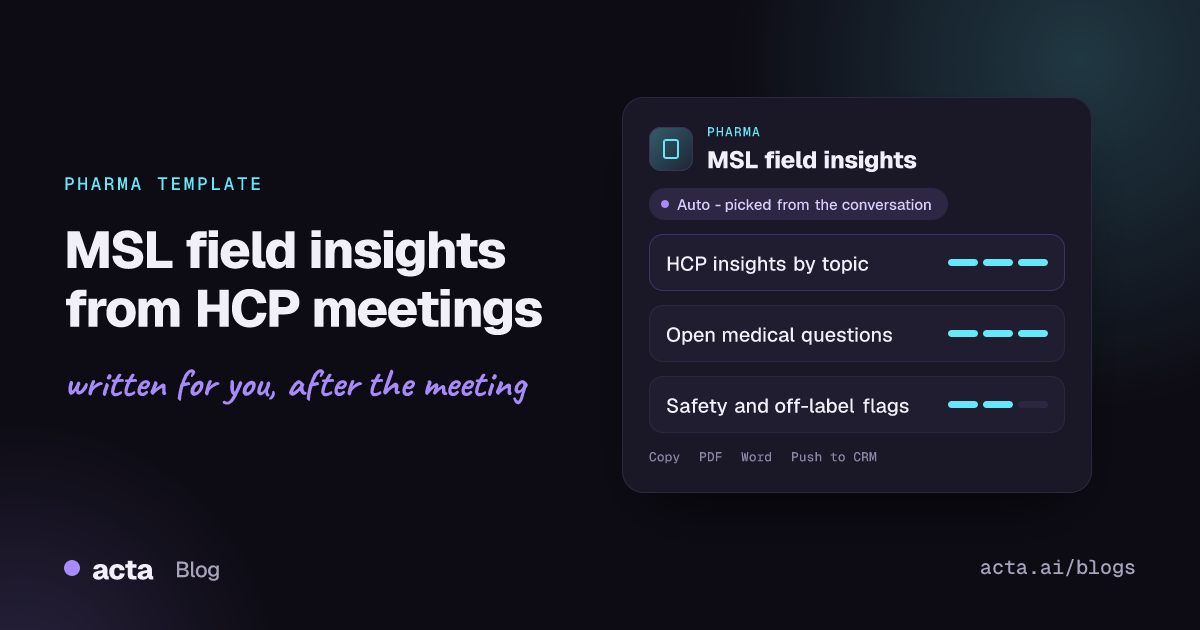
Quick answer: An MSL field insights report captures what a healthcare professional said in a meeting with a medical science liaison. Acta writes it from the recording: insights grouped by topic with attributed quotes, unanswered medical questions and information requests, and flags for possible adverse events and off-label questions. Flags are for your safety and medical teams to review, not confirmed events.
Medical science liaisons spend their days in scientific conversations with physicians, pharmacists and researchers. Each meeting can surface something the medical affairs team needs: a treatment pattern, a concern about a trial design, an unmet need, a question the MSL could not answer on the spot. The insight is only useful if it reaches the people who act on it.
In practice, insight capture is a form filled in at the end of a long day, from memory, often hours after the conversation. Nuance gets lost, quotes get paraphrased, and the follow-up request sits in a notebook. Acta's MSL field insights template drafts that record from the meeting itself.
What is an MSL, and what is a field insight?
A medical science liaison is a scientific role within a pharmaceutical, biotech or medical device company's medical affairs function. The MSL Society describes the role as building peer-to-peer relationships with key opinion leaders and other healthcare professionals in a defined therapeutic area, and MSLs typically hold an advanced scientific or clinical degree. Unlike sales representatives, MSLs are non-promotional: their job is scientific exchange, not selling.
A field insight is a piece of information from those conversations that could inform the company's medical strategy. Examples include how clinicians are using a class of therapy, perceived gaps in the evidence, barriers to adoption, reactions to new data presented at a congress, or ideas for investigator-initiated research. Medical affairs teams aggregate insights across MSLs and regions to spot patterns.
Two other things come up in MSL meetings and need careful handling:
- Medical information requests. Questions the MSL could not fully answer, which are often routed to a medical information team for a formal response.
- Possible adverse events. If an HCP describes a patient experiencing a side effect while on a company product, that may need to go to the pharmacovigilance team under the company's safety procedures. In the US, for example, manufacturers have postmarketing reporting obligations, and the FDA's page on its Adverse Event Reporting System explains how those reports are collected and used.
What does Acta's MSL field insights report include?
The template reads the meeting transcript and writes three parts:
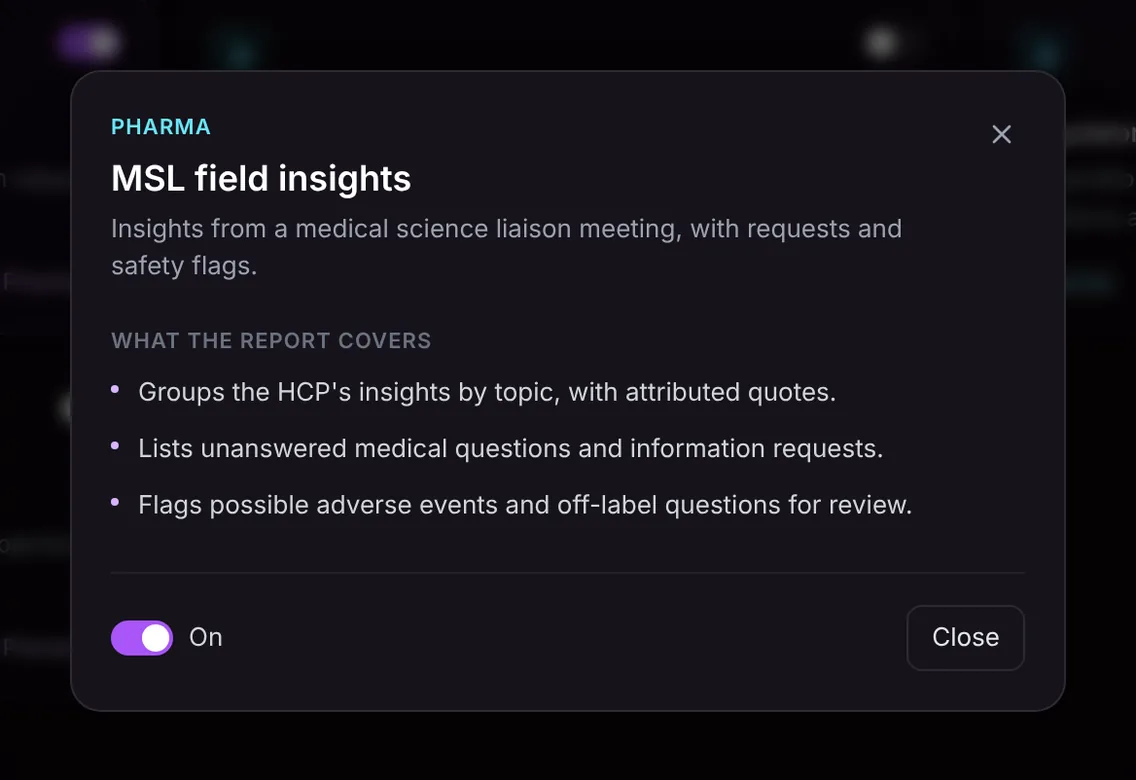
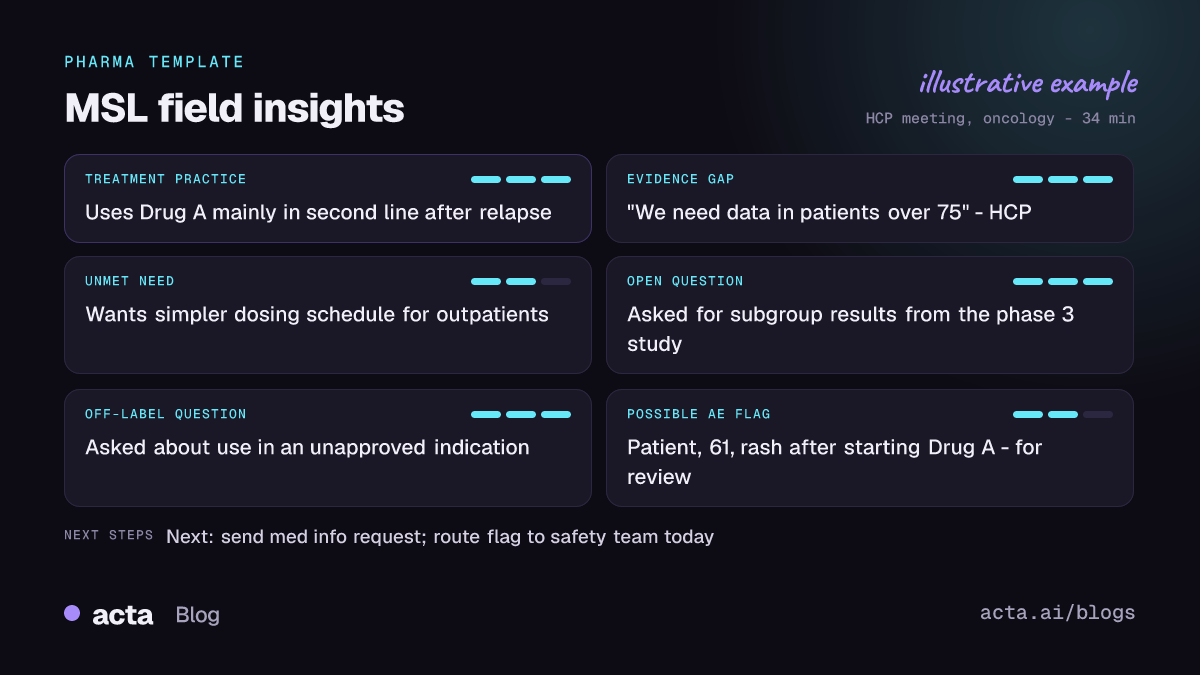
- Insights grouped by topic: what the HCP said, organized under themes such as treatment practice, unmet needs, evidence gaps or competitive context, each with attributed quotes so the exact wording is preserved.
- Unanswered medical questions and information requests: what the HCP asked that was not resolved in the meeting, ready to route to medical information or to follow up on.
- Flags for possible adverse events and off-label questions: anything in the conversation that could be a possible adverse event, and questions about uses outside the approved label, pulled out for review.
The safety notice is part of the template and worth repeating plainly: possible adverse events are flagged for your safety team to review. They are not confirmed, and causality is not assessed. The flag is a prompt for your pharmacovigilance process, not a substitute for it. The report also only contains what was said in the meeting.
Here is the template in Acta's Templates page, with the preview of what the report covers:
And an illustrative example of a finished report:
Why is it useful, and who is it for?
The template is built for MSLs, MSL managers, field medical directors and medical affairs leaders. Situations where it helps:
- Insight capture. The MSL reviews a draft with the HCP's actual words instead of reconstructing the meeting that evening, then enters the insight into the company's system.
- Safety vigilance. A passing comment like "one of my patients had a rash after starting Drug A" is easy to miss in a long scientific discussion. Having it flagged helps the MSL follow the company's reporting procedure on time.
- Medical information follow-up. Open questions are listed in one place, so none is forgotten.
- Insight analysis. Managers reading consistent, topic-grouped reports across a team can spot recurring themes faster than from free-text notes.
How does Acta pick the MSL template automatically?
Acta reads each recorded conversation and picks a template that fits, even if you have not turned it on. For MSL field insights, the signals are a scientific exchange with a healthcare professional: discussion of clinical data, treatment approaches and patient populations, questions about evidence, and requests for more information. The report is labelled "Auto", and Acta says why it chose it, for example that the conversation was a medical discussion with a physician about recent study data.
If the template is on and you record an internal brand planning meeting, the relevance check lists it under "Not relevant" with the reason, since no HCP insights were exchanged. A promotional call by a sales rep fits the pharma rep call notes template better.

How do you use it?
- Record the meeting, following your company's policies and with the HCP's consent. Acta works on Zoom, Google Meet and Microsoft Teams through a meeting bot, without a bot through the desktop app or Chrome extension, through the mobile apps for in-person meetings, or from an uploaded recording.
- Turn on the template. On Acta's Templates page, find MSL field insights in the Pharma group, preview it and toggle it on, or let Acta pick it.
- Open the Templates tab of the meeting to read the report alongside the summary and transcript.
- Act on it. Review the draft, route any flagged items to your safety team under your procedures, then copy the insights into your CRM or insight platform, or download as PDF, Word or Markdown.

Related pharma templates
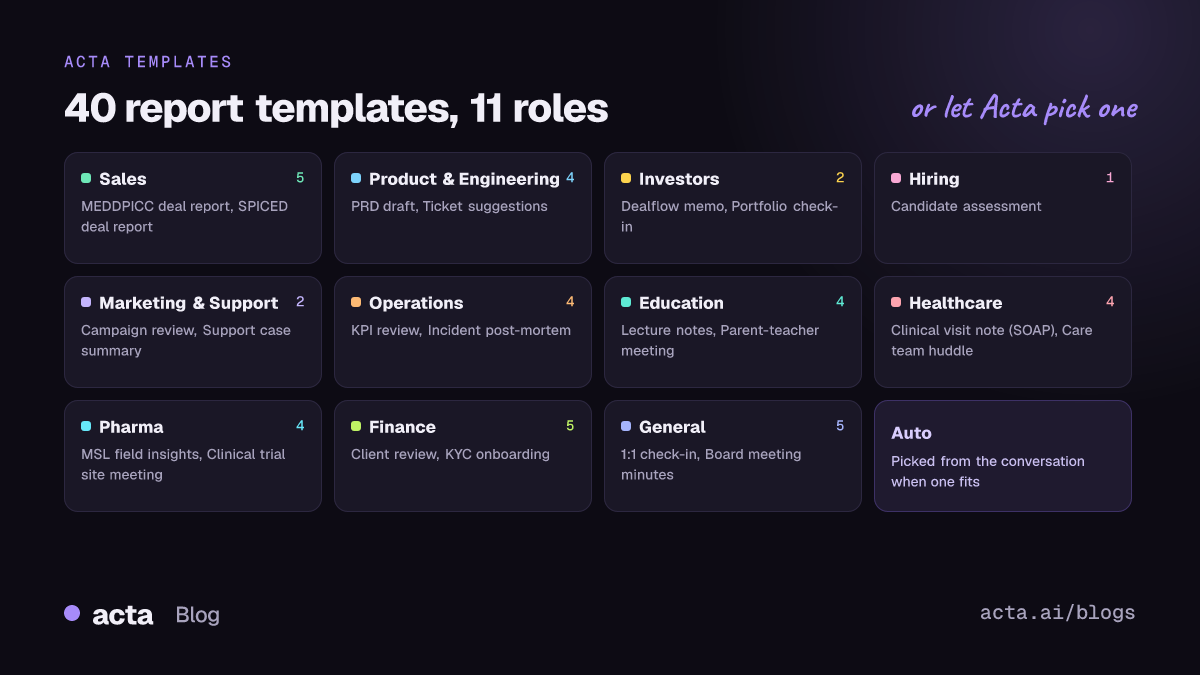
The Pharma group also includes clinical trial site meeting notes, which also flag possible adverse events, and a regulatory meeting prep briefing. See Acta for pharma for an overview.
Frequently asked questions
Does Acta report adverse events to regulators?
No. Acta flags possible adverse events mentioned in the meeting for your safety team to review. They are not confirmed and causality is not assessed; reporting follows your company's pharmacovigilance process.
How does it handle off-label questions?
It flags questions about uses outside the approved label so they can be reviewed and handled under your medical information procedures.
Are the quotes exact?
Insights are attributed to the speaker and quotes come from the transcript, so you can check them against the recording before entering them anywhere.
Can MSLs use it for in-person meetings?
Yes, with the mobile app or an uploaded recording, as long as recording is permitted and consented to.
To see it on your own meetings, start a free 15-day trial.


