Use Cases 6 min read
Decision Log and RACI From Your Meetings, Built From What Was Said
How Acta turns a planning meeting into a decision log and RACI: who decided what and why, who owns each piece of work, and what is still blocked.
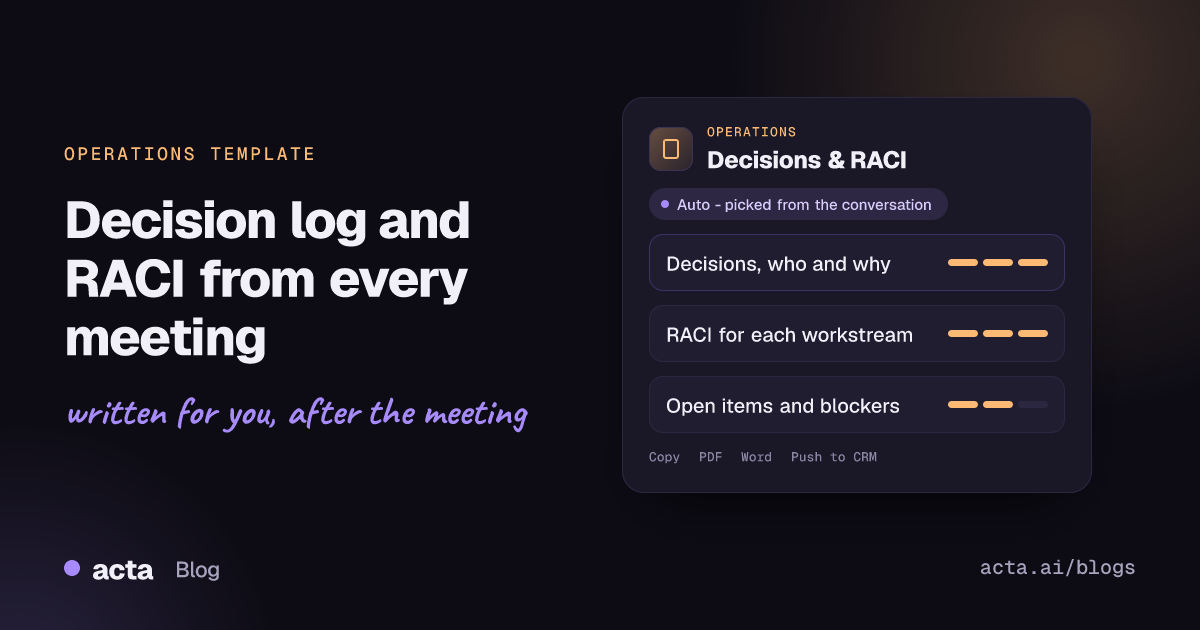
Quick answer: A decision log with RACI records every decision made in a meeting, who made it and why, then maps each piece of work discussed to who is Responsible, Accountable, Consulted and Informed. Acta builds it from the meeting recording, marks any work that has no owner, and lists open items with their blockers and next steps, so nothing agreed in the room gets lost.
Cross-functional meetings produce decisions at a steady pace, but the record of them is usually thin. Someone types "agreed to go with option B" into the notes, and three weeks later nobody remembers who agreed, on what grounds, or who was supposed to tell finance.
The ownership question is even harder. Meetings end with work that everyone assumed someone else would pick up. A report that writes down each decision and assigns roles from what was actually said gives the team a record it can check and correct while the meeting is still fresh.
What is a decision log, and what is a RACI matrix?
A decision log is a running record of decisions: what was decided, when, by whom, and the reasoning behind it. Its value is that people can trace why the team is doing something long after the meeting, and revisit a decision deliberately rather than by accident.
A RACI matrix, also called a responsibility assignment matrix, sets out roles for each task or deliverable. The University of Leeds guide to the RACI process and Coursera's explainer on RACI charts both describe the four roles:
- Responsible: the person or people who do the work.
- Accountable: the one person who owns the outcome and signs it off. Responsibility can be delegated; accountability cannot.
- Consulted: experts or stakeholders whose input is needed before or during the work, in two-way discussion.
- Informed: people who need to be kept up to date but do not take part in the work.
The common rules are simple: exactly one Accountable per item, at least one Responsible, and no item left without an owner. Put a decision log and a RACI together and you have both halves of governance: what was decided, and who is on the hook for making it happen.
What does Acta's Decisions and RACI report include?
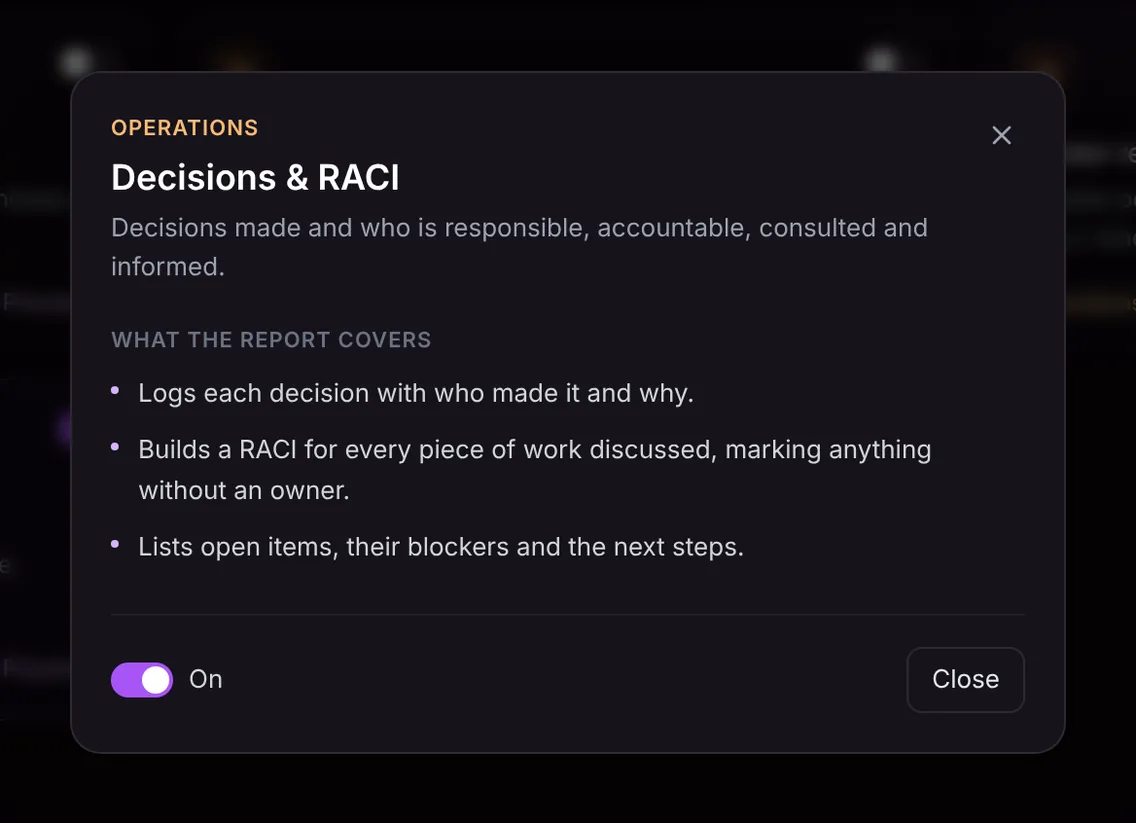
The template has three parts, each built from the conversation:
- Decision log: each decision made in the meeting, with who made it and the reason given. If a decision was deferred, that is noted rather than recorded as made.
- RACI per piece of work: for every workstream, deliverable or task discussed, who is responsible, accountable, consulted and informed, based on what people said and agreed. Anything without an owner is clearly marked, so the gap is visible instead of hidden.
- Open items: questions and tasks still unresolved, what is blocking each one, and the next step agreed.
Because it only contains what was said, the RACI does not invent roles. If nobody was named as accountable for a piece of work, the report says so, which is often the single most useful line in it.
Here is the template in Acta's Templates page, with the preview of what the report covers:
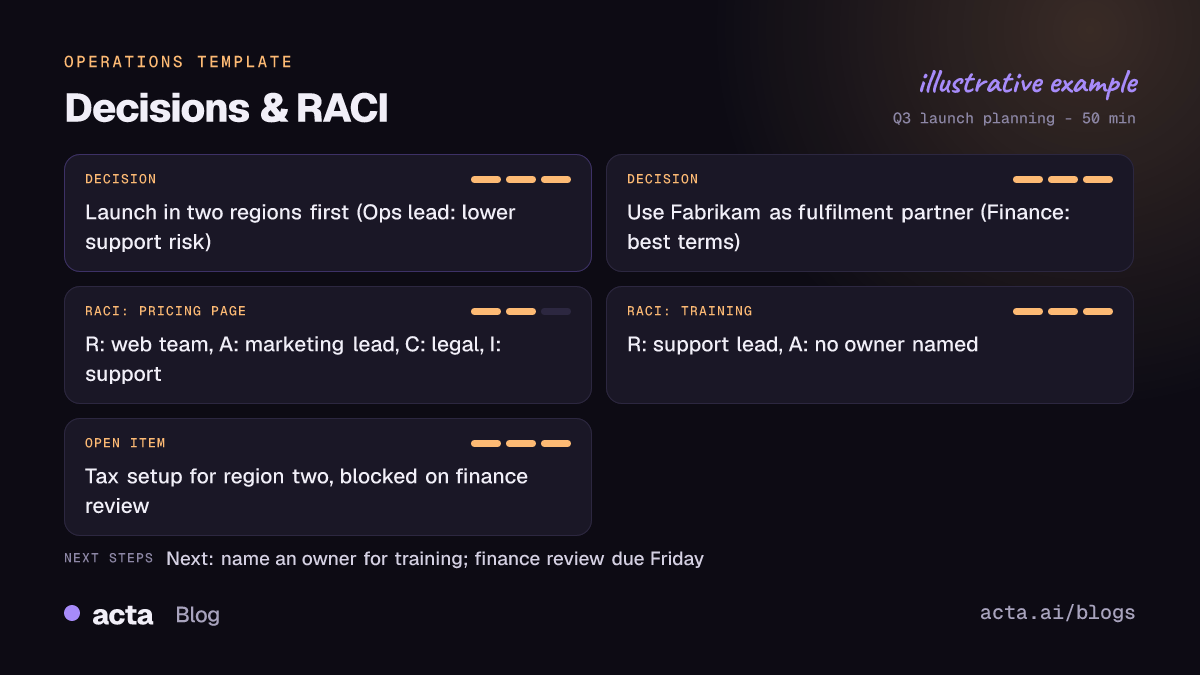
And an illustrative example of a finished report:
Why is a decision log with RACI useful, and who is it for?
It is built for operations leads, programme and project managers, chiefs of staff, and anyone who runs steering committees or cross-team planning sessions. A few situations where it pays off:
- Steering committees: the log becomes the record of what the committee approved and why, ready for the next meeting's opening review.
- Cross-functional launches: when product, marketing, support and legal all have a piece, the RACI shows who is consulted versus merely informed, which heads off "nobody asked us" surprises.
- Reorganisations and process changes: decisions about who owns what are exactly the ones people later dispute. Having the reasoning written down settles it.
- Audit trails: when a decision is questioned months later, you can show who made it, on what basis, and link back to the recording.
Our guide on how to track decisions made in meetings covers the habits that make a decision log stick, and the short answer on keeping a meeting decision log explains how Acta records decisions in every meeting summary.
How does Acta pick the Decisions and RACI template automatically?
Acta reads the conversation and picks a template that fits, even if you have not switched it on. A planning meeting where people weigh options, settle on one and then divide up the work is a strong match. The report is labelled "Auto" and comes with Acta's reason, for example that the meeting reached three decisions and assigned owners for several workstreams.
Signals include phrases like "let's go with", "we've agreed", "who owns this?", "loop in legal", "keep finance posted" and "that's blocked until". Talk of sign-off, approvals and who needs to be consulted points to RACI in particular. If the report helps, "Turn on for future meetings" keeps it on with one click.
When the template is on but the meeting is not the right kind, the relevance check holds it back. A customer demo or a one-to-one coaching chat with no decisions in it will not produce a hollow log; the template is listed under "Not relevant" with the reason.

How do you use the Decisions and RACI report in Acta?
- Record the meeting. Use the Acta meeting bot on Zoom, Google Meet or Microsoft Teams, or record without a bot through the desktop app, Chrome extension or mobile apps. You can upload a recording too.
- Turn on the template. In Acta's Templates page, open the Operations group, preview Decisions and RACI and switch it on. Or let Acta pick it when a meeting fits.
- Open the meeting's Templates tab. The report sits beside the summary, transcript and action items.
- Share it. Copy it into the project channel or minutes, or download it as PDF, Word or Markdown for the programme folder.

Action items with owners and due dates are captured in every meeting as well, and you can follow them over time; see tracking action items across meetings.
Tips for a better decision log and RACI
- Say decisions out loud and name the decider: "Priya, as budget owner, approves vendor B."
- State the reason in a sentence, even when it feels obvious. It is the part people forget first.
- When dividing work, use the RACI words: "Sam is accountable, Lee does the work, check with security, tell support."
- Before closing, ask "anything without an owner?" so the unowned items are named in the room.
Other operations templates pair well with this one: the KPI review meeting report for monthly business reviews and the blameless post-mortem for incident reviews. More at Acta for operations.
Frequently asked questions
What should a decision log include?
At minimum: the decision, the date, who made it and the reasoning. Acta's report adds a RACI for the work that follows and a list of open items with blockers.
Can there be more than one Accountable person in a RACI?
Standard practice is one Accountable person per task, so ownership is never ambiguous. If the meeting named several, or none, the Acta report shows that so you can fix it.
Does Acta assign RACI roles that were not discussed?
No. Roles come only from what was said. Work that nobody took ownership of is marked as having no owner rather than given a guessed one.
Is this different from the decisions in Acta's normal summary?
Every Acta summary lists decisions. This template goes further, adding who decided and why, a full RACI per workstream, and open items with their blockers.
Leave your next planning meeting with decisions and owners already written down: start a free 15-day Acta trial.


