Decisions & Follow-through 5 min read
Is Your AI Meeting Tool Paying Off? How to Measure the ROI
A practical way to measure the ROI of an AI meeting tool: work out what your meetings cost, track four metrics before and after, and run a simple 30-day test.
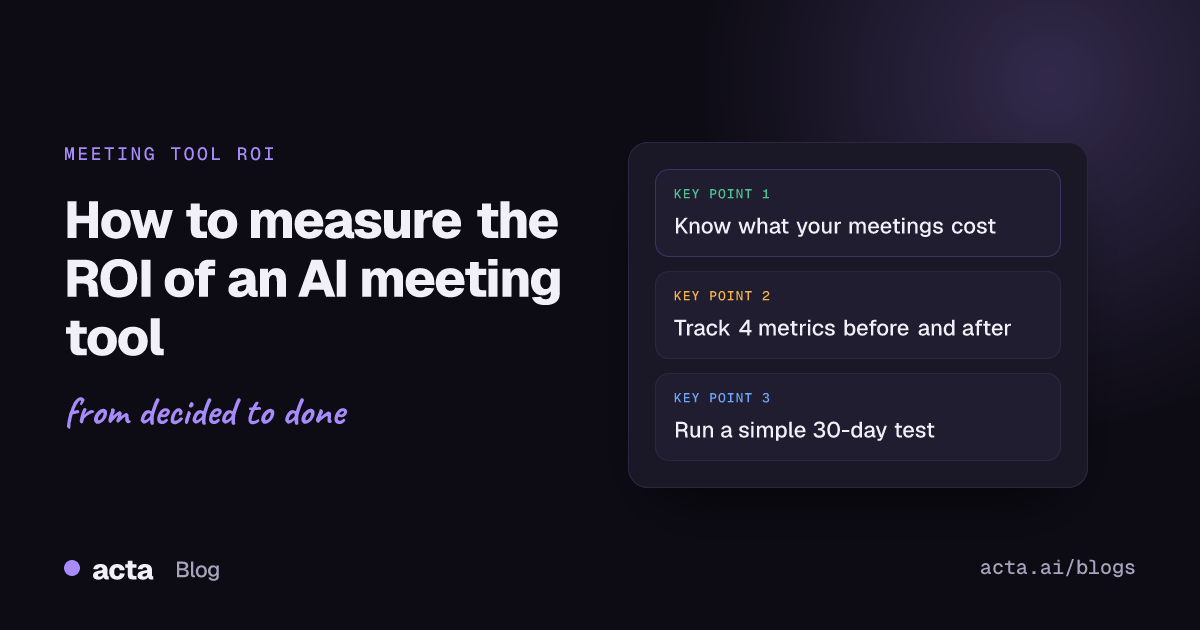
Quick answer: To measure the ROI of an AI meeting tool, compare what it costs with the time and outcomes it changes. Track four things before and after: hours spent writing notes and follow-ups, hours spent in meetings, the share of action items completed on time, and how often decisions get reopened. Then value the time saved at each person's hourly cost. A meeting costs attendees × duration in hours × average hourly cost.
The honeymoon with AI tools is over. A year or two ago, teams bought AI subscriptions because they were exciting. Now finance teams are asking a fair question: "What are we actually getting for this?"
For meeting tools, that question has a good answer, but only if you measure the right things. "It saves time" isn't enough. Here's how to show it.
How do you calculate the cost of a meeting?
Start here, because it puts everything else in perspective.
Meeting cost = number of attendees × length in hours × average hourly cost per person
Here is a worked example, using ₹1,500 as an illustrative fully loaded hourly cost:
- Weekly team sync: 8 attendees, 1 hour. ₹12,000 per meeting, or ₹6,24,000 a year.
- Daily standup: 6 attendees, 15 minutes. ₹2,250 per meeting, or ₹5,85,000 a year at five days a week.
- Monthly all-hands: 40 attendees, 1 hour. ₹60,000 per meeting, or ₹7,20,000 a year across 12 sessions.
Use your own numbers. The point is that recurring meetings are one of the biggest costs most companies never look at. Harvard Business Review makes a similar case in meeting overload is a fixable problem.
What should an AI meeting tool change?
A good AI meeting assistant should move four measurable things. Capture a baseline for each before you roll it out.
1. Time spent on notes and follow-ups
Before: how long does someone spend writing notes, recaps and follow-up messages after each meeting? Ask a few people to estimate for a week. After: how long does reviewing an AI draft take?
2. Time spent in meetings
If reliable recaps let people skip meetings they attended "just in case", attendance drops. Compare optional-attendee numbers and total meeting hours before and after. Fewer, better meetings are often the quickest win.
3. Action items completed on time
Count action items from a sample of meetings and how many were done by their due date. This is often where the biggest gain is, and it's the one leaders care about most. If you need a method, see how to track action items across meetings.
4. Decisions reopened
How often does the team revisit something already decided? Track it for a month before and after. A simple meeting decision log makes this easy to count.
How do you turn time saved into an ROI number?
Time value = hours saved per month × average hourly cost
ROI = (time value + other measurable gains − tool cost) ÷ tool cost
An illustrative example:
- 20 people each save 1.5 hours a month on notes and follow-ups: 30 hours
- 10 people skip one optional hour-long meeting a week: about 40 hours a month
- 70 hours × ₹1,500 = ₹1,05,000 of time per month
Compare that with your monthly tool cost. Then add the harder-to-price wins: fewer dropped tasks, fewer re-argued decisions and faster onboarding.
What about the softer wins?
Some of the most valuable effects are hard to put in a spreadsheet, but they are worth listing in your review:
- Fewer "what did we decide?" conversations
- Customers getting what you promised them
- New hires getting up to speed faster, because they can read the meeting history instead of asking around
- Less stress for whoever used to take notes
How does Acta make ROI easier to see?
Acta is built around the outcomes above, which also makes them easier to measure:
- Automatic recaps: summaries, key takeaways, decisions and action items after every Zoom, Google Meet or Microsoft Teams call, or from the desktop app, Chrome extension and uploaded recordings. That is the time saved on notes.
- Action items with owners and due dates, so you can count what got done on time.
- Decisions captured from each meeting, so you can see how often the same topic comes back.
- OneChat across meetings and files, which cuts the time spent hunting for "what did we say about…" answers and shows the sources. Read more on asking questions across all your meetings.
- Catch-up without attending: people can ask "what did I miss?" instead of joining every meeting.
- Works from Claude and ChatGPT, so people get answers in the tool they already use, through the AI assistant connector.
How do you run a 30-day ROI test?
- Week 0: Pick two teams. Record the baseline: note-taking time, meeting hours, on-time action items and reopened decisions.
- Weeks 1–4: Use Acta on their recurring meetings.
- Day 30: Measure the same four things again and run the formula.
You'll have a clear, honest answer for the next budget review.
Frequently asked questions
How do you calculate the cost of a meeting?
Multiply the number of attendees by the meeting length in hours and the average hourly cost per person.
How do you measure the ROI of AI tools?
Measure the time and outcomes the tool changes, value the time saved at each person's hourly cost, subtract the tool's cost, and divide by the tool's cost.
What metrics show an AI meeting assistant is working?
Less time spent on notes and follow-ups, fewer meeting hours, more action items completed on time, and fewer reopened decisions.
How long does it take to see ROI from an AI meeting tool?
Time savings on notes show up in the first week. Changes in meeting hours and follow-through usually show within a month.
Is an AI meeting assistant worth it for small teams?
Often yes, because small teams feel the cost of dropped tasks and repeated discussions quickly. Run a short test and measure.
Prove it with your own numbers: start a free 15-day Acta trial and begin collecting your baseline.