Use Cases 6 min read
KPI Review Meeting Reports: Every Metric, Miss and Fix, Written for You
Acta turns your weekly or monthly KPI review into a written scorecard: value, target, trend and owner for each metric, and the fix agreed for every miss.
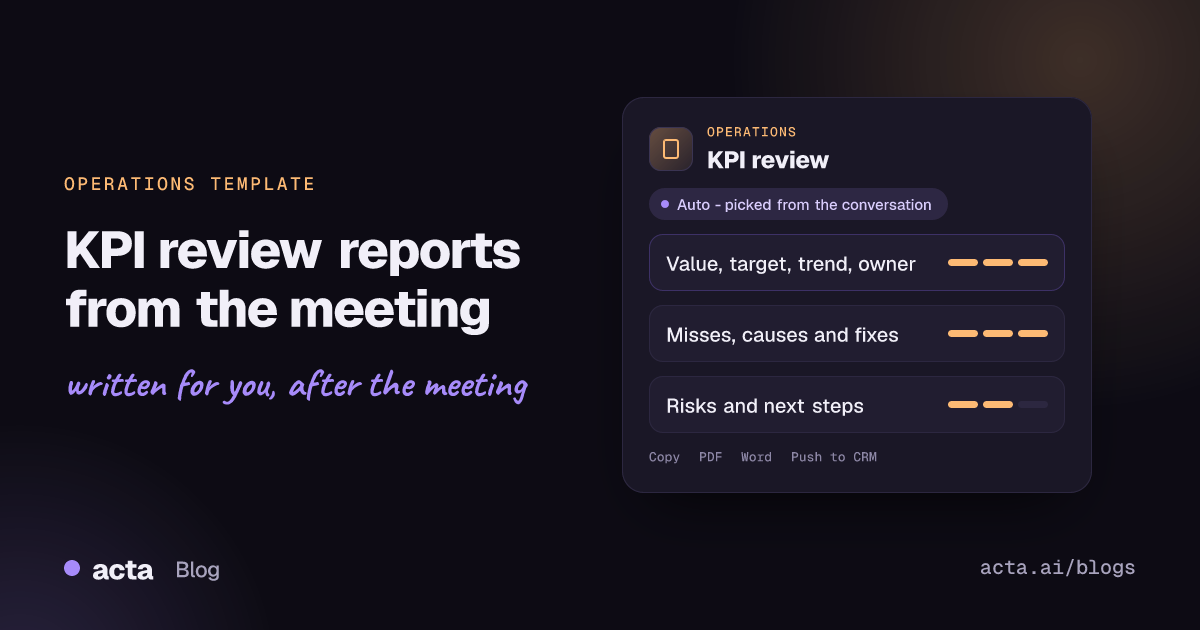
Quick answer: A KPI review meeting report records every metric discussed in a performance review, with its current value, target, trend and owner, then explains each miss: the cause given, the fix agreed and who owns it. Acta writes it automatically from the recorded meeting and adds decisions, operational risks and next steps with owners and dates.
Weekly and monthly KPI reviews are where operations teams decide what to fix. The dashboard is on screen, someone explains why on-time delivery dipped, the group agrees on a countermeasure, and the meeting moves to the next metric.
The trouble is that the dashboard records the numbers, not the conversation. The explanation for the miss, the fix that was agreed and the person who said they would own it live only in people's heads. Four weeks later the same metric is red again, and nobody can say whether last month's fix was ever tried.
What is a KPI review meeting?
A key performance indicator is a measure tied to a goal that matters to the organisation, such as order fill rate, cost per unit, first-contact resolution or uptime. EBSCO's research overview of key performance indicators describes them as ways to gauge progress toward strategic goals and distinguishes leading indicators, which point to future performance, from lagging indicators, which report results that have already happened.
A KPI review is the recurring meeting where the owners of those measures walk through them against target. A good one follows a simple rhythm for each metric: where are we, where should we be, which way is it moving, and if it is off track, why and what are we doing about it. Operations directors, plant and warehouse managers, service delivery leads and COOs all run versions of it.
The written record of that meeting is what turns it into a management system rather than a status ritual. It is the thing you open at the next review to check whether the countermeasures happened.
What does Acta's KPI review report include?
The template mirrors how a well-run performance review is structured:
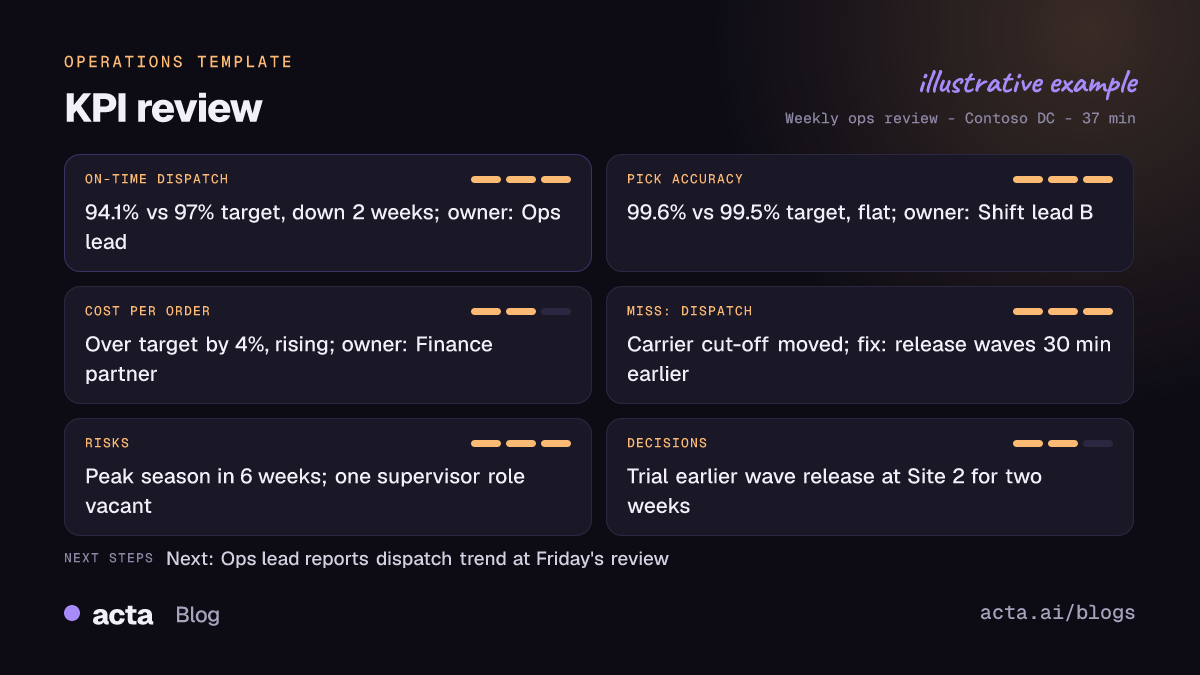
- A metric-by-metric scorecard. Each KPI discussed is listed with its value, its target, its trend (improving, flat or declining, as described in the meeting) and its owner. If someone said "fill rate came in at 96.2 against a 98 target, third week down", that is captured as stated.
- An explanation for every miss. For each metric off target, the report records the cause that was given, the fix the group agreed and the person who owns that fix. This is the part most minute-takers lose.
- Decisions, risks and next steps. Decisions taken during the review, operational risks raised (a supplier running late, a peak period coming, a key role vacant) and next steps with owners and dates.
The report only contains what was said. If a target was not mentioned or nobody claimed a fix, the report leaves it visibly open rather than filling in a guess, which makes gaps easy to chase.
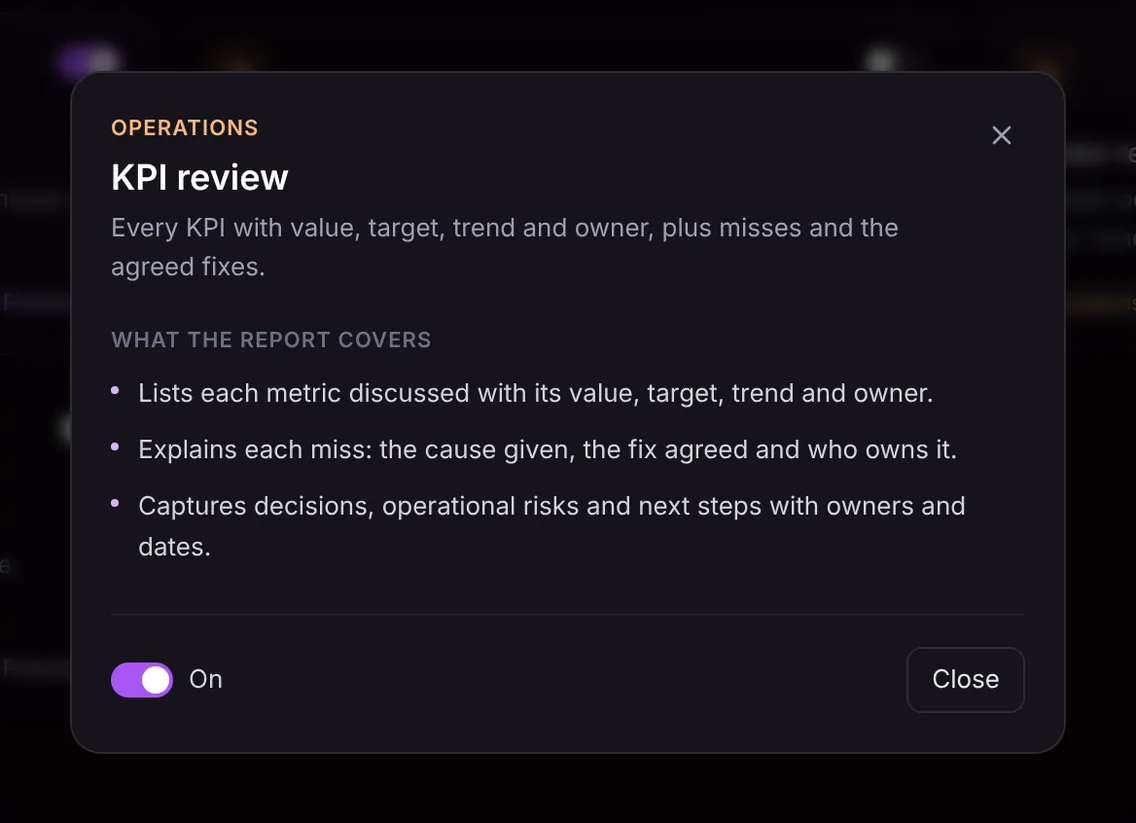
Here is the template in Acta's Templates page, with the preview of what the report covers:
And an illustrative example of a finished report:
Why is it useful, and who uses it?
For operations leaders, the main value is accountability that survives the meeting. Some typical situations:
- Weekly operations review at a distribution centre. On-time dispatch, pick accuracy and labour hours per order are reviewed. The report captures that the dip in dispatch came from a carrier cut-off change and that the shift lead will move the wave release by thirty minutes.
- Monthly service delivery review. SLA attainment, backlog age and customer satisfaction are reviewed with team leads. Each breach gets a named owner and a date for the fix.
- Leadership business review. The COO walks through a balanced set of financial and operational KPIs. The report gives the executive team a written record of commitments without anyone acting as scribe.
- Handover between managers. A new manager can read the last few KPI reviews and see which metrics have a history of misses and which fixes were tried.
Because the report sits in Acta next to the transcript, you can also ask questions across your meetings, for example "what fixes have we agreed for pick accuracy since July?", and get an answer with sources.
How does Acta pick the KPI review template automatically?
Acta reads each recorded conversation and picks a fitting template, even one you have not turned on yet. For this template, the signals are a meeting that moves through metrics one by one, talk of actuals versus target, words like "red", "amber", "trending down" or "month to date", and discussion of why a number was missed and what will be done.
A report produced this way is labelled "Auto" and comes with Acta's reason, for example that the meeting reviewed several operational metrics against their targets and assigned fixes. If you want it every time, one click on "Turn on for future meetings" keeps it on.
When the template is on, it checks relevance before writing anything. A one-to-one coaching conversation or a customer demo will not get a forced scorecard; the template is listed under "Not relevant" with the reason.

How do you use the KPI review template?
- Record the review. Acta can join your Zoom, Google Meet or Microsoft Teams meeting with a bot, or record without one through the desktop app, Chrome extension or mobile apps. An in-person review in a meeting room can be recorded on a phone or uploaded afterwards.
- Turn the template on. Go to the Templates page, preview the KPI review template and switch it on, or let Acta pick it when the conversation fits.
- Open the meeting's Templates tab. The KPI review report sits there next to the summary, transcript, action items and decisions.
- Share it. Copy it into your operations channel, or download it as PDF, Word or Markdown to attach to the pack for the next review.

Tips for a more complete KPI report
- Say the number and the target together. "Ninety-six against ninety-eight" is captured; a pointer at a chart is not.
- Name the owner of each fix. End each miss with "who has this, and by when?"
- State the cause explicitly. Even a provisional cause ("we think it's the new carrier") is better than none, and it can be checked next time.
- Close with decisions. A one-minute recap of what was decided makes the decisions section precise.
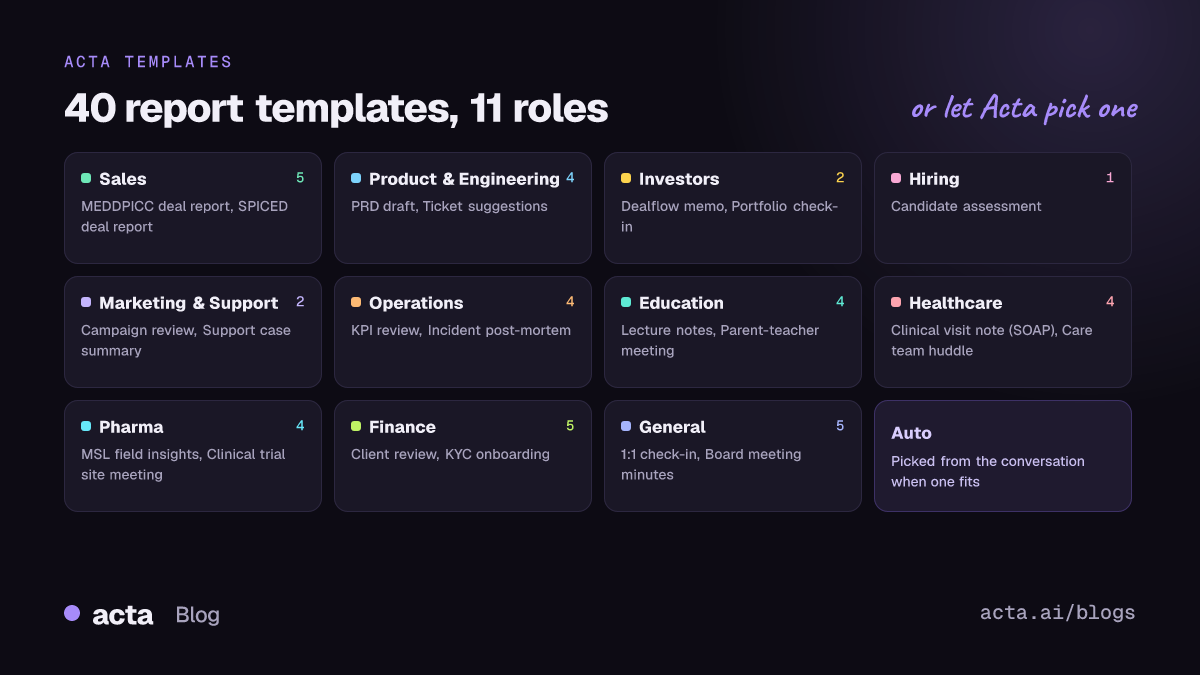
Operations teams often pair this template with others in the same group: a vendor review report for supplier performance meetings, a blameless post-mortem when a miss turns into an incident, and a decision log with RACI for cross-team commitments. See the full picture on the Acta for operations page.
Frequently asked questions
What should be in KPI review meeting minutes?
Each metric with its value, target, trend and owner; for each miss, the cause, the agreed fix and its owner; and the decisions, risks and next steps with dates. Acta's KPI review report follows exactly that structure.
Does Acta pull numbers from my dashboard?
No. The report records the figures that were said in the meeting. If a value was only shown on screen and not spoken, it will not appear.
Can I track whether last month's fixes were done?
Yes. Next steps carry owners and dates, and you can track action items across meetings or ask OneChat what was agreed in earlier reviews.
What if the meeting was not a KPI review?
The template checks first. If the meeting does not review metrics, it is marked "Not relevant" with a reason rather than producing an empty report.
Start a free 15-day Acta trial and get your next KPI review written up before you are back at your desk.


