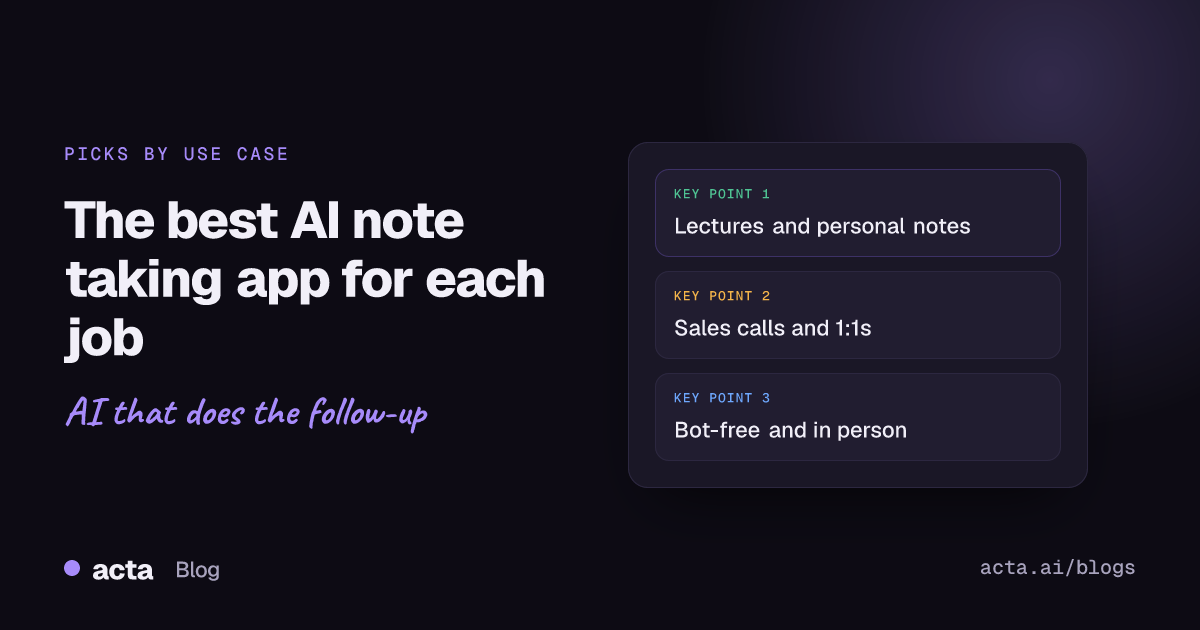
Quick answer: The best AI note taking app depends on the job. For lectures, Otter or Apple Notes; for sales calls, Acta or Fireflies; for managers and 1:1s, Acta or Fathom; for in-person meetings, a phone app such as Acta's or Otter's; for calls without a bot, Granola or Acta's desktop app; for personal notes, Apple Notes or Notion AI.
Most "best of" lists rank tools on a single scale. That hides the fact that a student recording a seminar, a sales rep updating a CRM and a manager running weekly 1:1s need quite different things. This guide picks one or two apps for each common use case, explains why, and says honestly when you should look elsewhere, including when that means not choosing Acta.
If you want a broad ranked comparison instead, see our top 10 AI note taker tools. If you are still working out which type of app you need (phone, desktop, browser), start with our guide to choosing an AI note taking app by device and situation.
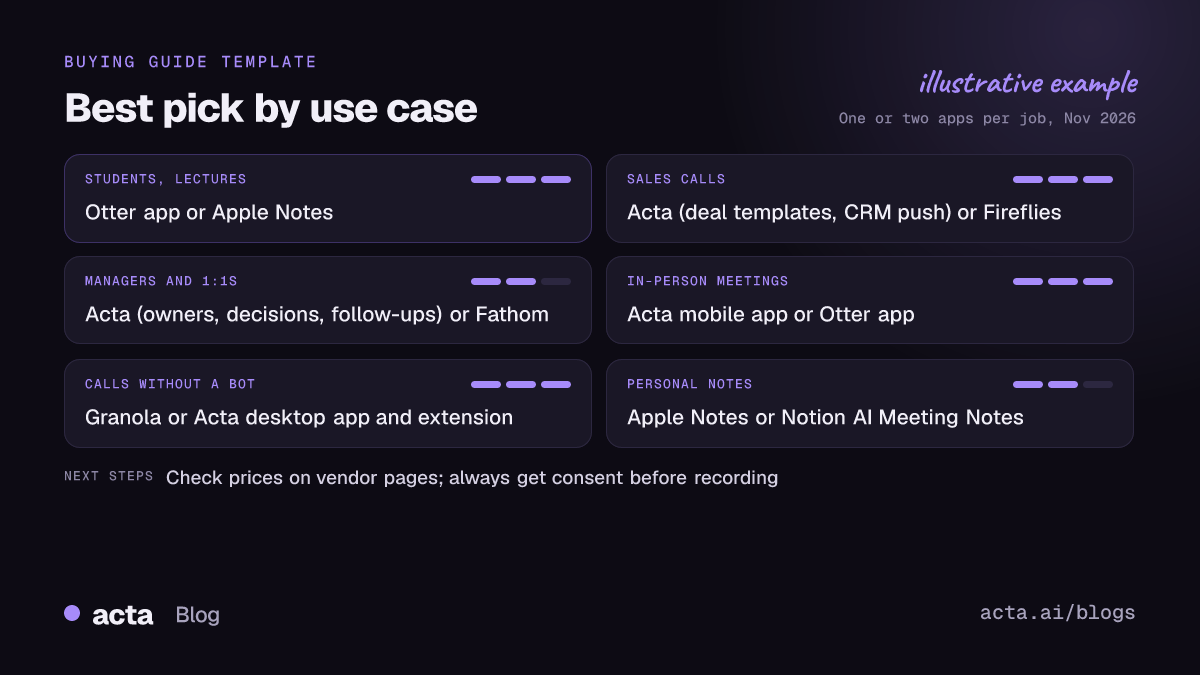
How we picked the best AI note taking app for each use case
For each use case we asked three questions: can the app capture this kind of conversation, does it produce what that person needs afterwards, and is the cost and setup sensible for them? Competitor details below come from each vendor's own help pages, pricing pages or app listings, checked in November 2026. Prices change often, so confirm them before you buy.
A note on recording: whichever app you choose, tell people you are recording and get consent where the law requires it. Our guide on whether it is legal to record meetings with AI explains the basics (general information, not legal advice).
What is the best AI note taker for students and lectures?
Otter
Otter's app listing describes it as creating notes for in-person conversations as well as Zoom, Google Meet and Microsoft Teams calls, and it is widely used in education for searchable lecture transcripts. For a student who wants to record a class on a phone and search it later, it is a natural first try.
Apple Notes
If you already use Apple devices, Notes can record and transcribe audio inside a note and, with Apple Intelligence, summarise the transcript. Apple's own guide says transcription on Mac needs an M1 or later chip and is not available in every language or region. It costs nothing extra, which matters on a student budget.
Pick something else if: your school bans recording, or the lecturer asks you not to record. Ask first, and check your institution's policy.
What is the best AI note taker for sales calls?
Acta
Sales teams need more than a summary: they need qualification notes in a set format and those notes in the CRM. Acta writes reports from templates such as MEDDPICC, BANT, SPICED and SPIN, can pick the right template automatically from the conversation, and on a paid plan pushes reports to Salesforce, HubSpot or Zoho. Its promises view lists the commitments made in meetings, filtered by customer, with owner, due date and how late they are, which helps with deals that run over many calls. See Acta for sales teams for more.
Fireflies
Fireflies is a well-established AI note taker with a clear plan ladder, which makes it easy to start small. It has a free plan and paid per-user plans; its pricing help article has the current prices.
For a deeper comparison of sales-focused tools, read our guide to the best AI meeting assistants for sales teams.
What is the best AI note taker for managers and 1:1s?
Acta
Managers run lots of recurring meetings where the hard part is follow-through. Acta has a 1:1 report template, records action items with owners and due dates, keeps a decisions log with status (active, changed, reversed or done), and groups decisions by whether their action items have slipped, not started, are in progress or are done. The Follow-ups view and follow-up email drafts help close the loop after each meeting.
Fathom
Fathom suits an individual who mainly wants call recordings and summaries without much setup. Its site says it joins Zoom, Google Meet and Microsoft Teams meetings once connected, and its help center says it only records a call if you are also present on it. That makes it predictable for someone recording their own calls.
If many of your 1:1s happen face to face, our tested picks for in-person 1:1s go deeper on that case.
Which app is best for in-person meetings?
Acta mobile apps
Acta's mobile apps record in-person meetings and produce the same transcript with speakers, summary, action items and decisions as your online calls. That is useful for teams whose meetings are a mix of rooms and screens, because everything is searchable in one place, and OneChat can answer questions across all of it with sources.
Otter
Otter's phone app is a sensible alternative for individuals, especially if you also use it for lectures or interviews.
Tip: phone placement decides the quality. Put the phone flat in the middle of the table, away from laptop fans, and ask people not to talk over each other.
What is the best AI note taker without a bot?
Some clients and colleagues dislike a bot joining the call, and some companies block them. An AI note taker without a bot records from your own computer instead.
Granola
Granola uses your computer's system audio and microphone instead of a bot, and only transcribes once you click into a note. It has a free Basic plan and paid per-user plans for teams; Granola's own pricing post for teams has the details. It is a good fit for people who want a lightweight, bot-free notepad on their own machine.
Acta desktop app and Chrome extension
Acta's bot-free AI note taker comes as a desktop app for Windows and Mac (it records the computer's sound and your microphone, with no screen recording, and starts with Zoom and Teams) and a Chrome extension for browser meetings. Pick it if you want bot-free capture but also need team features: shared decisions, action items with owners, CRM or Jira pushes, and the option of a calendar bot for meetings where a visible bot is fine.
Our comparison of the best AI notetakers without a bot covers more options in this category.
What is the best AI note taking app for personal notes?
Apple Notes
For quick voice notes, ideas and the occasional recorded conversation, Apple Notes keeps transcripts next to everything else you write, with Apple Intelligence summaries on supported devices.
Notion AI Meeting Notes
If your notes already live in Notion, its AI Meeting Notes feature transcribes meetings and identifies key points and action items. Notion's help center says it requires a Business or Enterprise plan, so it makes most sense for teams already paying for one of those.
Is there a free AI note taking app worth using?
Yes, with limits. Of the tools above, Apple Notes comes with your Apple device, Fireflies has a Free plan, and Granola has a free Basic plan. Google Meet's "take notes for me" feature is included with eligible Google Workspace subscriptions, and Google says Google AI Pro and Ultra subscribers can now use it in select languages. Free tiers are a good way to test whether AI notes fit your routine. Teams that need shared action items, CRM pushes or admin controls usually end up on a paid plan. Acta offers a free 15-day trial so you can test it on real meetings.
When should you pick something other than Acta?
Acta is built for teams that want meetings to turn into tracked work. It is not the best AI note taking app for everyone. Pick something else if:
- You are a student on a budget who mainly records lectures. A phone app made for that, or Apple Notes, is simpler and cheaper.
- You only want personal notes on your own devices. A notes app with AI features you already have may be enough.
- Your whole company lives in Google Workspace or Notion and the built-in AI notes cover what you need. Fewer tools is a fair goal.
- You need phone calls recorded directly. Acta does not record phone calls; you would record with your phone where legal and upload the file.
- You rarely have meetings. If you record a handful of conversations a month, a free tier elsewhere may cover everything you need.
For a plain explanation of how all of these tools work, see what an AI notes taker is.
Frequently asked questions
What is the best AI note taking app overall?
There is no single winner. Start from your main use case: lectures, sales calls, 1:1s, in-person meetings, bot-free calls or personal notes, and pick from the one or two apps that fit it.
What is the best AI note taker for students?
Otter's phone app and Apple Notes are the simplest picks for recording lectures. Always check your school's recording policy first.
Which AI note taker is best for sales calls?
An AI note taker for sales calls should write qualification notes and update your CRM. Acta does both with MEDDPICC, BANT, SPICED and SPIN templates and Salesforce, HubSpot or Zoho pushes on a paid plan; Fireflies is a common alternative with a free plan.
Can I use an AI note taker without a bot joining my calls?
Yes. Desktop apps such as Granola and Acta's desktop app record your computer's audio and microphone instead. You still need to tell people you are recording.
Are AI meeting notes accurate enough to share without checking?
No. Check names, numbers and commitments against the transcript before you send notes on or push tasks into other tools.
To test Acta on your own sales calls, 1:1s or in-person meetings, start a free 15-day trial.