Guides & How-tos 4 min read
Stop Digging Through Old Notes: How to Ask Questions Across Every Meeting You've Had
Stop rewatching old recordings. Learn how to search every past meeting and your documents by asking plain-language questions, and get answers that show their sources.
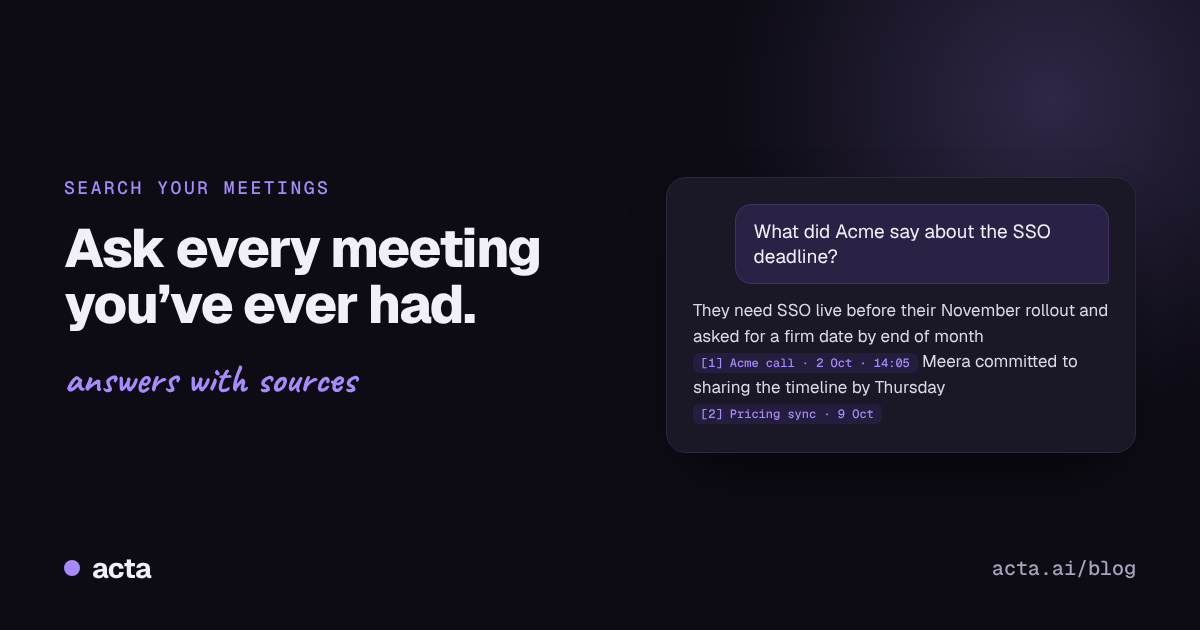
Quick answer: To find something said in an old meeting, you need two things: the meetings recorded and transcribed, and a way to search them by meaning rather than exact words. AI meeting assistants like Acta do both. You ask a question such as "What did the client say about the SSO deadline?" and get an answer drawn from your meetings and uploaded documents, with links to its sources.
"It was in a call with them... sometime in August? Or was it the one before?" That's the sound of someone about to spend twenty minutes opening old recordings at 2x speed.
Most teams now have more meeting recordings than they can ever rewatch. The information is technically all there. It's just locked inside hours of audio and scattered notes, and finding one sentence feels like looking for a lost earring in a car park.
Why is it so hard to find things from past meetings?
Because meeting knowledge is spread across too many places, in too many shapes:
- Recordings are long. A one-hour call might contain one sentence you need.
- Notes are inconsistent. Some meetings have great notes; most have none.
- Keyword search misses things. You search "deadline" but the client said "we need it live before Diwali."
- Related information lives elsewhere. The meeting says "per the policy," but the policy is a PDF in someone's Drive.
- You don't remember which meeting. That's the whole problem.
What should searching your meetings actually do?
A good meeting search should:
- Understand questions, not just keywords. "What did they push back on?" should find objections even if nobody said "push back."
- Search across all meetings at once, not one transcript at a time.
- Include your documents too. Policies, proposals and pricing sheets often hold half the answer.
- Show its sources. Every answer should point to the meeting it came from, so you can check it.
- Respect permissions. You should only search meetings you're allowed to see.
The sources point matters most. An answer you can't verify is a guess. An answer with a source is something you can act on.
How do you ask questions across your meetings with Acta?
Acta records and transcribes your Zoom, Google Meet and Microsoft Teams calls with its meeting bot, the desktop app or the Chrome extension, and you can also upload recordings you already have. Everything it captures becomes searchable through OneChat, Acta's assistant. Here's what you can do with it.
Ask across every meeting
"What did we decide this week?", "What's overdue for me?" or "Recap my last meeting" work out of the box. So do specific questions like "What did Meera say about the SSO timeline?"
Add your own files
Upload documents such as PDFs, policies or proposals, and OneChat searches them alongside your meetings. Ask "Does what sales promised match our refund policy?" and it can check the conversation against the document.
See where every answer came from
OneChat numbers each fact and links it to the meeting or file it came from, so you can click through and check instead of rewatching a whole hour.
Rely on decisions and action items that are already organised
Because Acta extracts decisions and action items, with owners and due dates, from every meeting, questions about "what did we agree" or "who owes what" don't depend on someone having written good notes. See how to track decisions made in meetings for the wider practice.
What kinds of questions do people actually ask?
To give you a feel for it, here are real-world style questions and what they're useful for:

For a shorter walkthrough, see our answer on how to ask questions across all your meetings. If you're curious about what happens under the hood, we explain how we built multi-meeting retrieval.
How do you get better answers from meeting search?
- Name people, clients and projects. "What did Acme say about pricing?" beats "What did they say about pricing?"
- Add a time frame. "This week" or "since August" focuses the question.
- Upload the documents you reference most. Policies, price lists and proposals turn OneChat from "what did we say" into "what did we say, and is it right."
- Check the sources on anything important. That's what they're there for.
Can I ask about my meetings from ChatGPT or Claude instead?
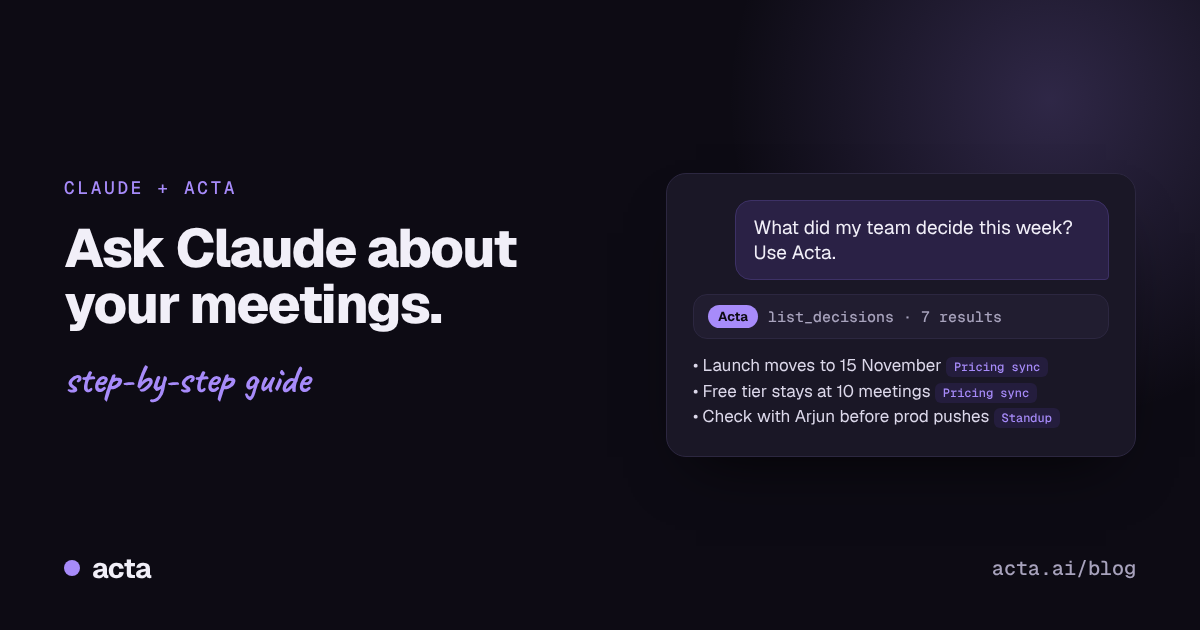
Yes. If your team already works in Claude or ChatGPT, Acta's connector brings your meetings into those assistants, so you can ask the same questions there and combine meeting answers with your other tools. See using Acta from ChatGPT and Claude, or our step-by-step guide on how to use Claude with your meeting notes.
Frequently asked questions
How do I search meeting transcripts?
Record and transcribe your meetings with an AI meeting assistant, then search across them. Tools like Acta let you ask full questions instead of exact keywords and link each answer to the meeting it came from.
Can I chat with my meeting notes?
Yes. Acta's OneChat lets you ask questions in plain language across all your meetings and uploaded files, and answers with links to the sources.
Can AI search meetings and documents together?
Yes. In Acta you can upload documents such as PDFs, and OneChat searches them along with your meeting transcripts.
Is it safe to search all company meetings with AI?
It should be, as long as the tool respects access. In Acta, you only search meetings you have access to.
How do I find which meeting something was said in?
Ask the question in OneChat. Each answer links to the meeting it came from, so you can go straight to it.
Your meetings already contain the answers: try Acta free and ask your first question.