Use Cases 5 min read
Candidate Assessment Reports From Every Interview, Written for You
What a candidate assessment should contain, why structured interview feedback matters, and how Acta writes one from each interview recording.
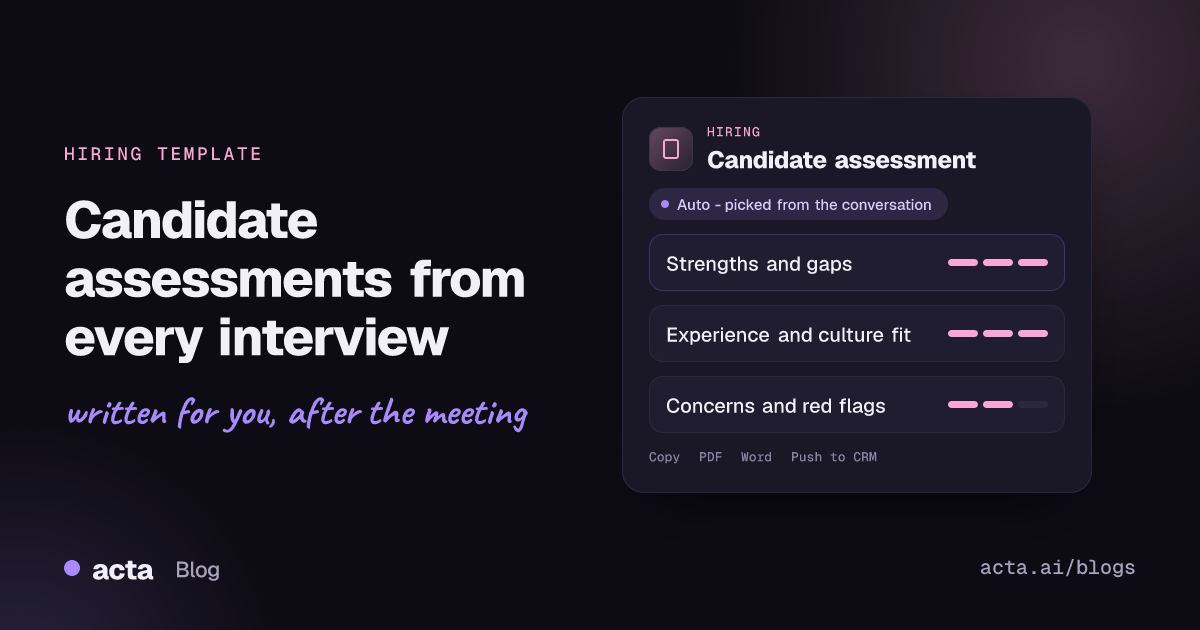
Quick answer: A candidate assessment report is a structured write-up of a job interview: the candidate's experience and skills, strengths, weaknesses, cultural alignment and any red flags. Acta produces it automatically after the interview by reading the transcript, so every interviewer submits feedback based on what the candidate actually said, not on what they remember an hour later.
Every interview creates a write-up job. The interviewer is supposed to log evidence against the role's criteria before the debrief, but they are often going straight into another meeting or the next interview.
So feedback arrives late, short and coloured by impressions: "strong communicator, not sure about depth." When the hiring panel meets, people argue from memory, and the loudest recollection tends to win.
What is a candidate assessment (and why structure it)?
A candidate assessment is the interviewer's record of how a candidate measured up against the requirements of the role. In a structured interview process, every candidate for the same role is asked comparable, job-related questions, and each answer is judged against the same competencies. That consistency is what makes candidates comparable and the hiring decision defensible.
The U.S. Office of Personnel Management recommends this approach for federal hiring and explains why in its guidance on structured interviews: start from a job analysis, decide which competencies matter, ask behavioural or situational questions, and rate answers on a defined scale.
A good assessment therefore separates three things: the evidence (what the candidate said and did), the evaluation (how that maps to the competencies) and the recommendation. Mixing them is where bias creeps in.
What does Acta's candidate assessment report include?
Acta reads the interview and organises it into the sections a hiring panel needs:
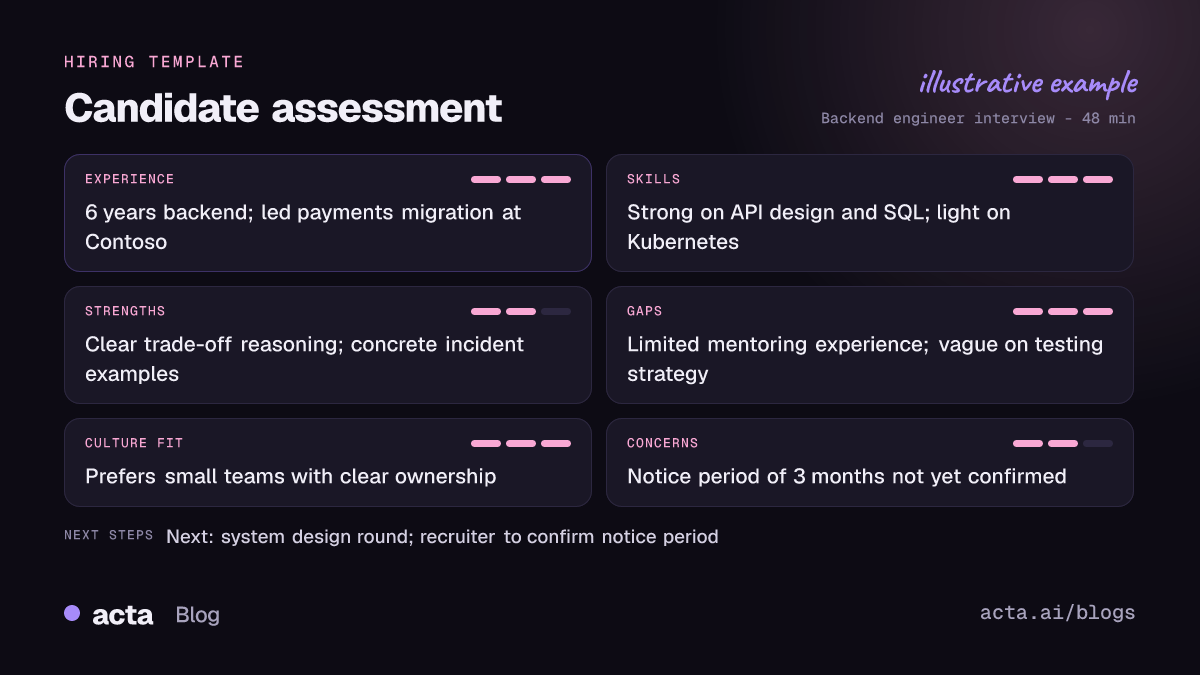
- Qualifications: an evaluation of the candidate's background against what the interview explored, from years in role to specific domain experience.
- Strengths and weaknesses: a structured summary of where the candidate was convincing and where answers were thin, with the examples they gave.
- Experience, skills and culture fit: key insights on the projects they described, the skills they demonstrated and how they talked about collaboration, ownership and the way they like to work.
- Concerns and red flags: anything worth probing further, such as inconsistent dates, vague answers on a core skill, or a mismatch on location or notice period.
- Overall fit: a short summary that pulls the above together, plus action items from the conversation, like sending a take-home task.
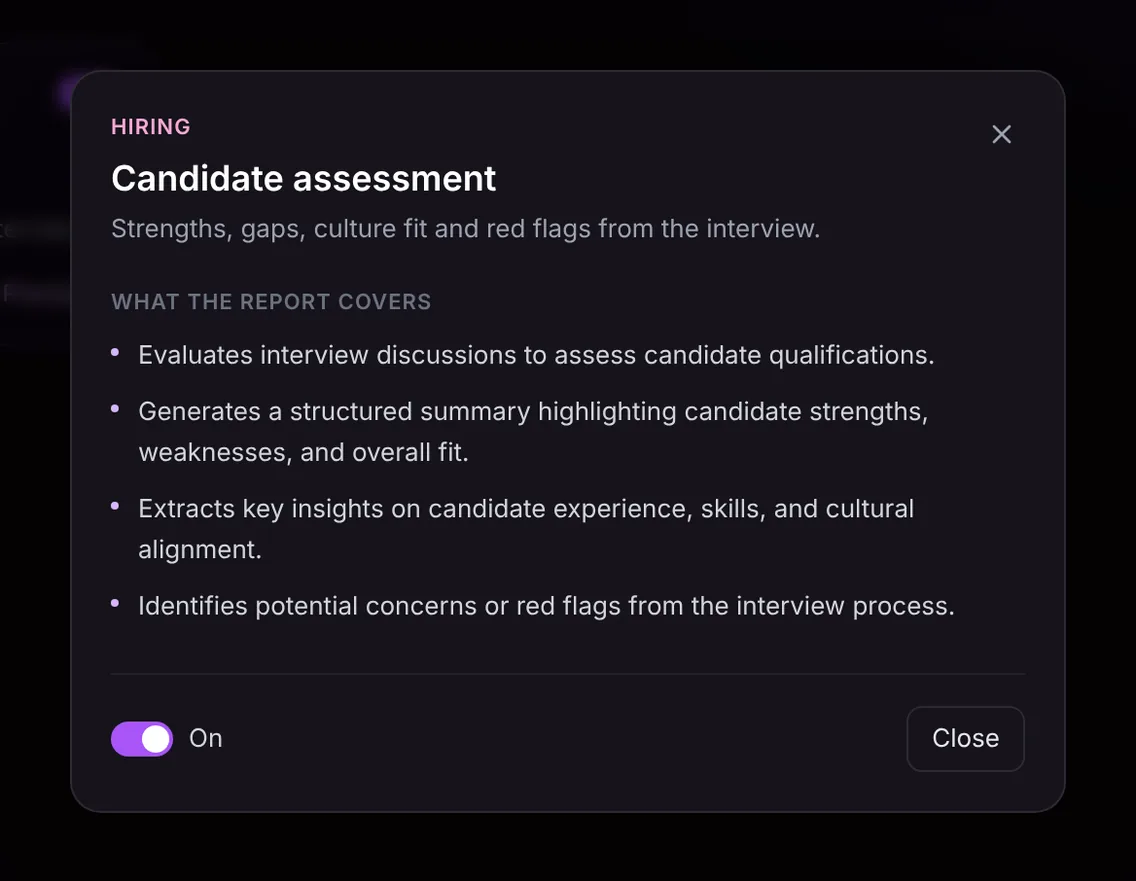
Here is the template in Acta's Templates page, with the preview of what the report covers:
And an illustrative example of a finished report:
Why is it useful, and who is it for?
The report is built for recruiters, hiring managers and anyone on an interview panel. It is especially helpful in high-volume hiring, where interviewers see many candidates in a week and the details blur.
- Faster debriefs: each panellist arrives with a written assessment, so the debrief compares evidence instead of reconstructing interviews.
- Fairer comparisons: when three candidates for the same backend role are written up the same way, differences in depth on system design are easy to see.
- Better handoffs: a recruiter's phone screen report tells the hiring manager what was already covered, so the technical round can go deeper rather than repeat questions.
- Interviewer coaching: a talent lead can spot interviews where key competencies were never explored and help that interviewer tighten their questions.
The report only contains what was said in the meeting. It supports a hiring decision; it does not make one. The panel still weighs the evidence and decides.
How does Acta pick the candidate assessment template automatically?
Acta reads each conversation and picks a template that fits, even if you have not turned it on. An interview has clear signals: one person asking about another's previous roles and projects, questions like "Tell me about a time when...", discussion of the role, team and compensation expectations, and the candidate asking about next steps in the process.
When Acta picks the template this way, the report is labelled "Auto" with a short reason, for example that the call was a structured interview covering experience and skills. Click "Turn on for future meetings" to keep it on.
If the template is on and a meeting is not an interview, such as your weekly recruiting pipeline sync, Acta runs a relevance check first. Instead of producing an empty assessment, it lists the template under "Not relevant" with the reason.

How do you use it?
- Record the interview. Use the meeting bot on Zoom, Google Meet or Microsoft Teams, record without a bot through the Acta desktop app, the Chrome extension or the mobile apps for in-person interviews, or upload a recording. Tell candidates the interview is being recorded; this guide on consent and what to tell participants covers the basics.
- Turn on Candidate assessment. It sits in the Hiring group on the Templates page. Preview it, then toggle it on, or let Acta pick it.
- Open the interview's Templates tab. The assessment appears next to the summary and transcript.
- Share it with the panel. Copy it into your applicant tracking notes or download it as PDF, Word or Markdown.

Tips for a stronger assessment
- Ask for specifics. "What was your part in that migration?" produces evidence; "Tell me about yourself" mostly produces a summary of the CV.
- Use the same core questions for every candidate for the role, so the reports are comparable.
- Say the competency out loud when you move to it ("Let's talk about stakeholder management"), which makes the transcript easy to map.
- Close by confirming logistics: notice period, location and salary expectations. Those often surface as concerns later if they are left vague.
For more on interview documentation, see interview notes and candidate scorecards, or read how recruiting teams use Acta on the Acta for hiring page.
Frequently asked questions
What should a candidate assessment include?
Relevant experience and skills, strengths, weaknesses or gaps, cultural alignment, any concerns or red flags, and an overall view of fit, each backed by examples from the interview.
Does Acta decide whether to hire the candidate?
No. The report organises the evidence from the interview. The hiring manager and panel make the decision.
Can Acta assess in-person interviews?
Yes. Record with the mobile apps or desktop app, or upload a recording afterwards, and Acta writes the assessment from that conversation.
What if the meeting was a recruiting sync, not an interview?
The relevance check lists the template as "Not relevant" with a reason instead of producing a forced assessment.
Ready for clearer interview feedback? Try Acta free for 15 days.


