Use Cases 5 min read
One-on-One Meeting Notes From Every 1:1, Written for You
What to capture in one-on-one meeting notes, why written follow-up keeps managers and team members accountable, and how Acta drafts them from each 1:1.
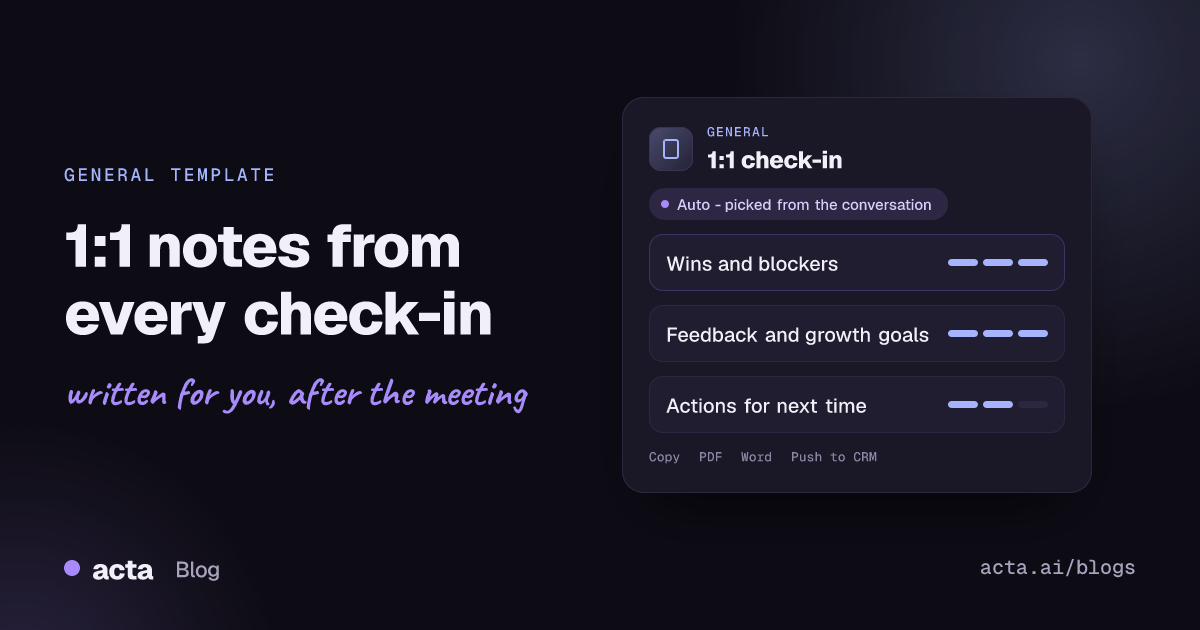
Quick answer: One-on-one meeting notes record a manager's private check-in with a team member: wins, blockers and the help needed, feedback in both directions, growth goals, action items and topics for next time. Acta writes these notes automatically from the recorded 1:1, so both people can stay in the conversation and still leave with a clear record of what they agreed.
The 1:1 is the meeting most managers say matters most and document least. It is informal by design, so nobody wants to sit there typing. But that informality means a blocker raised in March is raised again in April, a promise to look into a training budget is forgotten, and career goals mentioned in passing never make it into the performance review.
When notes are kept, they are usually the manager's private bullet points. The team member never sees them, and the two people walk away with different memories of what was agreed.
What is a 1:1 meeting, and what should one-on-one notes cover?
A one-on-one is a recurring, private meeting between a manager and someone who reports to them, usually weekly or every two weeks. Unlike a status meeting, it belongs to the team member: it is their time to raise problems, ask for help, give feedback and talk about where they want to grow.
Atlassian's guide to running effective one-on-one meetings with employees describes a common structure: time for the employee's topics, time for the manager's, and time to agree next steps, followed by a written list of tasks and due dates. The written follow-up is what turns a pleasant chat into accountability on both sides.
Good 1:1 notes therefore track a few things over time:
- What went well and what is stuck.
- Feedback, given and received, in specific terms.
- Longer-term growth goals and progress on them.
- Commitments each person made, and whether they were kept.
What does Acta's 1:1 check-in report include?
Acta reads the conversation and writes the notes in three parts:
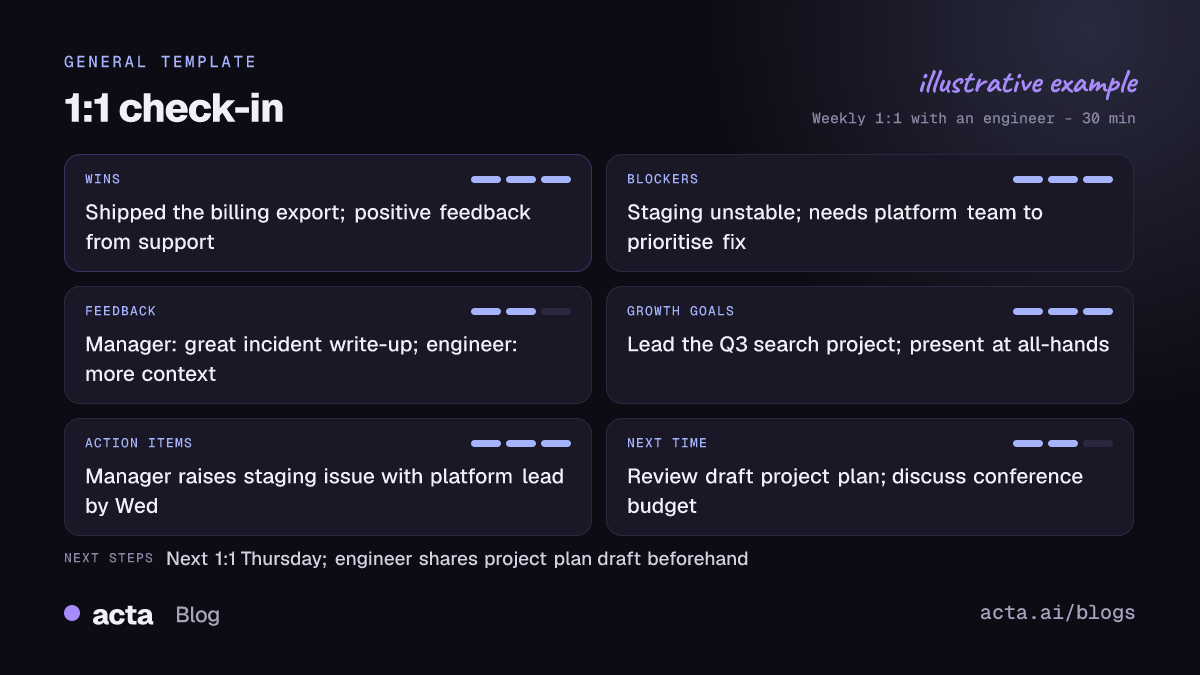
- Wins and blockers, with the help needed: what the team member shipped or is proud of, what is slowing them down, and exactly what they asked for, such as a decision from another team or access to a system.
- Feedback in both directions and growth goals: what the manager said about recent work, what the team member said about the manager, the team or the process, and any development goals discussed, like leading a project or presenting to leadership.
- Action items and topics for next time: each commitment with its owner and due date, plus the topics either person parked for the next 1:1.
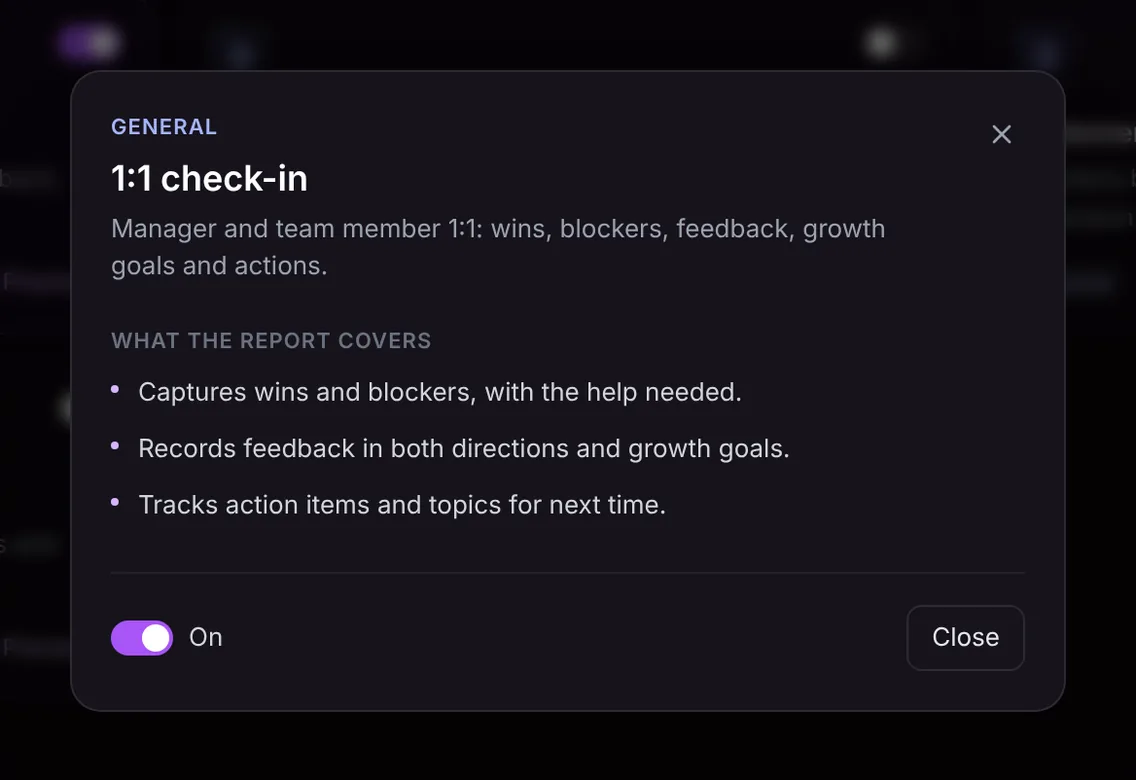
Here is the template in Acta's Templates page, with the preview of what the report covers:
And an illustrative example of a finished report:
Why is it useful, and who is it for?
The template is for any people manager, from a first-time team lead to a director with several managers reporting to them. It is also useful for the team member, who gets a written record of what their manager promised.
- Following through on blockers: when an engineer says for the third week running that the staging environment is unreliable, the earlier notes show it has been raised and not fixed, which changes the conversation.
- Performance reviews: at review time, months of wins, feedback and growth goals are already written down, so the review reflects the whole period rather than the last few weeks.
- Feedback that lands: feedback recorded in the words used is harder to misremember, and upward feedback for the manager is captured too.
- Manager handovers: when a team changes manager, the new manager can understand each person's goals and open concerns without starting from zero.
The notes only contain what was said in the meeting. Because a 1:1 can touch on personal matters, agree with your team member how the recording and notes will be used, and share the report with them so both of you work from the same record.
How does Acta pick the 1:1 template automatically?
Acta reads each conversation and picks a template that fits, even if you have not turned it on. A 1:1 has a recognisable shape: two people, one of whom manages the other, talking about recent work, what is blocked, how things are going, feedback and career plans, then agreeing a few actions.
When Acta picks the template this way, the report is labelled "Auto" with the reason, for example that the conversation was a manager check-in covering blockers, feedback and growth goals. One click on "Turn on for future meetings" keeps it on for your recurring 1:1s.
If you have it turned on and record a team planning session or a customer call, the relevance check stops a forced 1:1 report. The template is listed under "Not relevant" with the reason.

How do you use it?
- Record the 1:1. Acta joins Zoom, Google Meet or Microsoft Teams with a meeting bot. For a lower-key option, record from the desktop app or the Acta Chrome extension without a bot joining, use the mobile apps for an in-person or walking 1:1, or upload a recording.
- Turn on 1:1 check-in. It is in the General group on the Templates page. Preview what it covers, then toggle it on, or let Acta pick it.
- Open the meeting's Templates tab. The notes sit next to the summary and transcript.
- Share and keep them. Copy the notes into your shared 1:1 document or send them to your report, or download them as PDF, Word or Markdown.

Tips for better 1:1 notes
- Open with the team member's topics, and say them clearly so each becomes its own item.
- Close by reading back the actions: "So I'll talk to the platform lead by Wednesday, and you'll draft the proposal for next week."
- Name growth goals explicitly ("Your goal this half is to run the incident review process") so they are captured as goals, not chat.
- Start the next 1:1 from the "topics for next time" list.
Because every 1:1 is recorded, you can also ask questions across all your meetings with OneChat, such as "What blockers has Sam raised this quarter?", and get answers with sources. To keep commitments visible between meetings, see how to track action items across meetings. For more on how managers and executives use Acta, visit Acta for leadership.
Frequently asked questions
What should I write in one-on-one meeting notes?
Wins, blockers and the help needed, feedback in both directions, growth goals, action items with owners and dates, and topics to pick up next time.
Should I record 1:1 meetings?
Only with the team member's agreement. Explain that the notes are for both of you, and share the report afterwards so it is a shared record rather than a private file.
Can I see what we discussed in previous 1:1s?
Yes. Each 1:1 keeps its report, summary and transcript, and OneChat answers questions across all your meetings with sources.
Does Acta add feedback or goals that were not discussed?
No. The report only contains what was said in the meeting.
Make your next 1:1 count: try Acta free for 15 days.


