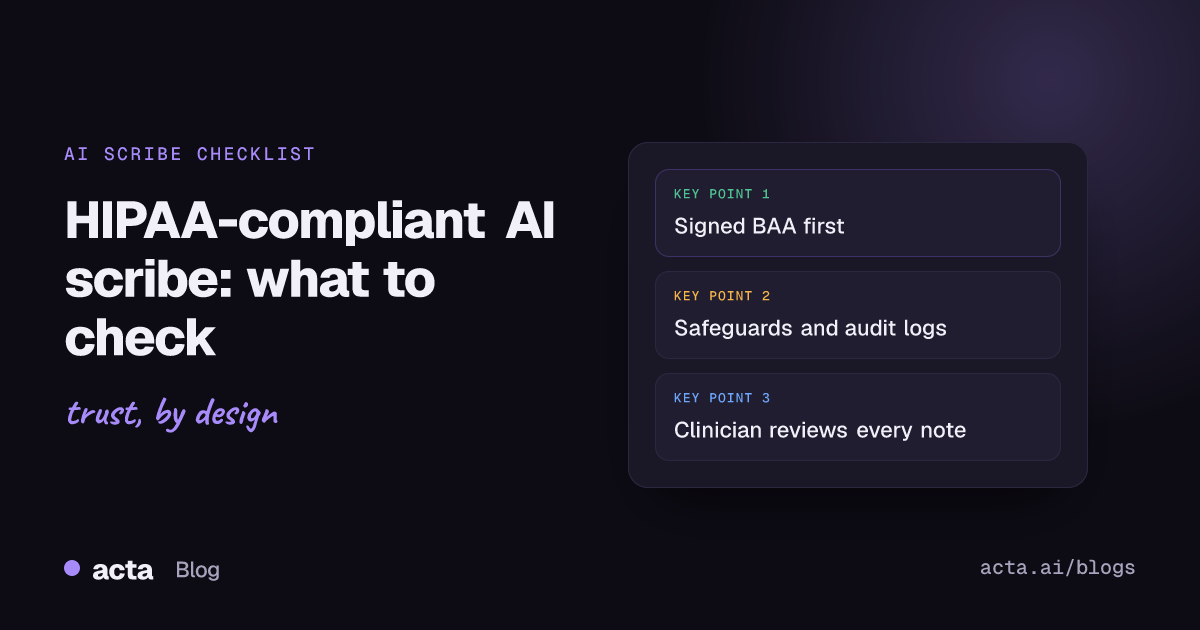
Quick answer: No AI scribe is HIPAA compliant on its own. Compliance depends on how your practice uses it. If a vendor records, transcribes or stores protected health information for you, it is a business associate, so you need a signed business associate agreement, documented safeguards, a minimum necessary setup, clear breach notification terms, patient consent to recording and clinician review of every draft note.
AI scribes promise to give clinicians back the time they spend typing notes after each visit. The question most practices ask first is simple: is an AI scribe HIPAA compliant? The honest answer is that HIPAA does not certify products. It sets duties for covered entities (your practice) and business associates (vendors that handle PHI on your behalf). Your job is to check that a vendor can meet those duties, and that your own workflow does too.
This checklist walks through what to verify before you sign anything. It is written for US clinics, group practices and therapy practices. It is general information, not legal advice. Talk to your privacy officer or a healthcare attorney before you make a final decision.
What does HIPAA require when an AI scribe handles PHI?
An AI scribe hears the whole visit: symptoms, history, medications, family details and the plan. That audio, the transcript and the draft note are all protected health information. Once a vendor creates, receives, stores or transmits that information for your practice, HIPAA treats it as a business associate.
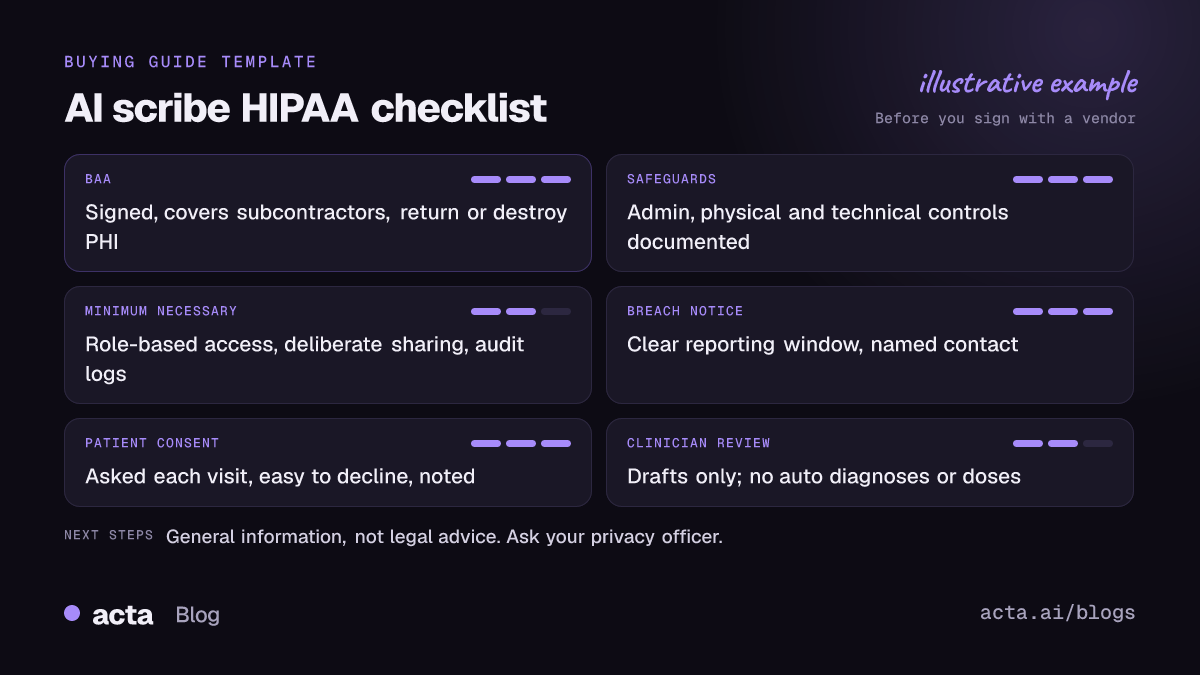
Four parts of the rules matter most when you choose one:
- The business associate agreement (BAA). A written contract that limits what the vendor may do with PHI and binds it to protect that data.
- The Security Rule. Administrative, physical and technical safeguards for electronic PHI.
- The minimum necessary standard. Limits on who can use, see or request PHI beyond what a task needs.
- The Breach Notification Rule. What happens, and how fast, if PHI is exposed.
HHS also notes that cloud providers that store electronic PHI count as business associates, even when they only hold encrypted data. Its guidance on HIPAA and cloud computing is worth reading if your scribe runs in the cloud, which most do.
Does the vendor sign a business associate agreement?
This is the first question, and a deal-breaker if the answer is no. Without a BAA, your practice should not send PHI to the tool, however good the notes are.
HHS publishes sample business associate agreement provisions that show what a BAA must cover. When you review a vendor's BAA, check that it:
- States the permitted uses and disclosures of PHI, tied to the service you are buying.
- Requires the vendor to use appropriate safeguards and follow the Security Rule for electronic PHI.
- Requires the vendor to report breaches and security incidents to you.
- Requires any subcontractor that touches PHI to agree to the same restrictions.
- Requires the vendor to return or destroy PHI when the contract ends, where feasible.
- Lets you terminate the agreement if the vendor materially breaches it.
Watch for vague wording. "We take privacy seriously" is not a BAA. Neither is a marketing page with a compliance badge. Ask for the actual agreement and have it reviewed.
Which Security Rule safeguards should an AI scribe have?
The HHS summary of the HIPAA Security Rule groups safeguards into three types. HHS does not mandate specific technologies, so you are looking for evidence that the vendor has thought about each area, not a particular product.
Administrative safeguards
A documented risk analysis, a named security official, staff training, access management based on role and a contingency plan if the service goes down. Ask when the vendor last ran a risk assessment and whether it will share a summary.
Physical safeguards
Controls over the facilities, servers and devices that hold PHI. For a cloud scribe, this usually means asking which hosting provider is used and what controls that provider has. Don't forget your own side: the phones, tablets and laptops your clinicians use to record visits.
Technical safeguards
Access control, audit controls, integrity protections, user authentication and transmission security. In plain terms: who can log in, how they prove who they are, whether every access is logged and whether data is protected as it moves between devices and servers.
How does the minimum necessary standard apply to AI notes?
HHS's minimum necessary requirement asks covered entities to take reasonable steps to limit uses, disclosures and requests of PHI to what a purpose actually needs. Disclosures to another provider for treatment are exempt, but your internal access policies still apply.
For an AI scribe, that translates into a few practical checks:
- Who can see each recording and note? The treating clinician needs it. The whole practice usually does not.
- Can you set access by role? Front desk, billing and clinical staff need different views.
- Is sharing deliberate? Notes should not land in a shared folder or channel by default.
- Do you record only what you need? Turn the scribe off for hallway chats, staff gossip and calls that are not part of care.
What happens if there is a breach?
Under the HHS Breach Notification Rule, a business associate must tell the covered entity about a breach of unsecured PHI without unreasonable delay and no later than 60 days after discovery. Your practice then has its own duties to notify affected patients, HHS and, for breaches affecting more than 500 residents of a state, prominent media outlets in that area.
Sixty days is the outer limit, not a target. Many practices negotiate a shorter reporting window in the BAA. Ask the vendor:
- How quickly will you tell us about a suspected incident, not just a confirmed breach?
- Who is our contact, and how will you reach us?
- What details will you give us so we can notify patients?
Do patients have to consent to an AI scribe recording the visit?
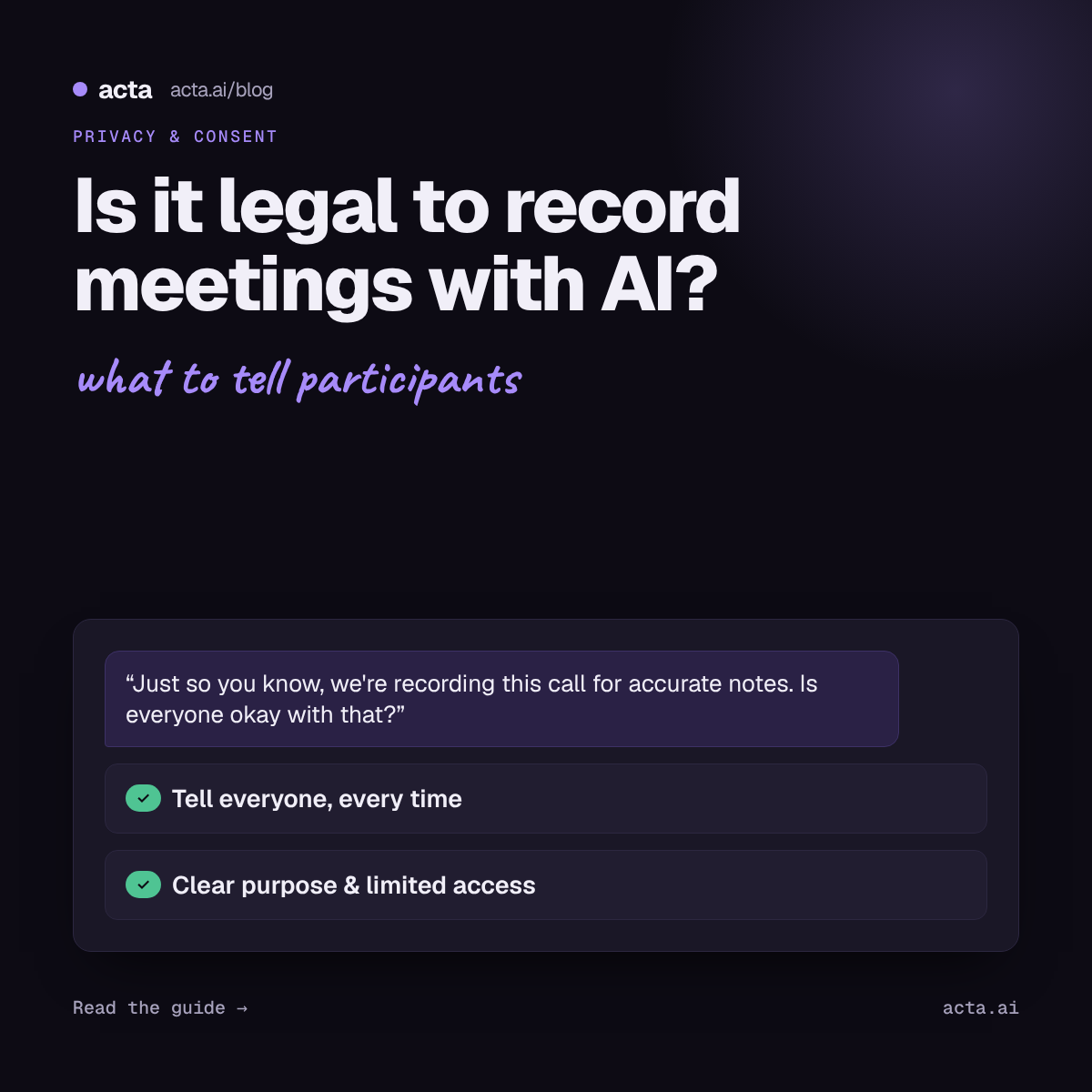
HIPAA is not the only law in play. State recording laws also apply, and some states require the consent of everyone in the conversation before you record it. Many practices ask for consent in every state anyway, because it builds trust and avoids confusion when patients travel or visit by video.
A simple approach that works for most clinics:
- Mention the AI scribe in your intake paperwork or notice of privacy practices.
- Ask out loud at the start of each visit: "I use an AI tool to help write my notes. Is it OK if it listens today?"
- Make "no" easy. If a patient declines, turn it off and take notes the usual way.
- Note the patient's answer in the record.
Recording someone needs consent where the law requires it. For the details by situation and what to tell people, read our guide on whether it is legal to record meetings with AI and how to get consent.
What questions should you ask an AI scribe vendor?
Use this list on demo calls and in security questionnaires. Get the answers in writing.
Contract and BAA
- Will you sign a BAA with us? Can we see it before we start a trial with real patient data?
- Which subcontractors handle our PHI (hosting, speech recognition, AI model providers), and do they have BAAs with you?
Data storage, retention and deletion
- Where are recordings, transcripts and notes stored?
- How long do you keep audio after the note is done? Can we set our own retention period?
- Can we delete a single recording, and everything at the end of the contract? How do you confirm deletion?
Training on your data
- Do you or your AI providers use our recordings, transcripts or notes to train or improve models?
- Is that written into the contract, not just a policy page that can change?
Access controls and audit logs
- Can we control who sees which recordings and notes?
- Do you support single sign-on and multi-factor authentication?
- Can we see an audit log of who opened, edited, shared or exported a note?
Clinical output
- Is every note a draft until the clinician signs off?
- Can the tool add diagnoses, codes or medication doses that were not discussed? How do you stop that?
Why must a clinician review every AI scribe note?
An AI scribe writes a draft. It can mishear a drug name, attribute a symptom to the wrong person, miss a negation ("no chest pain" becomes "chest pain") or fill gaps with plausible text that nobody said. The clinician who signs the note is responsible for it.
Set these rules before you go live:
- Nothing goes into the chart unreviewed. The clinician reads and edits every draft before signing.
- No automatic diagnoses or doses. The tool should never add a diagnosis, billing code, medication or dose on its own. Those come from the clinician's judgment.
- Check the high-risk details. Medications, doses, allergies, laterality (left vs right) and follow-up timing deserve a second look every time.
- Report errors. Keep a simple log of mistakes you catch and share patterns with the vendor.
For a closer look at what a good draft looks like, see our guide to SOAP note drafts from patient visits, ready for clinician review, and the short answer on AI SOAP notes from consultations.
How do you roll out an AI scribe safely in your practice?
Good tools fail when the workflow around them is loose. A few habits make a real difference:
- Start with a pilot. Pick two or three clinicians, one visit type and a fixed period. Compare drafts with the final notes.
- Update your risk analysis. Add the scribe to your HIPAA risk assessment and your list of business associates.
- Train staff. Cover consent scripts, when to stop recording, how to review drafts and how to report a problem.
- Lock down devices. Use passcodes, keep apps updated and don't record on personal devices without a policy that covers them.
- Review access every quarter. Remove people who have left and check that roles still match jobs.
- Set retention on purpose. Keep audio only as long as you need it. The signed note in your EHR is the record.
Where does Acta fit?
Acta is an AI meeting assistant that records conversations through a meeting bot, a desktop app, a Chrome extension or mobile apps, then produces transcripts, summaries and reports. For healthcare teams it includes report templates for SOAP note drafts, care team huddles and patient visit summaries. All of them are drafts that a clinician must check and edit before anything is used in care.
A few facts that matter for this checklist:
- Acta does not use customer data to train AI models. Our post on why we don't use customer data to train our AI models explains the reasoning.
- People only see meetings they have access to.
- Our security and privacy page describes how Acta handles data, and the Acta for healthcare page shows the clinical templates. You can see the rest of the product on the features page.
Before you use Acta, or any AI scribe, with patient information, run it through the checklist above. Contact Acta's team to ask about a business associate agreement and to discuss your practice's specific requirements.
Frequently asked questions
Is an AI scribe HIPAA compliant?
No product is HIPAA compliant by itself. Compliance depends on a signed BAA, the vendor's safeguards and how your practice sets up access, consent and review.
Do I need a BAA for an AI medical scribe?
Yes, if the vendor records, transcribes, stores or processes PHI on your behalf. HHS treats such vendors, including cloud providers that store electronic PHI, as business associates.
Can an AI scribe vendor train its models on my patients' data?
Only if your contract allows it, so check the BAA and terms carefully. Ask the vendor to state in writing whether recordings, transcripts or notes are used for training by it or its AI providers.
Do patients need to agree to AI scribe recording?
State recording laws apply, and some require everyone's consent. Most practices ask every patient at the start of the visit and record the answer.
Can an AI scribe write the diagnosis for me?
It should not. Treat every note as a draft, and make sure the tool never adds a diagnosis, code or dose that the clinician did not decide.
Is this article legal advice?
No. It is general information about HIPAA and AI scribes. Ask your privacy officer or a healthcare attorney about your specific situation.
If you want to see how Acta's clinical templates work on your own test conversations, start a free 15-day trial.