Guides & How-tos 7 min read
How to Build a Translation App With Open Models (2026 Guide)
A practical guide to machine translation with open models: which models to pick by licence and quality, working code, deployment and how to evaluate output.
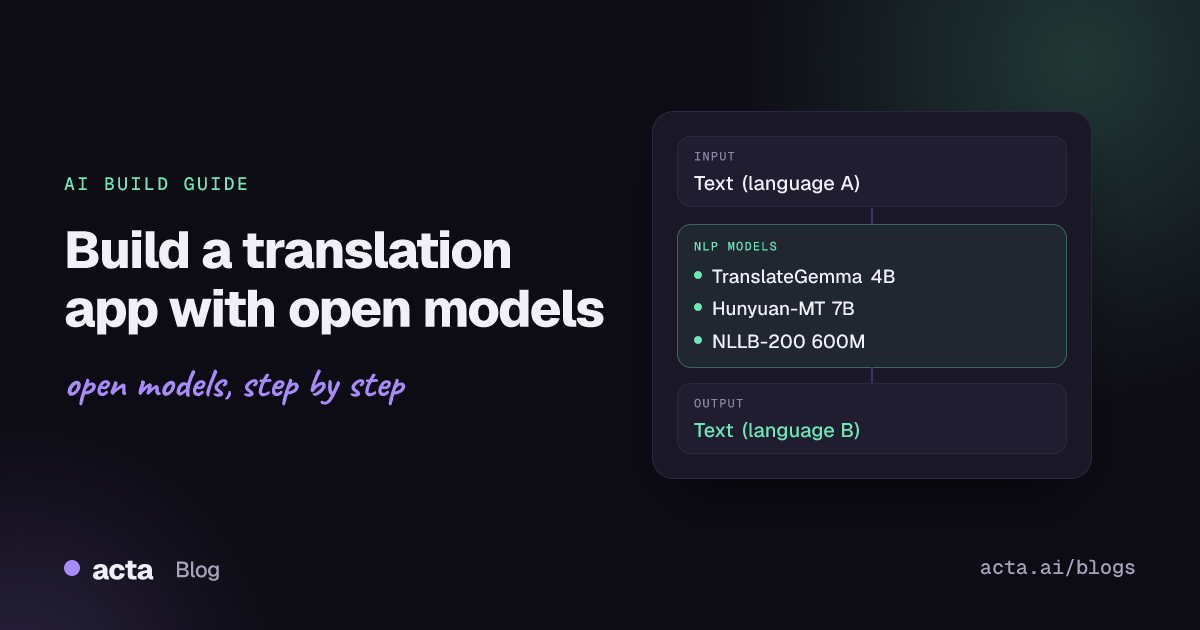
Quick answer: Machine translation converts text from one language to another. The shortest path is a dedicated open model through the Hugging Face transformers translation pipeline: Opus-MT for a single language pair, NLLB-200 for many languages (non-commercial licence), or a translation-tuned LLM such as TranslateGemma or Hunyuan-MT served with vLLM when you need higher quality and context.
Translation sits inside many products: multilingual support inboxes, localised help centres, cross-border e-commerce listings, subtitles and internal tools for global teams. Open models let you keep text in your own environment, control cost per word and tune output for your terminology.
This guide covers how translation models work, which open models to choose, working code, deployment, evaluation with chrF and COMET, and the problems that show up in production.
What is machine translation?
The input is text in a source language and the output is text in a target language. The Hugging Face translation task page describes the task and suggests fine-tuning a pretrained multilingual model when no model covers your language pair; the transformers translation guide shows how.
There are two model families today:
- Encoder-decoder MT models such as MarianMT (Opus-MT) and NLLB-200 are trained only on parallel text. They are compact, fast and predictable, and NLLB covers 200 languages (NLLB paper).
- Translation-tuned LLMs such as TranslateGemma and Hunyuan-MT are decoder-only models trained further on translation data. They handle longer context, informal text and instructions such as tone or glossaries, at a higher compute cost.
What can you build with it?
- Support translation: translate incoming tickets for agents and their replies back to the customer's language.
- Content localisation: help-centre articles, product descriptions and release notes, with human review for published text.
- Multilingual search and RAG: translate queries or documents so one index serves many languages.
- Subtitles and transcripts: combine speech recognition with MT to translate recorded calls, videos or meetings.
- In-browser or on-device translation: small models running client-side for privacy-sensitive text.
Which models should you use?
- Opus-MT (Helsinki-NLP/opus-mt-{src}-{tgt}): small MarianMT models, one per language pair (for example
Helsinki-NLP/opus-mt-en-de), trained on OPUS data. The Opus-MT repository lists the pre-trained models as CC BY 4.0. Best for fast, cheap translation of common pairs. - NLLB-200 distilled 600M (facebook/nllb-200-distilled-600M): one model for 200 languages, including many low-resource ones. Licensed CC BY-NC 4.0, and the card calls it a research model not released for production, so it is for research and evaluation only.
- TranslateGemma 4B (google/translategemma-4b-it): a Gemma-based translation model that also reads text in images, released under the Gemma licence. The 27B variant trades speed for quality.
- Hunyuan-MT 7B (tencent/Hunyuan-MT-7B): a 7B translation LLM with an FP8 build and a companion Chimera model that combines several candidate translations. Read the License.txt in the repository before commercial use.
- Qwen3 8B (Qwen/Qwen3-8B): an Apache-2.0 general LLM. Useful when translation is one step in a larger flow (translate, then summarise or extract), but test it per language pair against a dedicated MT model.
There is no single arena for open MT models. Compare candidates on your own sentences with chrF and COMET, using the official WMT and FLORES results reported in each model's paper as a first filter.
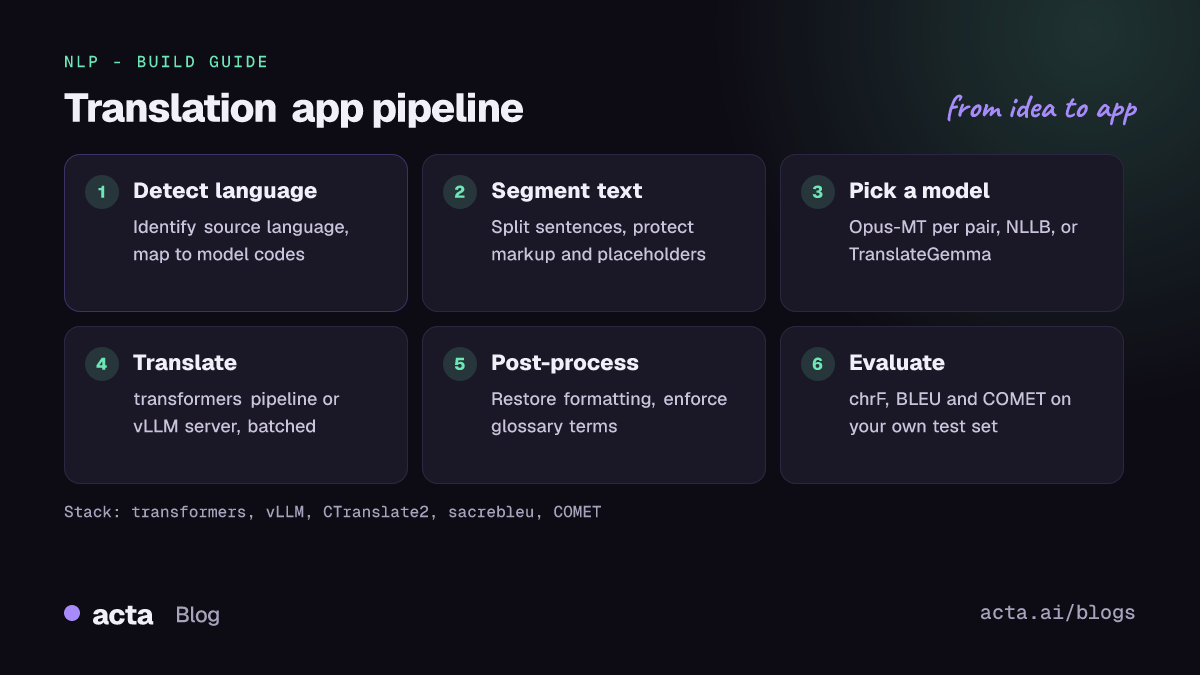
How do you build it, step by step?
- Define language pairs and volume. List source and target languages, expected words per day and whether output is published or internal.
- Detect the source language. Use a language-identification model or let users choose; NLLB needs codes such as
eng_Latn, TranslateGemma uses ISO codes. - Segment the text. Split by sentence or paragraph, protect URLs, code and placeholders, and keep the structure so you can rebuild the document.
- Translate in batches. Run a transformers pipeline for MT models, or an inference server such as vLLM for LLMs.
- Post-process. Restore formatting, enforce glossary terms and flag segments with low quality-estimation scores for human review.
- Evaluate before launch. Score a few hundred real segments per pair with chrF and COMET and have native speakers review a sample.
Dedicated MT models run through the transformers pipeline. These two examples come from the MarianMT and NLLB documentation pages in the transformers repository:
# pip install transformers torch sentencepiece
# Examples from the MarianMT and NLLB pages in the transformers docs
from transformers import pipeline

# One small model per language pair (Opus-MT / MarianMT)
en_de = pipeline("translation_en_to_de", model="Helsinki-NLP/opus-mt-en-de", device=0)
print(en_de("Hello, how are you?"))

# One model for 200 languages (NLLB-200, non-commercial licence)
nllb = pipeline(task="translation", model="facebook/nllb-200-distilled-600M",
                src_lang="eng_Latn", tgt_lang="fra_Latn", device=0)
print(nllb("UN Chief says there is no military solution in Syria"))
Translation LLMs take a prompt instead. This example follows the Tencent-Hunyuan/Hunyuan-MT README, which also gives a separate prompt template for Chinese and recommends sampling settings (top_k 20, top_p 0.6, repetition_penalty 1.05, temperature 0.7):
# transformers==4.56.0 recommended by the Tencent-Hunyuan/Hunyuan-MT README
from transformers import AutoModelForCausalLM, AutoTokenizer

model_name_or_path = "tencent/Hunyuan-MT-7B"
tokenizer = AutoTokenizer.from_pretrained(model_name_or_path)
model = AutoModelForCausalLM.from_pretrained(model_name_or_path, device_map="auto")

messages = [
    {"role": "user", "content": "Translate the following segment into Chinese, "
                                "without additional explanation.\n\nIt's on the house."},
]
tokenized_chat = tokenizer.apply_chat_template(
    messages, tokenize=True, add_generation_prompt=False, return_tensors="pt")

outputs = model.generate(tokenized_chat.to(model.device), max_new_tokens=2048)
print(tokenizer.decode(outputs[0]))
How do you serve and deploy it?
- Small MT models on CPU: Opus-MT and distilled NLLB run on CPU. CTranslate2 conversions such as this INT8 NLLB build reduce memory and latency further.
- LLMs on GPU with vLLM: the vLLM TranslateGemma recipe gives a Docker command for an OpenAI-compatible server and a message format of
<<<source>>>en<<<target>>>zh<<<text>>>.... It notes the model is optimised for about 2K tokens of context, so chunk long documents (rendered recipe). - In the browser: the TranslateGemma WebGPU Space runs the model client-side with Transformers.js, which keeps text on the user's device.
- API layer: put a FastAPI service in front with batching, a translation cache keyed by text and language pair, and per-tenant glossaries. Add a Gradio page for reviewers.
How do you evaluate it?
Use at least one string metric and one neural metric. BLEU and chrF compare n-grams with a reference; chrF works better for morphologically rich languages. COMET scores translations with a trained model and agrees better with human judgement. sacrebleu gives reproducible BLEU and chrF, and Unbabel COMET provides wmt22-comet-da (with references) and CometKiwi (reference-free quality estimation, licence acceptance required):
# pip install sacrebleu unbabel-comet   (APIs from the sacrebleu and COMET READMEs)
from sacrebleu.metrics import BLEU, CHRF
from comet import download_model, load_from_checkpoint

srcs = ["Pode ser entregue dentro de 10 a 15 minutos?"]
hyps = ["Can you send it for 10 to 15 minutes?"]
refs = ["Can it be delivered between 10 to 15 minutes?"]

print(BLEU().corpus_score(hyps, [refs]))
print(CHRF().corpus_score(hyps, [refs]))

model = load_from_checkpoint(download_model("Unbabel/wmt22-comet-da"))
data = [{"src": s, "mt": m, "ref": r} for s, m, r in zip(srcs, hyps, refs)]
model_output = model.predict(data, batch_size=8, gpus=1)
print(model_output)
Public benchmarks such as FLORES-200 and the WMT test sets are good for choosing a shortlist. For the final decision, use a test set built from your own content and ask native speakers to rate a sample.
Pitfalls and tips
- Licences vary widely. NLLB-200 is non-commercial, Opus-MT models are CC BY 4.0, TranslateGemma follows the Gemma terms, and Hunyuan-MT ships its own licence file. The NLLB discussions on the Hub include a thread about its restrictive licence.
- Hallucination and omission. LLM translators can add or drop content, especially on long inputs. Translate shorter segments and compare source and output lengths.
- Terminology. Product names and legal terms need a glossary. Protect them with placeholders or check them after translation.
- Formatting. HTML, Markdown and placeholders such as
{name}get mangled; strip and restore them around the model call. - Language codes. Each model family uses its own codes; map them in one place.
- Privacy. Customer messages often contain personal data. Self-hosting keeps text inside your environment; log metadata, not content.
Where to get help
- Model discussion tabs on the Hub, such as the NLLB-200 discussions above and the TranslateGemma 4B discussions.
- The Hugging Face forum for transformers translation pipelines and fine-tuning questions.
- GitHub issues on the Opus-MT, Hunyuan-MT, COMET and sacrebleu repositories for model- and metric-specific problems.
- The vLLM recipes repository for serving configuration of translation LLMs.
Frequently asked questions
Which open translation model is best?
It depends on the pair and the licence you need. For common pairs on CPU, start with Opus-MT. For higher quality with context, test TranslateGemma or Hunyuan-MT on a GPU. Score your own sentences with chrF and COMET before choosing.
Can I use NLLB-200 in a commercial product?
No. Its CC BY-NC 4.0 licence allows non-commercial use only, and the card describes it as a research model. Use it for research and benchmarking, and choose a permissively licensed model for production.
Do I need a GPU?
Not for Opus-MT or distilled NLLB, which run on CPU, especially with CTranslate2. Translation LLMs of 4B parameters and up need a GPU for interactive latency.
How do I keep product names untranslated?
Replace them with placeholders before translation and restore them afterwards, or give an LLM translator a glossary in the prompt and verify the output.
Related guides: speech recognition with voice activity detection, summarization with open models and text generation with open LLMs. For global teams that meet across languages, see tips for virtual meetings with global teams.